Free trial
The homepage offers a free start with no credit card required, so the tool can be tested before any payment is discussed.
Learn moreTurn dense PDFs and notes into clear mind maps in minutes

Map This is a concept map generator tool that turns dense PDFs and notes into clear mind maps in minutes. Map This converts PDFs, pasted notes or an AI prompt into a shareable mind map.
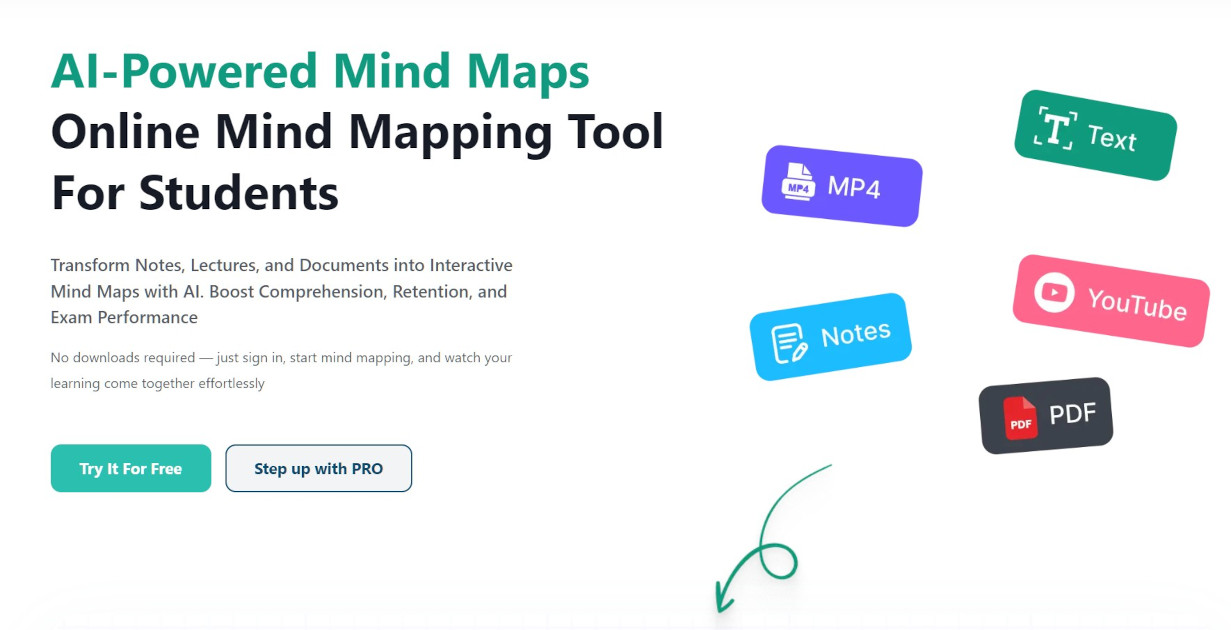
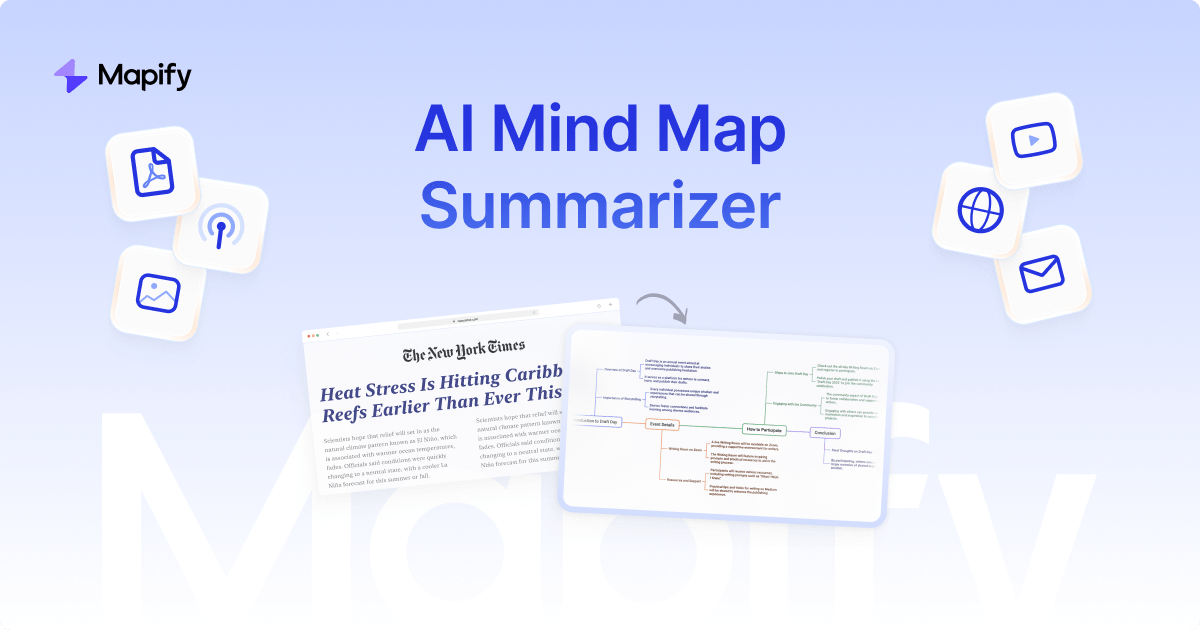
Map This is a web app that converts source material into mind maps. The premise is narrow and practical: rather than asking users to draft a map branch by branch, the tool reads a document or a block of text and returns a structured visual outline. The marketing leans explicitly on the PDF case, framing the product as a remedy for information overload and a way to improve retention when working through long, dense documents. The workflow is a three step loop. Users add material in one of three ways: uploading a PDF, pasting existing notes, or starting from an AI prompt with no source file at all. The generator then produces the map, and the finished result can be saved for later or shared with a colleague or friend. That last part matters for the stated audience, since the site positions sharing as part of the value rather than an afterthought. The audience is broad but clearly centered on study and knowledge work. The homepage lists students, educators, lawyers, nurses, advisors, executives and marketers as trusted users, and the testimonials cluster around university coursework, exam preparation, long report summaries and research tasks. Law students and academic researchers appear repeatedly. For that group the appeal is speed: get a complete visual structure of a chapter or report quickly, then use it to revise, present or discuss. Among mind mapping tools, Map This sits at the automated extraction end rather than the manual canvas end. Traditional mapping software assumes you already know the structure and want drawing tools; this assumes the structure is buried in a document and needs pulling out. Anyone who wants fine grained control over layout and node styling should check how much editing the generated map allows before committing. The site claims more than 250,000 users and 250,000 maps generated, and offers a free start without a credit card.
The homepage offers a free start with no credit card required, so the tool can be tested before any payment is discussed.
Learn moreA contact link and a privacy policy are present in the site footer, alongside an FAQ. No response times or support channels are described.
Turns PDFs, pasted notes or an AI prompt into a mind map. Generation runs as a single step after the input is added. Finished maps can be saved and shared with others. The site reports over 250,000 maps generated and positions the tool around knowledge retention, research summarization and assignment preparation.
 AI Angels400+ customizable AI girlfriends for NSFW chat, voice calls, and roleplay
 Candy AIExperience the future of companionship with AI friends who chat, role-play, and connect with you on a human level.
 ourdream.aiA vast AI roleplay platform with millions of characters for chat, images, video and voiceAI Angels400+ customizable AI girlfriends for NSFW chat, voice calls, and roleplayCandy AIExperience the future of companionship with AI friends who chat, role-play, and connect with you on a human level.ourdream.aiA vast AI roleplay platform with millions of characters for chat, images, video and voice