Free trial
A free signup option is promoted throughout the site, though its length and sending limits are not stated on the homepage.
Learn moreAI cold outreach built around inbox placement and reply triage

ReachInbox is a lead generation tool. Cold outreach platform that combines AI lead finding, campaign personalization, mailbox warmup, spam checking and a unified reply inbox, aimed at founders and sales teams running high-volume email campaigns on modest budgets.
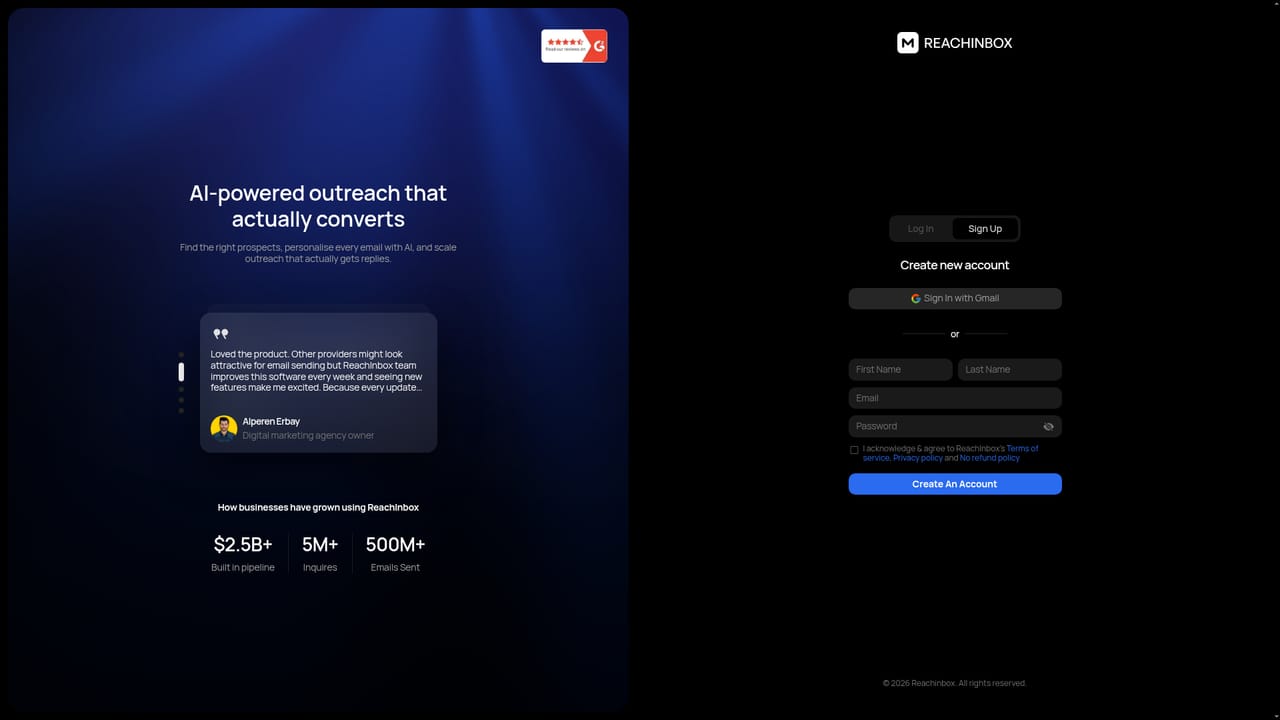
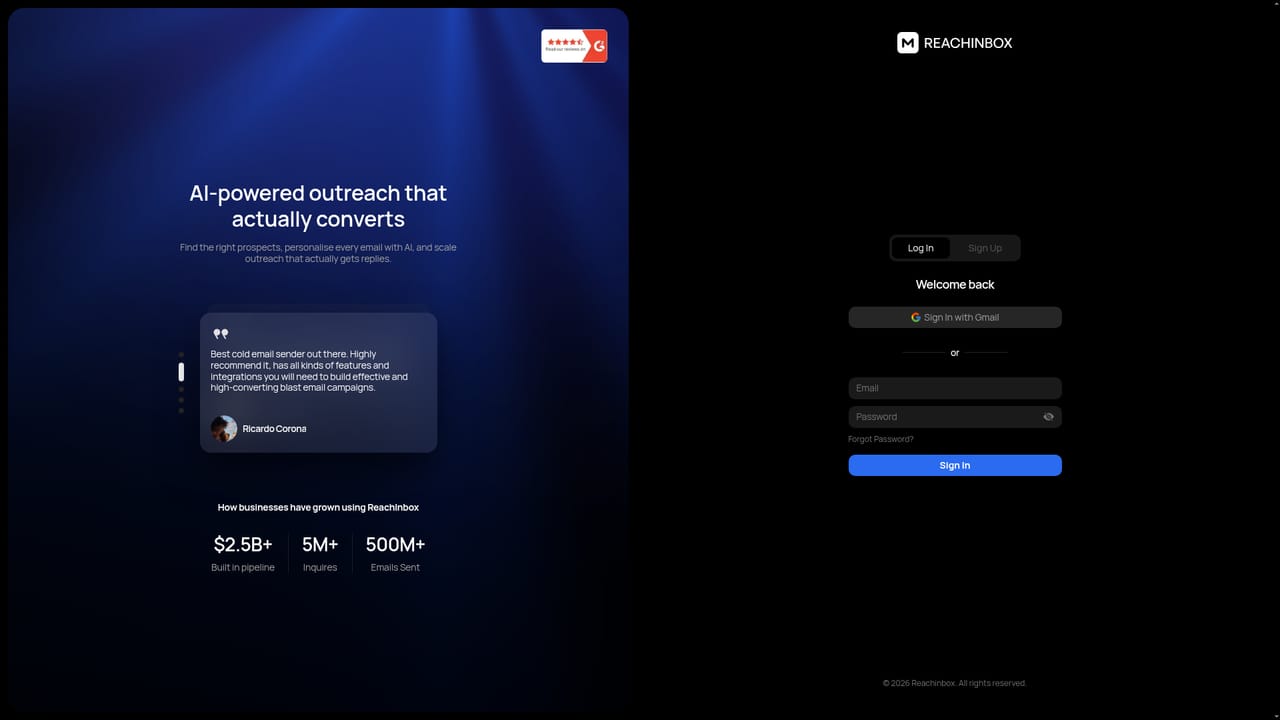
ReachInbox is a cold outreach platform that couples AI lead sourcing and personalization with the unglamorous plumbing of deliverability: mailbox provisioning, warmup, spam screening and reply management. The pitch is aimed at teams that already know how to sell but keep losing time and domain reputation to manual list building and hand-written first lines. The product bundles finding prospects, drafting campaigns, sending them and working the responses into one dashboard. Practically, the workflow starts with lead generation. Users describe their ideal prospect in plain language and the AI scans a contact database for matching companies and people. Leads can be uploaded from a file, then cleaned and enriched using AI prompts that pull context from LinkedIn profiles and websites. Once prospects are in place, campaigns can be built largely by the system, with Spintax variants and A/Z testing rotating message versions so every recipient does not receive identical copy. Deliverability is where the tool invests most. ReachInbox sells done-for-you domains and mailboxes, some pre-warmed, configured with SPF, DKIM and DMARC from about $4 per month. Existing Gmail, Outlook and IMAP/SMTP accounts can be connected instead, and the platform claims support for more than 100 providers. Warmup runs automated sends and replies to build sender reputation, a spam checker flags trigger words, and inbox placement reporting shows where mail actually lands. AI reschedules follow-ups when an out-of-office reply arrives, and provider matching pairs Google senders with Google recipients, Microsoft with Microsoft. Replies funnel into Onebox, a shared inbox that sorts conversations by sentiment and lets users tag leads as interested or meeting booked, draft AI responses and set reminders. Live analytics track opens, replies, bounces and spam complaints with alerts. It suits founders, agencies and outbound sales teams running volume campaigns on small budgets. Compared with enterprise sales engagement suites, ReachInbox is narrower and cheaper but leans on automation, so buyers should test whether AI-written copy matches their brand voice before scaling sends.
A free signup option is promoted throughout the site, though its length and sending limits are not stated on the homepage.
Learn moreThe homepage does not list platform plan prices. Done-for-you mailboxes start at about $4 per month, and a free signup is offered, but subscription tiers are quoted through a demo or sales conversation.
Learn moreEmail support and demo booking are implied by the sales-led signup flow and demo calls to action. No help centre, documentation or SLA details appear on the homepage.
Gmail, Outlook and IMAP/SMTP mailboxes are supported, with the site claiming more than 100 email providers. No other third-party integrations are named on the homepage.
AI lead sourcing from a natural language brief, lead enrichment prompts, instant email verification, AI campaign generation with Spintax variants and A/Z testing, intelligent warmup, spam checking, provider matching, smart time gaps, inbox placement insights, AI rescheduling for out-of-office replies, live analytics, and Onebox, a sentiment-sorted unified reply inbox.
 AI Angels400+ customizable AI girlfriends for NSFW chat, voice calls, and roleplay
 Candy AIExperience the future of companionship with AI friends who chat, role-play, and connect with you on a human level.
 ourdream.aiA vast AI roleplay platform with millions of characters for chat, images, video and voiceAI Angels400+ customizable AI girlfriends for NSFW chat, voice calls, and roleplayCandy AIExperience the future of companionship with AI friends who chat, role-play, and connect with you on a human level.ourdream.aiA vast AI roleplay platform with millions of characters for chat, images, video and voice


