Free trial
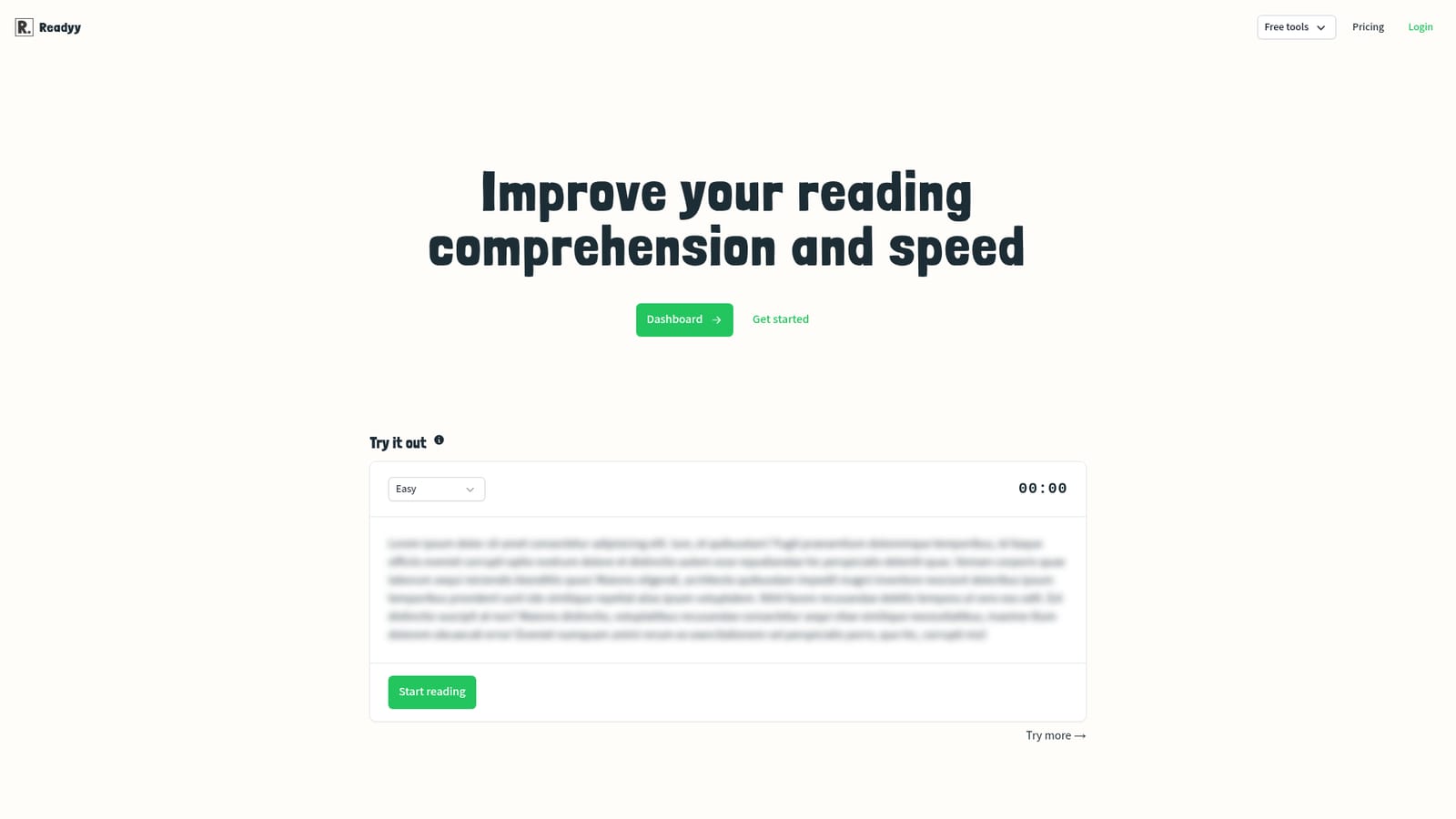
Signing up is described as free and requires no credit card, and the homepage includes a sample passage anyone can try before creating an account. No time-limited trial is mentioned.
Learn moreSpeed reading drills with AI-generated passages and tracked progress

Readyy is an AI-powered reading trainer that generates fresh passages with GPT models so users can practise speed and comprehension, then track attempts over time. Account holders get progress history and an optional global leaderboard, and an institution plan covers unlimited students for schools and universities.
Readyy is a web-based training app for people who want to read faster without giving up comprehension. The core loop is simple: a passage appears, a timer runs, and the reader works through the text as quickly as they can while still absorbing it. Because the passages are produced with GPT models, each session serves up fresh material rather than a fixed set of recycled exercises, which matters for anyone who practices several times a week and would otherwise memorise the texts. The product is pitched at two broad audiences. Individual learners use it as a self-directed drill, leaning on the account dashboard to keep a history of attempts and watch the words-per-minute figure move over time. The second audience is institutional: Readyy was designed with classrooms in mind, and its institution plan lets schools, colleges and universities add or remove students and colleagues from a plan without a per-seat charge. That flat structure is unusual in education software and is the main reason a department might pick it over a general reading app. In practice the tool behaves like a fitness tracker for reading. You start a test, read the sample, and the attempt is logged. An optional global leaderboard turns the drills into a light competition, which is aimed at people who need external pressure to stay consistent. The site also argues the case for the skill itself, citing the average silent reading rate of 238 words per minute and 183 words per minute when reading aloud, and laying out benefits across early childhood, working memory, academic performance and cognitive ageing. Those sections read as positioning rather than proof, but they frame who the tool is for. Alternatives fall into two camps: speed reading trainers with static content libraries, and general study or reading-comprehension products. Readyy's differentiator is the generative content plus progress history, while its weakness is depth, since the public material describes drills and tracking but not much in the way of adaptive difficulty or coaching. It is best treated as a lightweight practice tool, not a full literacy curriculum.
Signing up is described as free and requires no credit card, and the homepage includes a sample passage anyone can try before creating an account. No time-limited trial is mentioned.
Learn moreThe homepage advertises a free account signup with no credit card required and mentions an institution plan for schools, colleges and universities that allows unlimited student and colleague invitations at no extra per-seat cost. Individual paid tiers and their prices are not listed on the homepage.
Learn moreTimed reading drills on GPT-generated passages, a personal dashboard that keeps a history of every attempt so improvement is visible over time, a global leaderboard for competitive practice, a no-signup sample test on the homepage, and an institution plan that covers unlimited students and colleagues for schools and universities.
 AI Angels400+ customizable AI girlfriends for NSFW chat, voice calls, and roleplay
 Candy AIExperience the future of companionship with AI friends who chat, role-play, and connect with you on a human level.
 ourdream.aiA vast AI roleplay platform with millions of characters for chat, images, video and voiceAI Angels400+ customizable AI girlfriends for NSFW chat, voice calls, and roleplayCandy AIExperience the future of companionship with AI friends who chat, role-play, and connect with you on a human level.ourdream.aiA vast AI roleplay platform with millions of characters for chat, images, video and voice


