What these tools do
Video to Code covers a narrow but useful direction: footage goes in, structured build material comes out. Some tools record a screen so an AI coding agent can watch the sequence and reproduce the behavior. Others extract the motion of a design and emit production-ready markup. A third group skips code entirely and turns the video into a prompt that a model can act on.
This is not a replacement for a code generator. It replaces the gap between what a video shows and what a developer or agent needs to read. Anyone who has spent an hour describing a bug animation in text, or hand animating frames from a Figma file, is the intended audience.
How to choose one
The first question is what output you need. If you want working code, look for a tool that emits HTML or calls a coding agent directly. If you want a written input for a model, a prompt extraction tool is the cheaper path. The second question is whether the source is a design file or a live recording: the two are handled by different tools here.
Check the format of the output before committing. An animated HTML5 ad set is a different deliverable from a prompt or a bug report, and a tool that does one will not do the others well. Platform matters too: screen-recording tools that hook into an IDE usually need a desktop install, while browser extensions cover the web case. Pricing follows that split, with freemium tiers on most of these. A converter video to code using AI is only as good as the frame quality it receives, so test with a real recording from your own workflow rather than a polished demo.
Notable tools
Clipy records a bug once and lets an agent such as Claude Code, Cursor or Codex read the capture and act on it. It is aimed at developers who can reproduce a problem visually but struggle to describe it in a ticket. Freemium and paid tiers, on the web, MacOS and as a browser extension.
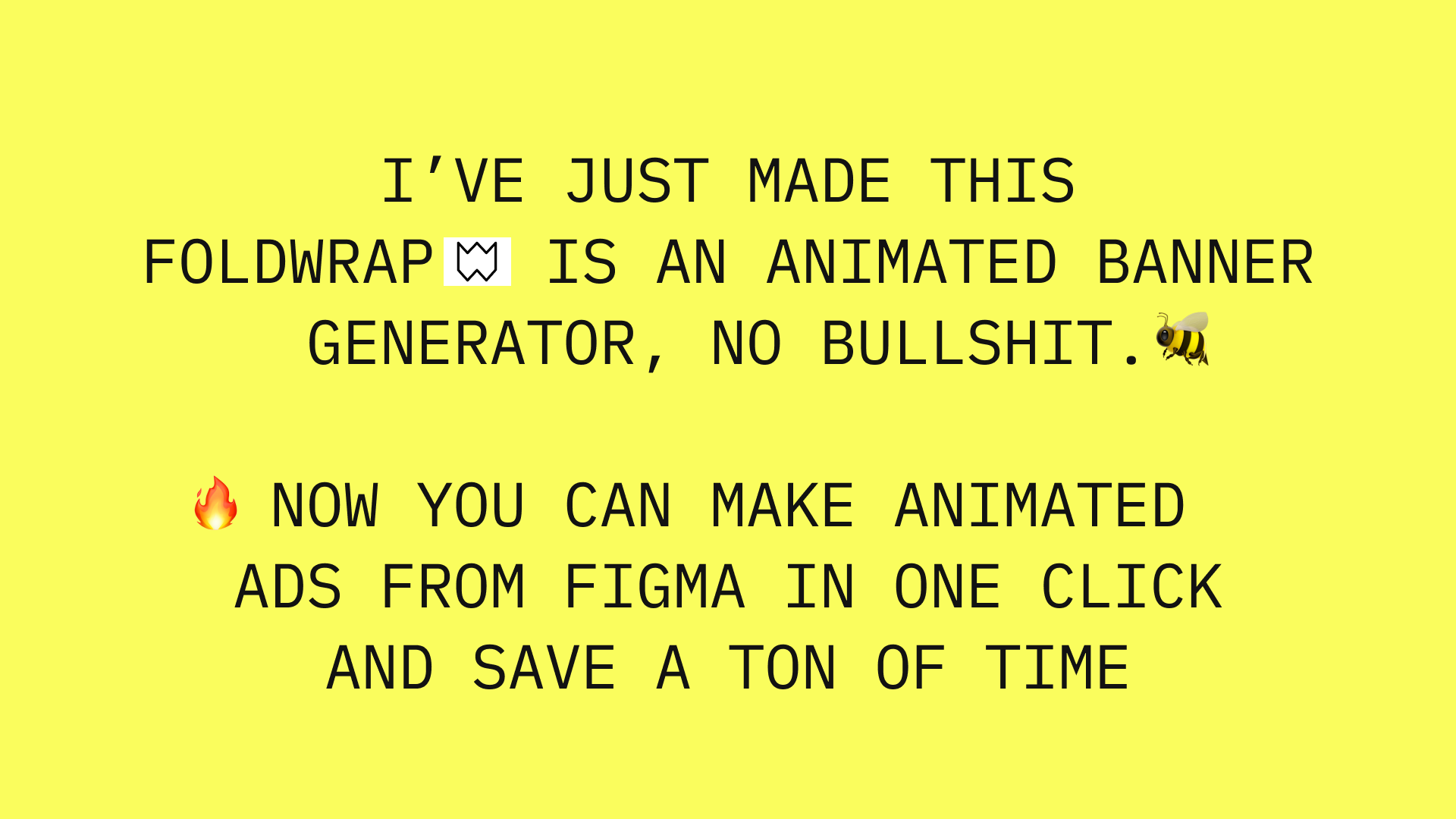
Foldwrap turns approved Figma frames into animated HTML5 ad sets. The output is a finished ad set rather than application code, which makes it a fit for design and marketing teams shipping motion at volume. Freemium and subscription, web app only.
Vid2Prompt turns any video into a reusable, structured AI prompt. The result is raw material for another model, not code, so it suits people building prompt libraries or feeding a coding assistant a description of what a video shows. Free and freemium, web app.
Common questions
What does code to video actually mean?
Strictly, code to video is the reverse of this page: rendering code or data into a video file. Readers searching it often mean the loop this category covers, where a video is read and turned back into code or an agent instruction. Check which direction a tool works in before you sign up, since the two are distinct workflows.
How does a converter video to code using AI work?
A screen recording is captured, often with timing and interface context, and then passed to a model or coding agent as structured input. The agent reads the sequence and produces code, a prompt, or a reproduction of the behavior. Accuracy depends on how clean the recording is and whether the tool preserves enough context for the model to follow.
Do these tools replace a developer?
No. They remove the transcription step between a recording and a build. Someone still has to review the output, wire it into a codebase and decide whether the reproduced behavior is correct.
When to look elsewhere
If the problem is a failing function rather than a visual one, a Fix My Code tool reads the error and suggests the repair. If the goal is to examine an existing project before changing it, the GitHub Repository Analyzer category covers repository review.