Free trial
Background removal can be tried for free without creating an account, and a lower-resolution preview can be downloaded at no cost according to the homepage.
Learn moreRemove image backgrounds automatically in seconds, free and without sign-up.

Removal.ai is a background tool that removes image backgrounds automatically in seconds, free and without sign-up. Removal.AI strips backgrounds from photos and graphics automatically in about three seconds, with a built-in editor for swapping backgrounds and adding design elements.
Removal.AI is a web-based background removal service built around a single automated step: upload a photo or graphic, and the system detects the main subject and returns a transparent cutout in about three seconds or less. It handles people, products, cars, animals and graphics, and the clean edge rendering is designed for tricky details like hair and fur. Files can be dragged in, pasted with Ctrl+V, or pulled from a URL, and the homepage says a single upload can process over 1,000 images at once. The tool goes beyond a bare cutout. An inline editor lets you erase or restore parts of the foreground, swap the original background for a solid color or another image, add text and effects, and export at preview or full HD resolution. Presets and templates aimed at marketplace sellers are available, and a separate online photo editor carries the transparent asset into banner and design work so the image does not have to leave the platform. Sample images for people, cars, products and animals let you test quality before committing a file. The audience spans individuals making social posts and presentations, photographers trimming editing time, marketers placing products in new contexts, ecommerce teams cleaning catalog shots at volume, and developers who want the same capability inside their own systems. For the technical crowd there is an API pitched as a few lines of code, with a 99% uptime guarantee and GDPR compliant file storage. Enterprises get a dedicated path for larger organizational needs, and when automation fails on a difficult image, paid human editors can return a result within 24 hours. Compared with general photo editors, Removal.AI is narrower but faster for this one job, and compared with manual clipping paths it trades occasional edge errors for near-instant turnaround. The free tier makes it easy to trial, though heavy production use points toward paid plans that the homepage does not detail.


Background removal can be tried for free without creating an account, and a lower-resolution preview can be downloaded at no cost according to the homepage.
Learn moreThe homepage promotes free automated background removal with no sign-up and a free preview download, but it does not publish plan names, prices, or paid feature limits. Paid options are implied by the presence of API, enterprise and manual editing services.
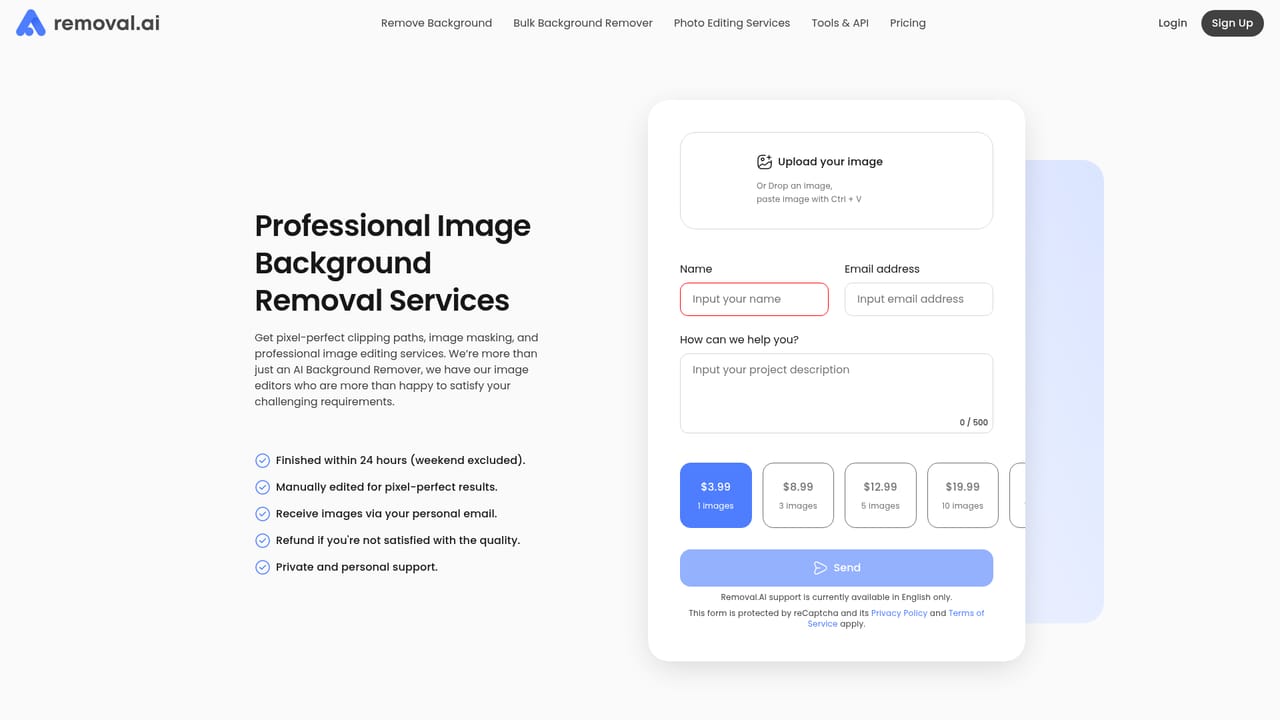
Learn moreThe homepage mentions dedicated customer support for API users, a contact page, a feedback channel and a paid manual editing service for images the automation cannot handle.
Learn moreAn API is offered for embedding background removal into existing systems with a few lines of code, with claims of scalability, 99% uptime and GDPR compliant file storage. No named third-party integrations are listed on the homepage.
Learn moreAutomatic subject detection for people, products, cars, animals and graphics; transparent, white or custom backgrounds; edge handling for hair and fur; batch uploads of over 1,000 images per claim; an inline editor with erase and restore, text, effects, and marketplace presets; a separate online photo editor for banners and designs; API access with 99% uptime and GDPR compliant storage; optional human editing within 24 hours.
 AI Angels400+ customizable AI girlfriends for NSFW chat, voice calls, and roleplay
 Candy AIExperience the future of companionship with AI friends who chat, role-play, and connect with you on a human level.
 ourdream.aiA vast AI roleplay platform with millions of characters for chat, images, video and voiceAI Angels400+ customizable AI girlfriends for NSFW chat, voice calls, and roleplayCandy AIExperience the future of companionship with AI friends who chat, role-play, and connect with you on a human level.ourdream.aiA vast AI roleplay platform with millions of characters for chat, images, video and voice