Free trial
A free plan is available and the site states no credit card is needed to sign up, build and publish a quiz. Paid plans are referenced without published rates.
Learn moreAI quiz builder for lead capture, training checks and classroom tests

Responsly is a no-code quiz builder with an AI generator that drafts questions, answers and scoring from a topic description. It handles correct answers, point weighting, skip logic, timers, question shuffling, multilingual versions and lead capture, then pushes results to 100+ integrations such as HubSpot, Mailchimp, Salesforce and Google Sheets.
Responsly is a quiz builder aimed at teams and schools that want an interactive quiz without touching code. The pitch is speed: describe a topic, a question count and a difficulty level, and the generator drafts the questions, marks the correct answers and sets up scoring. Existing question banks are not wasted either. Paste a document or spreadsheet and the tool recognises the question types and converts the material into an editable quiz. The editor then carries more than 25 question types, including single and multiple choice, matching, and prompts built around images, video clips or maps. Marketers get the most obvious use. A quiz can ask for an email before revealing the result, and the contact plus the answers flow into a CRM, an email marketing platform or a spreadsheet. A different end page can be shown for a high score and a low one, and result profiles turn a scored quiz into a product recommendation. The same engine covers employee knowledge checks after onboarding, with automatic grading, and classroom revision rounds that students take on a phone with a timer and shuffled questions. Control over the mechanics is decent for a no-code tool. Individual questions can be weighted differently, points are totalled automatically, and correct answers can appear after each question or only in the final summary. Skip logic sends participants down different paths based on their responses, and a leaderboard compares a result against everyone else who played. Multilingual quizzes can be translated by hand or generated automatically, and participants can switch between versions. Publishing takes no code: a link, an email, a website embed (snippet, Gutenberg block or iFrame), a popup or widget, or a social post. It sits in a crowded field of free quiz makers. Responsly's differentiator is that the quiz is one module of a broader feedback platform, so surveys, polls and knowledge tests share an account, the same integrations and the same reporting. Responsly states 15+ years in the market and 1,000+ organisations using it.
A free plan is available and the site states no credit card is needed to sign up, build and publish a quiz. Paid plans are referenced without published rates.
Learn moreA free plan lets you build and publish a quiz without a card. Paid plans are described as lifting the response limit and adding custom branding, integrations and team collaboration. No plan names or prices are listed on the quiz page.
Learn moreA help centre with step-by-step guides sits alongside a book a demo option for teams evaluating the platform. No live chat or support tier details appear on the quiz page.
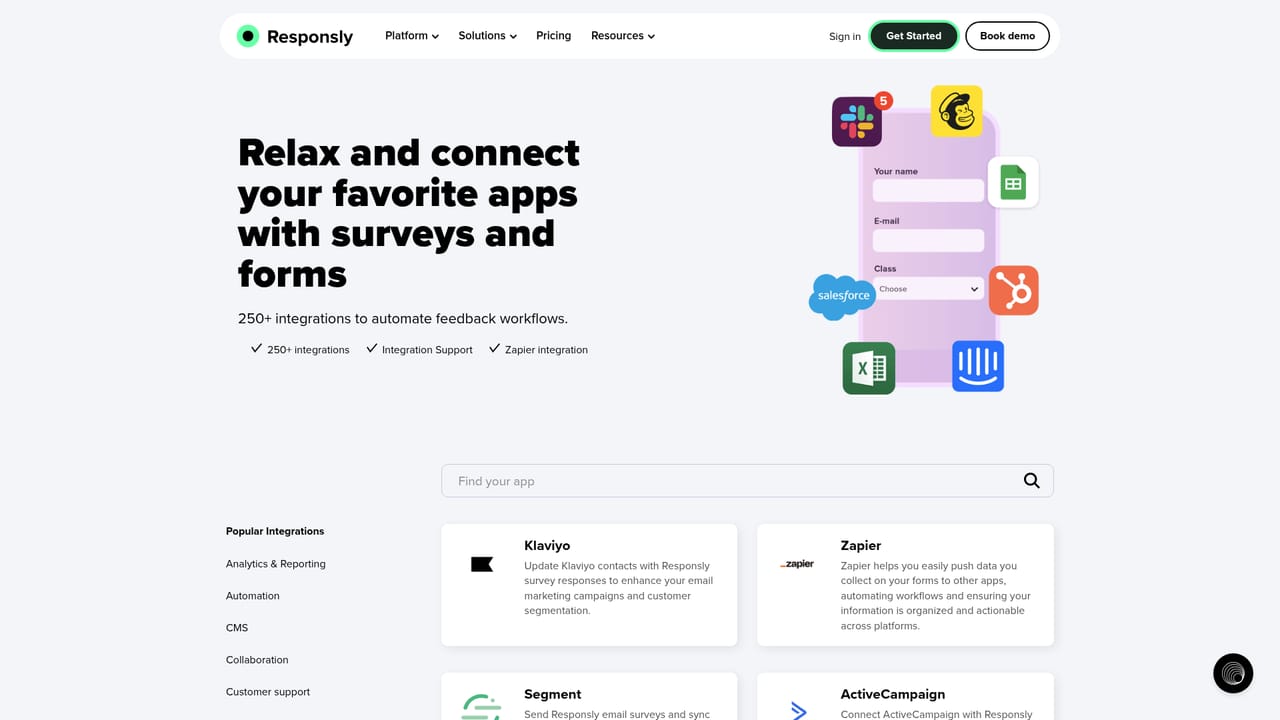
Learn more100+ integrations and an API, with quiz results and captured contacts sent to CRM, email marketing and spreadsheet tools. Named examples include HubSpot, Salesforce, Mailchimp, Intercom, Google Sheets, Google Analytics and Zapier.
Learn moreAI generation from a topic or an imported question bank, 25+ question types including image and video prompts, correct answer marking, weighted scoring, multiple result endings, skip logic, time limits, question and answer shuffling, leaderboards, result emails, shareable results, multilingual versions and pre-result lead capture.
Learn more AI Angels400+ customizable AI girlfriends for NSFW chat, voice calls, and roleplay
 Candy AIExperience the future of companionship with AI friends who chat, role-play, and connect with you on a human level.
 ourdream.aiA vast AI roleplay platform with millions of characters for chat, images, video and voiceAI Angels400+ customizable AI girlfriends for NSFW chat, voice calls, and roleplayCandy AIExperience the future of companionship with AI friends who chat, role-play, and connect with you on a human level.ourdream.aiA vast AI roleplay platform with millions of characters for chat, images, video and voice