Free trial
A permanent free Basic plan covers AI creation and multiplayer play but caps you at two quizzes. Schools can request three months free by emailing from a school address.
Learn moreTurn any text into a live, multiplayer AI quiz in seconds
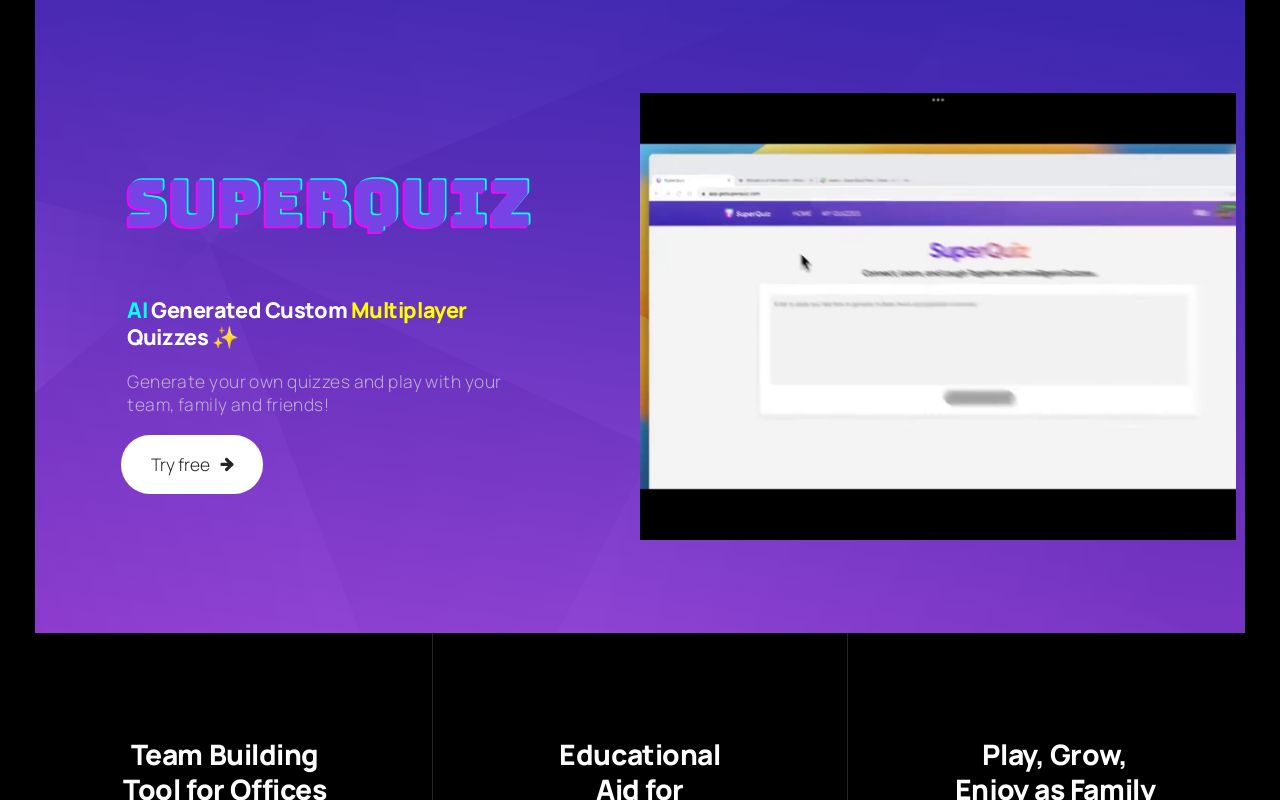
SuperQuiz is a 20 questions game tool that turns any text into a live, multiplayer AI quiz in seconds. SuperQuiz converts pasted text into editable multiple-choice quizzes with AI, then runs them as live multiplayer sessions. Hosts screen-share in Zoom or Teams, players join by QR code with no download, and questions advance as votes come in.
SuperQuiz is a browser-based platform for turning source text into a live, multiplayer quiz. Paste in a body of text and the AI extracts questions with answer options, which the host can then add to, remove or edit before playing. The result is a ready-to-run quiz session rather than a static worksheet, and the whole creation pass is measured in seconds according to the maker. The intended audiences are broad and the site names them directly. Teachers get a way to align quizzes with a subject, topic and difficulty level, and the creator, a former educator, frames the product as a fix for clunky classroom technology. Offices use it for team building, with questions tuned to company history, milestones and culture, which also makes it work as an icebreaker for distributed teams. Families are the third group, using themed quizzes across devices to stay in touch over distance. The practical flow is create, present, play. The host screen-shares the quiz window in Zoom, Microsoft Teams, Google Meet, WebEx, Skype or Slack and advances questions manually while participants vote in real time. Players join by scanning a QR code on a phone or opening a join link, so nothing needs installing on the participant side. Access to each quiz can be controlled, and the site states that data is handled under industry-standard privacy practices. Against alternatives, SuperQuiz is narrower than a full presentation or gamification suite: it is a single-purpose quiz engine built around text-to-questions generation and live voting, not a general survey, polling or slide tool. That narrowness keeps the interface approachable for hosts with low technical confidence. The free tier caps you at two quizzes, so anyone running regular sessions will end up on the paid plan.
A permanent free Basic plan covers AI creation and multiplayer play but caps you at two quizzes. Schools can request three months free by emailing from a school address.
Learn moreTwo tiers. Basic is free and includes AI-powered creation, two SuperQuizzes, multiplayer play, access control and educational use. Unlimited is listed at $7.99 monthly or $74.99 yearly, with a launch promo code for early sign-ups. Unlimited adds unlimited quizzes, priority support and early access to new features.
Learn morePremium support is listed as a paid-plan benefit, and general help runs through a published email address. The site also points to a LinkedIn profile for the founder.
AI question generation from pasted text with editable questions and options, real-time multiplayer voting, QR code and link joining with no download, screen-share presentation on any meeting platform, per-quiz access control, and a bulk-free unlimited tier for heavy hosts.
 AI Angels400+ customizable AI girlfriends for NSFW chat, voice calls, and roleplay
 Candy AIExperience the future of companionship with AI friends who chat, role-play, and connect with you on a human level.
 ourdream.aiA vast AI roleplay platform with millions of characters for chat, images, video and voiceAI Angels400+ customizable AI girlfriends for NSFW chat, voice calls, and roleplayCandy AIExperience the future of companionship with AI friends who chat, role-play, and connect with you on a human level.ourdream.aiA vast AI roleplay platform with millions of characters for chat, images, video and voice