Free trial
The homepage invites users to try the builder for free and create a resume within minutes, but it does not state how long free access lasts or which features stay behind a paywall.
Learn moreAI assisted resume builder with recruiter informed templates

Resumaker is an online resume and cover letter builder with designed templates, an AI engine that auto completes content, and a side library of resume examples, CV examples and writing guidance. It targets job seekers at any career stage who want a polished document quickly.
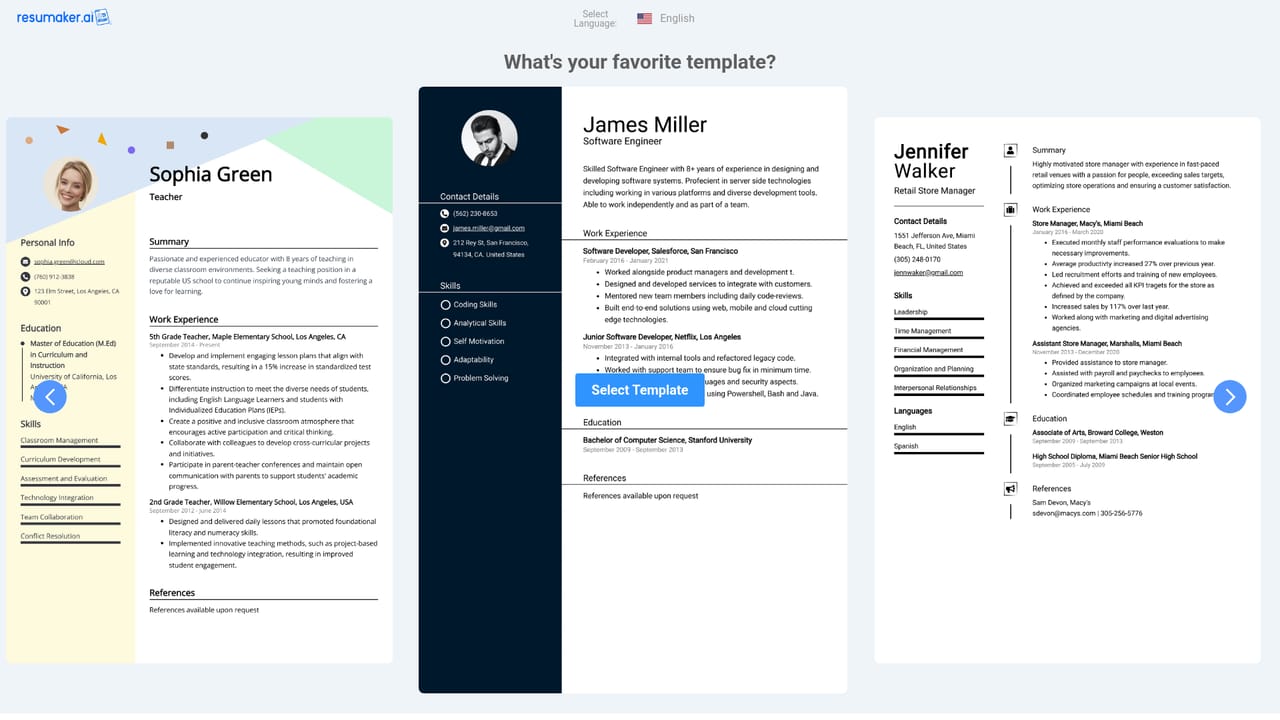
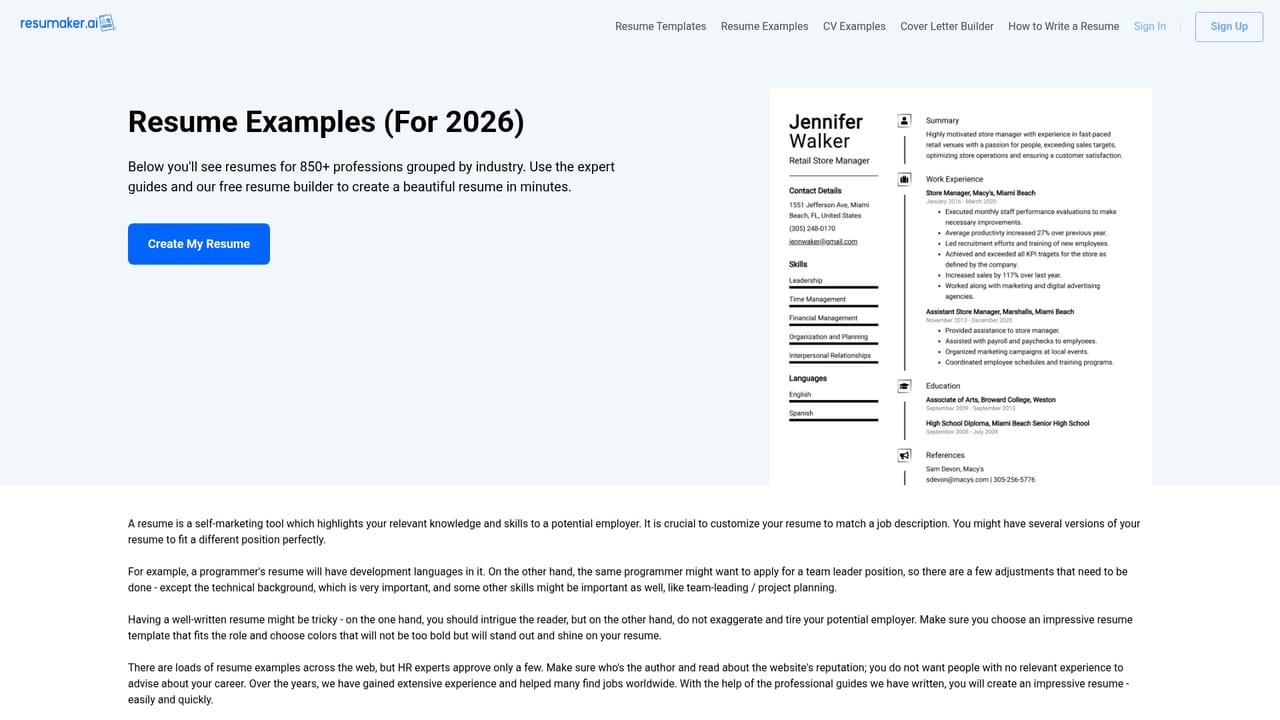
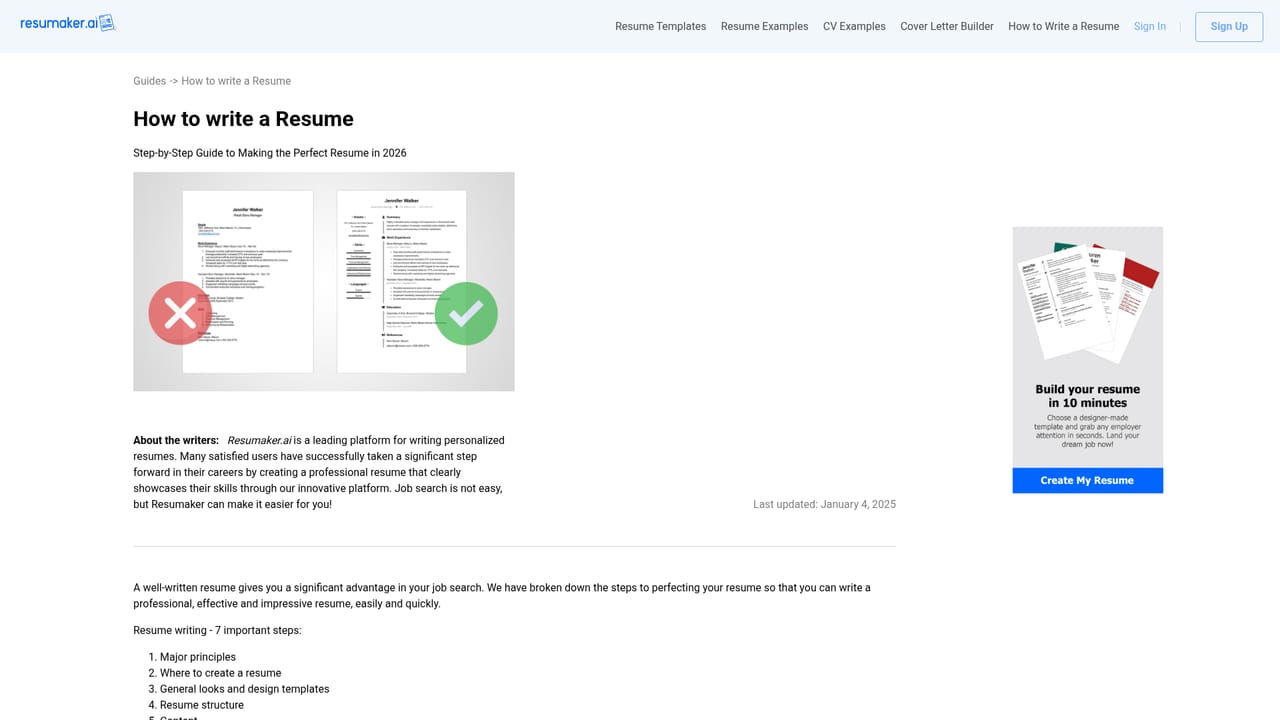
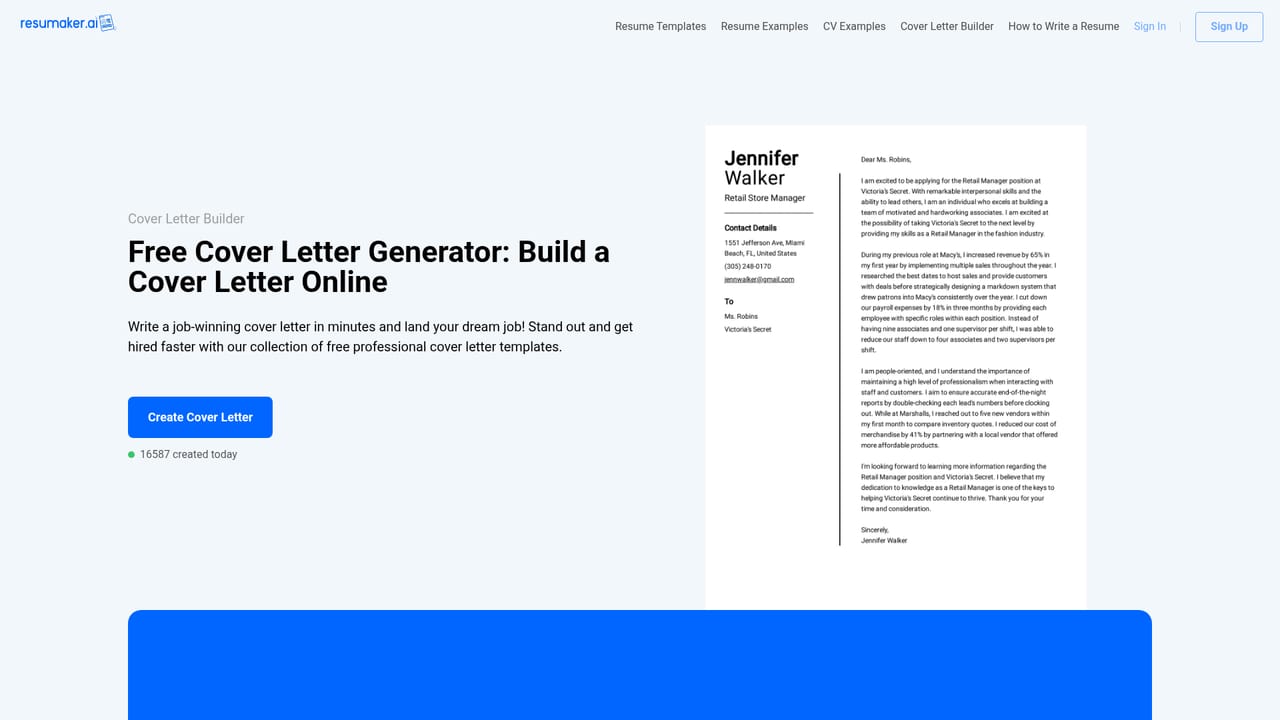
Resumaker is a browser based resume builder that pairs a library of designed templates with an AI engine that fills in and auto completes content. The pitch is speed: the site claims a finished professional resume within minutes, and the builder is framed around the fact that a recruiter screens a document in roughly five seconds, so layout and wording have to carry weight immediately. The workflow starts by picking a template or uploading an existing CV, then editing inside the builder. Template colors can be changed and the layout adapted toward the resume format the applicant prefers. The AI layer contributes text suggestions and data filling rather than a fully autonomous document, so the user still supplies the substance: contact details, a short professional summary, skills split into technical and soft categories, work history in reverse chronological order, and education. Supporting resources sit alongside the builder: resume and CV example libraries, a separate cover letter builder, and a long form guide on how to write a resume that covers tailoring, quantification of achievements, keyword matching with the job description, and formatting discipline. The audience spans career stages, from graduates writing a first document to mid career professionals and executives, plus anyone applying across regions where resume and CV conventions differ. The site explicitly addresses that distinction, noting the US preference for a one to two page resume versus the longer academic CV used in Europe and research fields. Competitively, Resumaker sits in the crowded template driven builder space alongside Zety, Novoresume and Canva style design tools. Its differentiators in the marketing are recruiter reviewed templates, a built in proofreading claim, and data protection via 256 bit encryption and an SSL certificate. It is a focused product: resumes and cover letters, not a general document suite. A caution worth stating plainly: the homepage makes broad quality claims about the AI engine without publishing sample output quality metrics, and it does not list pricing figures, integration support or a documented customer service channel beyond a contact page.
The homepage invites users to try the builder for free and create a resume within minutes, but it does not state how long free access lasts or which features stay behind a paywall.
Learn moreA contact page is linked from the site footer. The homepage does not describe support hours, live chat or response times.
Learn moreCore features are a template gallery with adjustable colors and formats, an AI engine that auto completes and fills resume data, recruiter informed template design, a cover letter builder, resume and CV example libraries, a resume writing guide, and data protection via 256 bit encryption with an SSL certificate.
Learn more AI Angels400+ customizable AI girlfriends for NSFW chat, voice calls, and roleplay
 Candy AIExperience the future of companionship with AI friends who chat, role-play, and connect with you on a human level.
 ourdream.aiA vast AI roleplay platform with millions of characters for chat, images, video and voiceAI Angels400+ customizable AI girlfriends for NSFW chat, voice calls, and roleplayCandy AIExperience the future of companionship with AI friends who chat, role-play, and connect with you on a human level.ourdream.aiA vast AI roleplay platform with millions of characters for chat, images, video and voice


