Resume Trick

Free browser-based resume, CV and cover letter builder with AI writing help

Beginner
Screenshot of Resume Trick, Free browser-based resume, CV and cover letter builder with AI writing help

What is Resume Trick?

Resume Trick is a free online builder for resumes, CVs and cover letters. It pairs 30+ customizable templates with AI writing prompts, runs entirely in the browser on any device, and exports finished documents as PDF or TXT.

Resume Trick is a browser-based document builder from Icecream Apps that covers three job application formats: a resume, a longer curriculum vitae and a matching cover letter. Everything runs in the browser on any device, so there is nothing to install and drafts stay attached to an online account rather than a local hard drive. The builder ships with more than 30 resume template designs, each offered in several color variants, and the layout is locked in place so filling in sections does not break formatting. In practice the workflow is template first, content second. A user opens the resume templates gallery, picks a design such as Classic Serif, Apex or Sleek, and the builder loads that layout with pre-made sections for contact details, objective, education, experience and skills. AI prompts and automated writing suggestions can draft or expand the wording of individual sections, which shortens the blank page phase for people who struggle to phrase achievements. Finished documents export as PDF or TXT, which covers the usual applicant tracking system upload and a plain text fallback for online forms. The tool is aimed at job seekers at any career stage rather than at recruiters or HR teams. Entry-level candidates get the most from the guided sections and AI suggestions, while people changing fields can lean on keyword advice drawn from job postings. The companion cover letter builder mirrors the resume design, and the CV route uses its own set of templates for academic and multi-page applications. A blog covers how to write a resume and how to write a cover letter for users who want the underlying method. The obvious comparison is with paid resume services and premium builders such as Zety or Novoresume, which gate downloads and templates behind subscriptions. Resume Trick positions itself as entirely free, and that is its main differentiator. The trade-off is depth: it handles core document creation well but offers no job board, no application tracker and no interview preparation, so it is a document tool rather than a career platform.

How do you use Resume Trick?

  1. 1Pick a resume template
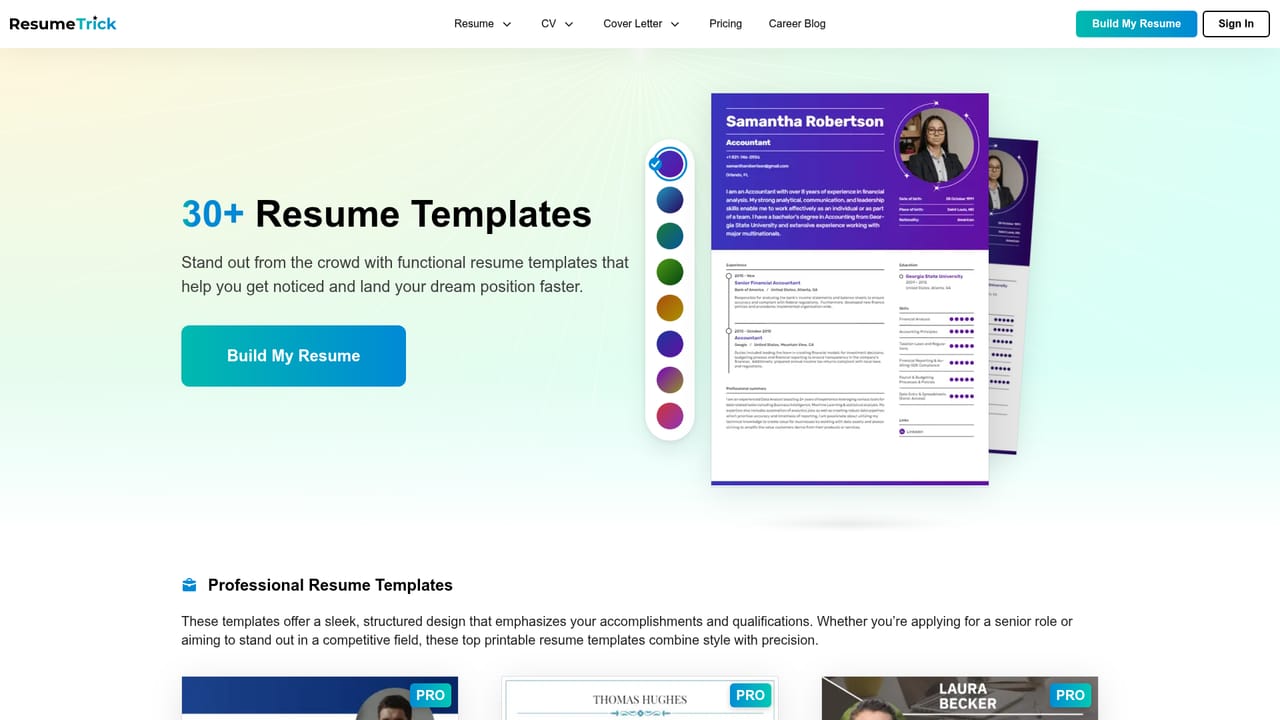
    Browse the template gallery and open a design such as Vivid, Balance or Classic Sans. Each template page has a 'Use this template' link that loads it directly into the builder with a chosen color scheme.
    Resume Trick — Pick a resume template
  2. 2Fill in the guided sections
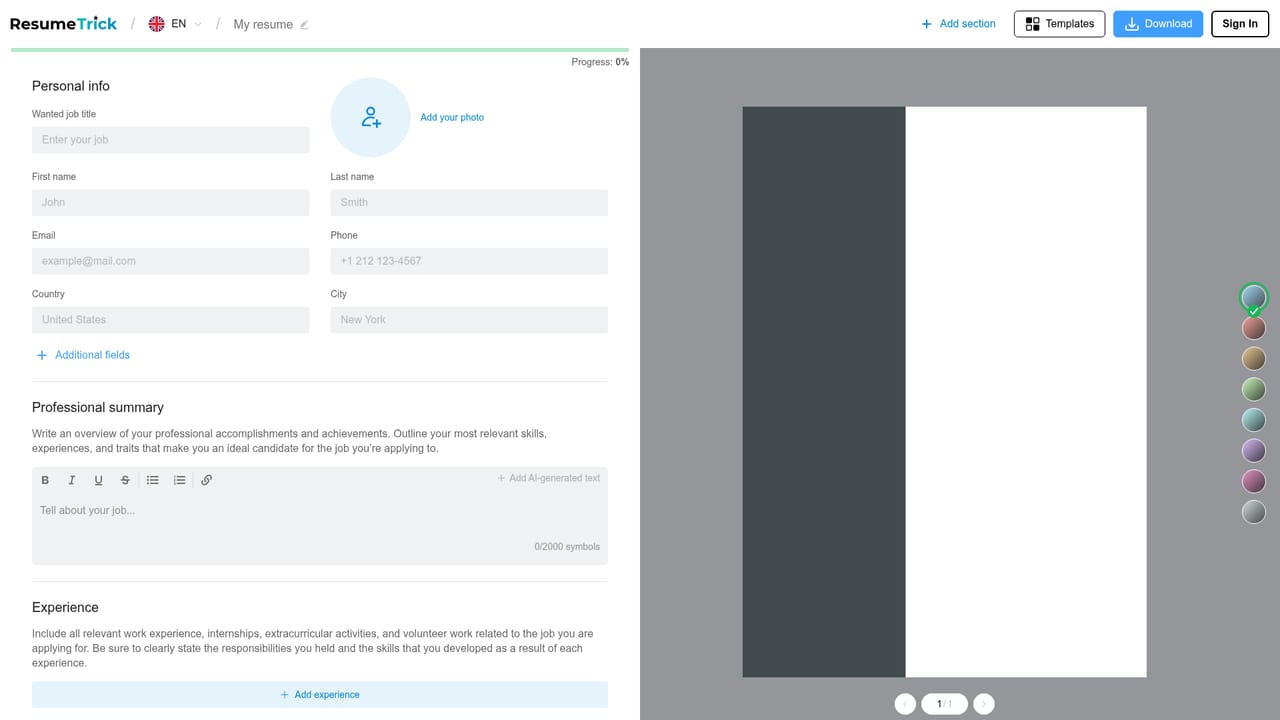
    Work through contact details, objective, education, experience and skills using the pre-made sections. The builder keeps the layout fixed, so content can be typed in any order without breaking the design.
    Resume Trick — Fill in the guided sections
  3. 3Let the AI draft the wording
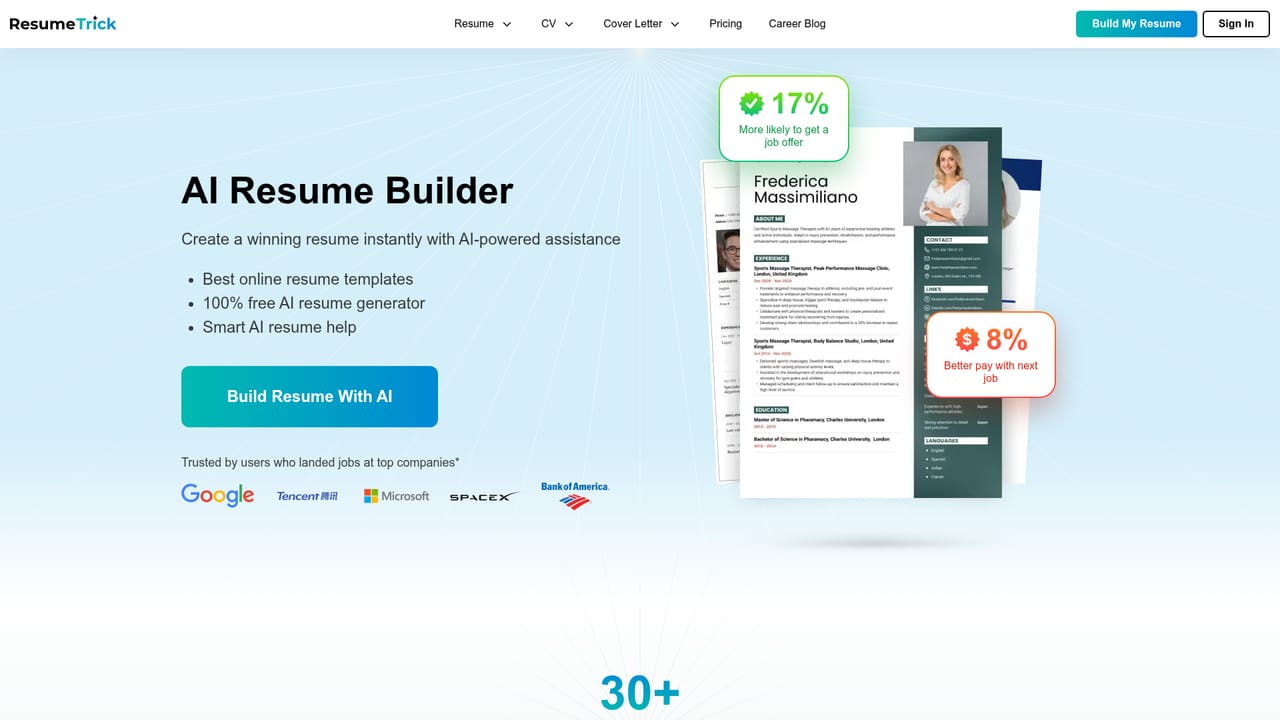
    Use the AI prompts and automated suggestions to expand or rephrase section text, particularly achievement bullets. Review each suggestion and edit it so the wording reflects real results rather than generic phrasing.
    Resume Trick — Let the AI draft the wording
  4. 4Build the cover letter
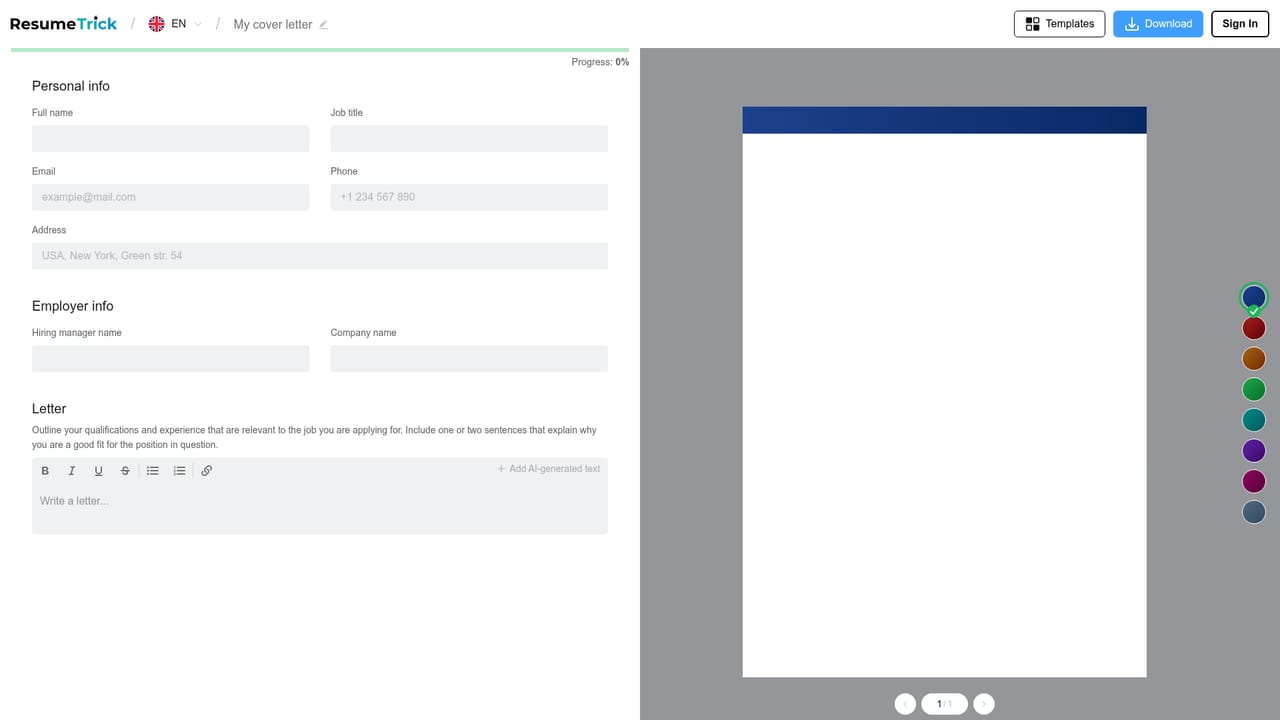
    Open the cover letter builder to produce a letter that matches the resume. The companion blog guide explains what a strong letter should contain if the structure is unfamiliar.
    Resume Trick — Build the cover letter
  5. 5Switch to a CV when needed
    For academic or multi-page applications, use the CV templates and the separate CV builder. The homepage notes that a CV is longer and covers publications and awards in more depth than a one-page resume.
  6. 6Download as PDF or TXT
    Export the finished document as a PDF for upload to job portals, or as TXT when a plain text field is required. Both files can be shared directly with employers.

Pros and cons

Pros

  • No cost for the builder itself, with no subscription gate mentioned on the homepageAI
  • More than 30 resume templates, each available in multiple color variantsAI
  • AI prompts and automated suggestions help draft and refine section textAI
  • Consistent layout is maintained automatically, so editing cannot break formattingAI
  • Covers three document types (resume, CV and cover letter) from one accountAI

Cons

  • No job board, application tracker or interview tools, so it stops at the documentAI
  • AI assistance is limited to writing suggestions rather than full job description matching or scoringAI
  • Support, pricing tiers and account details are not documented on the homepageAI
  • Export options are limited to PDF and TXT, with no Word or plain HTML output listedAI
  • Template styling is largely fixed, which limits layout control for users with specific formatting needsAI

How much does Resume Trick cost?

Pricing

The homepage presents Resume Trick as 100 percent free: the resume writer, cover letter builder and template gallery are all offered at no charge, with resume creation and PDF or TXT download included. No paid tiers, limits or subscription options appear on the site.

Learn more

Features

Resume, CV and cover letter builders with 30+ customizable templates and color variants. AI prompts and automated writing suggestions reduce drafting time, section layouts stay consistent while editing, and finished documents download as PDF or TXT. Everything runs in a browser on any device with online saving and sharing.

Learn more

Frequently asked questions about Resume Trick

  • How much does Resume Trick cost?
    The homepage presents Resume Trick as 100 percent free: the resume writer, cover letter builder and template gallery are all offered at no charge, with resume creation and PDF or TXT download included. No paid tiers, limits or subscription options appear on the site.
  • How do you use Resume Trick?
    The walkthrough on this page covers 6 steps: 1. Pick a resume template 2. Fill in the guided sections 3. Let the AI draft the wording 4. Build the cover letter 5. Switch to a CV when needed 6. Download as PDF or TXT.
  • What platforms does Resume Trick support?
    Resume Trick is available on Web App.
  • What are the limitations of Resume Trick?
    No job board, application tracker or interview tools, so it stops at the document. AI assistance is limited to writing suggestions rather than full job description matching or scoring. Support, pricing tiers and account details are not documented on the homepage.

Status

StatusActive
Views0
Outbound clicks0
Added10/22/2026

Platforms

Web App

Pricing

Free