Resume.co

AI resume builder with ATS-ready templates and AI writing help

Beginner
Screenshot of Resume.co, AI resume builder with ATS-ready templates and AI writing help

What is Resume.co?

Resume.co is a web based resume builder with over twenty templates, AI writing suggestions, an upload and improve path for existing resumes, and a companion set of cover letter tools. It targets job seekers who want ATS friendly formatting fast, backed by a large career advice blog.

Resume.co is an online resume builder aimed at job seekers who want a polished, applicant tracking system friendly document without wrestling with a word processor. The homepage positions it around speed: a resume in roughly five minutes, using smart templates and AI writing assistance. A library of more than twenty layouts is on offer, sorted by style and purpose, including options labeled Balanced, Formal, Executive, ATS-ready, Confident, Strategic, AI-screen optimized, Innovative, Managerial, Expert, Corporate, Startup, Simple and Functional. Each card shows how often the template has been used, which gives a rough sense of popularity before you commit to a look. The practical workflow starts in the builder, where you can create a resume from scratch or upload an existing one to improve it. AI writing help is the core selling point: the tool suggests professional sounding phrasing and lets you revise sections at any stage of the build, which the reviews on the site repeatedly single out. Beyond resumes, the site covers cover letter templates and generators, plus a large blog of career guides spanning resume format, layout, writing, interview preparation, job search tactics, networking for students and skill lists for specific roles, from security guards to laboratory staff. It suits first time applicants, career changers and anyone tailoring documents for many applications, and the site states that hires have been reported at large employers such as Google, Apple, Microsoft, Amazon, Netflix, Disney and Starbucks. The design leans beginner friendly, with an accessibility system and clear template previews. Compared with general purpose writing assistants, Resume.co is narrower but more structured: the layout, formatting and ATS considerations are handled for you, and the trade off is that you are working inside its templates rather than designing freely. Paywalled features are the main friction point reviewers mention, with some users noting the price and outline restrictions.

How do you use Resume.co?

  1. 1Pick a starting point in the builder
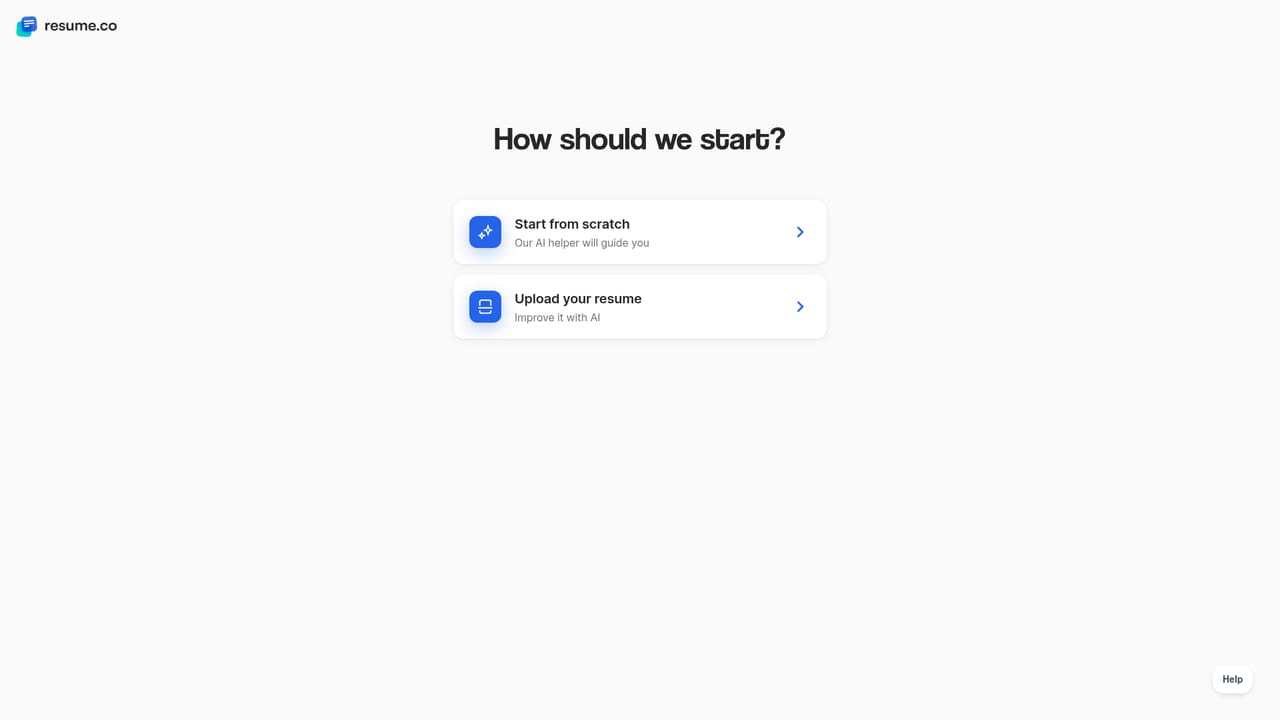
    Open the resume creation menu and choose either Create new resume or Improve my resume, which accepts an upload of an existing document.
    Resume.co — Pick a starting point in the builder
  2. 2Choose a template that matches the role
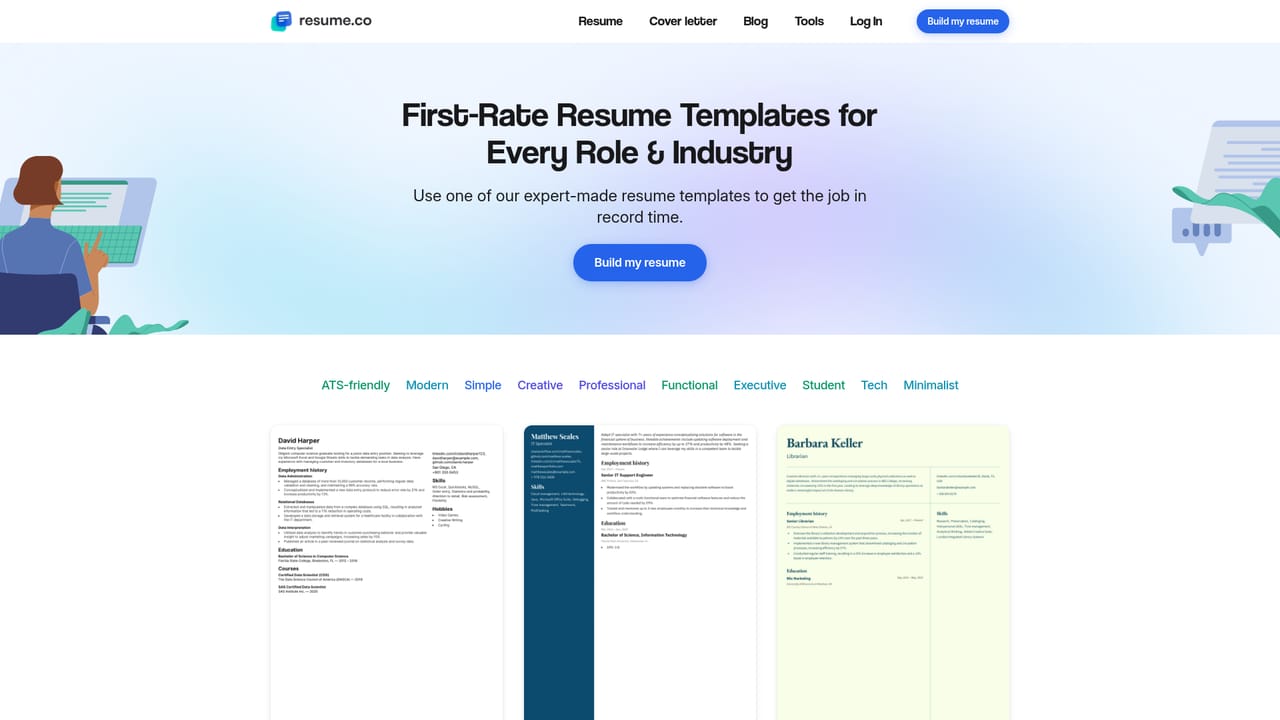
    Browse the template gallery and check the labels, from Formal and Executive to ATS-ready and AI-screen optimized, before selecting one to open in the editor.
    Resume.co — Choose a template that matches the role
  3. 3Fill sections with AI suggestions
    Enter your experience and education, then accept or edit the suggested professional phrasing for summaries and bullet points as you move through each section.
  4. 4Check the structure against examples
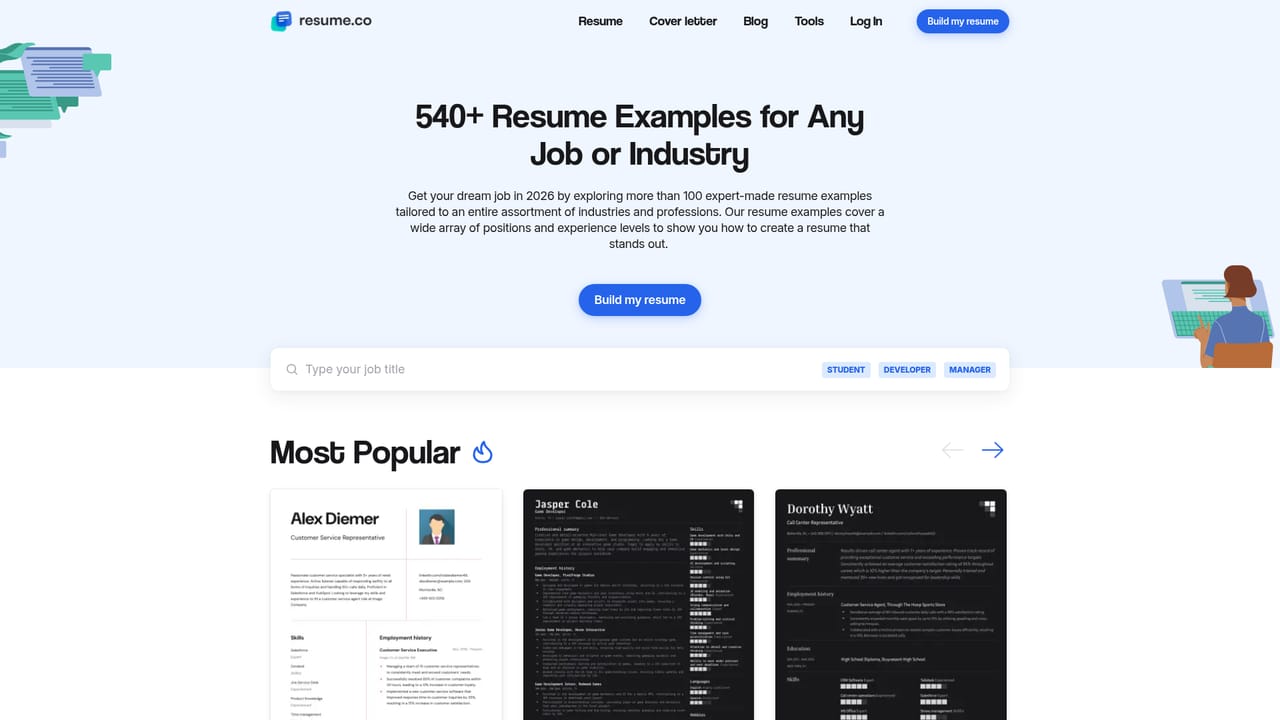
    Compare your draft with real resumes in the examples library to confirm the section order and level of detail look right for your industry.
    Resume.co — Check the structure against examples
  5. 5Add a matching cover letter
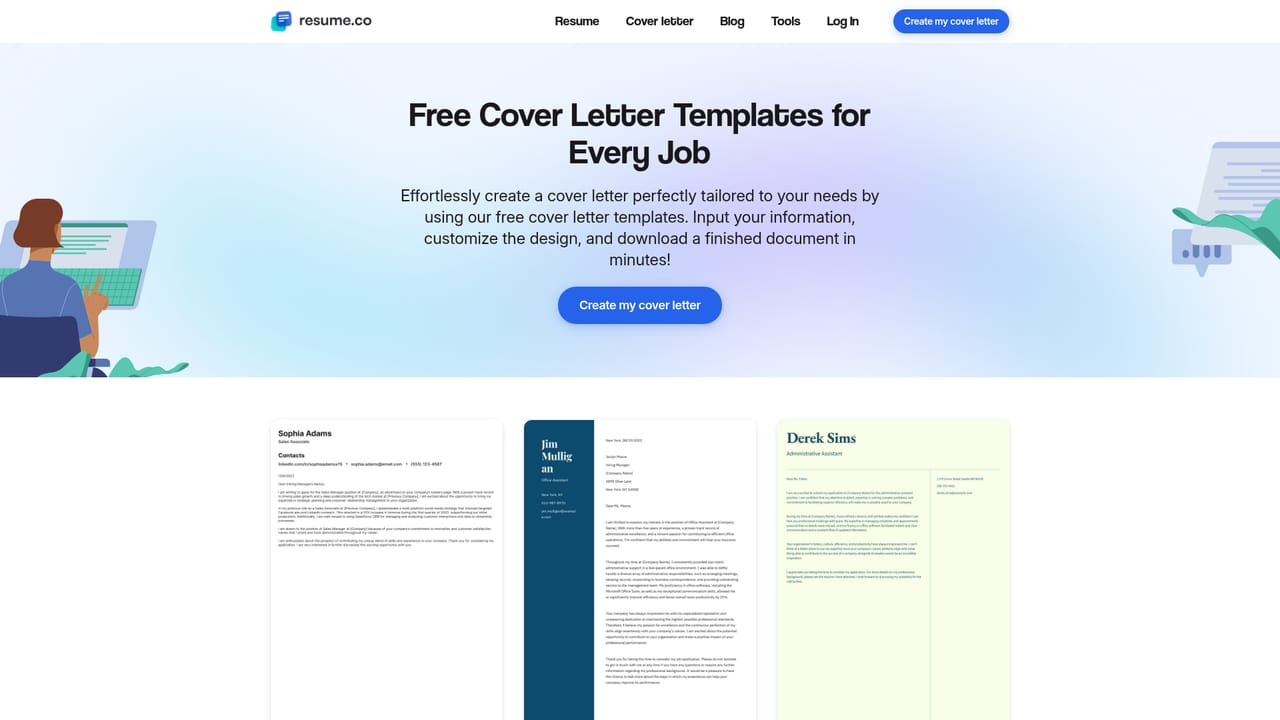
    Pick a cover letter template and generate or adapt a letter that echoes the language of your resume for the specific posting.
    Resume.co — Add a matching cover letter
  6. 6Prepare for the interview
    Use the interview advice guides to rehearse answers and background talking points once the application is submitted.

Pros and cons

Pros

  • Over twenty resume templates grouped by style, including several explicitly labeled ATS-ready or AI-screen optimizedAI
  • AI writing help suggests professional phrasing and can be applied at any stage of the buildAI
  • Existing resumes can be uploaded and improved rather than rebuilt from zeroAI
  • Companion cover letter templates and generators in the same placeAI
  • Substantial blog library on formats, interviews, job search and role specific skillsAI

Cons

  • The homepage does not publish plan prices, so cost only becomes clear inside the builderAI
  • Some reviewers flag that key parts are paywalled or restricted by outline and priceAI
  • Design freedom is bounded by the template set, with no mention of a from scratch blank layoutAI
  • No integrations, export formats or file types are documented on the homepageAI
  • Review scores are self hosted, so independent comparison takes extra effortAI

How much does Resume.co cost?

Features

A template based resume editor with over twenty professional layouts, including Formal, Executive, ATS-ready and AI-screen optimized designs. AI writing assistance suggests stronger phrasing for resume sections. Users can upload an existing resume to improve it, or start fresh. Cover letter templates and generators sit alongside the resume tools, and a blog covers resume formats, layouts, writing guidance, interview prep and role specific skills.

Frequently asked questions about Resume.co

  • How do you use Resume.co?
    The walkthrough on this page covers 6 steps: 1. Pick a starting point in the builder 2. Choose a template that matches the role 3. Fill sections with AI suggestions 4. Check the structure against examples 5. Add a matching cover letter 6. Prepare for the interview.
  • What platforms does Resume.co support?
    Resume.co is available on Web App.
  • What are the limitations of Resume.co?
    The homepage does not publish plan prices, so cost only becomes clear inside the builder. Some reviewers flag that key parts are paywalled or restricted by outline and price. Design freedom is bounded by the template set, with no mention of a from scratch blank layout.

Status

StatusActive
Views0
Outbound clicks0
Added10/21/2026

Platforms

Web App

Pricing

Freemium