ResumeCoach

Build an ATS-ready resume with AI phrasing help and expert review

Beginner
Screenshot of ResumeCoach, Build an ATS-ready resume with AI phrasing help and expert review

What is ResumeCoach?

ResumeCoach is a career tool that builds an ATS-ready resume with AI phrasing help and expert review. ResumeCoach is a web based resume and cover letter builder with ATS-friendly templates, AI phrasing suggestions, a job match score, LinkedIn profile analysis and mock interview practice, plus an optional expert review service.

ResumeCoach is an online resume and cover letter builder aimed at job seekers who want a polished application without starting from a blank page. The core workflow is template driven: users pick a design from a library of ready-made layouts, many flagged as ATS-friendly, then fill in their work history inside a browser based editor that works across devices. Existing resumes can be imported and refreshed rather than rebuilt, which makes the tool practical for people who already have a document but suspect it is not getting past screening software. The AI layer sits inside the editor rather than in a separate chat window. It suggests phrasing for resume content, so users who struggle to describe achievements in concise, recruiter friendly language get a starting point they can edit. Cover letters follow a similar pattern: enter the job, company and profile details, mark your strongest points, choose a template and download. Finished documents export as PDF or TXT, and a shareable online version is available for people who prefer a link over an attachment. Beyond document creation, ResumeCoach bundles job search support. A job match feature scores openings from major platforms against your resume and shows strengths, gaps and overall fit. A LinkedIn analyzer highlights profile gaps and points to fixes that affect recruiter visibility. Interview practice runs mock scenarios and returns STAR-based structured feedback. For users who want a human second opinion, the site also offers a paid expert resume review with suggestions tuned to employer expectations. It fits best for active applicants, career changers and early-career candidates who want structure and design help in one place, and it competes with standalone resume builders by adding LinkedIn, job matching and interview prep around the document itself. The tools are guidance and formatting aids rather than guarantees: ATS compatibility depends on the specific employer system, and AI suggested phrasing still needs a factual edit before it accurately describes your record.

How do you use ResumeCoach?

  1. 1Choose a starting point
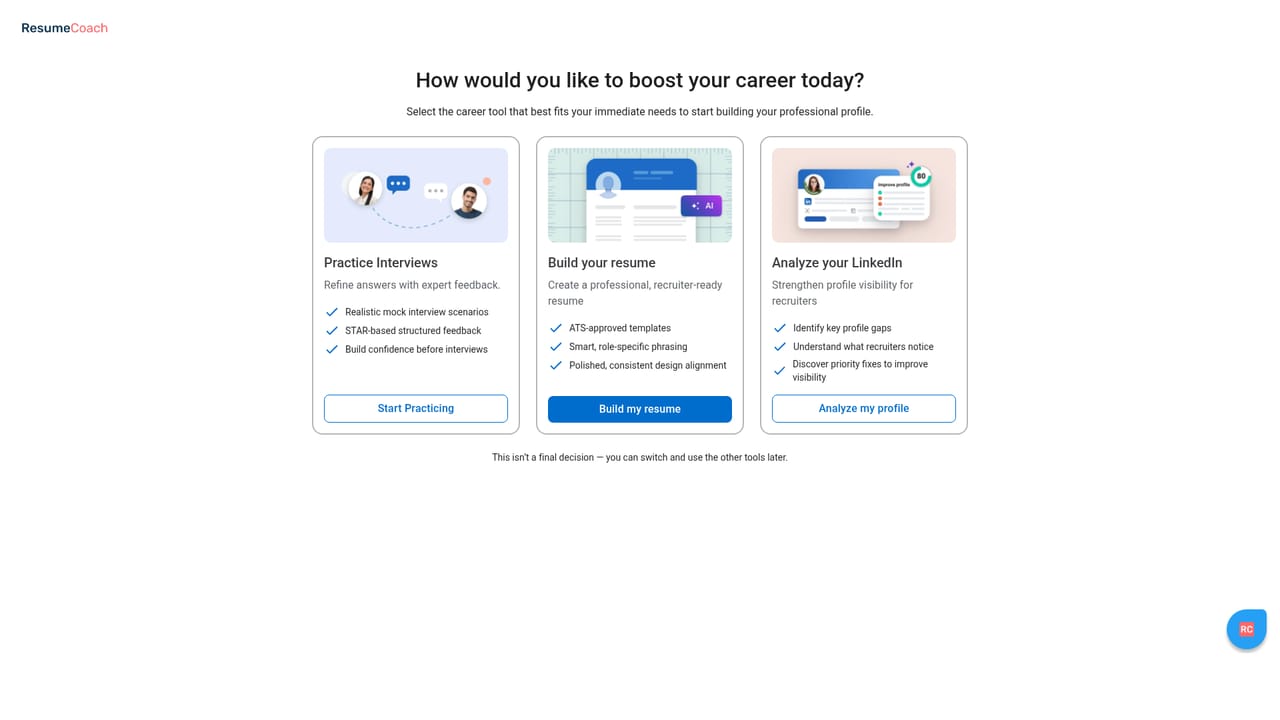
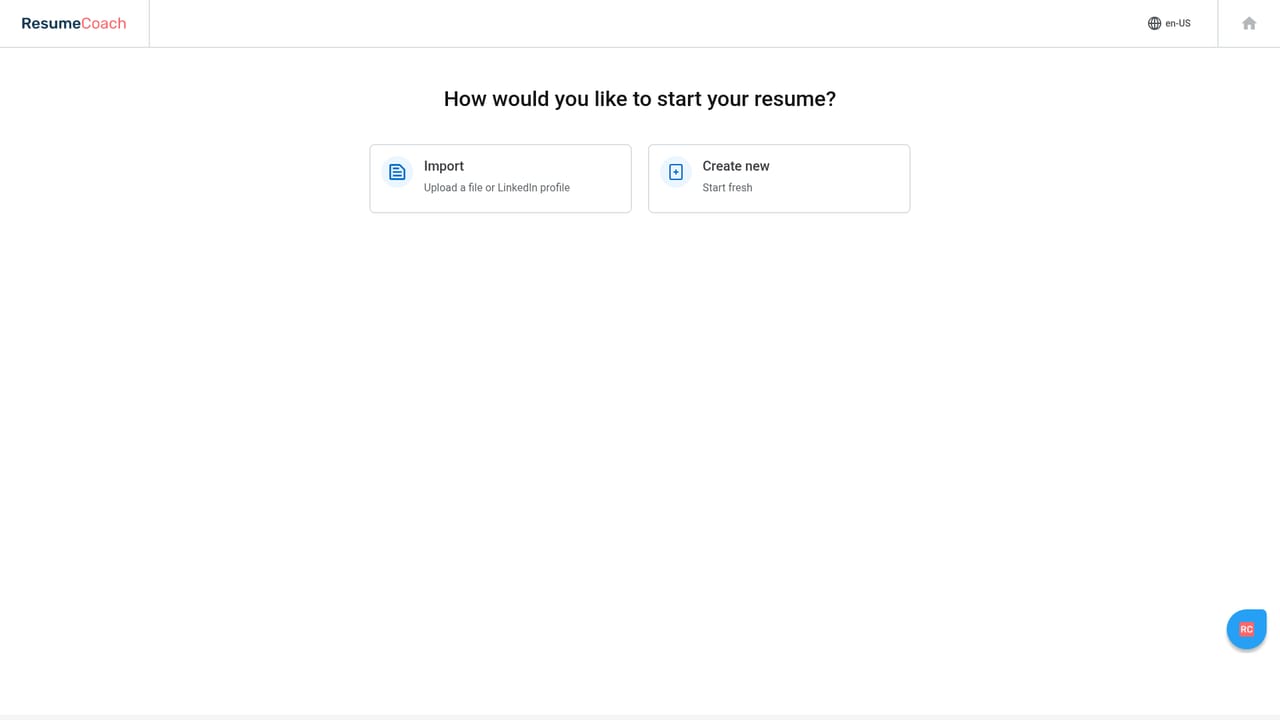
    Open the editor front door and decide whether to build a new resume or import an existing one to improve. Importing preserves your content so you only edit what needs work.
    ResumeCoach — Choose a starting point
  2. 2Pick a template
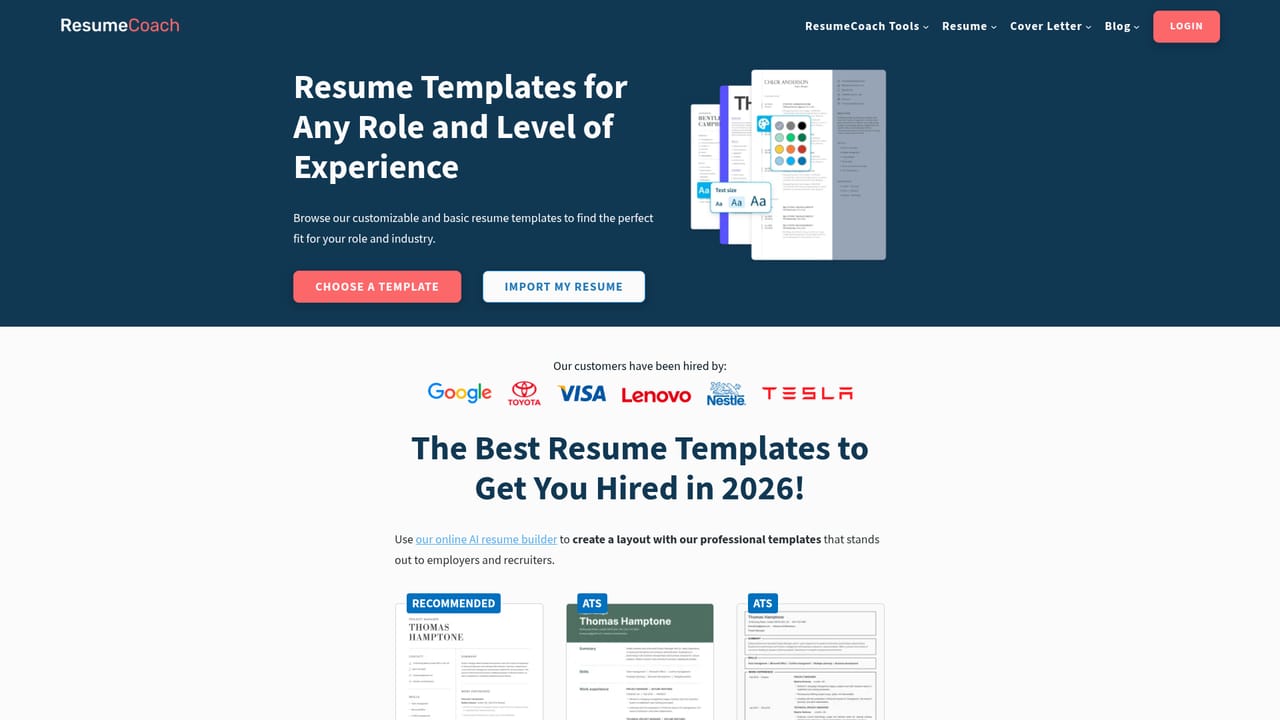
    Browse the template gallery and filter by style or ATS-friendly labels, then apply one to your document. Layout, colours, fonts and sections stay editable afterwards.
    ResumeCoach — Pick a template
  3. 3Write and refine content
    Fill in your roles inside the editor and use the AI phrase suggestions where wording feels flat, editing each suggestion so it matches what you actually did.
    ResumeCoach — Write and refine content
  4. 4Check ATS readiness
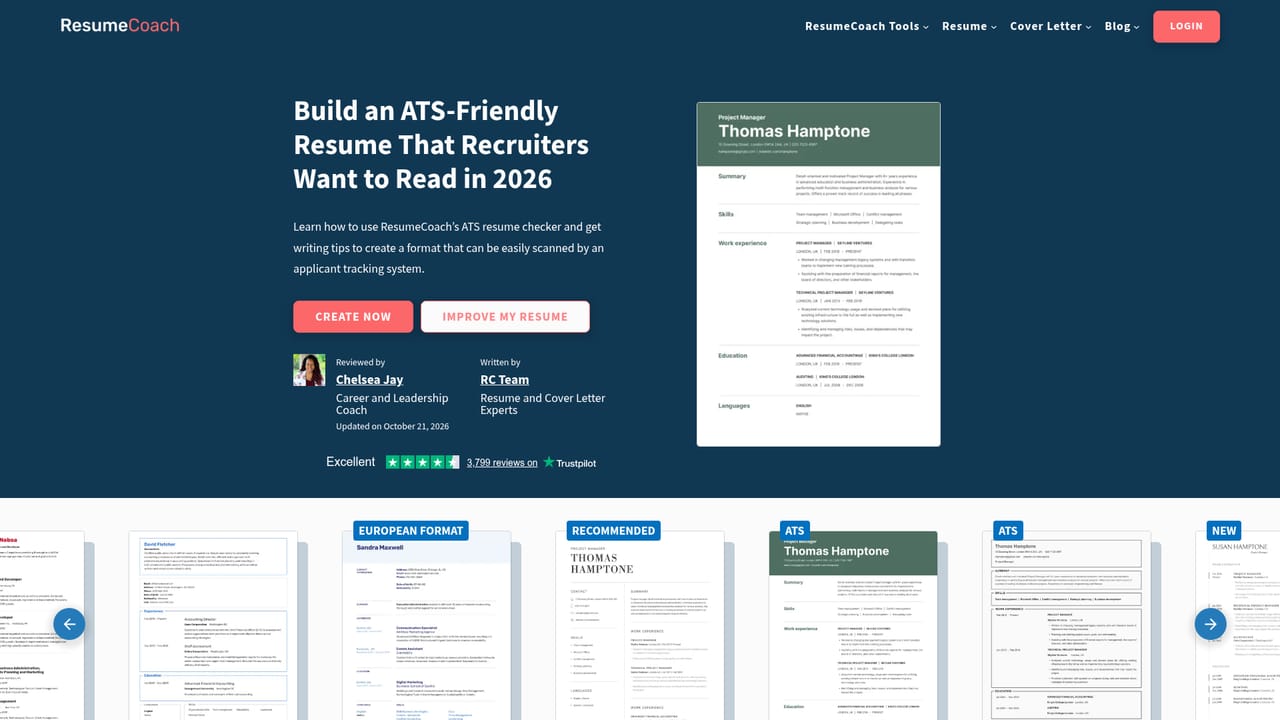
    Run the ATS resume checker to see how parsing friendly your document is before sending it out, then fix the flagged formatting or structure issues.
    ResumeCoach — Check ATS readiness
  5. 5Build the matching cover letter
    Enter the job, company and profile details, add your key strengths and contact information, then choose a template and download the letter.
  6. 6Prepare for the interview
    Use the mock interview practice to rehearse answers and read the STAR-based feedback, alongside job match scores to prioritise which roles to apply for.

Pros and cons

Pros

  • Template library with ATS-friendly options and full customisation of colours, fonts and sectionsAI
  • Import and refresh an existing resume instead of rebuilding it from scratchAI
  • AI phrasing suggestions and cover letter generation are built into the editor workflowAI
  • Extra job search tools: job match scoring, LinkedIn analysis and STAR-based mock interview feedbackAI
  • Strong public track record, with a 4.5 rating across roughly 3,800 Trustpilot reviewsAI

Cons

  • Pricing, subscription terms and cancellation rules are not stated on the homepage, so costs need checking before committingAI
  • Some Trustpilot reviewers note billing surprises and a lack of certain European language versionsAI
  • AI phrasing and match scores are guidance only and still require careful factual editingAI
  • The wider bundle of LinkedIn, interview and job match tools may be more than a one-off resume writer needsAI

How much does ResumeCoach cost?

Features

Template based resume editor with ATS-friendly designs and full customisation, AI phrase suggestions, resume import, cover letter generator, PDF and TXT export with online sharing, ATS resume checker, job match scoring against listings, LinkedIn profile analysis, mock interview practice with STAR feedback and an expert resume review service.

Frequently asked questions about ResumeCoach

  • How do you use ResumeCoach?
    The walkthrough on this page covers 6 steps: 1. Choose a starting point 2. Pick a template 3. Write and refine content 4. Check ATS readiness 5. Build the matching cover letter 6. Prepare for the interview.
  • What platforms does ResumeCoach support?
    ResumeCoach is available on Web App.
  • What are the limitations of ResumeCoach?
    Pricing, subscription terms and cancellation rules are not stated on the homepage, so costs need checking before committing. Some Trustpilot reviewers note billing surprises and a lack of certain European language versions. AI phrasing and match scores are guidance only and still require careful factual editing.

Status

StatusActive
Views0
Outbound clicks0
Added10/22/2026

Platforms

Web App

Pricing

FreeFreemiumSubscription