ResumeFromSpace

AI resume builder with job matching, ATS scoring and interview practice

Beginner
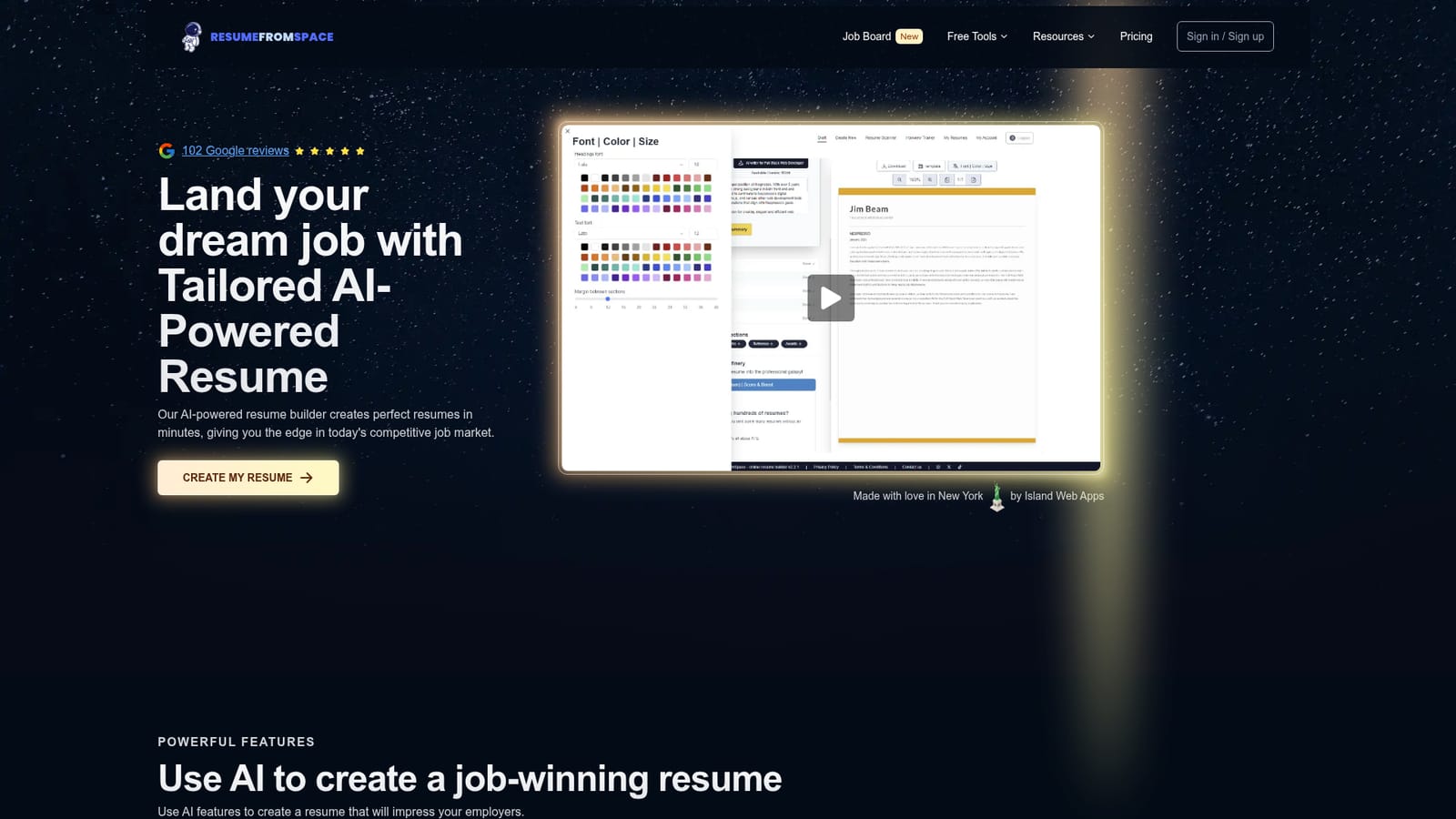
Screenshot of ResumeFromSpace, AI resume builder with job matching, ATS scoring and interview practice

What is ResumeFromSpace?

ResumeFromSpace is a career tool. AI resume builder that rewrites your history for a specific job post, scores ATS fit, and adds a resume scanner plus an interview trainer. Live preview editing, custom fonts and margins, PDF and DOCX downloads, cover letters, from $4.99 a month.

ResumeFromSpace is a web based resume builder built around a single idea: your resume should be rewritten for the job you are actually applying to. Instead of starting from a blank page, you either import an existing resume or enter your history, then let the AI helper draft and reword the content. A separate matching feature reads a job post and adjusts the resume so it lines up with the language and requirements in the listing, which is the part most builders leave to the user. The editor works in real time, with the form on one side and a live preview on the other. Templates are described as ATS friendly, and the design layer is deliberately hands on: you pick the font, choose accent colours and set the margins yourself rather than being locked into a fixed layout. Finished documents download as PDF or DOCX, and an AI cover letter generator sits alongside the resume writer. The site reports figures of 325,989 resumes created and 83,569 active users. Two companion tools extend the product beyond writing. Resume Scanner accepts an upload, returns a score with missing elements and improvement tips, and can turn the scan into a new resume. Interview Trainer generates practice questions from your resume or a target job, splits them into technical and general tracks, and gives a score with feedback afterwards. Both live on their own pages and are part of the same account. This sits in the budget tier of AI resume builders. The monthly plan is $4.99, the yearly plan is $29.99 as a single non recurring payment, and a $240 lifetime option exists. Paid tiers include unlimited resumes, revisions and downloads, AI credits and support. It suits job seekers who want tailoring and ATS feedback in one place, especially people changing careers or returning to the market after a long tenure. If you want a fully automated one click export with no design decisions, the manual styling controls will feel like extra work rather than a feature.

How do you use ResumeFromSpace?

  1. 1Create an account and start a resume
    Sign up from the homepage and choose to start a new resume or bring in an existing one. The editor opens with the form on one side and the live preview on the other.
    ResumeFromSpace — Create an account and start a resume
  2. 2Import your current resume or enter your history
    Upload an old resume and let the importer pull out the key sections, or type roles and responsibilities by hand. Either path feeds the AI writer.
  3. 3Tailor the draft to a job post
    Paste in the job description you are targeting and run the matching feature. The AI adjusts emphasis and wording so the resume answers what that employer asked for.
  4. 4Score the resume before you send it
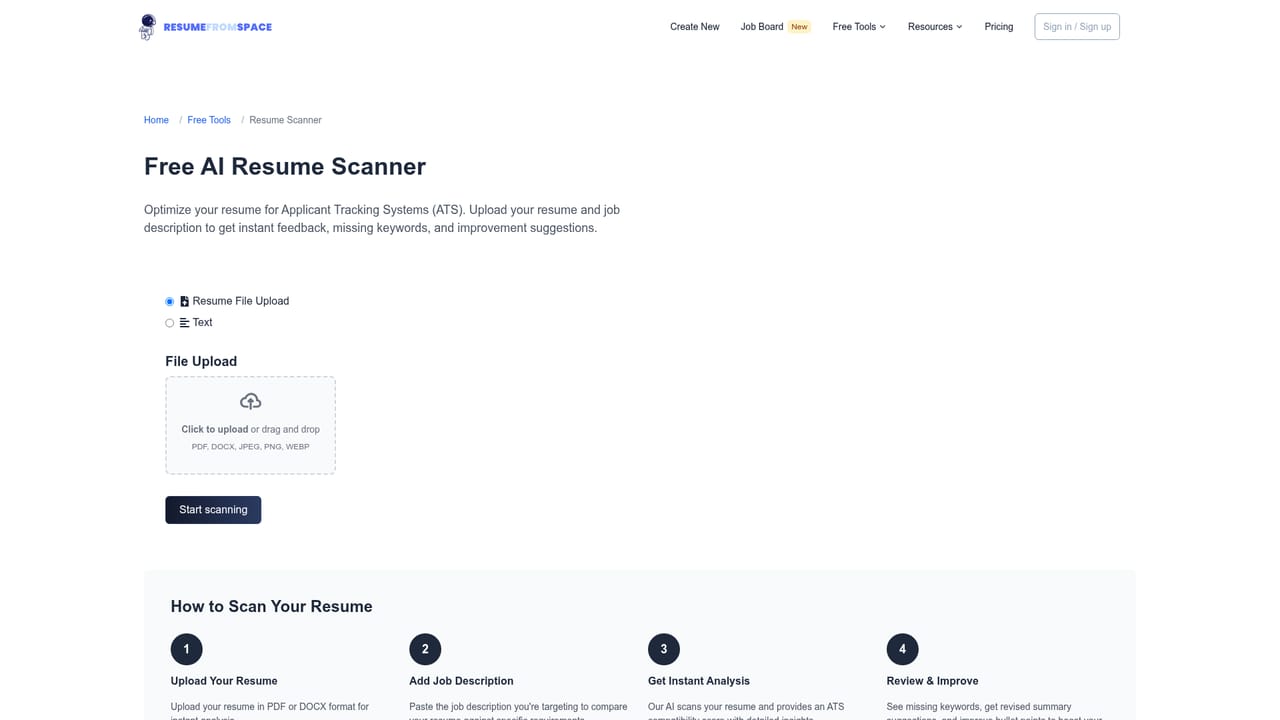
    Open the Resume Scanner, upload the draft and review the score plus the list of missing items and tips. A scan can also be converted into a fresh resume.
    ResumeFromSpace — Score the resume before you send it
  5. 5Style the layout and download
    Set the font, accent colour and margins, generate a matching cover letter if needed, then export as PDF or DOCX.
  6. 6Rehearse with the Interview Trainer
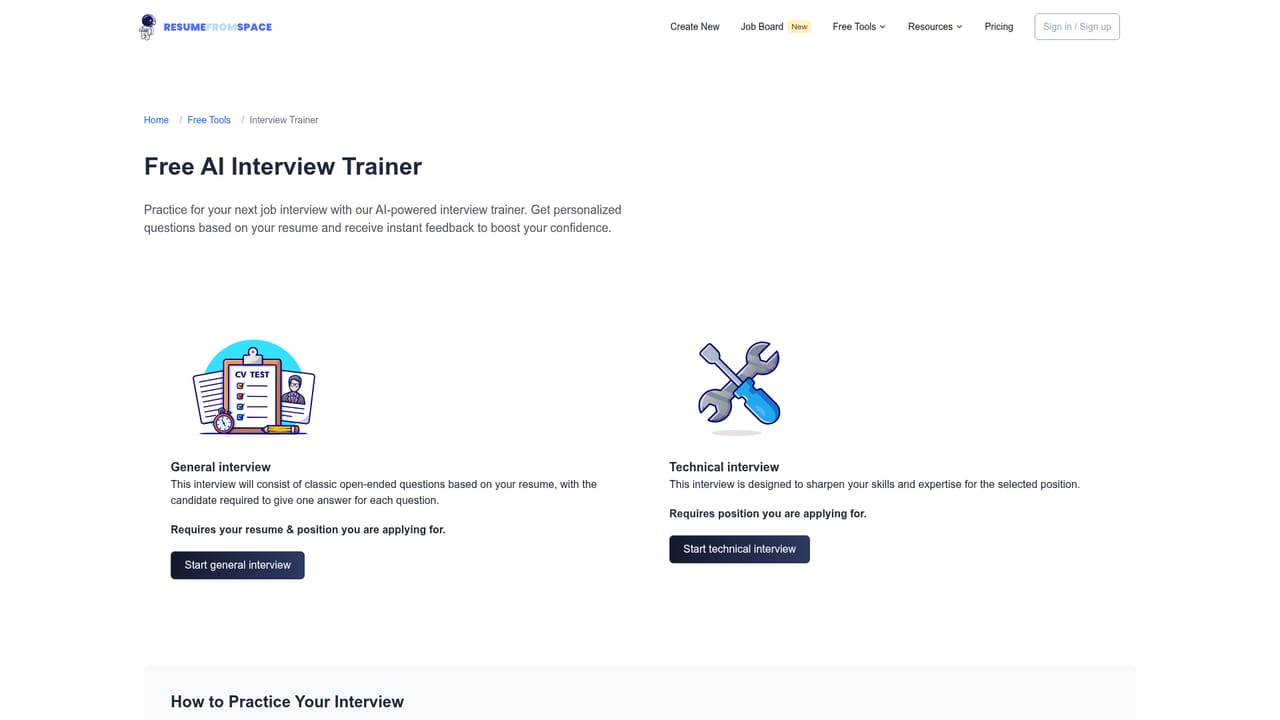
    Pick technical or general questions, load your resume for relevance, and work through the set to get a score and feedback before the real interview.
    ResumeFromSpace — Rehearse with the Interview Trainer

Pros and cons

Pros

  • Job post matching rewrites the resume against a specific listing, not just generic wordingAI
  • Resume Scanner returns a score and concrete missing items before you rebuildAI
  • Interview Trainer generates technical and general questions from your own resumeAI
  • Live preview updates as you type, so layout problems surface immediatelyAI
  • Yearly plan is a one time $29.99 payment, unusual for this categoryAI

Cons

  • Pricing page lists AI credits but does not explain what a credit buys or what happens at zeroAI
  • No stated integrations with job boards or LinkedIn, so job posts must be pasted or found manuallyAI
  • Interview scoring and resume scoring come from the same vendor with no published methodologyAI
  • Design controls are manual, which slows down users who want a single automatic exportAI

How much does ResumeFromSpace cost?

Pricing

Three tiers. Monthly is $4.99 per month and can be cancelled anytime. Yearly is $29.99 as a one time non recurring payment. Lifetime is $240.00, also non recurring. All tiers list unlimited resumes, revisions and downloads, AI writer and cover letter, ATS matching score, all templates, improvement tips, PDF and DOCX export and support, with 100, 300 or 1000 AI credits respectively.

Learn more

Support

24/7 customer support is listed on the monthly and yearly plans, with VIP support and feature requests on the lifetime plan. No separate help centre is listed on the site pages provided.

Features

AI resume and cover letter writing, job post matching, quick import of an existing resume, ATS matching score with improvement tips, ATS friendly templates, and manual control of fonts, colours and margins with a live preview. Exports to PDF and DOCX. Companion tools cover resume scanning with a score and gap report, and an interview trainer with technical or general questions, scoring and tips.

Frequently asked questions about ResumeFromSpace

  • How much does ResumeFromSpace cost?
    Three tiers. Monthly is $4.99 per month and can be cancelled anytime. Yearly is $29.99 as a one time non recurring payment. Lifetime is $240.00, also non recurring. All tiers list unlimited resumes, revisions and downloads, AI writer and cover letter, ATS matching score, all templates, improvement tips, PDF and DOCX export and support, with 100, 300 or 1000 AI credits respectively.
  • How do you use ResumeFromSpace?
    The walkthrough on this page covers 6 steps: 1. Create an account and start a resume 2. Import your current resume or enter your history 3. Tailor the draft to a job post 4. Score the resume before you send it 5. Style the layout and download 6. Rehearse with the Interview Trainer.
  • What platforms does ResumeFromSpace support?
    ResumeFromSpace is available on Web App.
  • What are the limitations of ResumeFromSpace?
    Pricing page lists AI credits but does not explain what a credit buys or what happens at zero. No stated integrations with job boards or LinkedIn, so job posts must be pasted or found manually. Interview scoring and resume scoring come from the same vendor with no published methodology.

Status

StatusActive
Views0
Outbound clicks0
Added10/21/2026

Platforms

Web App

Pricing

Free TrialPaidSubscription