Free trial
No sign-up or payment is needed to start. The editor and customisation are free, with payment requested only when a finished PDF download or premium tool is used.
Learn moreAI resume builder with tailюoring, ATS checks and career tools
Own ResumeMaker.Online? Verify ownership to get a dofollow link

ResumeMaker.Online is a career tool. A free-to-start AI resume builder with live canvas editing, job-specific tailoring, ATS keyword checks, LinkedIn optimisation, headshot generation, an application tracker, a browser extension and a voice interview simulator. No sign-up is needed to begin, and the paid plan covers PDF export and premium tools.
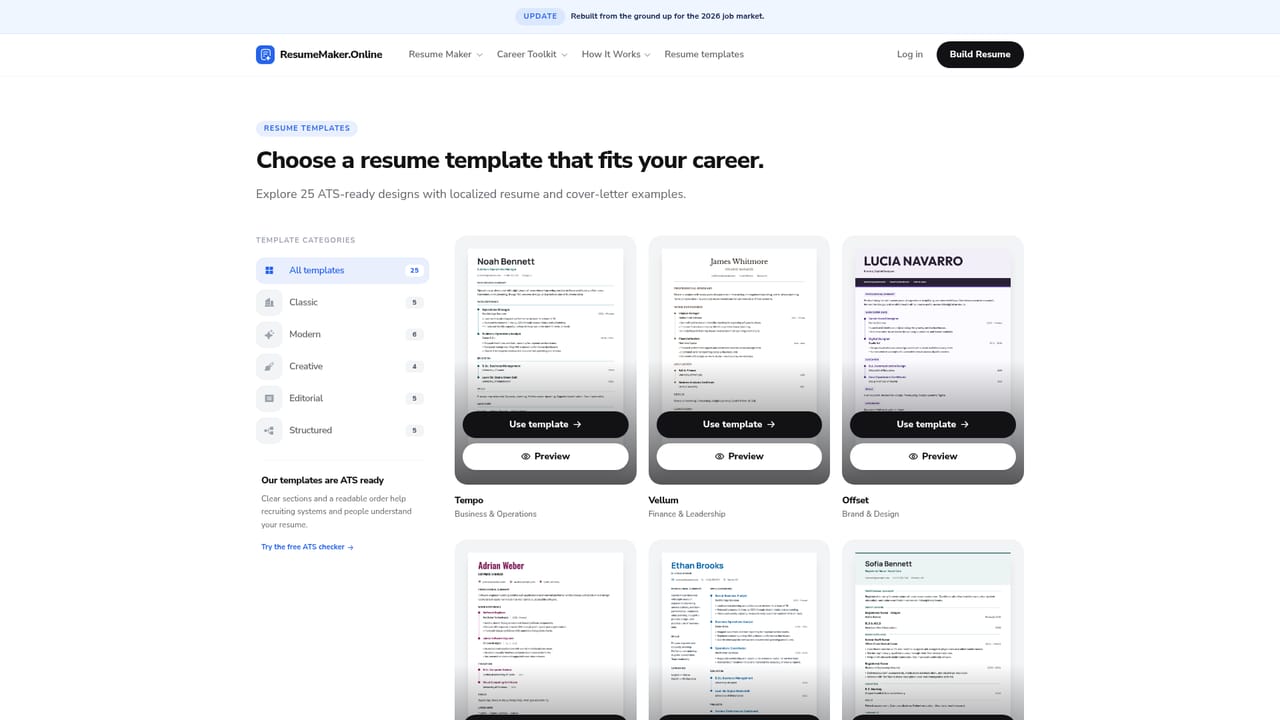
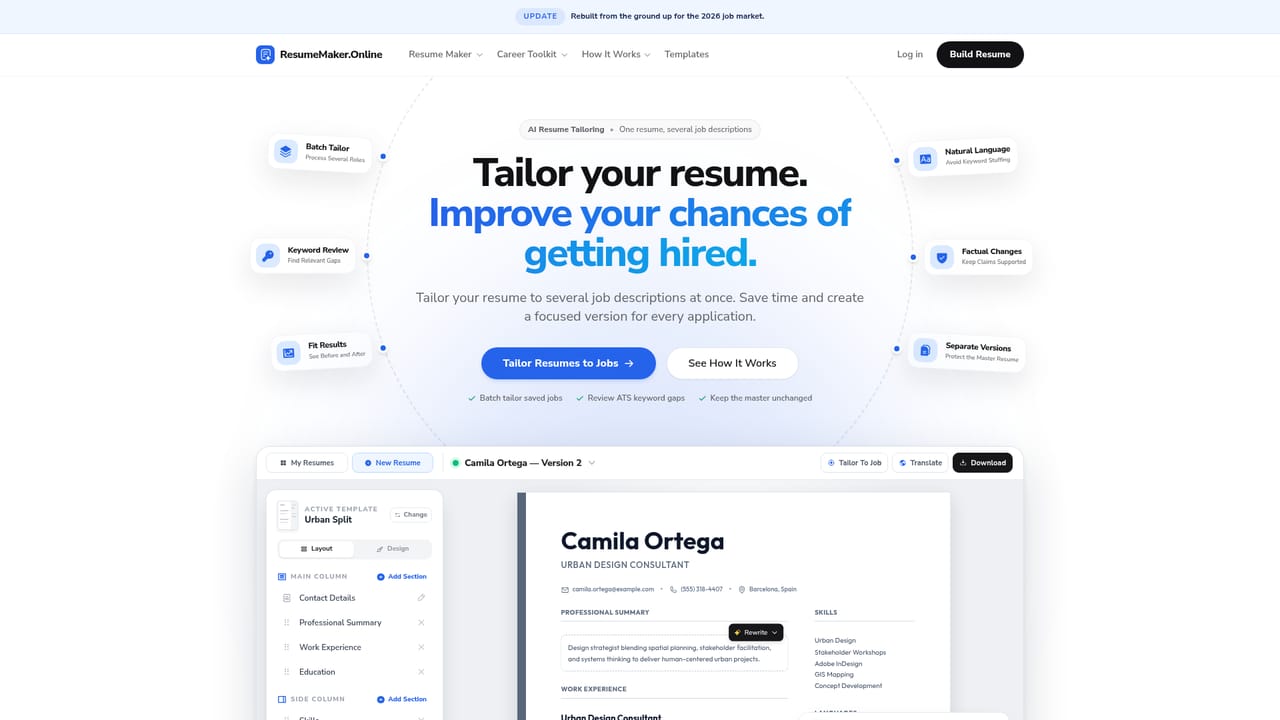
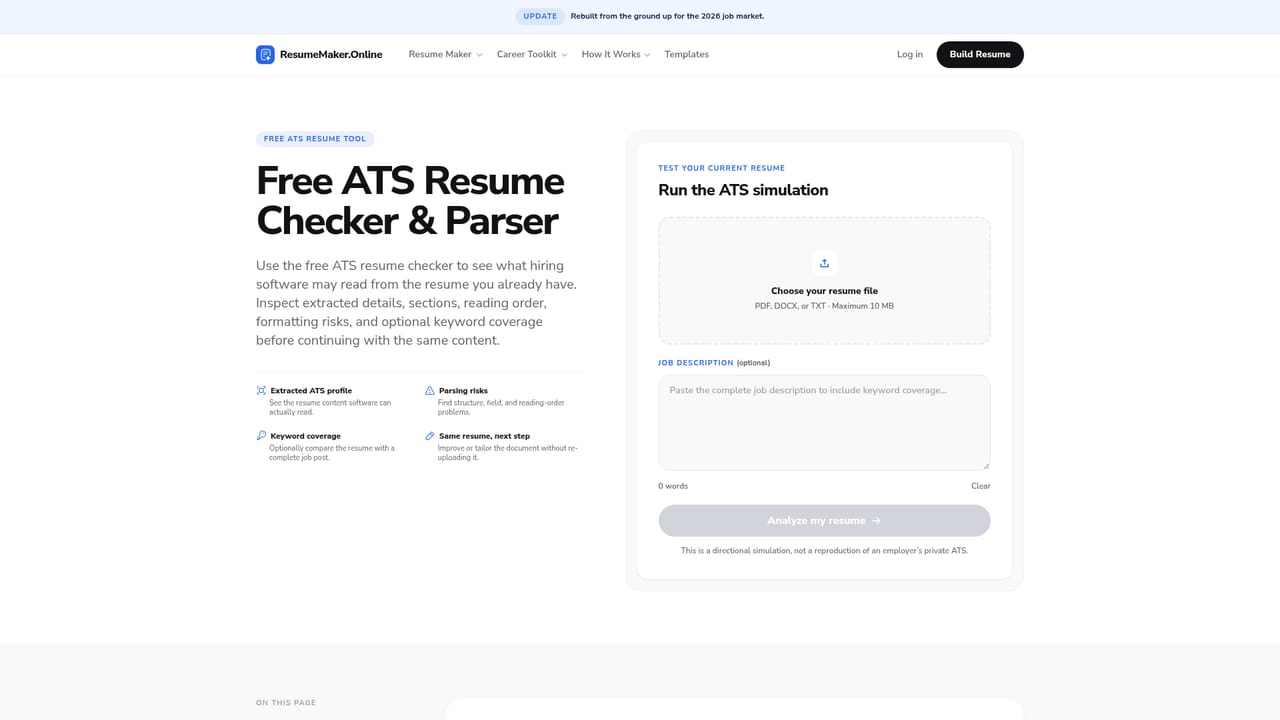
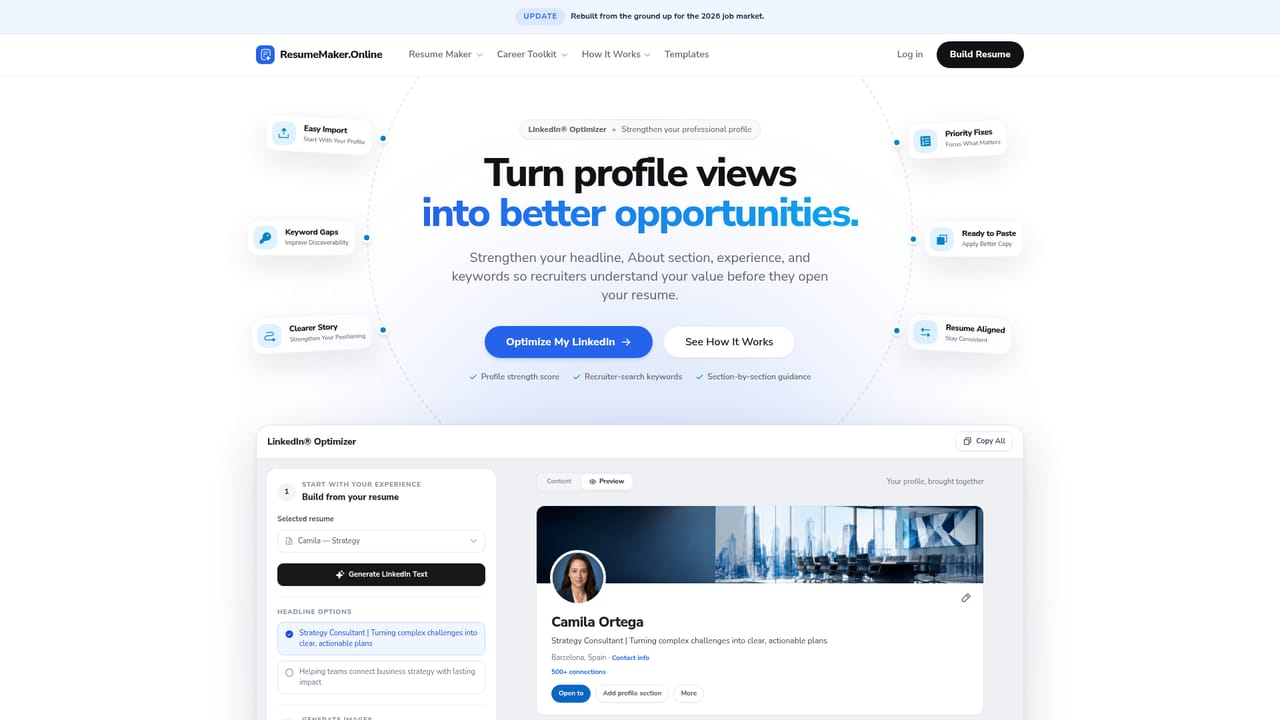
ResumeMaker.Online is a browser-based resume builder that has been running since 2018 and reports more than 13 million resumes downloaded. The core editor works on a live canvas: every section is edited directly on the page rather than through a separate form, and template, colours, fonts, section order and text size can be changed at any point without retyping content. An AI assistant suggests summaries, skills and bullet points, while a chat-based Resume Coach keeps the current draft in context so changes can be requested and applied in conversation. Files can be imported from PDF, DOCX or TXT and turned into editable sections, though the site warns that complex columns or scanned text usually need manual correction. The stronger differentiator is job tailoring. A master resume stays unchanged, and one click produces a copy matched to a specific job description, with keyword coverage checked against applicant tracking systems and a cover letter generated alongside. The site is candid that no builder can guarantee how a given employer's ATS will parse a file, and it offers a free ATS parser simulator plus an international CV guide for people applying outside their home country. Beyond the resume itself, the product bundles a wider career toolkit: a headshot studio that turns casual photos into professional portraits, a LinkedIn optimiser that rewrites headlines, About sections and keyword lists, an application tracker with a visual pipeline and follow-up reminders, a browser extension that saves job posts and autofills supported fields, and a voice interview simulator that scores clarity, pace and filler words. The service is independent and based in Sweden, built around international CV conventions. Downloads use A4 page size, and layouts can be photo-free or photo-friendly with optional personal details such as nationality and work authorisation. Drafts are stored locally in the browser by default, so clearing site data deletes them. It suits international and European job seekers who want one connected workflow; users who only need a US Letter template and a quick export may find the breadth unnecessary.
No sign-up or payment is needed to start. The editor and customisation are free, with payment requested only when a finished PDF download or premium tool is used.
Learn moreBuilding, editing and customising a resume is free. A paid plan unlocks the professional PDF download and other premium features, and the price is shown before any purchase is confirmed. An account is only required for features such as PDF download or paid tools.
Learn moreA contact page and a support contact route are provided, and customer reviews describe the service's support positively. Detailed help documentation is not described on the homepage.
Learn moreA browser extension connects saved job posts to tracking and tailoring and autofills supported application fields from a chosen resume. No other third-party integrations are stated on the homepage.
Learn moreLive canvas resume editing with AI writing assistance and a chat-based Resume Coach, job-specific tailoring with ATS keyword matching, PDF, DOCX and TXT import, a headshot studio, a LinkedIn profile optimiser, an application tracker with visual pipeline and follow-ups, a browser extension for saving jobs and autofilling forms, and a voice interview simulator with feedback on clarity, pace and filler words.
 AI Angels400+ customizable AI girlfriends for NSFW chat, voice calls, and roleplay
 Candy AIExperience the future of companionship with AI friends who chat, role-play, and connect with you on a human level.
 ourdream.aiA vast AI roleplay platform with millions of characters for chat, images, video and voiceAI Angels400+ customizable AI girlfriends for NSFW chat, voice calls, and roleplayCandy AIExperience the future of companionship with AI friends who chat, role-play, and connect with you on a human level.ourdream.aiA vast AI roleplay platform with millions of characters for chat, images, video and voice


