Free trial
The site offers a free entry point and repeatedly links to a free trial via the login page, but it does not state trial length or what the free tier includes.
Learn moreTailors your resume and cover letter to each job posting

ResumeRanker is a body rating tool. A recruiter built resume tool that rewrites your resume against a specific job description, generates a matching cover letter, drafts answers to application questions, and exports ATS friendly PDF or Word files from editable templates.
ResumeRanker is a web based resume optimization tool built by people with recruiting backgrounds. It takes a job description and a set of resume details and rewrites the material so the strongest skills and experiences surface first, then formats the result for Applicant Tracking Systems. The stated goal is simple: produce an application that reads as though it was written for one specific role rather than sent to a hundred. The product covers more ground than a plain builder. A tailoring function aligns existing experience with the language of a job post, an enhancement function rewrites and emphasizes sections that already exist, and a cover letter generator drafts a letter around the specific posting in seconds. A separate feature offers real time suggested answers to job application questions, so screening form prompts can be handled without freezing up. Ready made templates are editable without design software and download as PDF or Word files. The obvious audience is active job seekers: new graduates filling out first applications, career changers reworking older material, and anyone running a volume search where each posting calls for slightly different emphasis. Recruiters are the second audience, since the tailoring logic is the same work they do by hand when shortlisting. In practice the workflow is posting first. Paste the job description, supply your background, review the tailored draft and the generated letter, then adjust wording before exporting. It sits between pure layout builders, which make documents pretty but ignore the posting, and general purpose writing assistants, which have no ATS formatting discipline. The site reports more than a thousand users and an average rating of 4.5 out of 5, drawn from testimonials that mostly describe score jumps and better response rates. Those figures are self reported and should be read as marketing rather than independent research.
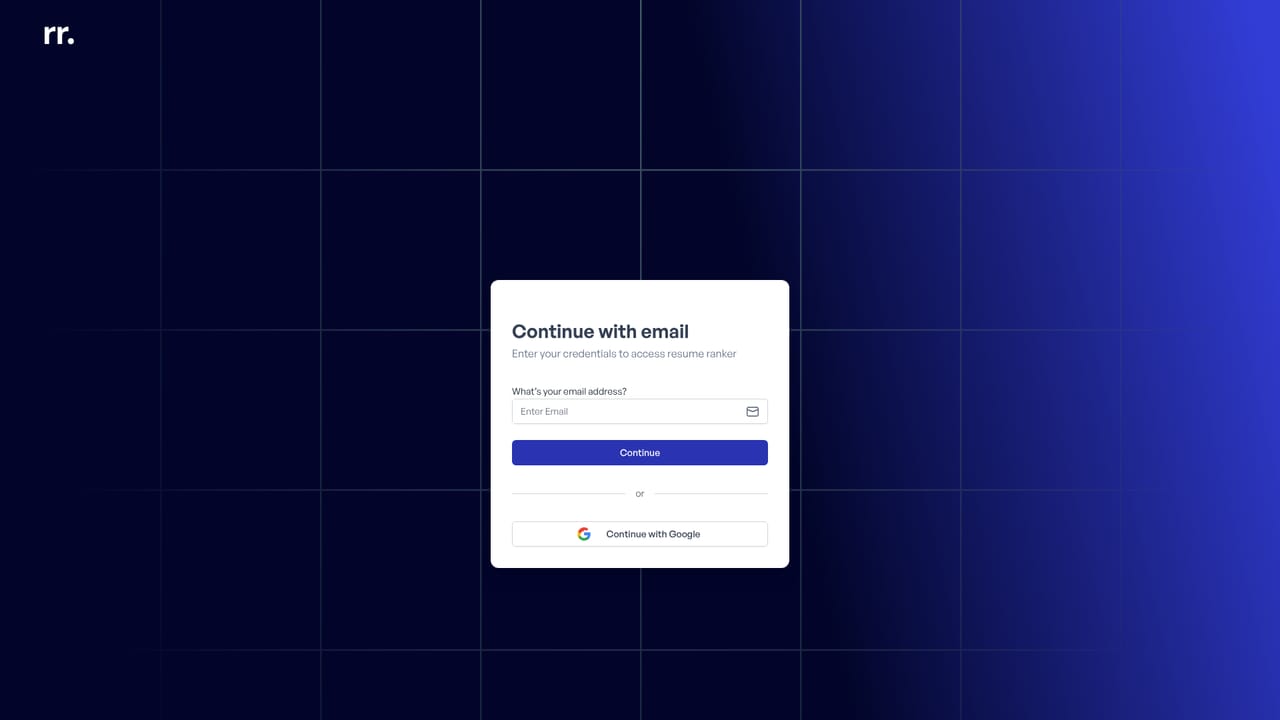
The site offers a free entry point and repeatedly links to a free trial via the login page, but it does not state trial length or what the free tier includes.
Learn moreThe homepage carries an FAQ section with questions about how the tool improves a resume, ease of use, job types, data security and comparison with other builders, but no answers or contact options are shown.
Job description based resume tailoring, resume enhancement, AI cover letter generation, real time help with job application questions, and a library of editable ATS optimized templates with PDF and Word export.
 AI Angels400+ customizable AI girlfriends for NSFW chat, voice calls, and roleplay
 Candy AIExperience the future of companionship with AI friends who chat, role-play, and connect with you on a human level.
 ourdream.aiA vast AI roleplay platform with millions of characters for chat, images, video and voiceAI Angels400+ customizable AI girlfriends for NSFW chat, voice calls, and roleplayCandy AIExperience the future of companionship with AI friends who chat, role-play, and connect with you on a human level.ourdream.aiA vast AI roleplay platform with millions of characters for chat, images, video and voice