Features
Template selection, an AI powered form for personal details, experience, education and skills, an ATS score check, correction recommendations based on that score, and PDF or PNG export from a browser dashboard.
AI resume builder with template picks and an ATS score check

ResumeWiz is a career tool. A guided resume builder that pairs template selection with an AI assisted form, an ATS score check and correction recommendations, then exports to PDF or PNG. Best suited to job seekers who want a clean, screening friendly resume without design work.
ResumeWiz is a browser based resume builder that leans on AI assistance to move a draft from blank page to a finished document quickly. The product frames itself around a five step path: pick a template, fill in an AI powered form with personal details, work history, education and skills, check the resulting ATS score, then act on the corrections the tool recommends before exporting. It is aimed at job seekers who want a polished, applicant tracking system friendly resume without learning layout software or starting from a raw word processor file. In practice the workflow is linear rather than exploratory. Signing in opens a dashboard, the template gallery sets the visual tone, and the form collects the substance. The ATS check is the part that distinguishes ResumeWiz from a plain template library: instead of only styling the document, it gives a readability signal against automated screening and pairs that score with specific recommendations to fix. Users review those suggestions and edit before the final download, so the output is meant to be iterated rather than accepted on the first pass. The export options are PDF and PNG, which covers standard application portals and quick image based sharing such as messaging a recruiter or attaching a preview to a portfolio. The site does not publish details on template count, AI model, or data retention, so those points are worth confirming before committing sensitive employment history. Among resume tools, ResumeWiz sits in the guided, beginner oriented bracket rather than the design studio end of the market. It competes on speed and on the ATS feedback loop, not on deep customisation or multi document career management. Anyone who needs heavy typographic control, cover letter workflows or team hiring features will likely find it narrow. Anyone who wants a clean resume and a screening sanity check in one sitting is the intended user.
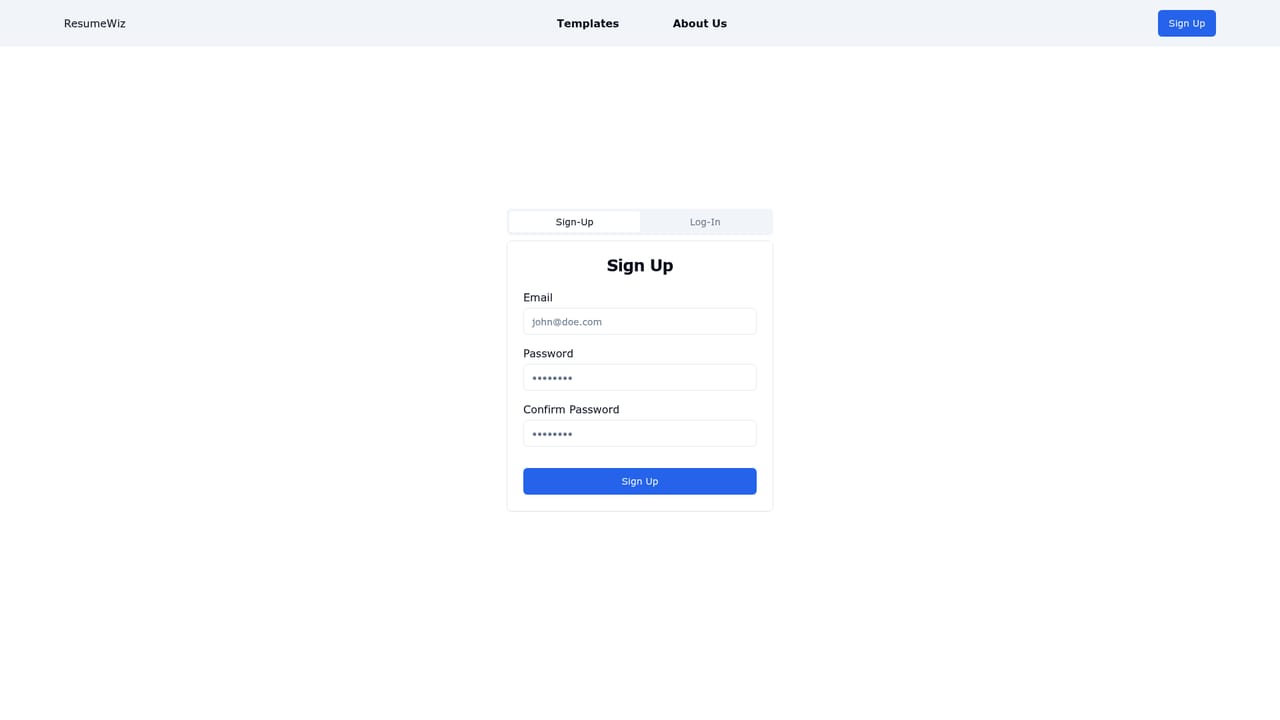
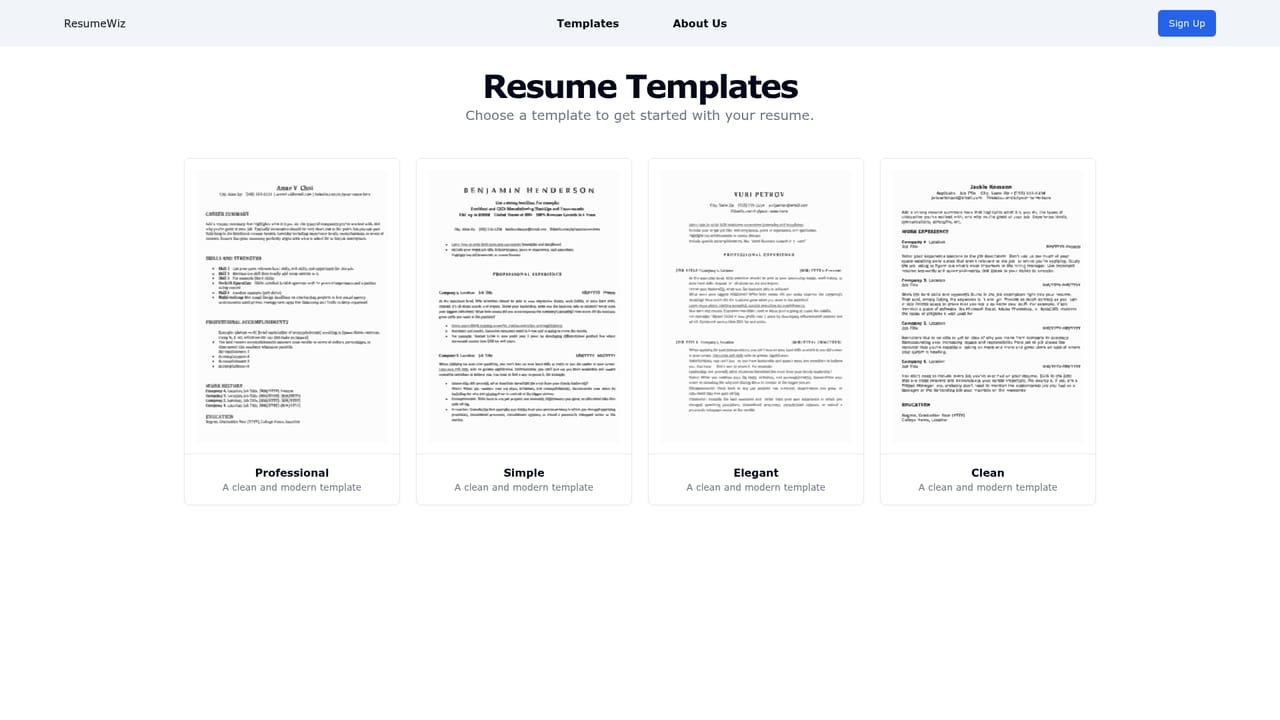
Template selection, an AI powered form for personal details, experience, education and skills, an ATS score check, correction recommendations based on that score, and PDF or PNG export from a browser dashboard.
 AI Angels400+ customizable AI girlfriends for NSFW chat, voice calls, and roleplay
 Candy AIExperience the future of companionship with AI friends who chat, role-play, and connect with you on a human level.
 ourdream.aiA vast AI roleplay platform with millions of characters for chat, images, video and voiceAI Angels400+ customizable AI girlfriends for NSFW chat, voice calls, and roleplayCandy AIExperience the future of companionship with AI friends who chat, role-play, and connect with you on a human level.ourdream.aiA vast AI roleplay platform with millions of characters for chat, images, video and voice


