Free trial
No time-limited trial is described. A free plan provides one resume, six templates, a PDF download, one AI improve pass, and one AI job rewrite without a credit card.
Learn moreResume builder and job search assistant with always-on job matching.

Resumonk builds and polishes resumes, runs always-on job searches, and helps prepare applications and warm introductions. It suits active job seekers who want resume editing and job discovery in one place.
Resumonk is an online resume builder that doubles as a job-search assistant. It starts with the raw material most people already have: an old resume, a LinkedIn profile, or a page of rough notes. From that input, Resumonk rewrites the document into a cleaner resume with a summary, structured experience, and a trimmed skills list. The rewrite is shown line by line against the original, so changes can be reviewed, reverted individually, or undone in one pass. The tool is explicit that it does not invent experience: it polishes what is already there and flags only real gaps between a resume and a specific job. Beyond formatting, Resumonk runs always-on job searches that scan thousands of postings and surface roles with a short explanation of why each one fits. Users can then prepare an application for a specific role and, on higher plans, ask for warm introductions to people at target companies, each with a drafted first message. The product also produces cover letters and exports to PDF or DOCX. The tool is aimed at job seekers at different stages. A free tier covers a single resume, one AI improve pass, and one AI rewrite for a job. The Professional plan targets early-career professionals with unlimited resumes, all 21 templates, no footer on downloads, two job searches, and per-job rewrites. The Executive plan targets mid-level and senior candidates with five job searches and ten warm introductions per month. In a crowded resume-builder market, Resumonk differs by combining document polishing with job discovery and outreach rather than stopping at templates. It competes less on design variety than on the workflow around a resume: find a role, tailor the document honestly, and reach the right person. That makes it a reasonable fit for active job hunters who want one workspace, while candidates who only need a one-off PDF may find the free tier sufficient. The plans are billed monthly in US dollars, or in rupees in India, and can be canceled at any time.
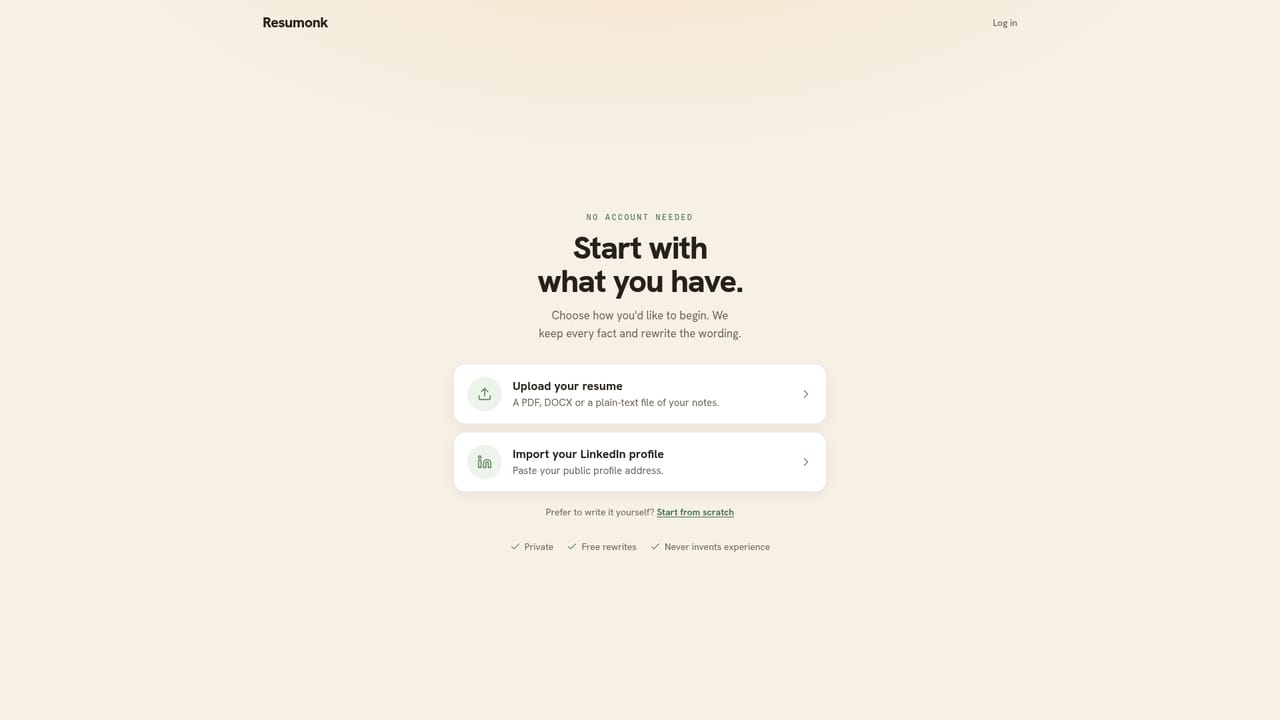
No time-limited trial is described. A free plan provides one resume, six templates, a PDF download, one AI improve pass, and one AI job rewrite without a credit card.
Learn moreFree: $0 for one resume, six templates, a PDF download with footer, one AI improve pass, and one AI job rewrite. Professional: $20/mo for unlimited resumes, all 21 templates, clean PDF and DOCX, full AI editing, two job searches, and per-job rewrites. Executive: $30/mo adds five job searches and ten warm introductions monthly. Billed in USD, or rupees in India; cancel anytime.
Learn moreJob sources named on the homepage include LinkedIn, Indeed, and Greenhouse, plus more. Resume import from a LinkedIn profile is also mentioned.
AI resume rewriting with line-level change review and undo, 21 templates, AI improve passes, cover letters, PDF and DOCX export, always-on job searches with match reasoning, per-job resume rewrites, application help, honest gap analysis, and warm introductions with drafted messages.
 AI Angels400+ customizable AI girlfriends for NSFW chat, voice calls, and roleplay
 Candy AIExperience the future of companionship with AI friends who chat, role-play, and connect with you on a human level.
 ourdream.aiA vast AI roleplay platform with millions of characters for chat, images, video and voiceAI Angels400+ customizable AI girlfriends for NSFW chat, voice calls, and roleplayCandy AIExperience the future of companionship with AI friends who chat, role-play, and connect with you on a human level.ourdream.aiA vast AI roleplay platform with millions of characters for chat, images, video and voice


