Free trial
A 14-day free trial is offered with no credit card required, and the company says it grants access to all features so a full campaign can be run before committing.
Learn moreCollect and answer Google reviews on autopilot

Reviewly.ai is a lead generation tool. Reviewly is a Google-focused review management tool that sends SMS review requests, generates AI-assisted review drafts for customers, and lets owners reply to new reviews by text with AI-suggested responses. QR codes and NFC devices capture feedback in person, and a 14-day credit-card-free trial covers the full feature set.
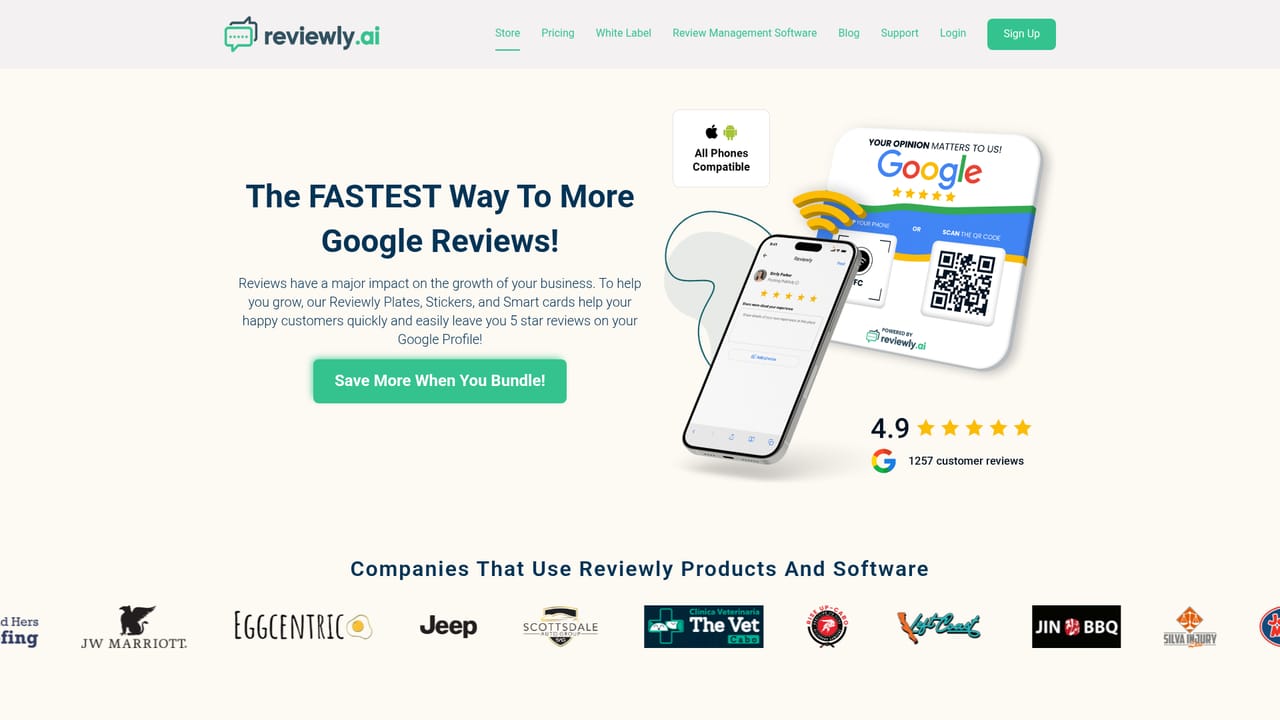
Reviewly is a review management platform built around a single premise: for most local businesses, Google is the only review site that matters, so a tool that does that one job thoroughly beats a platform that spreads itself across every directory. The product handles both halves of the review loop. Outbound, it sends review requests to customers over SMS, either as one-off messages, bulk uploads, or through a CRM connection, and supplies AI-written drafts that customers can edit before posting under their own name. Inbound, it pushes a text alert the moment a new review lands and offers suggested replies that can be posted straight from a messaging app without logging in. The company also sells physical hardware for capturing feedback at the point of service: QR codes, NFC tags and Review Plates that let a customer leave a review on the spot. A built-in leaderboard tracks which staff are generating the most reviews. Accounts include a Twilio number, which means requests arrive from a local number rather than a shortcode. The obvious buyer is a service business with happy customers and a thin Google profile: trades, clinics, law firms, dealerships, franchise groups and multi-location operators. Marketing agencies get a separate angle through white label options and a partner program. Reviewly claims collection coverage in more than 100 countries, with a country lookup page to check availability. The tradeoff of the Google-only strategy is that businesses needing Yelp, Facebook or industry-specific review coverage will run a second tool alongside it. Integration depth is also thinner than the AI features suggest: CRM sync and a Twilio number are the main connectors named. Setup is quick, with the company claiming five steps and under five minutes to a first send.
A 14-day free trial is offered with no credit card required, and the company says it grants access to all features so a full campaign can be run before committing.
Learn moreThe homepage shows no specific plan prices. It promotes a 14-day free trial with no credit card and full feature access, and points to a pricing page for plan detail. Hardware such as QR codes, NFC tags and Review Plates is sold through the company shop, separate from the subscription.
Learn moreSupport runs through a Freshdesk help centre with a knowledge base and a ticket submission form, alongside country coverage and blog resources.
CRM integration is named for syncing customer contacts into review campaigns, and a Twilio number comes with each account. A dedicated integrations page exists for the full list.
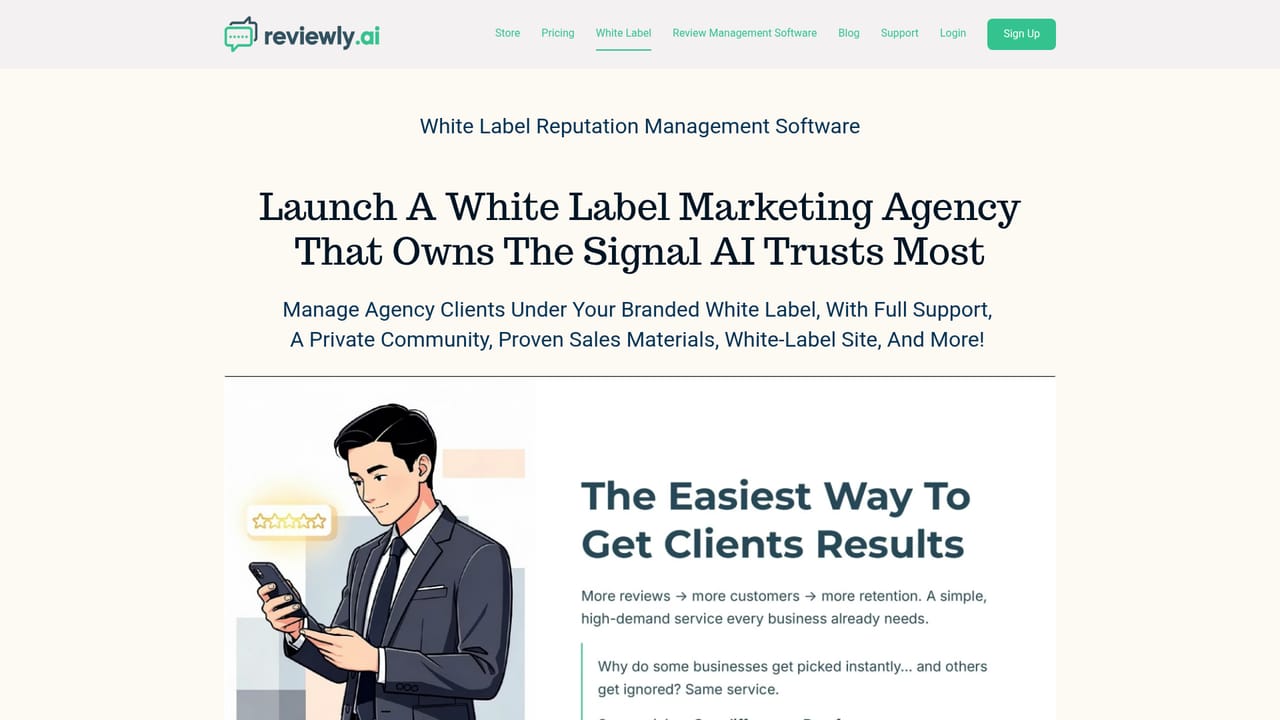
Learn moreCore features include SMS review collection (the company cites a 98% open rate) with a Twilio number, bulk and one-off sends, AI-generated review drafts for customers, AI-suggested business replies, and text alerts with replies sent from a messaging app. QR codes, NFC tags and Review Plates capture in-person feedback, a staff leaderboard tracks performance, and white label plus partner options serve agencies.
Learn more AI Angels400+ customizable AI girlfriends for NSFW chat, voice calls, and roleplay
 Candy AIExperience the future of companionship with AI friends who chat, role-play, and connect with you on a human level.
 ourdream.aiA vast AI roleplay platform with millions of characters for chat, images, video and voiceAI Angels400+ customizable AI girlfriends for NSFW chat, voice calls, and roleplayCandy AIExperience the future of companionship with AI friends who chat, role-play, and connect with you on a human level.ourdream.aiA vast AI roleplay platform with millions of characters for chat, images, video and voice


