Free trial
A 14 day free trial is advertised in the site metadata and the signup page is open for new accounts.
Learn moreAI agents that resolve support tickets and act on customer requests
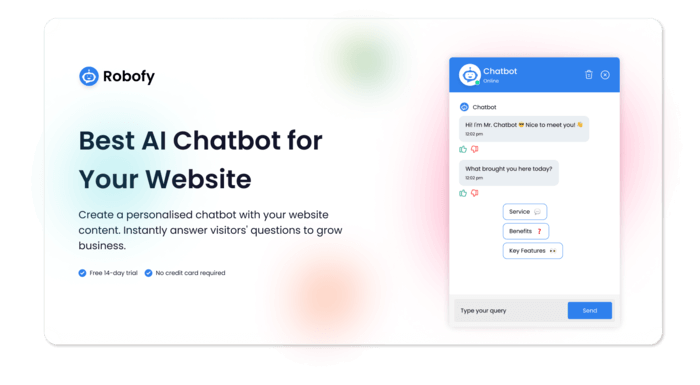
Robofy builds AI agents for enterprise customer experience. Agents resolve support queries, execute actions like order and account changes, capture and qualify leads, and escalate to humans with context across website, WhatsApp and voice channels.
Robofy is a customer experience platform built around AI agents that do more than answer questions. The product is aimed at enterprise support, sales and CX teams that handle steady conversation volume and want automation that can finish a task rather than hand it back to a human. Agents sit on a company website and on WhatsApp, with a voice option for phone support, and are trained on the business's own material: help centre articles, documentation, FAQs, policies, pricing pages and internal documents. The platform splits work across several roles. A support agent pulls answers from the knowledge base and resolves common queries. An action agent executes workflows end to end, such as order status checks, address changes, cancellations, plan upgrades and appointment rescheduling. A lead agent detects intent, qualifies inbound enquiries and routes them to the right person or into a CRM. Escalation logic watches for sensitive or high value conversations and passes them to a specialist with the surrounding context attached. Deployment follows a guided path. Teams load their data, connect ticketing systems, CRMs or internal tools through a documented API, run user acceptance testing against a checklist, then launch on the chosen channels. Ready made blueprints cover tier one support, multilingual support, billing, scheduling and CSAT capture, so most of the design work is already done. Enterprise customers get a four week go live programme covering setup, testing and team handoff. Robofy fits companies comparing dedicated support automation against general purpose chatbot builders. The pitch leans on depth in customer service workflows, ISO 27001 certification, encryption controls and serverless AWS infrastructure, rather than breadth across marketing or content use cases. The obvious trade off is that buyers wanting a simple FAQ widget on a small site will find the enterprise framing and guided onboarding heavier than necessary.
A 14 day free trial is advertised in the site metadata and the signup page is open for new accounts.
Learn moreThe homepage promotes a Black Friday early access offer of $200 off every yearly plan, applied automatically at checkout and limited to the first 100 purchases. No standard plan tiers or list prices are shown on the homepage.
Learn moreEnterprise customers get a structured four week go live programme with setup, knowledge base configuration, UAT and team handoff. Demos can be booked with the team.
Learn moreThe homepage names CRM, ticketing systems, internal tools and Google Sheet routing through a documented API. A full connector list is not published.
Learn moreSupport, action and lead agents trained on your own knowledge base; order, account, billing and scheduling workflows executed inside the conversation; escalation and VIP routing with context; deployment on website, WhatsApp and voice; API and actions for CRM and ticketing; ISO 27001 security; prebuilt agent blueprints.
Learn more AI Angels400+ customizable AI girlfriends for NSFW chat, voice calls, and roleplay
 Candy AIExperience the future of companionship with AI friends who chat, role-play, and connect with you on a human level.
 ourdream.aiA vast AI roleplay platform with millions of characters for chat, images, video and voiceAI Angels400+ customizable AI girlfriends for NSFW chat, voice calls, and roleplayCandy AIExperience the future of companionship with AI friends who chat, role-play, and connect with you on a human level.ourdream.aiA vast AI roleplay platform with millions of characters for chat, images, video and voice


