Free trial
The homepage offers a free signup path (Get started for free) alongside a demo booking option. What limits or duration apply to the free tier is not stated on the homepage.
Learn moreAnalytics engine that turns robot logs into root causes and training datasets

Roboto AI is an image analysis tool. Roboto ingests robotics logs (ROS bag, PX4 ulog, MCAP, Parquet, video, custom formats) and turns them into queryable datasets, automated metrics and AI-written root cause summaries. Built for drone, medical robotics and autonomous vehicle teams that need fleet scale analysis and curated training data.
Roboto is an analytics engine for robotics and physical AI teams. It ingests the logs your robots already produce, including ROS bag files, PX4 ulog files, MCAP recordings, Parquet tables, MP4 video and proprietary custom formats, and returns indexed datasets that can be queried instead of replayed by hand. The pitch is straightforward: manual log review stops working once a fleet grows, and Roboto replaces it with automated processing that scales with data volume. In practice, the platform moves through four stages. Ingest handles format parsing and indexing, largely through a single Python SDK. Analyze turns raw data into metrics using Actions and Triggers, which can be scheduled to run across a fleet and aggregated into KPIs. Agents handle triage and root cause work, producing written summaries of what went wrong on a flight or run rather than asking an engineer to scrub through timelines. Search then queries metadata, tags, topics and events across large archives, and Curate extracts the useful slices (successful grasps, cluttered scenes, novel objects) into Collections that export to PyTorch, Hugging Face or S3. The product also ships an AI assistant that answers plain language questions about a recording. A sample drone flight summary in the marketing material calls out vibration, GPS jamming, estimator faults and a blind land failsafe, which is the kind of narrative output an engineer would otherwise assemble manually. Roboto is aimed at robotics companies past the hobby stage: drone operators, medical and surgical robotics firms, autonomous vehicle developers and anyone assembling training data for embodied AI. Named customers include BRINC, ANYbotics, CreateMe and Moon Surgical. Alternatives tend to be general purpose log tools or in house scripts, and Roboto's case rests on format coverage and automation rather than on a visual replay interface. Published pricing is not stated on the homepage, so teams should expect to talk to sales or start with the free signup tier.
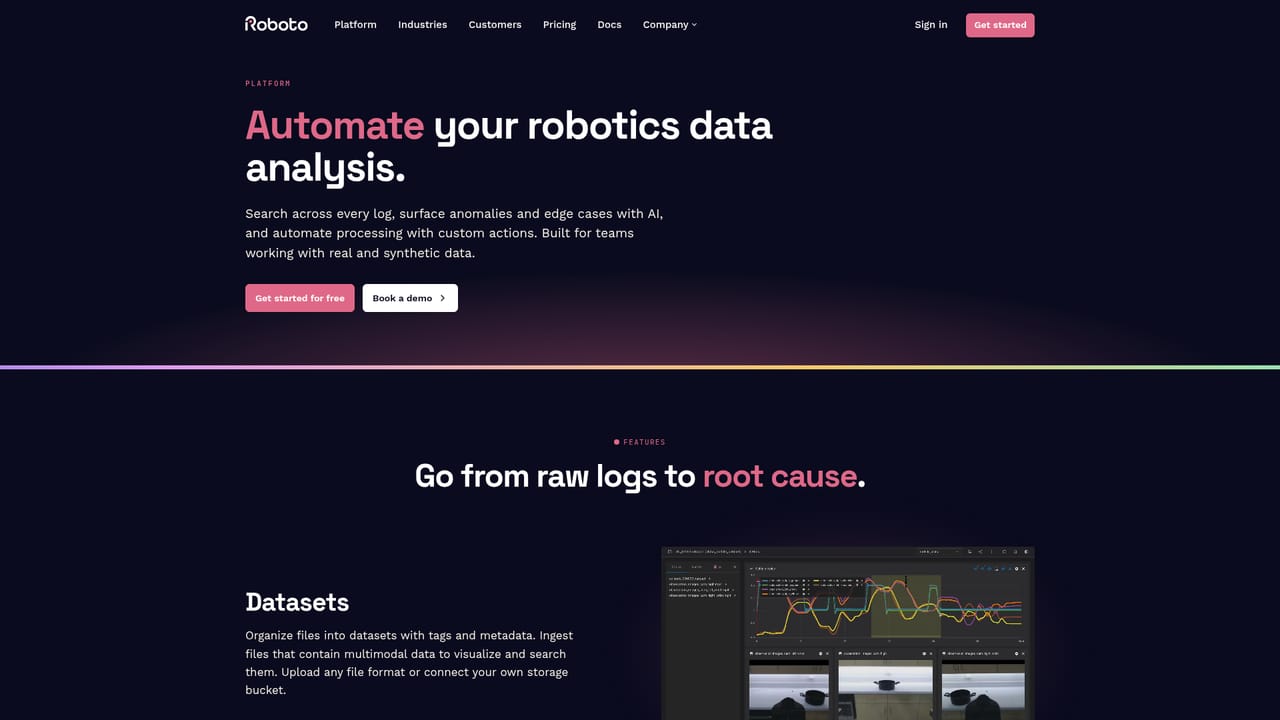
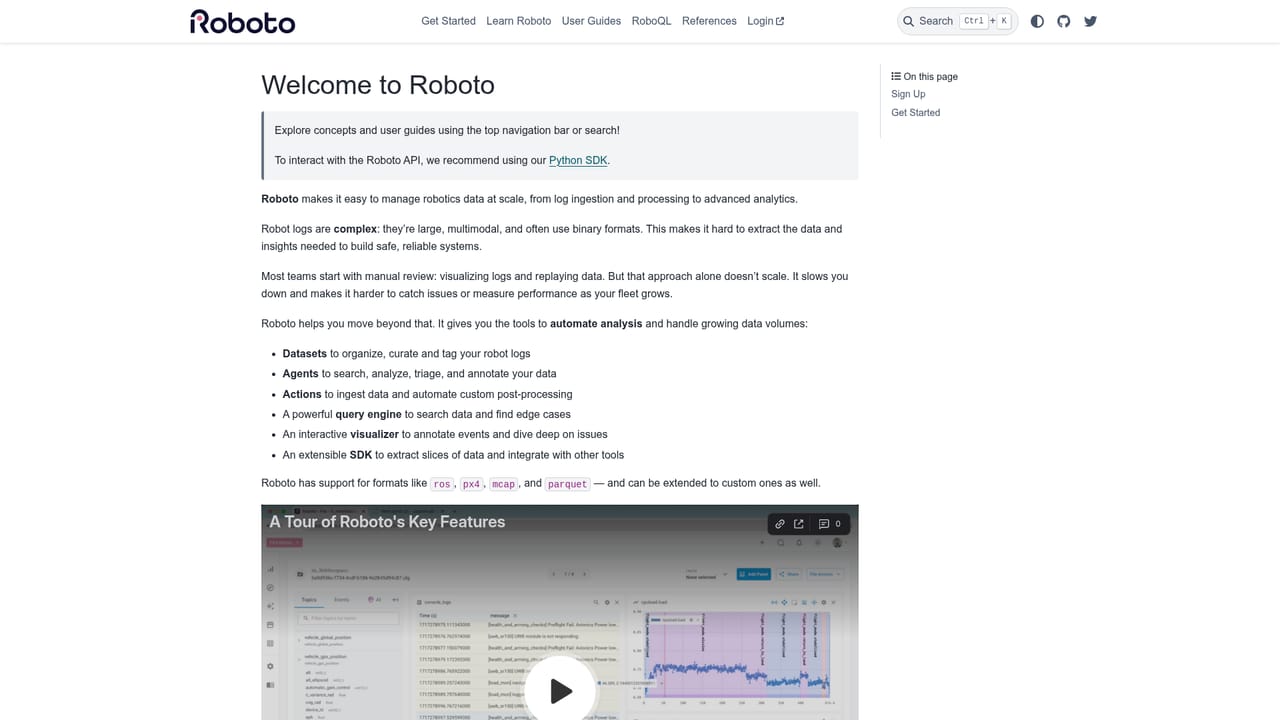
The homepage offers a free signup path (Get started for free) alongside a demo booking option. What limits or duration apply to the free tier is not stated on the homepage.
Learn moreRoboto publishes documentation and a contact page, and offers demo booking and sales contact. The homepage does not describe support tiers or response times.
Learn moreExports to PyTorch, Hugging Face and S3 are named on the homepage. Ingestion covers ROS, PX4, ArduPilot, MCAP, Parquet, CSV, JSON, video and custom formats. No third party app marketplace is described.
Ingest of ROS bag, PX4 ulog, MCAP, Parquet, MP4 and custom formats through a Python SDK. Automated analysis with Actions and Triggers, AI agents for triage, root cause analysis and event detection, plain language summaries of recordings, search across metadata and events at scale, curated Collections exported to PyTorch, Hugging Face or S3, and fleet level reliability metrics.
Learn more AI Angels400+ customizable AI girlfriends for NSFW chat, voice calls, and roleplay
 Candy AIExperience the future of companionship with AI friends who chat, role-play, and connect with you on a human level.
 ourdream.aiA vast AI roleplay platform with millions of characters for chat, images, video and voiceAI Angels400+ customizable AI girlfriends for NSFW chat, voice calls, and roleplayCandy AIExperience the future of companionship with AI friends who chat, role-play, and connect with you on a human level.ourdream.aiA vast AI roleplay platform with millions of characters for chat, images, video and voice


