Support
Support runs through a contact form where deployment questions, live call coverage and enterprise requirements can be discussed with the team. No public help centre or SLA details appear on the homepage.
Learn moreDeepfake detection built for enterprise call, meeting and file workflows
Own Reality Defender? Verify ownership to get a dofollow link

Reality Defender is a content detector tool. Enterprise deepfake detection for audio, video and images across live calls, meetings and uploaded files. Reality Defender returns an independent authenticity signal through an API and SDKs so security and fraud teams can verify, route or block callers inside their existing systems.
Reality Defender is a deepfake detection product aimed at organisations that need to verify whether audio, video or images are authentic. It analyses media across live calls, video meetings and uploaded files, then returns a signal that customers use inside their own rules engines to verify, route or block a caller or a piece of content. The company positions the product as an authenticity layer for enterprises, platforms and public institutions rather than a consumer verification gadget. The product is multi-modal by design. Audio, video and still images are all in scope, which matters because impersonation attacks rarely arrive in a single format: a cloned voice on a support line, a manipulated executive video on a conferencing call, or a synthetic headshot in an identity check. Reality Defender packages this into named solution areas covering contact centre security, access security and fraud prevention, secure video conferencing, and brand and executive protection, with additional pages for finance, government and general enterprise buyers. In practice, detection is delivered as an independent signal through an API and SDKs, so it slots into systems a customer already runs instead of demanding a separate console as the only interface. The vendor publishes SDK quickstart documentation and an API page, and offers a direct sign-up route for trying the API. Live call and meeting coverage means the check can happen while a conversation is underway, which is the scenario that matters for call centre fraud and executive impersonation attempts. Compared with general purpose AI content detectors that focus on text, Reality Defender is narrower and more operational: it is about stopping a fraudulent transaction, a social engineering attempt or a reputational incident rather than flagging an essay. Buyers who need a quick consumer check will find the enterprise orientation heavy, and the real value only shows once detection is wired into telephony, identity or conferencing infrastructure.
Support runs through a contact form where deployment questions, live call coverage and enterprise requirements can be discussed with the team. No public help centre or SLA details appear on the homepage.
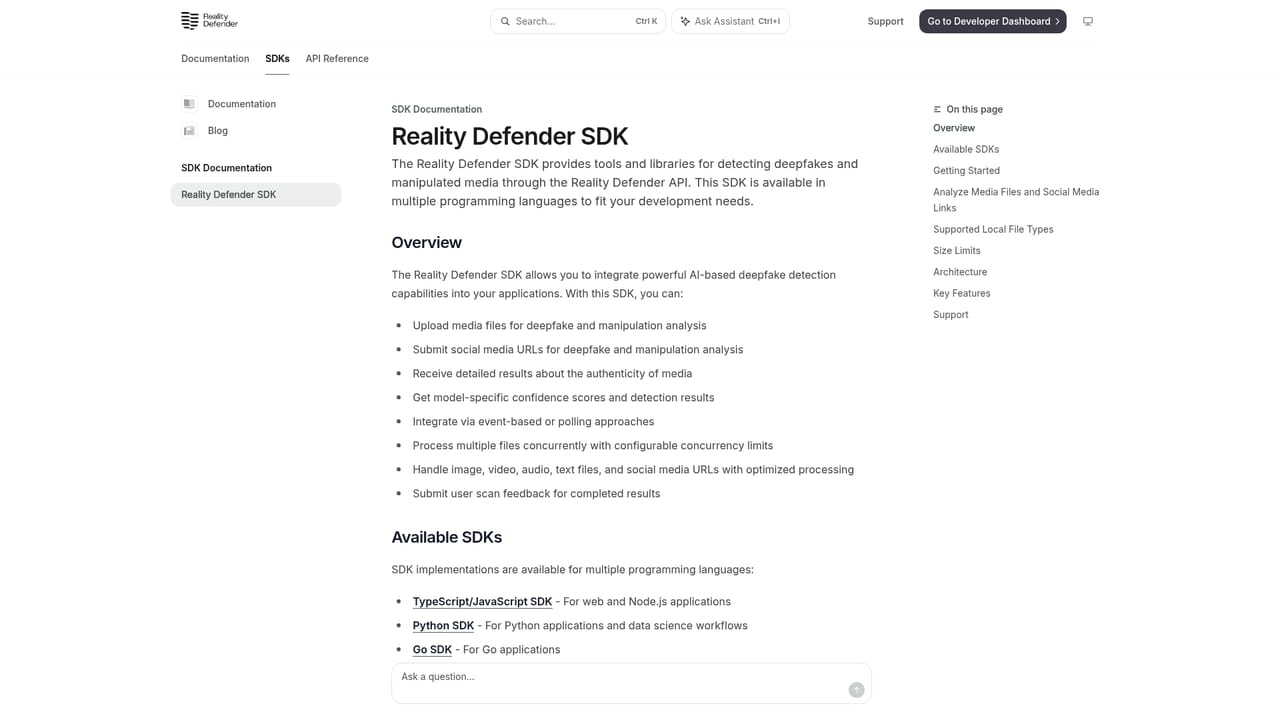
Learn moreDetection is exposed through an API and SDKs with published quickstart documentation, so results can feed existing systems and customer-defined rules. Specific third party product integrations are not listed on the homepage.
Learn moreDetection spans audio, video and images, applied to live calls, video meetings and uploaded files. Results arrive as an independent authenticity signal that the customer's own rules use to verify, route or block. Deployment is tailored to the customer environment, with an API and SDKs for integration and dedicated solution sets for contact centre security, access security and fraud prevention, secure video conferencing, and brand and executive protection.
Learn more AI Angels400+ customizable AI girlfriends for NSFW chat, voice calls, and roleplay
 Candy AIExperience the future of companionship with AI friends who chat, role-play, and connect with you on a human level.
 ourdream.aiA vast AI roleplay platform with millions of characters for chat, images, video and voiceAI Angels400+ customizable AI girlfriends for NSFW chat, voice calls, and roleplayCandy AIExperience the future of companionship with AI friends who chat, role-play, and connect with you on a human level.ourdream.aiA vast AI roleplay platform with millions of characters for chat, images, video and voice


