Free trial
A free plan is available forever: 50 credits per month, one SERP-optimized article, and 10 tracked keywords, with no credit card required.
Learn moreSEO platform that pairs keyword research, AI drafting, and content heatmaps.

Rytar is a content tool. Rytar bundles keyword research, SERP-based content briefs, an AI writer, and content heatmaps so teams can write, measure, and improve blog posts from one dashboard. Free plan available; paid plans from $9 to $139 a month.
Rytar is an SEO platform aimed at SaaS content teams, bloggers, and agencies that want to close the loop between publishing and ranking. It combines keyword research, SERP-driven content briefs, an AI writer, and on-page engagement analytics (scroll depth, click maps, session recordings) in a single workspace. The pitch is straightforward: most content tools stop at publishing, while Rytar also measures what happens after a post goes live and suggests fixes for the sections where readers stop scrolling. The workflow follows four stages. Research draws on a keyword database of more than 5 billion terms across 100+ Google databases, with difficulty scores and volume trends. Create turns top-10 SERP analysis into outlines and SERP-optimized drafts, with an export path for WordPress, Webflow, or another CMS. Track uses heatmaps and recordings to show how far readers actually get. Iterate scores each section and proposes AI rewrites for weak paragraphs, then ties changes back to ranking movement. A wider suite covers site audits, backlink analysis, rank tracking, local SEO, and competitor research. Pricing runs from a free tier (50 credits a month, one AI article, 10 tracked keywords) through Solo at $9/month, Starter at $19, Pro at $39, and Agency at $139. Yearly billing saves 28% on the paid plans. Credits cover individual actions such as keyword lookups, audits, and backlink pulls, while analytics dashboards, heatmaps, and recordings do not consume credits. Article generation draws from a separate monthly article quota. Rytar sits in the same conversation as Ahrefs, Semrush, Surfer, Jasper, and Hotjar, and explicitly positions itself as a cheaper consolidation of those subscriptions. The honest trade-off is that specialist tools still go deeper on any single job, and the heatmap layer requires site tracking you manage yourself. For teams that want one dashboard from keyword to post-publish engagement, the bundle is the attraction.
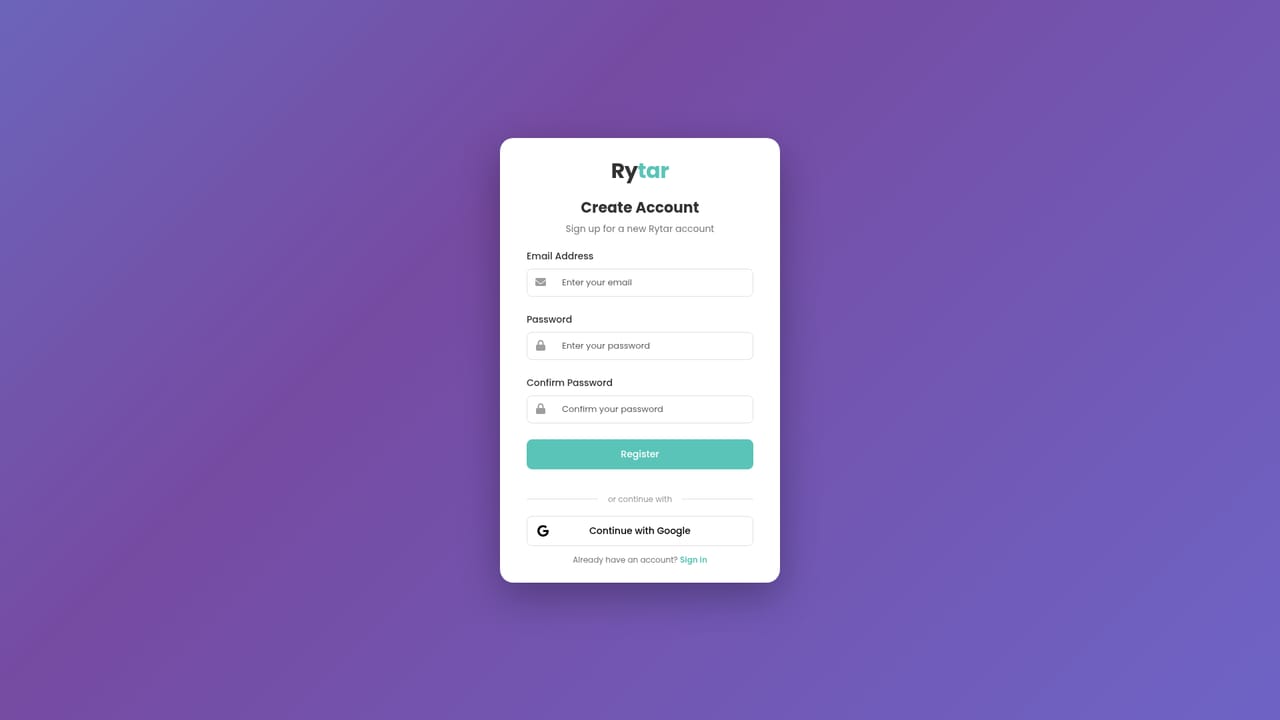
A free plan is available forever: 50 credits per month, one SERP-optimized article, and 10 tracked keywords, with no credit card required.
Learn moreFree plan with 50 credits, one AI article, and 10 tracked keywords. Paid tiers: Solo $9/mo, Starter $19/mo, Pro $39/mo, Agency $139/mo, with yearly billing saving 28%. Credits cover individual actions; article generation uses a separate quota.
Learn moreDrafts can be exported to WordPress, Webflow, or another CMS. No native integrations or API are listed on the homepage.
Keyword research, SERP-based content briefs, an AI SEO writer, heatmaps and session recordings, a content optimizer, site audits, backlink analysis, rank tracking, local SEO, competitor research, and LLM mention tracking on paid plans.
 AI Angels400+ customizable AI girlfriends for NSFW chat, voice calls, and roleplay
 Candy AIExperience the future of companionship with AI friends who chat, role-play, and connect with you on a human level.
 ourdream.aiA vast AI roleplay platform with millions of characters for chat, images, video and voiceAI Angels400+ customizable AI girlfriends for NSFW chat, voice calls, and roleplayCandy AIExperience the future of companionship with AI friends who chat, role-play, and connect with you on a human level.ourdream.aiA vast AI roleplay platform with millions of characters for chat, images, video and voice


