Support
The homepage links to a documentation site. No other support channels are stated.
Chat with AI to build websites, with a public docs hub and project dashboard
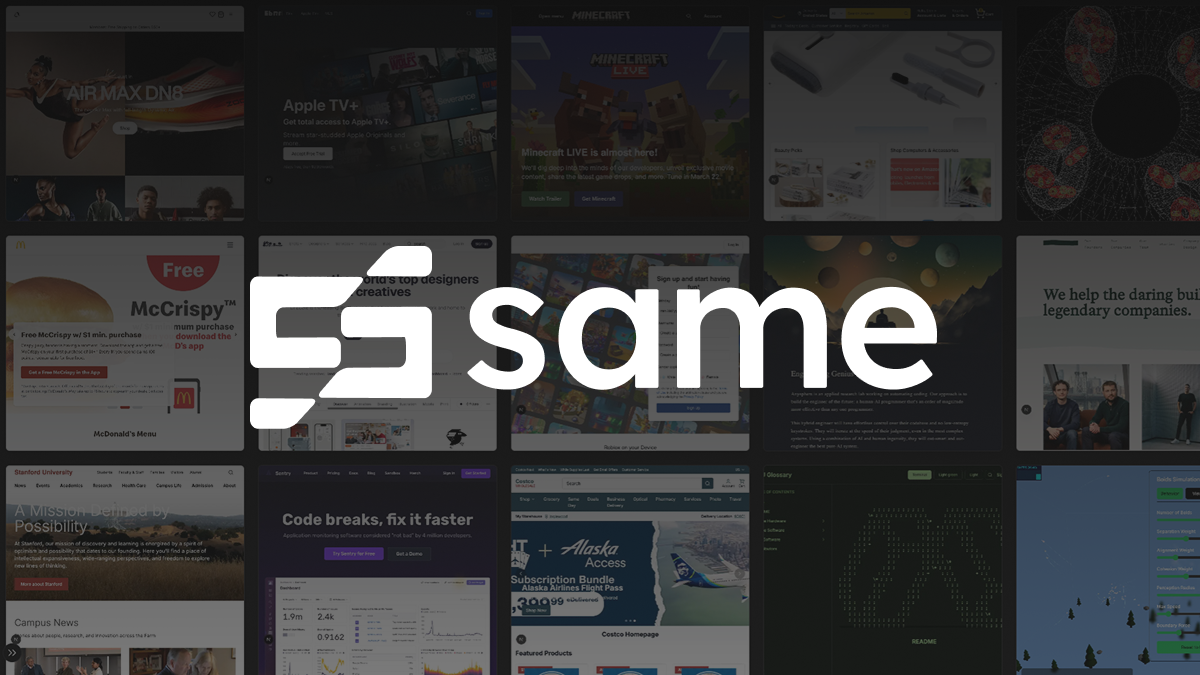
Same.dev is a coding tool that chats with AI to build websites, with a public docs hub and project dashboard. Same.dev is a chat-driven AI website builder. Users describe a site in a prompt, pick a model, and manage generated projects from an account dashboard, with documentation linked from the homepage.
Same.dev is a web-based AI website builder where the main interaction is a chat prompt. A visitor types a description of what they want, for example a recipe sharing platform with meal planning and a grocery list, and the tool generates a project from that request. The homepage frames the product around the idea of making anything by conversation rather than by assembling pages manually. The interface is minimal. A prompt box sits at the center of the landing page, with a model selector beside it (the visible example shows a model labelled gpt-6-sol). Account access is handled through sign up and log in links, and a projects area asks signed-in users to view what they have already created. A link to documentation is available at the top for people who want to learn how the workflow operates before committing to it. The homepage also displays a running counter of projects built with the service, which the page presents as a figure above ten thousand, though the exact number cannot be confirmed from the static content. In practice the workflow suits people who can describe an idea in plain language but do not want to write the front end from scratch. Founders sketching a prototype, designers testing a concept, and developers who want a quick starting point can all use a prompt as the entry point and then refine the result through follow-up messages. The homepage does not spell out export options, deployment targets, hosting details or code ownership, so buyers who care about those points should confirm them in the docs before relying on the tool for production work. Among alternatives, Same.dev sits in the crowded group of prompt-to-app and prompt-to-site builders. It competes with chat-driven coding assistants and with traditional drag-and-drop website builders. Its pitch is simplicity: one prompt field, a choice of underlying model, and a project list. Pricing, integrations and support channels are not described on the homepage, so a detailed comparison requires reading the documentation or signing up.
The homepage links to a documentation site. No other support channels are stated.
Chat-based website generation from a text prompt, a selectable AI model, a personal projects area for signed-in users, account sign up and login, and a documentation site linked from the header.


