Free trial
A free account is offered with no credit card required, limited to 1 lifetime AI creation and 1 upload rather than a time-boxed trial.
Learn moreTurn your own PDFs and recordings into lectures, decks and flashcards

Scholarly is an academic research tool that turns your own PDFs and recordings into lectures, decks and flashcards. A source-grounded workspace that converts PDFs, recordings and websites into narrated video lectures, slide decks, podcasts, flashcards, quizzes, 3D models and cited research deliverables.
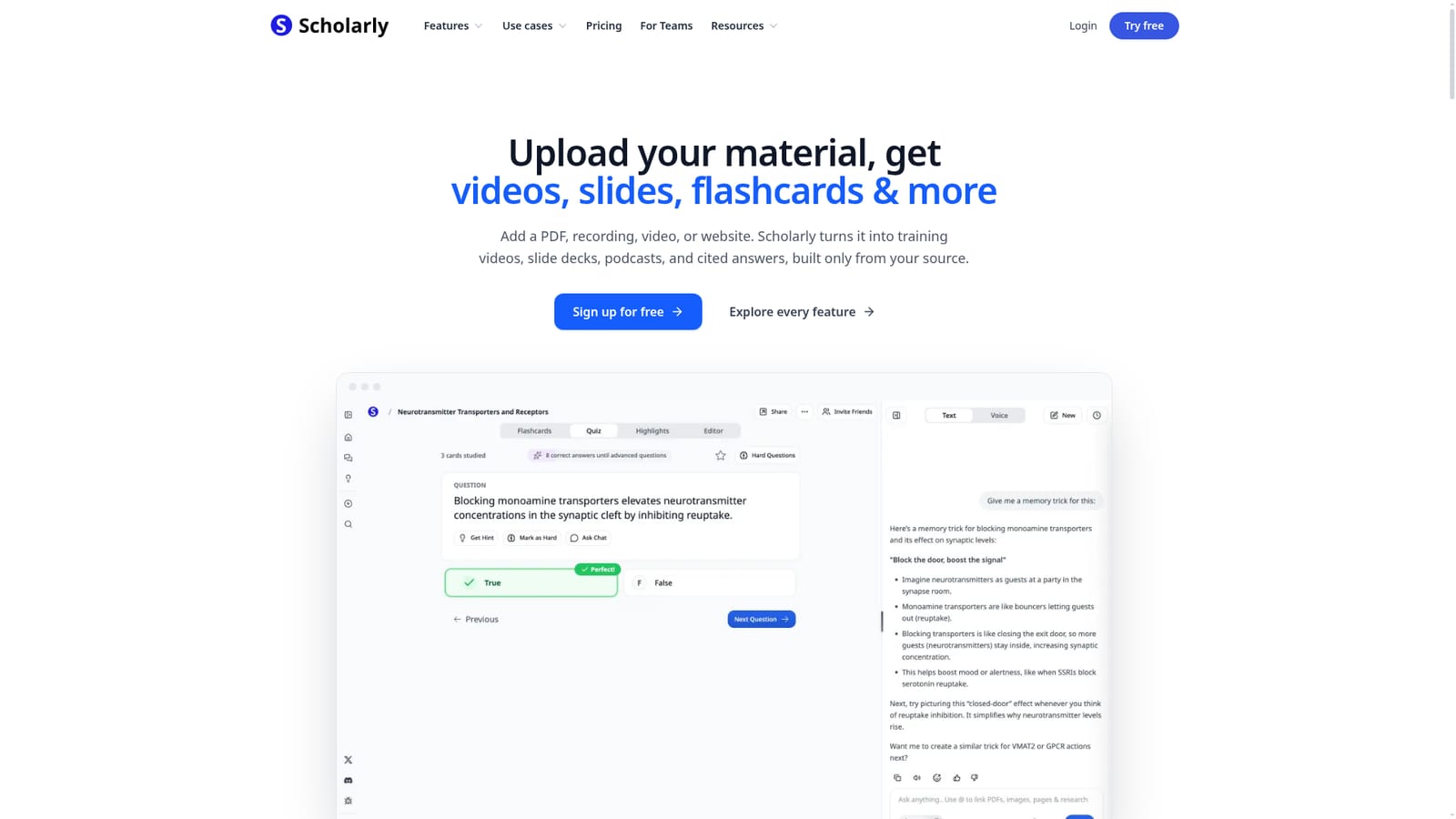
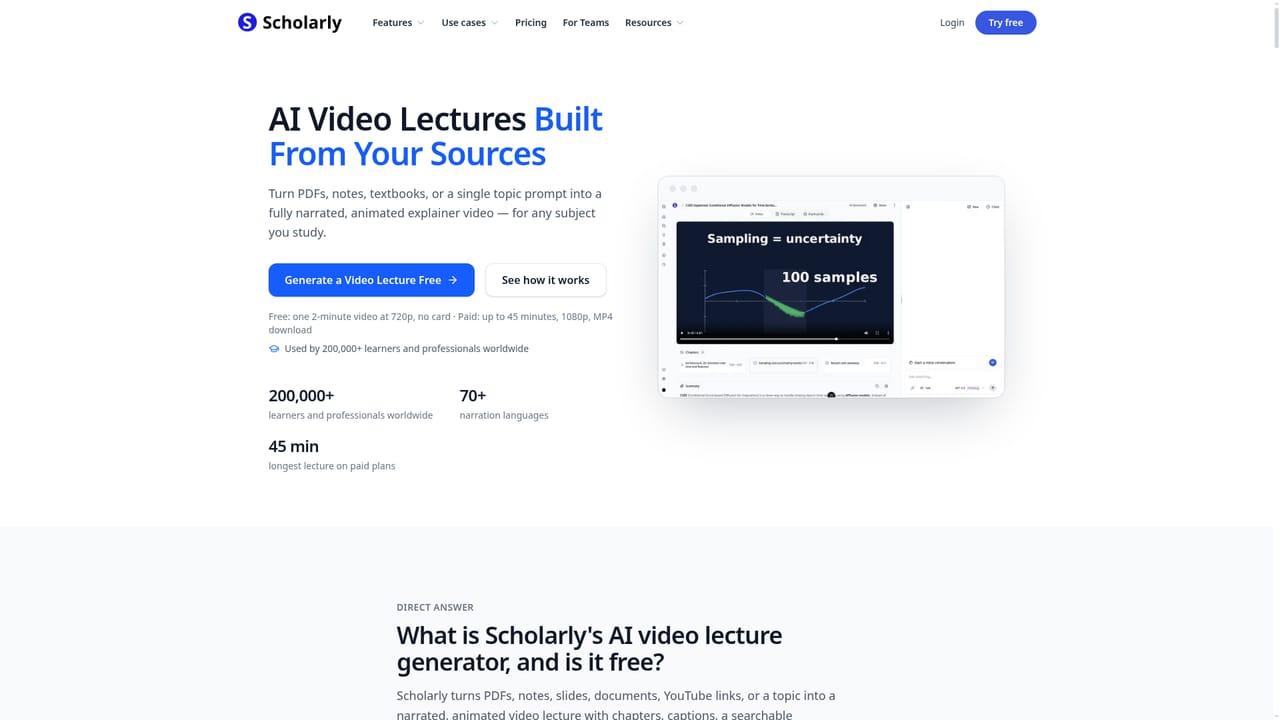
Scholarly is a study and knowledge workspace that takes material you already own (a PDF, a recording, a video, a website) and converts it into learning artifacts: narrated video lectures, slide decks, podcasts, flashcards, quizzes, infographics, 3D models and cited answers. The core promise is narrow and consistent. Every output is built only from the uploaded source, and the source stays attached to the artifact so you can trace claims back to the page they came from. The company reports more than 200,000 users. The feature set splits into three habits. Retention covers flashcard generation from any file type, spaced repetition scheduling, timed practice exams and the option to challenge an answer key you believe is wrong and have it rechecked against the source. Visual learning covers video lectures that can run in Freestyle (the AI picks the format), Standard, Illustrated, Short or Manim Math Animation, with chapters, captions, transcripts, chat and pause-to-quiz checkpoints, plus paid export to Anki and PDF for decks. Research covers a source-grounded assistant with a Sources button on every answer and a deliverable mode that returns a brief, comparison table, cited report or slide deck, with a preference for journals, handbooks, news or government material. In practice the workflow is upload first, then choose an output. A student drops a lecture PDF and asks for flashcards, then sits a practice exam. A consultant attaches reports and requests a cited brief. The same chat thread follows you across Home, an open PDF and a project, and history keeps past conversations. Because outputs are strictly grounded, the tool is a poor fit for open-ended brainstorming where no source exists. Competitively, Scholarly sits between single-purpose flashcard apps and general chat assistants. It bundles far more formats than a flashcard tool and enforces citation discipline that general assistants do not. Teams get a shared library, roles, activity reporting and per-model access controls, including EU-hosted options and a Zero Data Retention rule. The free tier is deliberately tight. One lifetime AI creation and one upload, no credit card required, so evaluation is quick but real testing requires a paid plan.
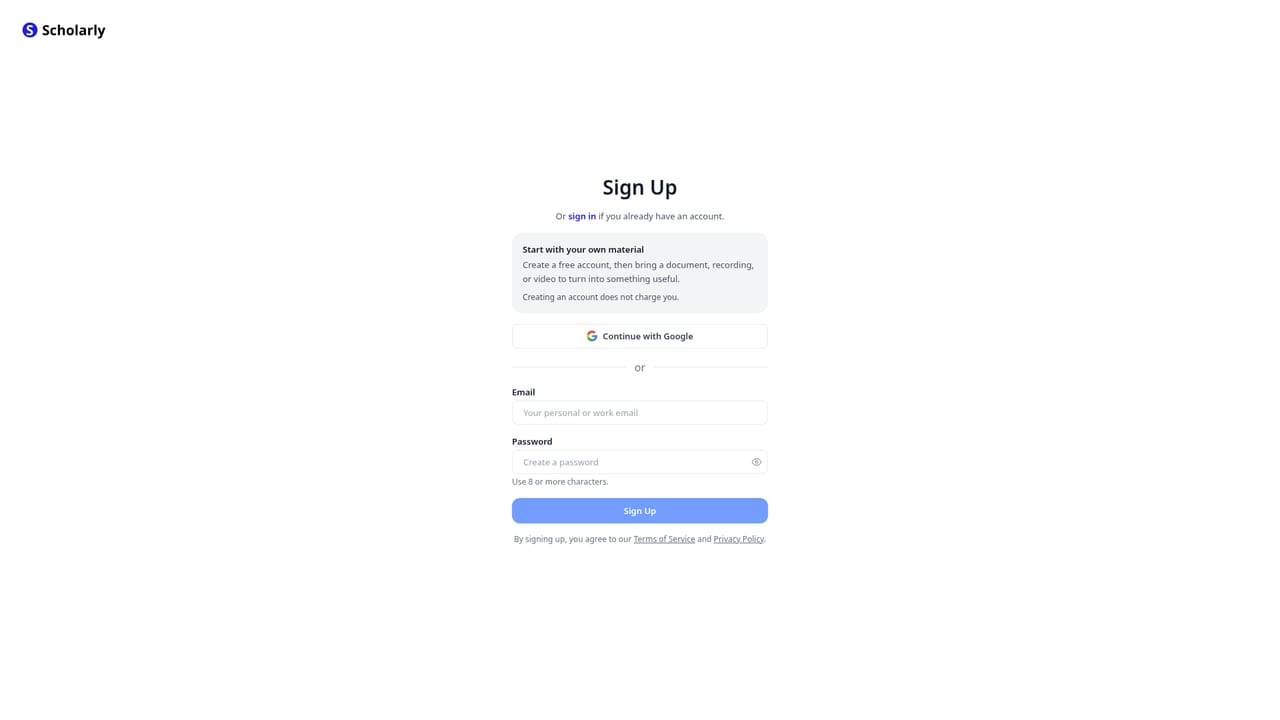
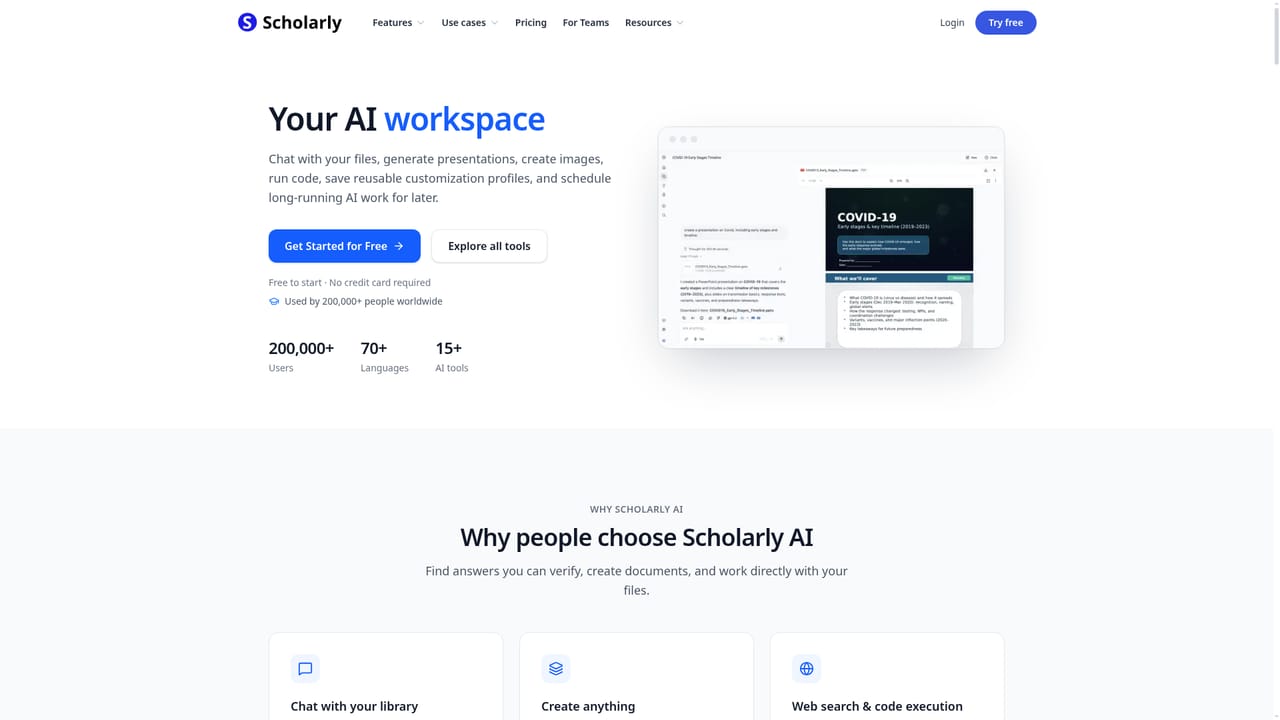
A free account is offered with no credit card required, limited to 1 lifetime AI creation and 1 upload rather than a time-boxed trial.
Learn moreFree tier: 1 lifetime AI creation and 1 upload, no credit card required. Paid plans are not itemised on the homepage, but team pricing is stated: Premium for Teams from $35 per seat per month for 1 to 29 seats self-serve, and Laureate for Teams from $110. Individual plan prices sit on the pricing page.
Learn moreExport paths are stated for specific outputs: flashcard decks to Anki and PDF on paid plans, and 3D models to PowerPoint, Keynote or a turntable video. Models are drawn from nine labs, including open-source and EU-hosted options.
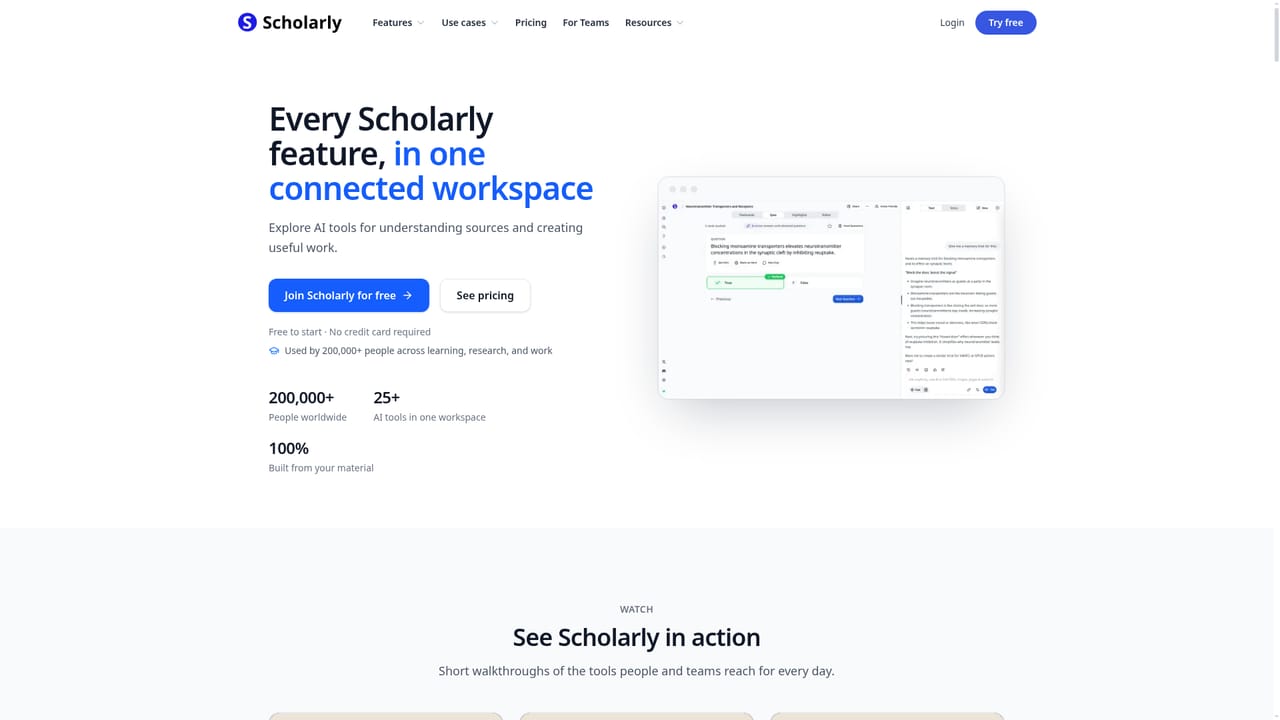
Around 25 tools in one workspace: flashcards with spaced repetition and practice exams, narrated video lectures in Freestyle, Standard, Illustrated, Short and Manim Math Animation designs, PDF chat, podcasts, slides, meeting notes, summaries, infographics, 3D models from documents, deep research deliverables, and a source-grounded assistant with verified citations.
Learn more AI Angels400+ customizable AI girlfriends for NSFW chat, voice calls, and roleplay
 Candy AIExperience the future of companionship with AI friends who chat, role-play, and connect with you on a human level.
 ourdream.aiA vast AI roleplay platform with millions of characters for chat, images, video and voiceAI Angels400+ customizable AI girlfriends for NSFW chat, voice calls, and roleplayCandy AIExperience the future of companionship with AI friends who chat, role-play, and connect with you on a human level.ourdream.aiA vast AI roleplay platform with millions of characters for chat, images, video and voice


