Free trial
A 7 day free trial is available after registration, plus a permanent free tier that needs no credit card and includes 2 document generations per day.
Learn moreAI drafting assistant for academic and biomedical papers
Own Science42:DORA? Verify ownership to get a dofollow link

Science42:DORA is an academic research tool. DORA is an AI drafting assistant for academic and biomedical writing that pairs 20+ document templates with selectable AI agents, PubMed and PMC reference search, and automatic in-text citations. Free tier, paid plans and an open source self-host option.
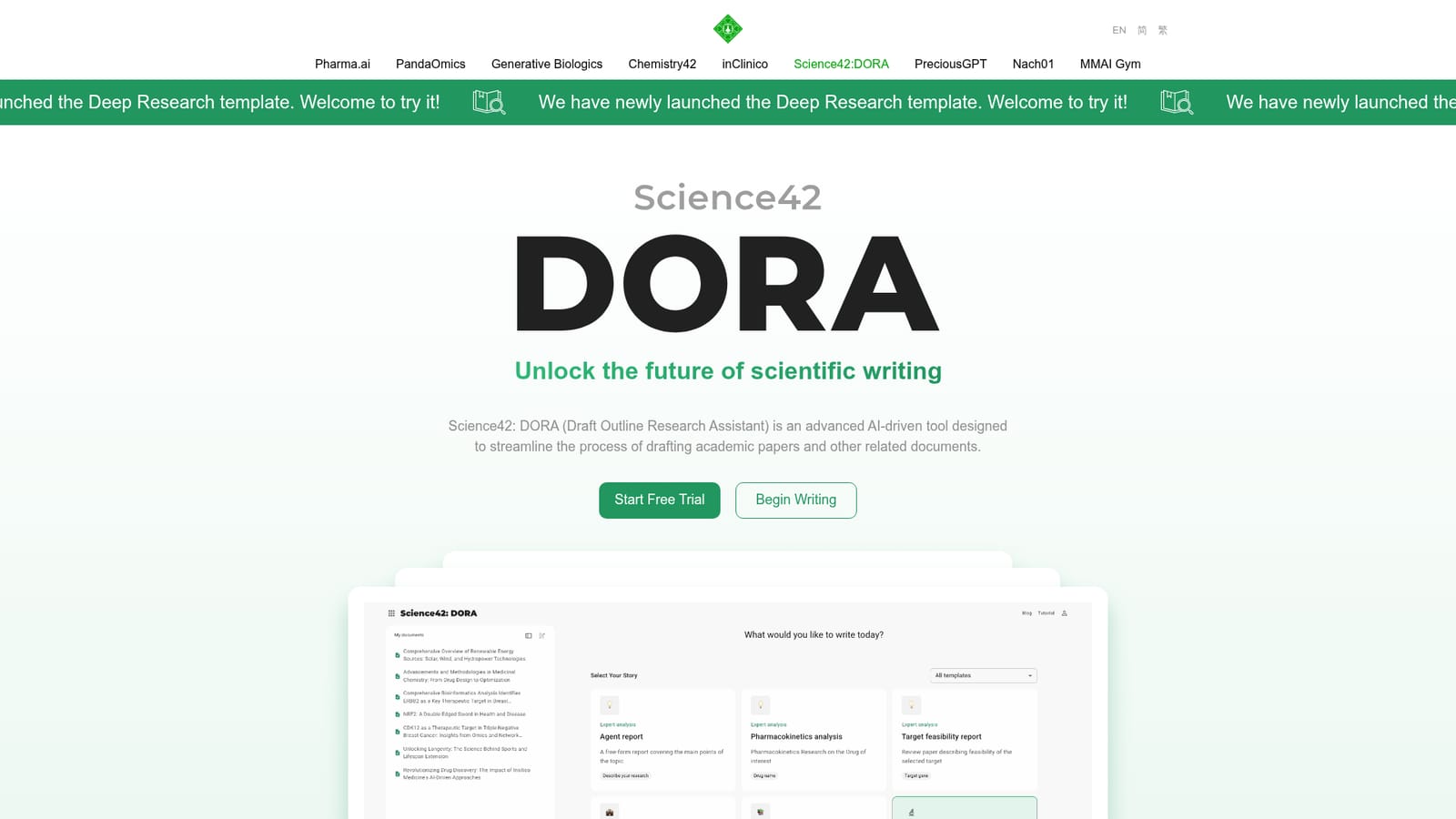
Science42: DORA (Draft Outline Research Assistant) is an AI writing system built around a specific claim: that academic drafts can be assembled faster without losing citations or structure. The homepage positions it for research articles, review papers, essays, conference abstracts, patents, grant proposals and press releases, with a template library of 20 or more document types that come pre-configured with sections. In practice, DORA is less a chat box and more a guided pipeline: a user picks a template, states an objective, uploads PDFs or their own results, selects which AI agents should gather data, adjusts a generation plan, and lets the tool produce a full draft with the agents' work shown along the way. The research layer is where the product differentiates. DORA can query scientific repositories including Arxiv, BioRxiv, MedRxiv, PMC and PubMed, alongside biomedical resources such as PDB, GEO, STRING, HPA and clinical trial data. Two Insilico Medicine assets are wired in as optional agents: PandaOmics for gene-disease association analysis and P3GPT for geroprotector research. A Reference Finder adds citations to highlighted text, and an included AI review agent produces structured feedback before submission. Diagram generation covers flowcharts, state, timeline and sequence visuals, and the Deep Research template targets referenced topic analyses. Academics, PhD students and postdocs are the obvious audience, but the product also courts biomedical researchers, labs and general business teams writing reports or press releases. Enterprise users get custom templates, multi-user access and priority support, while developers can self-host DORA from GitHub using their own LLM API keys and Docker images. The free tier is a genuine trial rather than a demo: two document generations per day, five Deep Research uses per month and three daily uses across the other AI tools. On data handling, the site states that user documents and uploads are not used to train models, that content is not shared with third parties, and that authors keep rights to their work. It is a desktop browser experience only, with no mobile app.
A 7 day free trial is available after registration, plus a permanent free tier that needs no credit card and includes 2 document generations per day.
Learn moreFree tier with 2 document generations per day and 5 Deep Research uses per month. Professional is $17 monthly or $175 annual, Advanced $250 annual, both listed at 50 percent off, and Enterprise is quoted on contact. A self-host open source build is also offered.
Learn moreContact by email or schedule a call with the business development team; Enterprise plans include priority support. Self-host users rely on the GitHub repository.
Learn moreDraws on Arxiv, BioRxiv, MedRxiv, PMC and PubMed, plus biomedical resources including PDB, GEO, STRING, HPA and clinical trial data, with PandaOmics and P3GPT agents. Self-hosting uses your own LLM API keys.
20+ templates, 13 configurable AI agents, automatic in-text citations, PMC and PubMed reference finder, PDF uploads for custom bibliographies, diagram generation (flowchart, state, timeline, sequence), an AI review agent, and Deep Research.
 AI Angels400+ customizable AI girlfriends for NSFW chat, voice calls, and roleplay
 Candy AIExperience the future of companionship with AI friends who chat, role-play, and connect with you on a human level.
 ourdream.aiA vast AI roleplay platform with millions of characters for chat, images, video and voiceAI Angels400+ customizable AI girlfriends for NSFW chat, voice calls, and roleplayCandy AIExperience the future of companionship with AI friends who chat, role-play, and connect with you on a human level.ourdream.aiA vast AI roleplay platform with millions of characters for chat, images, video and voice


