Free trial
A limited trial is available and requires no card. It does not automatically renew, so it will not roll into a paid subscription.
Learn moreOne studio for the whole journey from logline to finished film
Own Screenwriting AI? Verify ownership to get a dofollow link
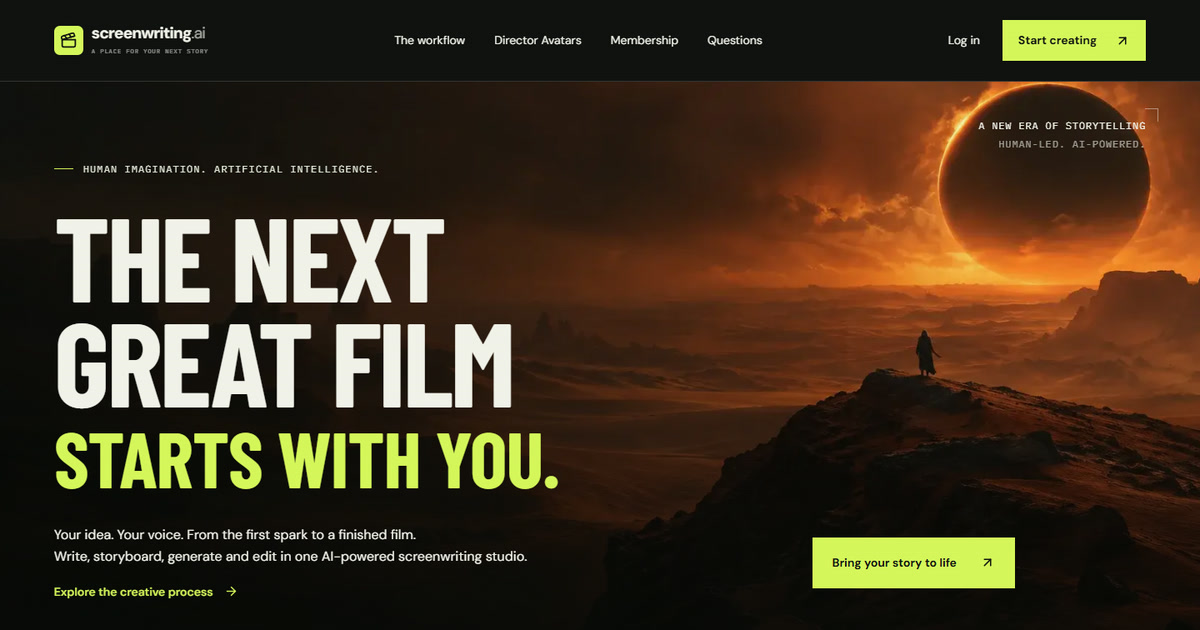
Screenwriting AI is a dialogue generator tool. An AI screenwriting studio that takes a film from premise to formatted script, storyboards, generated clips and a finished edit. Includes 47 writing tools, 19 Director Avatars inspired by famous filmmakers, Final Draft, Fountain and PDF export, and a timeline Film Editor in the browser.
Screenwriting.AI is a browser-based studio that carries a film idea from a rough premise through a formatted script, storyboards, generated footage and a final edit. It bundles 47 writing tools, 19 Director Avatars, a professional screenplay editor, storyboard generation, AI film clips with native sound at up to 1080p, and a timeline Film Editor under one roof. Export options cover PDF, Final Draft and Fountain, plus a finished MP4 for festivals or social channels. The pitch is human-led, AI-assisted. Writers keep authorship and voice while the tool handles structure, drafting speed and production busywork. Director Avatars (perspectives inspired by filmmakers such as Hitchcock, Nolan, Tarantino, Sofia Coppola and Charlie Kaufman) can outline a concept or talk a script through in a given storytelling register. In practice that makes the product useful for two audiences: screenwriters who mainly want a fast, format-correct drafting environment, and writer-directors or content creators who want to see their scenes as images and clips without leaving the app. Flow matters here. A project starts in the Concept stage with a logline and characters, moves into the screenplay editor with autosave and version history, then passes to storyboards with reference images that keep characters, locations and props consistent. Shot generation shows pricing before anything renders, and the Film Editor arranges and trims takes with music before export. Each stage hands the story to the next, so files do not bounce between apps. Compared with Word-based AI writing assistants, this is narrower (screenplays only) but deeper, since the output is already film-shaped. Compared with standalone AI video tools, it keeps the script as the source of truth. The main trade-off is a credit system: writing and media generation are metered separately, so heavier film work costs more than script work alone. The tool sits alongside conventional screenwriting software rather than fully replacing it, and its creators position it as a place to keep the story primary and the tools secondary.
A limited trial is available and requires no card. It does not automatically renew, so it will not roll into a paid subscription.
Learn moreThree monthly plans in USD: Writer at $29 (600 writing credits), Pro at $59 (1,800 writing credits plus 500 media credits) or $590 a year, and Studio at $99 (3,800 writing credits plus 1,500 media credits). Pro and Studio credits roll over while subscribed; top-up packs never expire.
Learn moreA support email address is published for questions about AI screenwriting, and the site carries an FAQ covering ownership, credits and training data.
Scripts can be imported from Final Draft and other screenwriting apps, and exports support Final Draft, Fountain and PDF.
47 writing tools and 19 Director Avatars, a screenplay editor with autosave and versions plus PDF, Final Draft and Fountain export, storyboard frames with reference images, AI film generation with native sound up to 1080p, a timeline Film Editor, and 1080p MP4 export. Storyboards, film generation and the editor are on Pro and Studio.
 AI Angels400+ customizable AI girlfriends for NSFW chat, voice calls, and roleplay
 Candy AIExperience the future of companionship with AI friends who chat, role-play, and connect with you on a human level.
 ourdream.aiA vast AI roleplay platform with millions of characters for chat, images, video and voiceAI Angels400+ customizable AI girlfriends for NSFW chat, voice calls, and roleplayCandy AIExperience the future of companionship with AI friends who chat, role-play, and connect with you on a human level.ourdream.aiA vast AI roleplay platform with millions of characters for chat, images, video and voice