Free trial
A free account with no credit card required is available to start, and paid plans carry a 30 day money-back guarantee.
Learn moreNine AI studios for writing, images, voice and video, billed as one workspace.

Scribbyo is an AI chat bot tool. Scribbyo puts writing, image generation, voice, transcription, video and code into a single AI workspace with one credit balance and a tiered subscription ladder. Best suited to creators and content teams consolidating several single-purpose AI subscriptions.
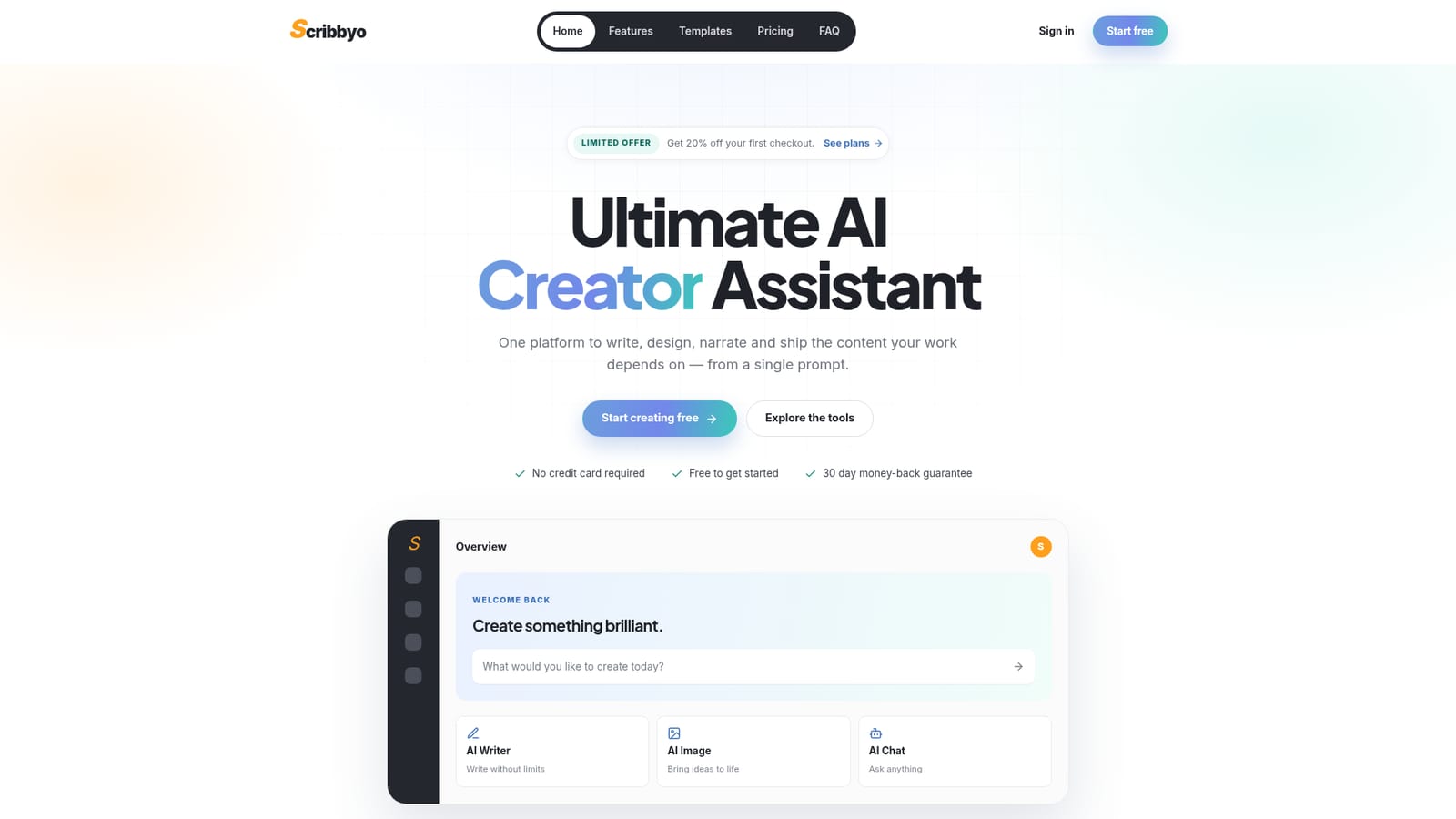
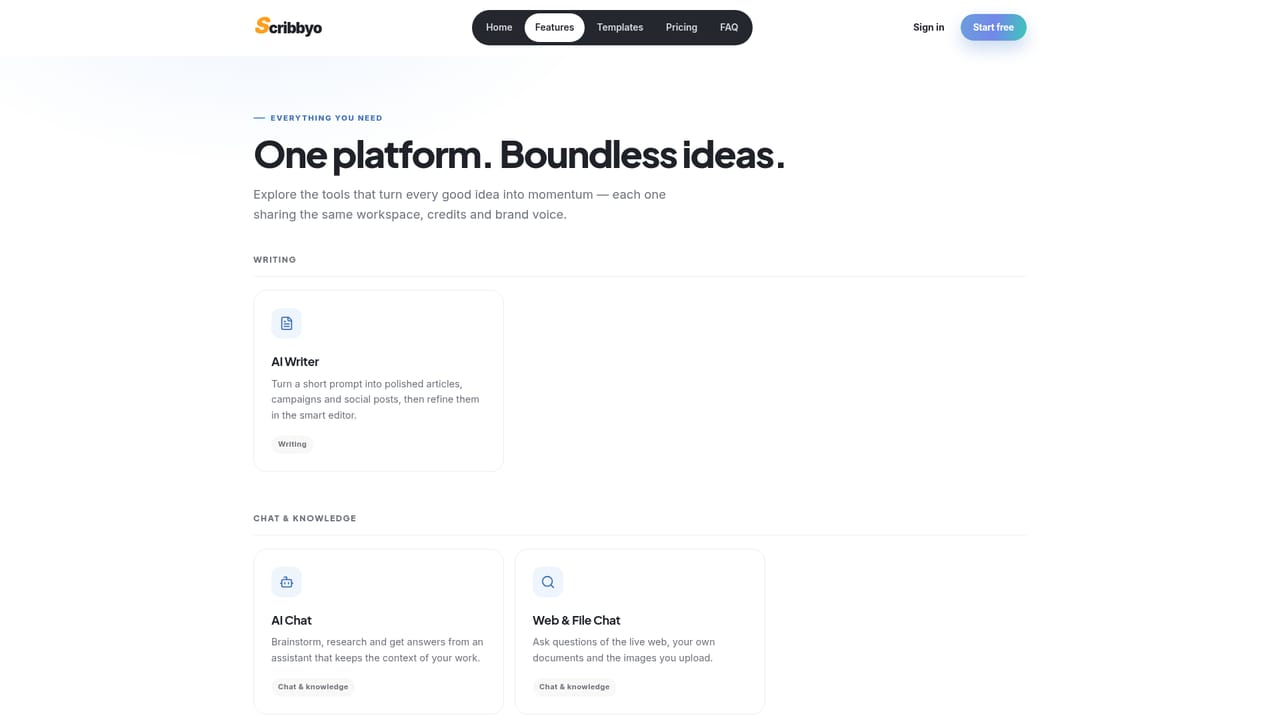
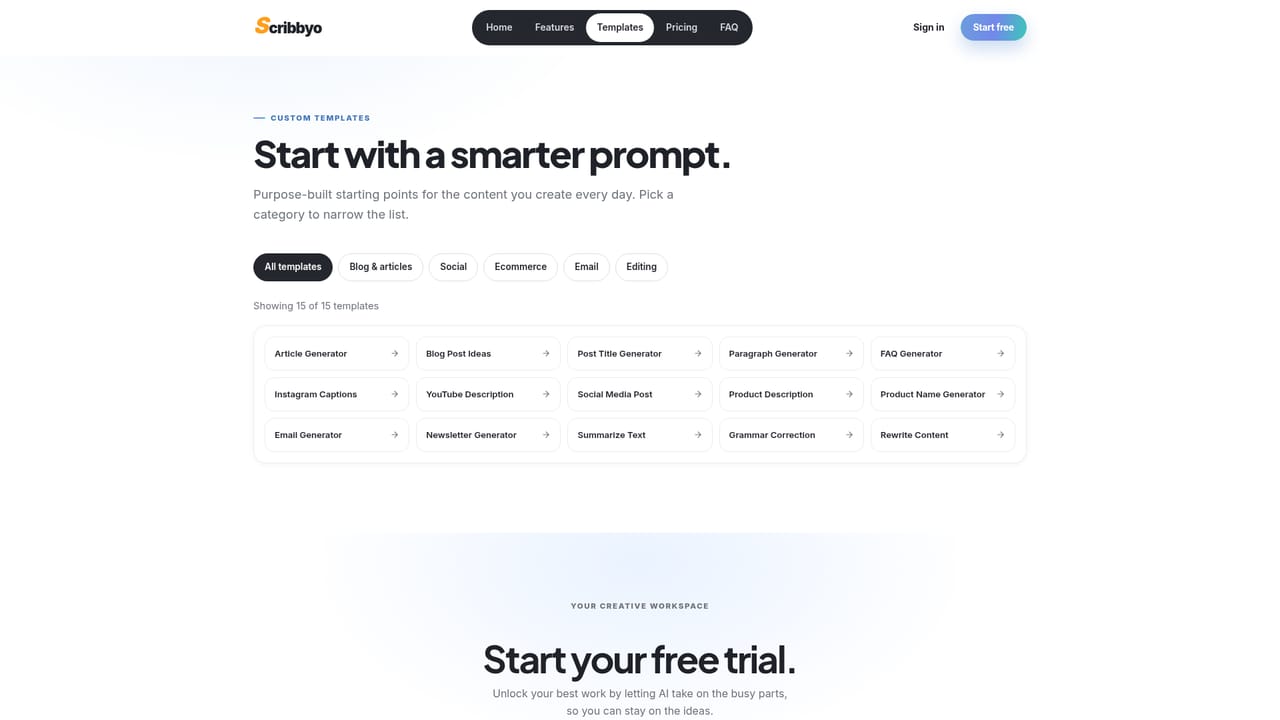
Scribbyo is an all-in-one AI creation platform that bundles nine separate studios under one account: an AI Writer, AI Image, AI Chat, AI Voice, AI Code, Web & File Chat, AI Video, AI Transcribe and an AI RSS tool. The premise is consolidation. Instead of paying for a writing tool, an image generator and a transcription service separately, Scribbyo pools them into one dashboard with a shared credit balance and what the company calls a single brand voice across every studio. In practice the writing side carries the most weight. A short prompt feeds an article, blog idea, social caption or newsletter template, and the draft lands in a smart editor for rewriting and export. Fifteen templates cover common jobs such as FAQ generation, YouTube descriptions and Instagram captions, and users can save their own reusable prompts plus custom chat bots. Beyond text, the image studio adds a palette of retouching options, the voice studio produces voiceovers and clones a signature voice, and transcription turns calls, interviews and podcasts into searchable text. The AI RSS tool watches chosen feeds and repackages each new item as publish ready content, which points at ongoing pipelines rather than one-off generations. The target audience runs from solo creators and freelance writers to content teams and agencies. The plan ladder reflects that: Explorer for individuals, Plus for teams with shared seats, and Pro for studios that need volume, custom models and API access. The comparison point is a stack of single-purpose subscriptions, and Scribbyo wins on convenience and billing rather than depth in any one vertical. WordPress users get a publishing bridge, but there is no sign of broad third party integrations beyond that and the API on the top tier.
A free account with no credit card required is available to start, and paid plans carry a 30 day money-back guarantee.
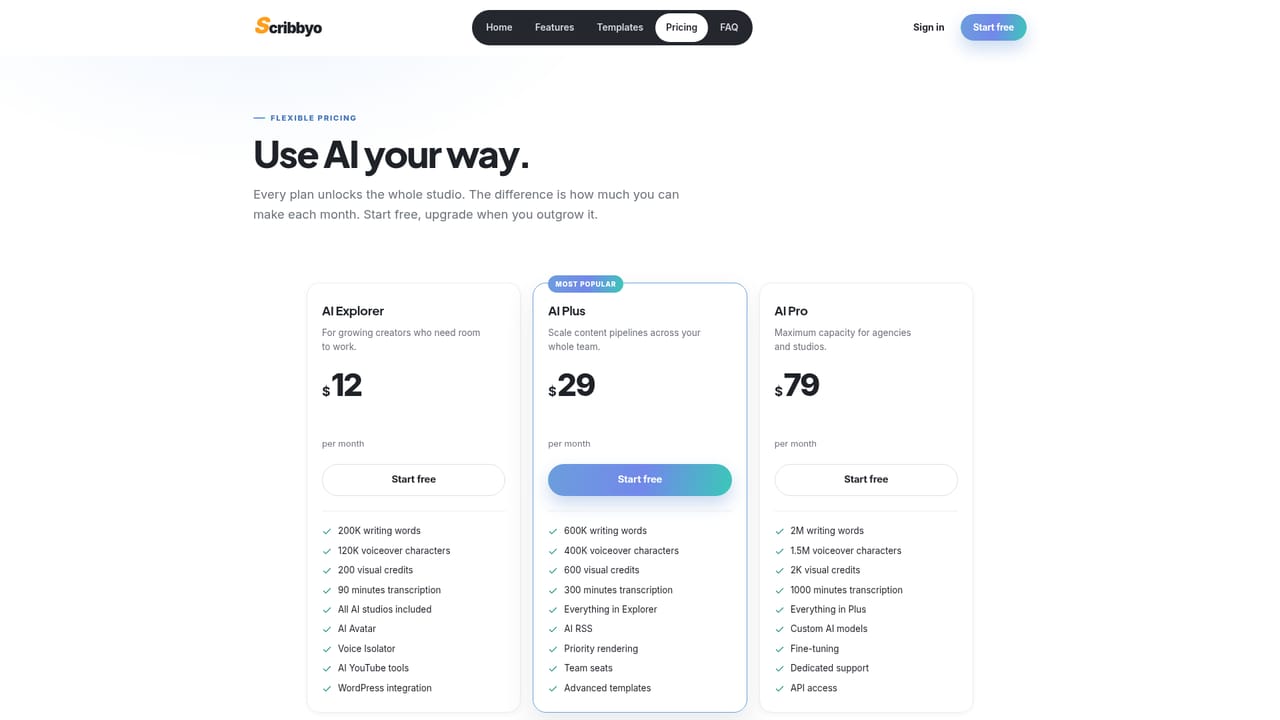
Learn moreThree monthly USD tiers, all unlocking the full studio. AI Explorer is $12 per month (200K writing words, 120K voiceover characters, 200 visual credits, 90 transcription minutes), AI Plus is $29 (600K words, 600 visual credits, 300 minutes, team seats, AI RSS), and AI Pro is $79 (2M words, 2K visual credits, 1000 minutes, custom models, API).
Learn moreA help centre with FAQs covers common questions, and the Pro plan adds dedicated support. All plans include a 30 day money-back guarantee.
Learn moreA WordPress integration is listed from the Explorer plan upward, and the Pro tier adds API access. No other third party integrations are named on the homepage.
Nine studios in one workspace: AI Writer with a smart editor, AI Image with retouching, AI Chat, AI Voice with voiceover and cloning, AI Code, Web & File Chat for documents and the live web, AI Video, AI Transcribe and AI RSS for automated feed-to-content pipelines. Fifteen templates, custom prompt templates and custom chat bots support the work.
Learn more AI Angels400+ customizable AI girlfriends for NSFW chat, voice calls, and roleplay
 Candy AIExperience the future of companionship with AI friends who chat, role-play, and connect with you on a human level.
 ourdream.aiA vast AI roleplay platform with millions of characters for chat, images, video and voiceAI Angels400+ customizable AI girlfriends for NSFW chat, voice calls, and roleplayCandy AIExperience the future of companionship with AI friends who chat, role-play, and connect with you on a human level.ourdream.aiA vast AI roleplay platform with millions of characters for chat, images, video and voice


