Free trial
Trials are offered periodically rather than continuously; when available, the terms are shown before checkout. No credit card is required to start.
Learn moreAI SEO agent that plans and writes articles from your URL

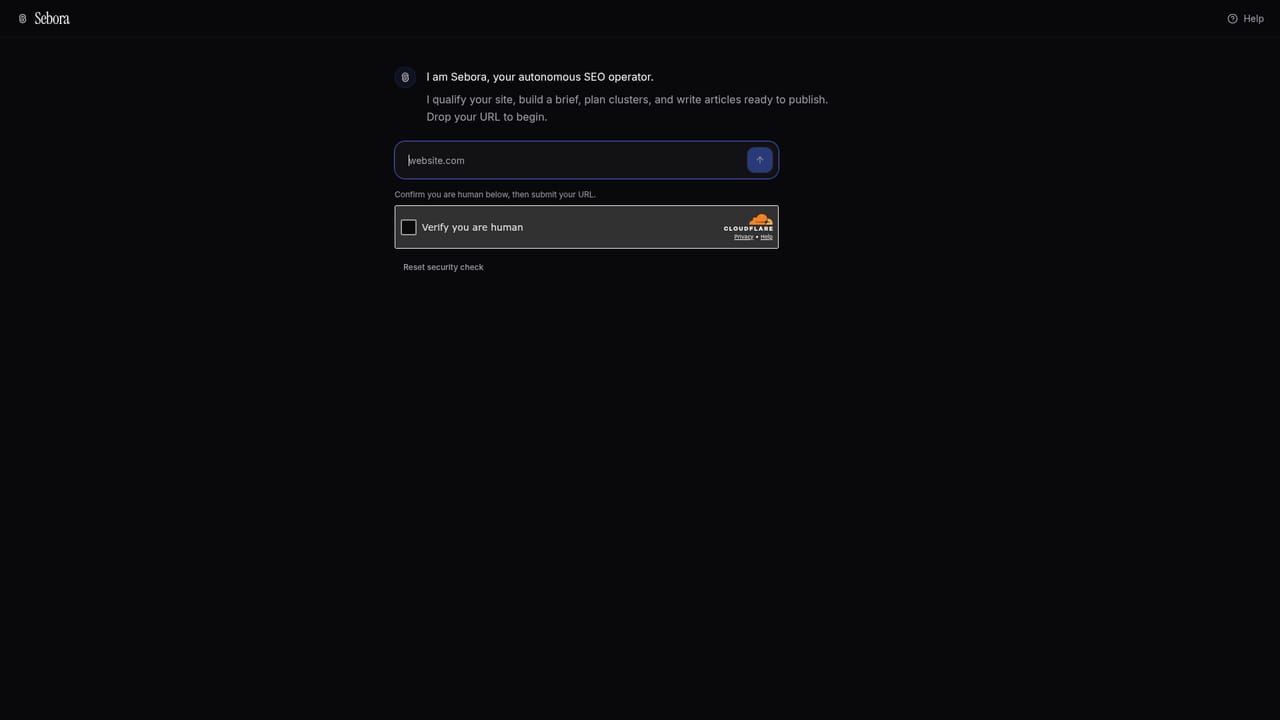
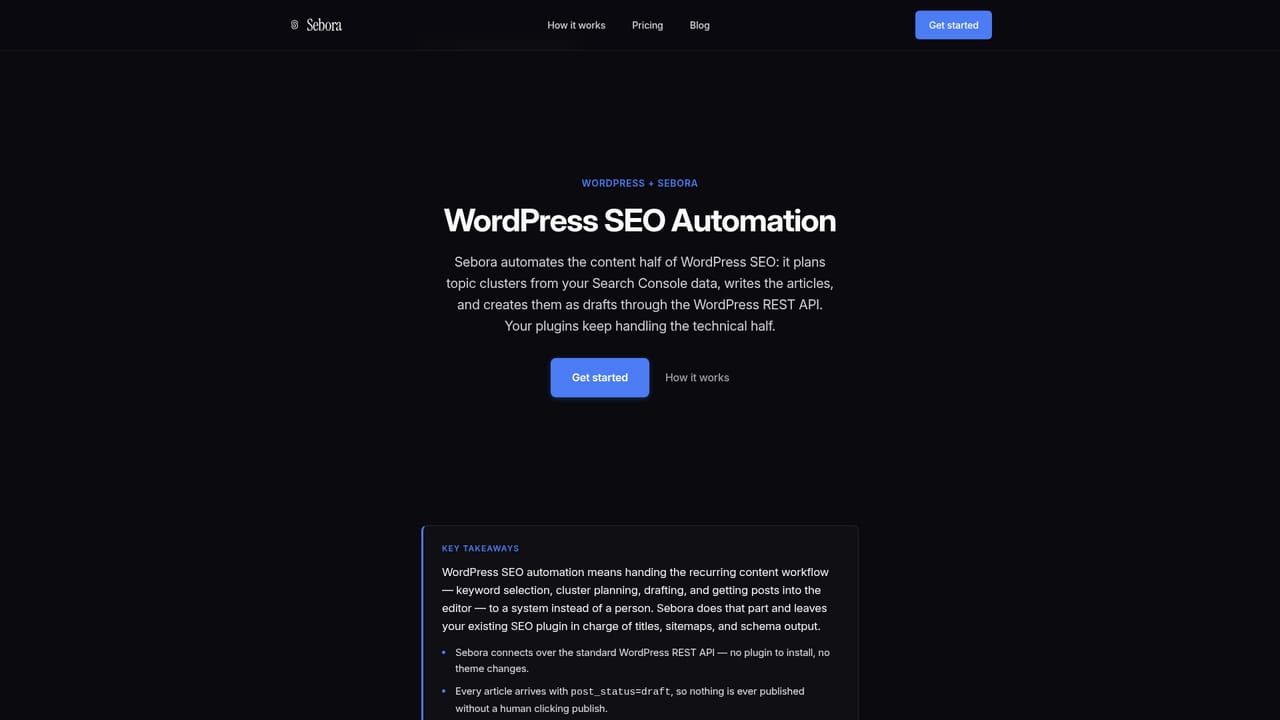
Sebora is an autonomous SEO agent that qualifies your site, builds a content plan from Search Console data, and writes ready-to-publish articles delivered as drafts to WordPress, Webflow, or Shopify. Aimed at founders and small teams who want to delegate content SEO with approval checkpoints.
Sebora is a delegated SEO agent designed for founders, small teams, and site owners who want content SEO handled end to end rather than turned into another dashboard to learn. The workflow starts with your URL: Sebora checks that the site is reachable and indexable, detects the CMS, and pulls a Google Search Console baseline covering top queries, top pages, and striking-distance opportunities. From there it generates a business brief capturing your ideal customer profile, positioning, and primary conversion goal. The core of the product is a deterministic content workflow rather than a chat interface. After the brief is approved, Sebora builds a topic cluster strategy from your actual search data, scoring clusters and target pages by priority and effort. You review and edit the plan, adding or removing topics before writing begins. Each article is then written section by section, typically 1,200 words or more, with title tags, meta descriptions, internal links, FAQ blocks, and Article plus FAQ JSON-LD schema. Drafts are pushed to WordPress, Webflow, or Shopify as drafts, or exported for manual handling. Sebora is aimed at people who would rather approve a plan than operate a keyword tool. That makes it a fit for bootstrapped founders, agencies handling several client sites, and content leads who need volume without hiring a writer. It sits in contrast to platforms that supply keyword dashboards and an AI writer and leave the workflow to you. Sebora positions itself as the system that runs the cycle and returns drafts, with approvals at the brief, the plan, and the CMS delivery stage. Guardrails are part of the pitch: Search Console access is read-only, CMS connections are draft-only, and nothing publishes without your approval. An optional human-in-the-loop add-on puts an editor on every article before delivery. The main trade-offs are that strategy and writing quality depend heavily on the GSC baseline, so sites without meaningful search history have less to work from, and the article budget is shared across all sites on the plan.
Trials are offered periodically rather than continuously; when available, the terms are shown before checkout. No credit card is required to start.
Learn morePlans start at $29 per month (billed annually at $278.40) for the Starter tier with one website and 8 articles per month. Growth is $49 per month (billed annually at $470.40) with five websites, 20 articles, and CMS draft delivery. Scale is $79 per month (billed annually at $758.40) with ten websites and 40 articles. Annual billing saves 20 percent. Human editor review adds $99 per month.
Learn moreSupport is handled through the product and the site's FAQ section, which covers subscription changes, cancellations, article revisions, and access controls. No dedicated support page or help centre is linked from the homepage.
Sebora delivers drafts directly to WordPress, Webflow, and Shopify. Other platforms are supported through manual export. Google Search Console is connected read-only for baseline data, and all CMS connections are draft-only.
Learn moreSite qualification (reachability, indexability, CMS detection), business brief generation, Google Search Console baseline with striking-distance opportunities, topic cluster strategy with priority and effort scoring, long-form article writing with SEO metadata, internal links, FAQ sections and Article plus FAQ JSON-LD schema, CMS draft delivery to WordPress, Webflow and Shopify, manual export, and optional human editor review.
Learn more AI Angels400+ customizable AI girlfriends for NSFW chat, voice calls, and roleplay
 Candy AIExperience the future of companionship with AI friends who chat, role-play, and connect with you on a human level.
 ourdream.aiA vast AI roleplay platform with millions of characters for chat, images, video and voiceAI Angels400+ customizable AI girlfriends for NSFW chat, voice calls, and roleplayCandy AIExperience the future of companionship with AI friends who chat, role-play, and connect with you on a human level.ourdream.aiA vast AI roleplay platform with millions of characters for chat, images, video and voice


