Free trial
Free signup with 5 AI credits and no card required, plus a tracker described as free forever.
Learn moreAn AI job search platform spanning resume, application and interview prep

Seekario is a career tool. Seekario bundles resume building, tailoring, ATS checking, cover letters, KSC responses, interview practice, LinkedIn optimization and an application tracker into one job search platform built on a single career profile.
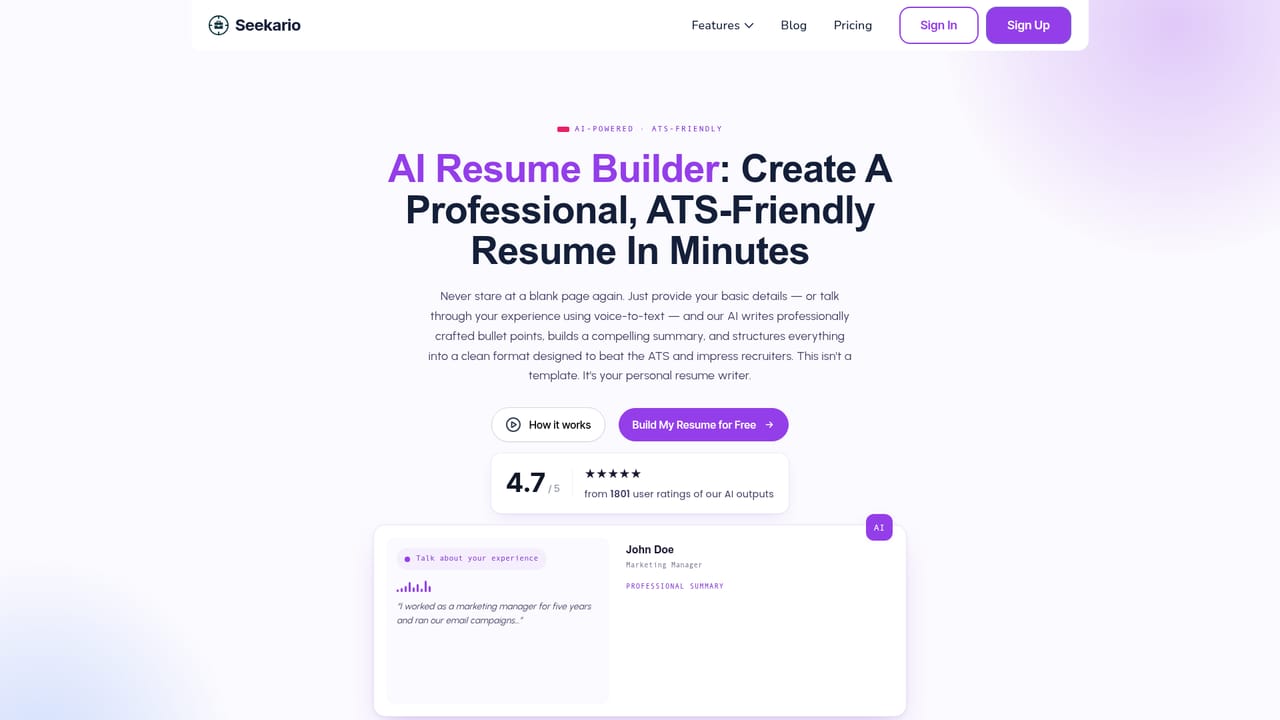
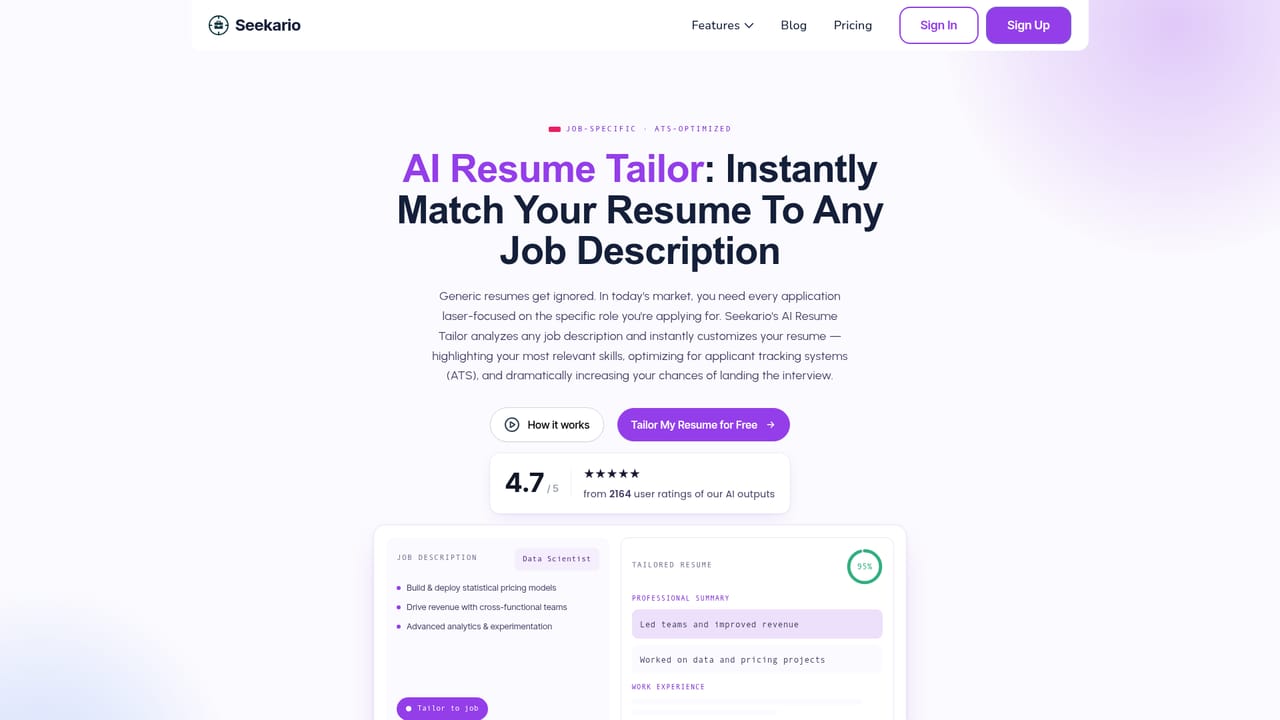
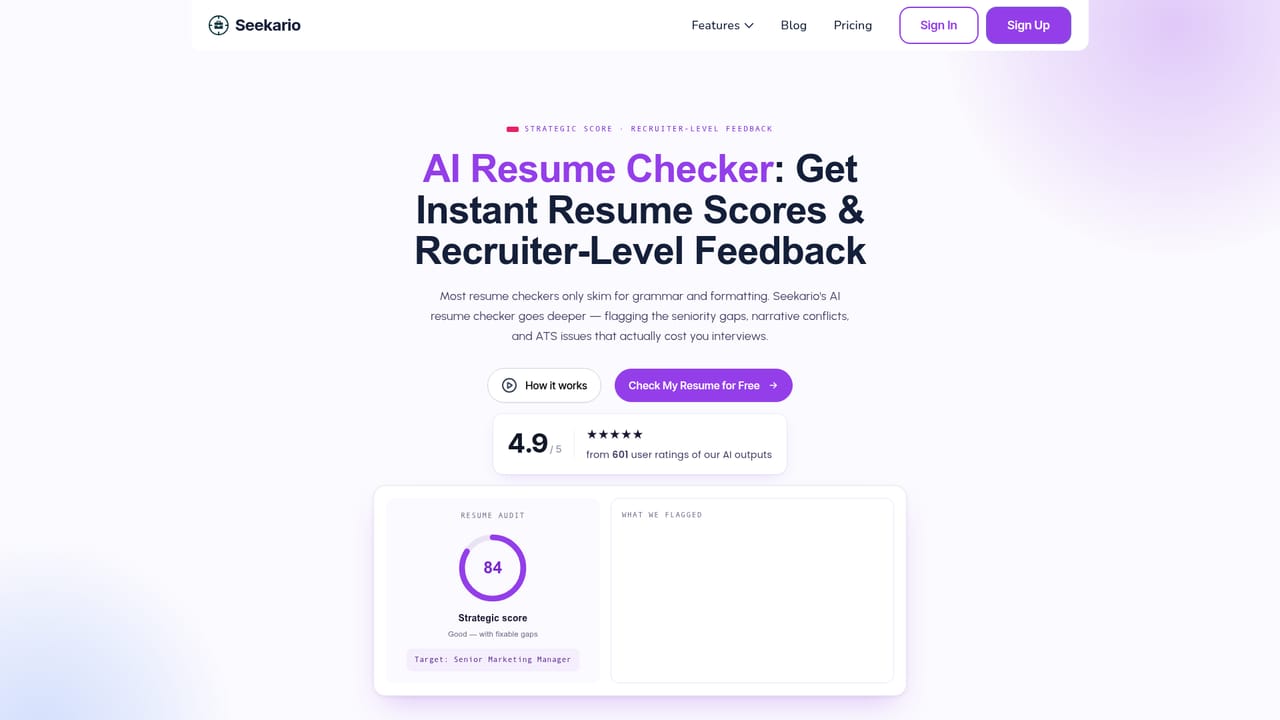
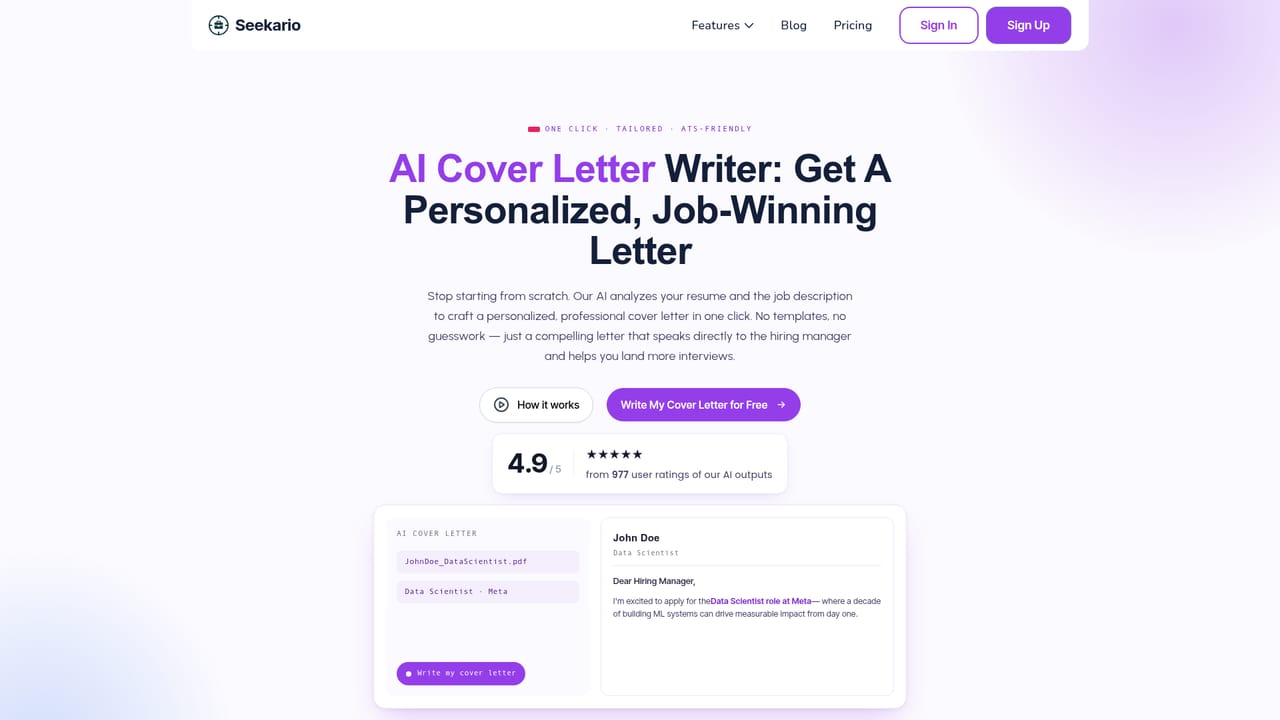
Seekario is a job search platform that organizes its tools around the sequence most applications actually pass through: the applicant tracking system parse, the recruiter skim, the shortlist, and the interview. Rather than a single general chatbot, it offers a separate assistant for each stage, from resume creation and tailoring through cover letters, LinkedIn profiles, extra practice and pipeline tracking. The stated aim is to make every document and answer specific to a named role instead of recycling generic advice. The core of the product is a career profile you build once, either by uploading an existing resume or entering details manually. That profile acts as the single source of truth, and every other tool draws on it. The Resume Builder produces an ATS oriented document, the Resume Tailor rewrites it against a pasted job description, and the Resume Checker (listed on the site as Resume Assess) returns an audit covering ATS readability, keyword coverage, impact statements and formatting. A cover letter generator and a KSC response writer that follows the STAR method cover the longer written pieces, with the latter aimed at government, university and corporate applications. An interview assistant generates role specific questions from your resume and the job ad, then gives feedback on your answers. Around those writing tools sit supporting features: a LinkedIn profile builder that converts resume content into a keyword optimized profile, a headshot generator that restyles a selfie for professional use, a networking assistant for outreach and follow up messages, and a kanban style application tracker that the site describes as free forever. The tracker holds statuses, contacts, tailored documents and deadlines in one dashboard. Seekario suits active job seekers running multiple applications at once, particularly people applying to structured or public sector roles where selection criteria and ATS screening matter. It competes with standalone resume scanners and AI writers by bundling them with tracking and interview practice. The site advertises 5 free AI credits with no card required, and support is reachable through a contact page.
Free signup with 5 AI credits and no card required, plus a tracker described as free forever.
Learn moreThe homepage states that no card is required, new users get 5 free AI credits, and the application tracker is free forever. No paid tier prices or credit costs are listed on the page.
Learn moreA contact page is provided for reaching the team; no other support channels are described on the homepage.
Learn moreTen tools cover the search end to end: Resume Builder, Resume Tailor, Resume Checker, Cover Letter Generator, KSC Response Writer, Interview Assistant, LinkedIn Profile Builder, Headshot Generator, Networking Assistant and a kanban Application Tracker. All draw on one central career profile so documents stay consistent across applications.
Learn more AI Angels400+ customizable AI girlfriends for NSFW chat, voice calls, and roleplay
 Candy AIExperience the future of companionship with AI friends who chat, role-play, and connect with you on a human level.
 ourdream.aiA vast AI roleplay platform with millions of characters for chat, images, video and voiceAI Angels400+ customizable AI girlfriends for NSFW chat, voice calls, and roleplayCandy AIExperience the future of companionship with AI friends who chat, role-play, and connect with you on a human level.ourdream.aiA vast AI roleplay platform with millions of characters for chat, images, video and voice


