Pricing
Pricing is flat monthly and based on the number of phone lines. The homepage states there are no hidden carrier fees or additional message segment costs. Exact plan prices are not listed.
Learn moreSend iMessage, SMS, and RCS from your CRM or API. No A2P registration.

Sendblue is an AI chat bot tool. Sendblue enables businesses to send iMessage, SMS, and RCS from their CRM or via REST API, with no A2P registration. It combines a shared inbox, workflow automation, and developer tools for building AI agents on iMessage.
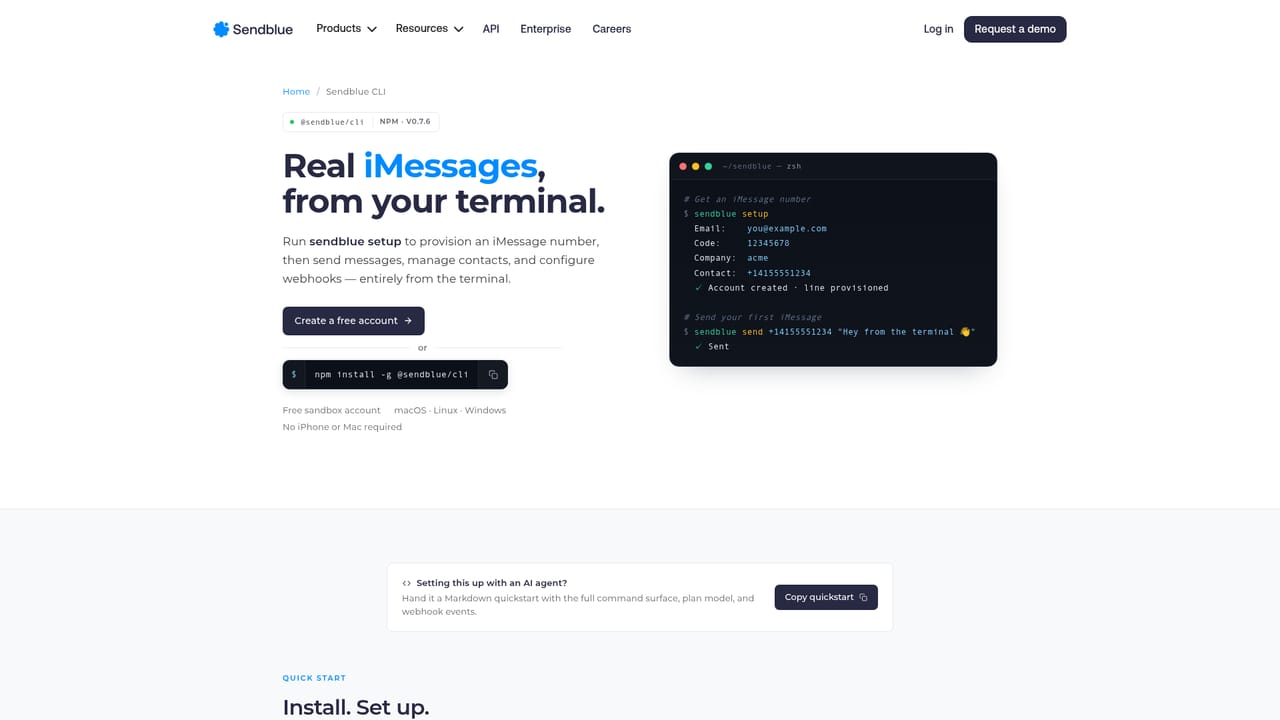
Sendblue is a business messaging platform that routes communication through iMessage rather than traditional SMS. It combines a shared team inbox, workflow automation, and a REST API so companies can reach customers on the channel many people check first. The pitch is straightforward: when a message arrives as a blue bubble instead of a green one, recipients treat it as personal correspondence rather than a bulk alert, which the company claims produces two to three times higher response rates than SMS. For sales teams, the product works as a layer on top of existing CRM tools. Reps send iMessages directly from Salesforce, HubSpot, or other connected systems, and incoming replies land in a shared inbox. Built-in features include a workflow builder, smart views, a power dialer, group chats, and support for voice memos, video, and high-resolution photos. Setup is quick: sign up, provision a phone number, and start sending. There is no lengthy A2P registration process, which removes roughly two to three weeks of carrier paperwork. Developers can use the same infrastructure to build AI agents on iMessage. The API lets you send and receive messages programmatically, and the CLI provides a way to provision numbers and deploy agents from the terminal. Examples on the site include a sales assistant that books meetings and a personal agent that can research flights and make bookings. The underlying message is that iMessage can serve as a conversational interface for AI, not just a sales channel. The platform is SOC 2 Type II certified and offers HIPAA-compliant plans, which matters for teams handling sensitive data. Pricing is flat per phone line, with no hidden carrier fees or message segment charges. The site reports over 20,000 businesses and more than 35,000 installs, with customers that include Bilt, ClickFunnels, and the U.S. Army. Support includes strategic account managers and vertical-specific frameworks through a service called The Blueprint. Sendblue competes less with traditional SMS gateways and more with the broader category of customer engagement platforms, distinguishing itself through the iMessage channel and a developer-friendly API.
Pricing is flat monthly and based on the number of phone lines. The homepage states there are no hidden carrier fees or additional message segment costs. Exact plan prices are not listed.
Learn moreSupport includes strategic account managers and access to The Blueprint, a collection of expert frameworks and vertical-specific insights. No public help center or documentation link is listed on the homepage.
Integrates with Salesforce, HubSpot, HighLevel, Close, Monday, Zapier, and Make. A Chrome extension provides click-to-dial and tracking from CRM systems.
Core features include a shared inbox for teams, workflow automation, smart views, a power dialer, group chats, and support for voice memos, videos, and high-resolution photos. A REST API and CLI enable building AI agents on iMessage. The platform avoids A2P registration and offers SOC 2 Type II certification with HIPAA-compliant plans.
 AI Angels400+ customizable AI girlfriends for NSFW chat, voice calls, and roleplay
 Candy AIExperience the future of companionship with AI friends who chat, role-play, and connect with you on a human level.
 ourdream.aiA vast AI roleplay platform with millions of characters for chat, images, video and voiceAI Angels400+ customizable AI girlfriends for NSFW chat, voice calls, and roleplayCandy AIExperience the future of companionship with AI friends who chat, role-play, and connect with you on a human level.ourdream.aiA vast AI roleplay platform with millions of characters for chat, images, video and voice


