
Support
A thumbs up or down rating and an optional feedback box on the chatbot page are the only feedback channels described.
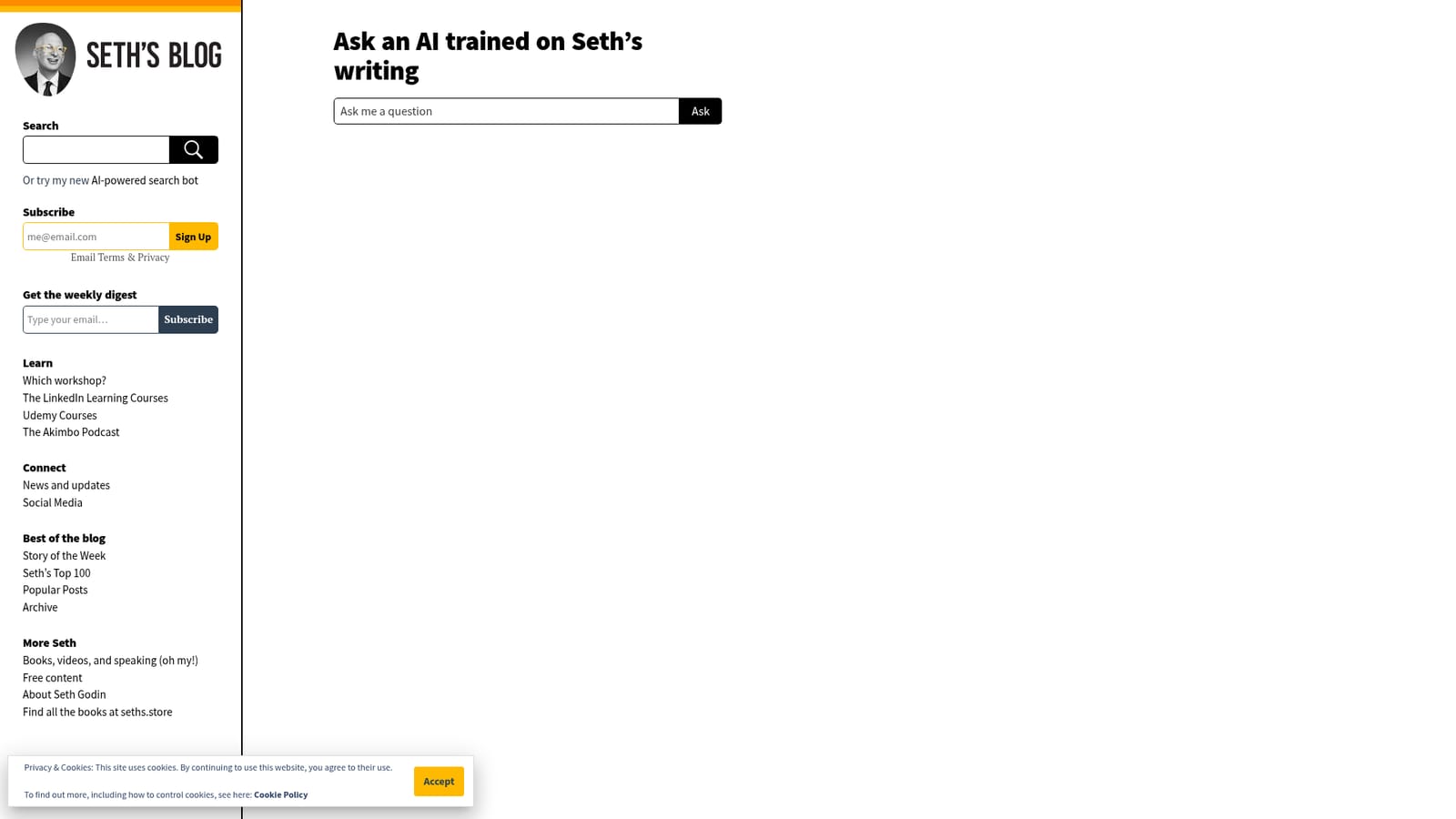
Ask questions and get answers shaped by Seth Godin's published writing
Own Seths Chatbot? Verify ownership to get a dofollow link
Seths Chatbot is an AI chat bot tool. A conversational tool on Seth Godin's blog that answers questions using an AI trained on his writing, with copy, rating and social sharing built into the page.
Seth's Chatbot is a small web tool that sits on Seth Godin's blog and lets readers hold a conversation with an AI model trained on his writing. Rather than browsing years of posts to find a particular idea, a visitor types a question into the prompt box and receives a reply delivered in Godin's voice and framed around the themes he returns to: marketing, tribes, shipping creative work, standing out, and the daily practice of making something. It is aimed squarely at readers of the blog, whether longtime subscribers or people who landed on a single post and want to explore further. In practical use the interface is minimal. A prompt field collects the question, the answer appears in the conversation window, and a copy button lets the reader lift the response into notes or a draft. A thumbs up and thumbs down pair with an optional feedback box records whether the answer landed, which suggests the responses are being tuned over time. The page also offers share links for X, Facebook and Mastodon, so a striking answer can be passed along without leaving the blog. It fits in the same slot as other author-specific chatbots: a way to query a body of published thought conversationally instead of searching archives. It is narrower than a general assistant and should not be treated as one. The tool reflects a single writer's perspective on a defined set of topics rather than a neutral reference source, and the site gives no indication of the model behind it, the size of the training corpus, or pricing. Readers curious about the ideas themselves are pointed toward the free blog subscription as the primary way to keep up.
A thumbs up or down rating and an optional feedback box on the chatbot page are the only feedback channels described.
A single prompt box for asking questions, an AI reply rendered in Seth Godin's voice, a copy response button, thumbs up and down rating with an optional feedback form, and share links for X, Facebook and Mastodon.
 AI Angels400+ customizable AI girlfriends for NSFW chat, voice calls, and roleplay
 Candy AIExperience the future of companionship with AI friends who chat, role-play, and connect with you on a human level.
 ourdream.aiA vast AI roleplay platform with millions of characters for chat, images, video and voiceAI Angels400+ customizable AI girlfriends for NSFW chat, voice calls, and roleplayCandy AIExperience the future of companionship with AI friends who chat, role-play, and connect with you on a human level.ourdream.aiA vast AI roleplay platform with millions of characters for chat, images, video and voice


