Free trial
A free signup is offered on the homepage and the site also runs a separate enterprise trial request form for teams that want a demo first.
Learn moreRecord meetings, then turn them into AI roleplays, courses and coaching

Shiken is a courses tool that records meetings, then turn them into AI roleplays, courses and coaching. Shiken records meetings (with or without a bot), turns calls and documents into AI roleplays, quizzes, courses and slides, then coaches learners with scored feedback and delivers practice through Slack, Teams or an LMS.
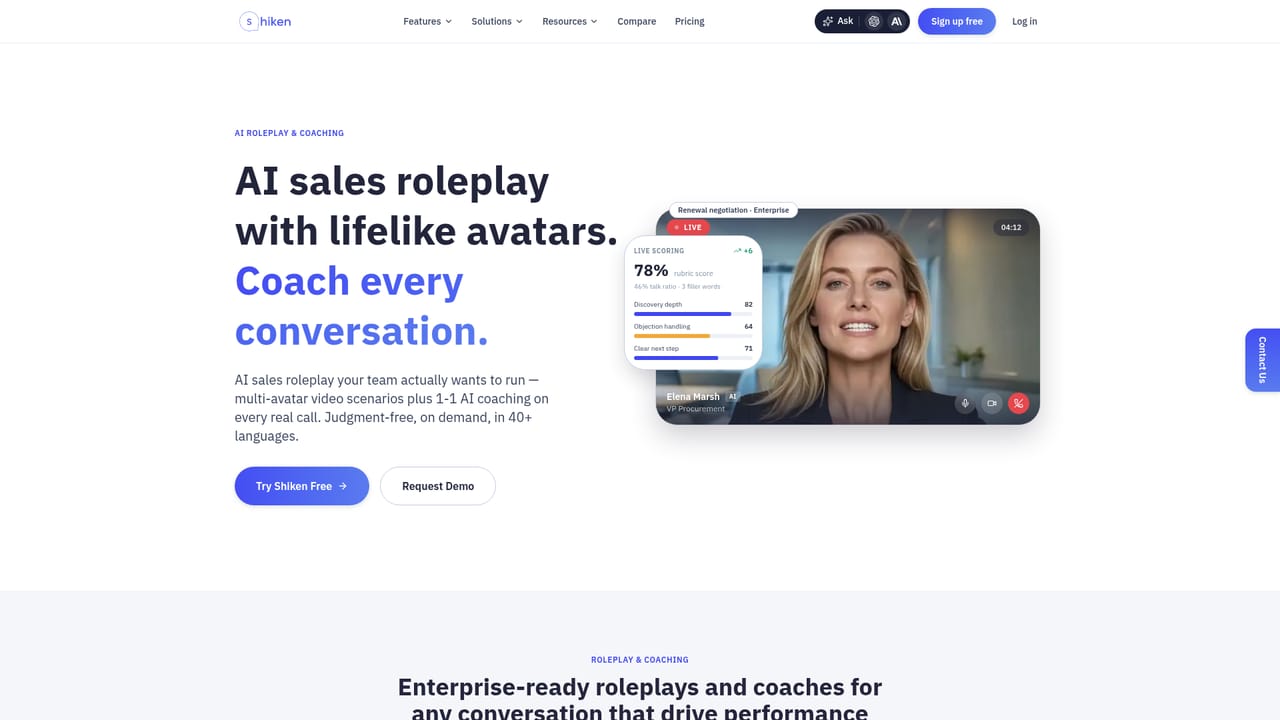
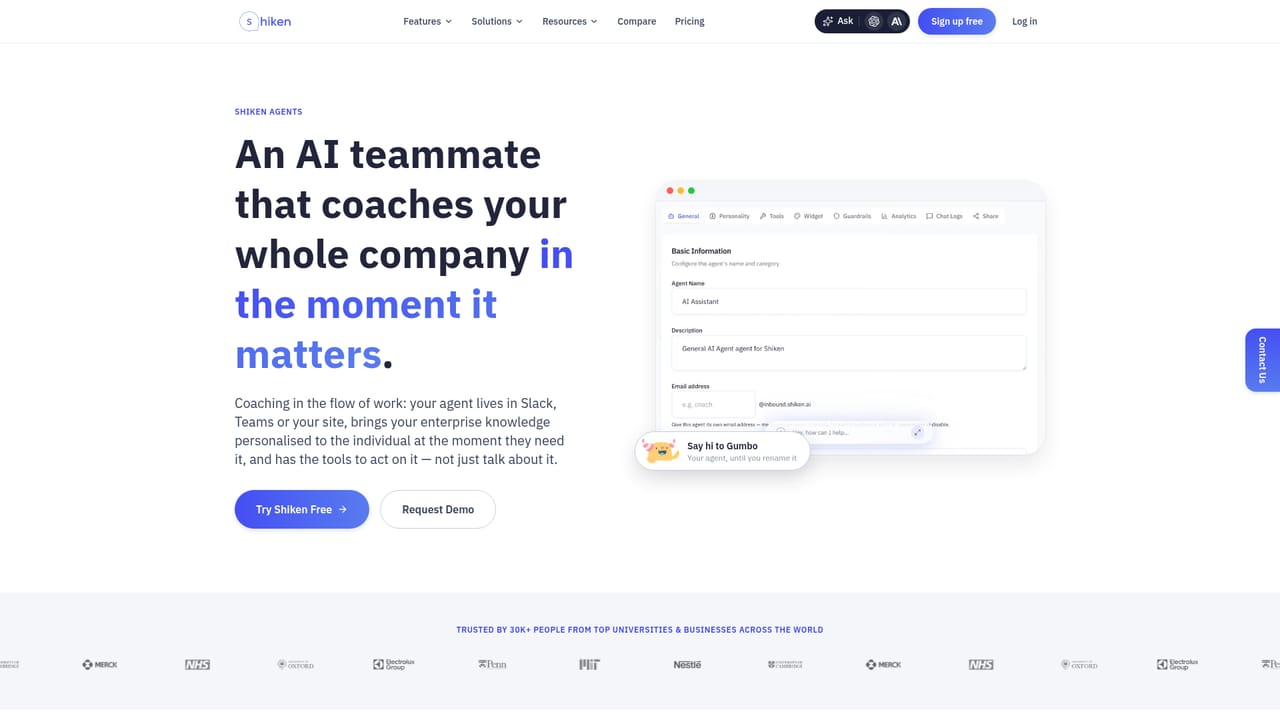
Shiken is a work learning platform built around one pipeline: capture a conversation, reshape it into training material, then coach people against it. The recorder runs with or without a meeting bot and covers calendar calls as well as in-person audio, and the same intake accepts PDFs, documents, YouTube links and web pages. Everything captured feeds a knowledge base that the product's agents can query later. From any source, Shiken generates summary notes, question sets, quizzes, video courses, slide decks, sales proposals, book summaries and AI roleplays. The roleplays are the centerpiece: a lifelike AI character plays a stakeholder, line manager, clinician, customer contact or frontline colleague, listens, answers and pushes back, then scores the learner against a rubric. Scenarios run in more than 40 languages and are available on demand, which makes them useful for sales certification, onboarding and clinical or compliance rehearsal where a human roleplayer would be expensive or slow. Delivery happens where teams already work. Shiken agents connect to a calendar, record automatically, and push microlearning, coaching nudges and briefings into Slack, Teams or an LMS, with CRM sync, team folders and public share links for the outputs. An analytics layer reports active users, average scores, completion and compliance rate, so L&D and enablement leads can see which skill gaps remain. The product suits revenue enablement teams and people performance functions at larger organisations (the site cites MIT, NHS, Merck and Nestlé among users), and it also has a consumer-facing mode for individual practice and language learning. It overlaps with meeting notetakers, quiz builders and roleplay simulators, so buyers already committed to one of those tools should weigh whether consolidation is worth the migration.
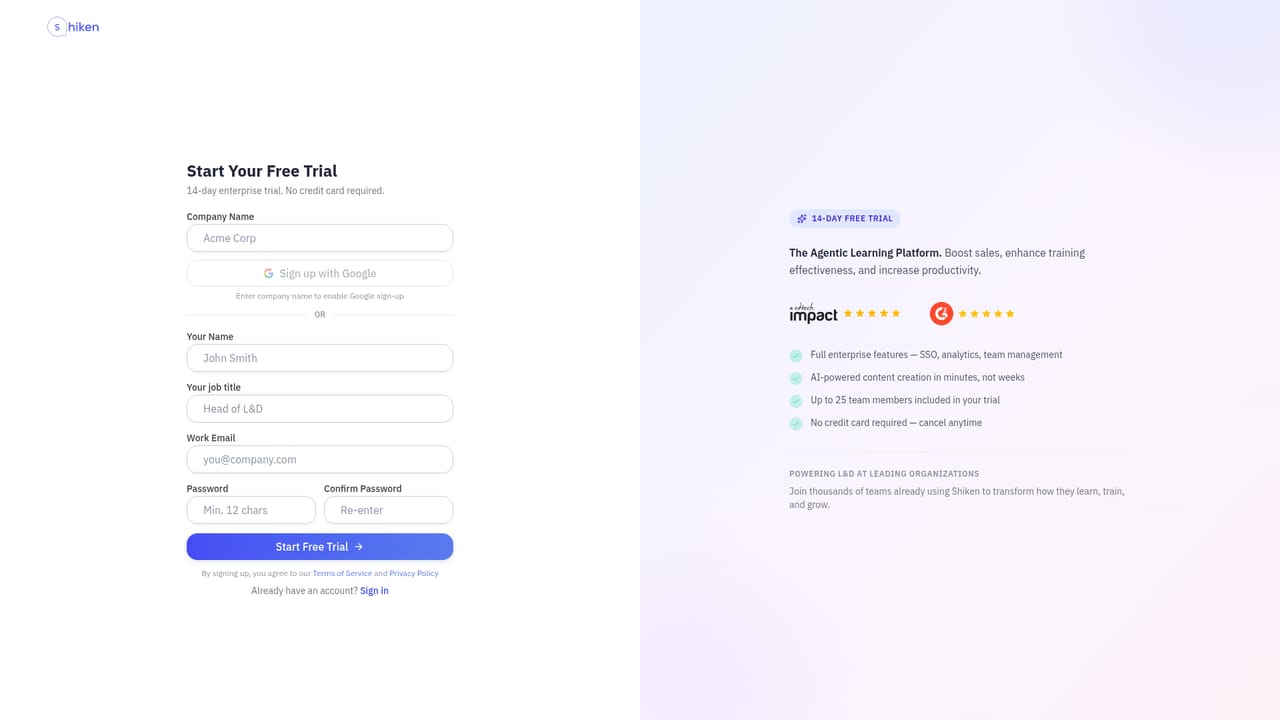
A free signup is offered on the homepage and the site also runs a separate enterprise trial request form for teams that want a demo first.
Learn moreNo help centre or support policy is described on the homepage. Hands-on contact runs through the sales form and enterprise trial pages.
Learn moreSlack, Microsoft Teams, calendar connections and CRM sync are named on the homepage. No further integrations are listed.
Learn moreBot or bot-free meeting recording, source intake from PDFs, docs, YouTube and links, and one-click generation of notes, question sets, courses, slides, proposals and book summaries. AI roleplays with scored coaching in 40+ languages, agents that connect to calendars and push work into Slack and Teams, microlearning with leaderboards, and analytics on scores, completion and compliance.
Learn more AI Angels400+ customizable AI girlfriends for NSFW chat, voice calls, and roleplay
 Candy AIExperience the future of companionship with AI friends who chat, role-play, and connect with you on a human level.
 ourdream.aiA vast AI roleplay platform with millions of characters for chat, images, video and voiceAI Angels400+ customizable AI girlfriends for NSFW chat, voice calls, and roleplayCandy AIExperience the future of companionship with AI friends who chat, role-play, and connect with you on a human level.ourdream.aiA vast AI roleplay platform with millions of characters for chat, images, video and voice


