Support
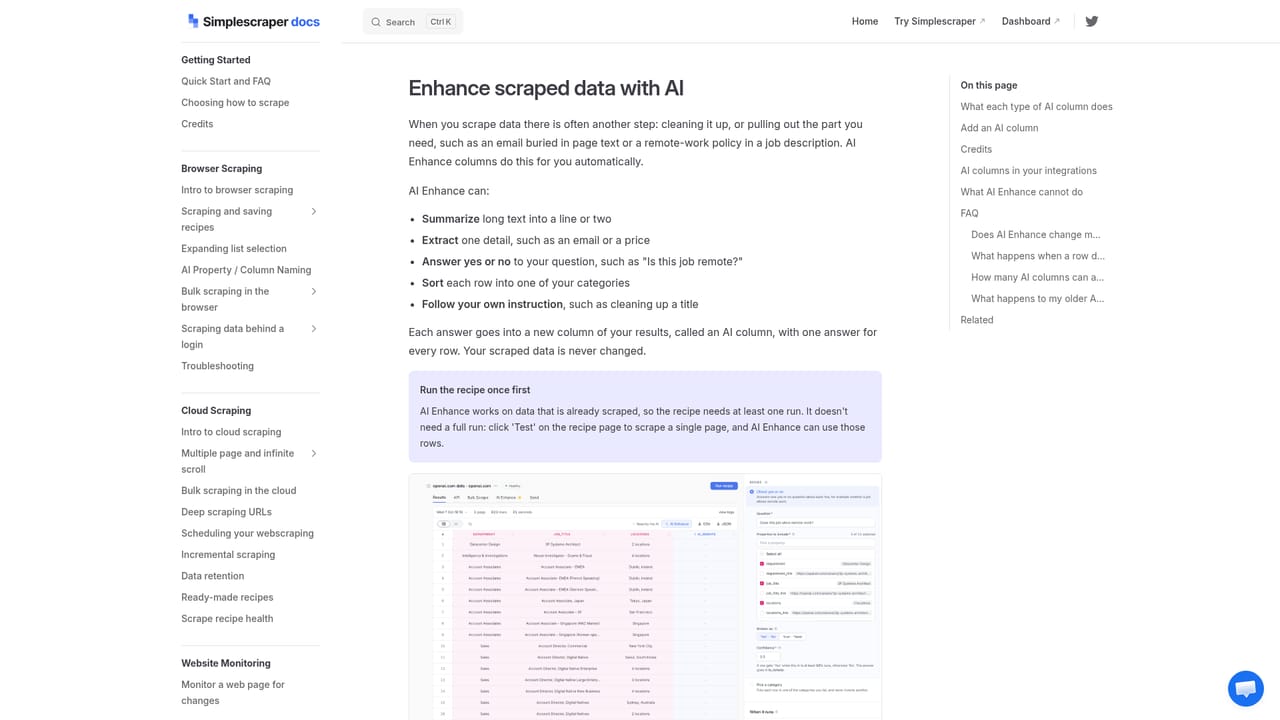
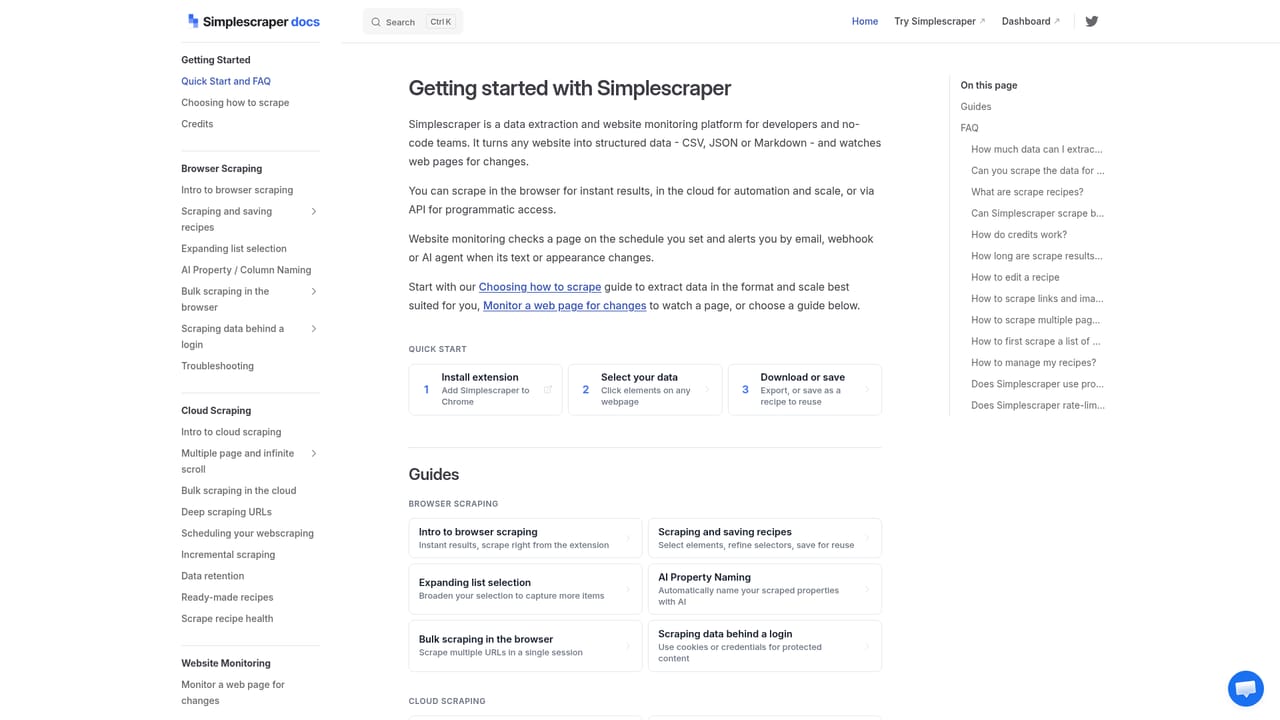
The site offers documentation and a guide on enhancing scraped data using AI, plus a contact route to ask a question. No support tiers are described on the page.
Learn moreNo-code web scraping with AI that turns any site into structured data
Own Simplescraper? Verify ownership to get a dofollow link

Simplescraper is a text manipulation tool. A no-code scraper with a Chrome extension and dashboard, plus AI enhancements that summarize, analyze and extract meaning from scraped pages before sending results to Sheets, Airtable, Zapier or webhooks.
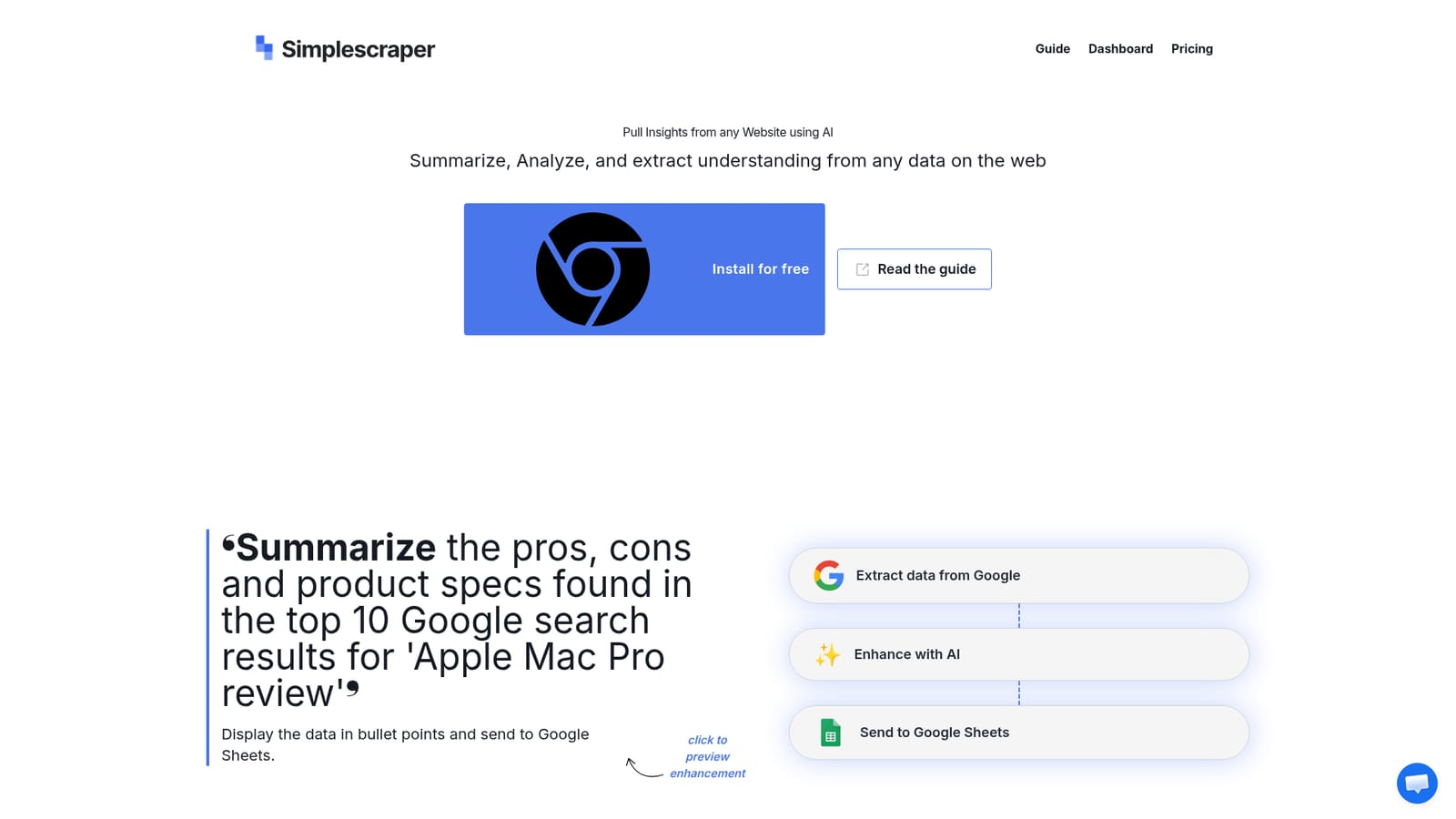
Simplescraper is a no-code web scraping tool built around two entry points: a dashboard and a free Chrome extension. Its AI page extends the core extraction workflow with an enhancement layer, so the data pulled from a page can be summarized, analyzed or interpreted before it leaves the tool. The site frames the product as a way to turn any site into structured data or an API, and the AI layer sits directly on top of that pipeline rather than in a separate product. The pattern the site demonstrates is consistent across examples. A source is scraped first, whether that is Google results, the New York Times, a YouTube transcript, BizBuySell listings or similar, then an AI enhancement runs over the extracted content, and the output is delivered to a destination such as Google Sheets, Airtable, Zapier or a webhook. Prompts are written in plain language, for instance asking for pros, cons and specs from the top ten search results, or a bullet list of key points from a video transcript with named entities extracted alongside it. The tool suits researchers, marketers, analysts and operations teams who need web data in a spreadsheet or database but do not want to maintain scraping code. It also fits teams already using automation platforms, since webhooks let the scrape and enhancement results feed existing Zapier or Airtable workflows. The free Chrome extension lowers the entry cost for anyone testing whether a given site yields clean data. Compared with developer-oriented scraping libraries, Simplescraper trades fine-grained control for a visual setup and built-in AI post-processing. Compared with AI browsing assistants that answer questions about a page, it is oriented toward repeatable extraction and delivery of structured records. The AI enhancement is a step in a pipeline, so output quality depends on how well the source page is scraped and how precisely the prompt is written. Website change monitoring is part of the broader product beyond the AI page.
The site offers documentation and a guide on enhancing scraped data using AI, plus a contact route to ask a question. No support tiers are described on the page.
Learn moreThe AI page shows results being sent to Google Sheets, Airtable, Zapier (via webhook) and webhooks generally. A full integrations list is not published on the page.
Core features are no-code scraping by dashboard and Chrome extension, AI enhancements that summarize, analyze and extract understanding from scraped content, and delivery of results to Google Sheets, Airtable, Zapier or webhooks. The wider product also covers website change monitoring and turning sites into structured data or an API.
Learn more AI Angels400+ customizable AI girlfriends for NSFW chat, voice calls, and roleplay
 Candy AIExperience the future of companionship with AI friends who chat, role-play, and connect with you on a human level.
 ourdream.aiA vast AI roleplay platform with millions of characters for chat, images, video and voiceAI Angels400+ customizable AI girlfriends for NSFW chat, voice calls, and roleplayCandy AIExperience the future of companionship with AI friends who chat, role-play, and connect with you on a human level.ourdream.aiA vast AI roleplay platform with millions of characters for chat, images, video and voice


