Free trial
Free credits are offered so new users can try the generator before paying. The page does not state how many credits are given or how long they last.
Learn moreTurn a short text prompt into a custom tattoo concept in seconds
Own Simplified Tattoo Generator? Verify ownership to get a dofollow link

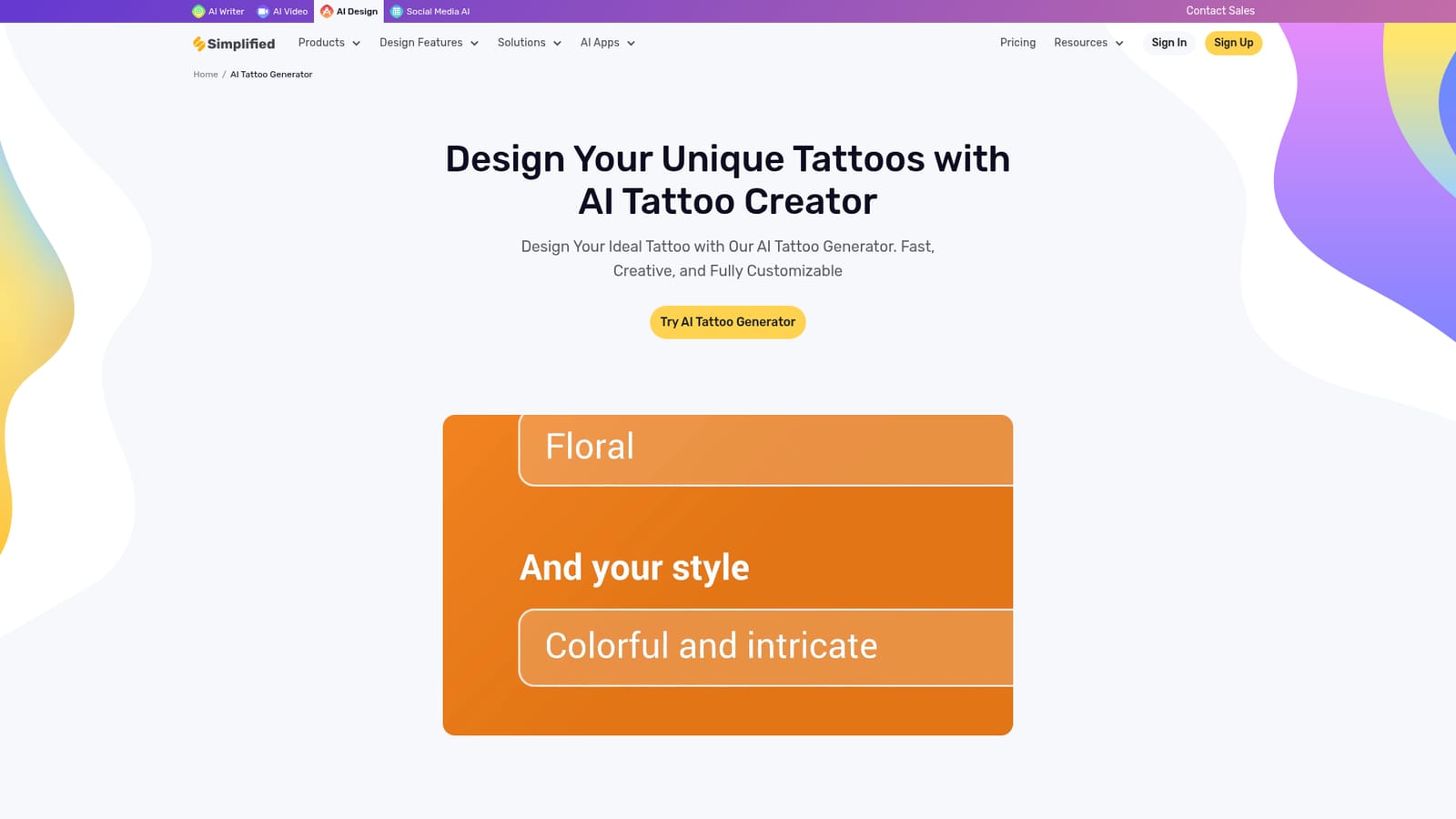
Simplified Tattoo Generator is a button generator tool that turns a short text prompt into a custom tattoo concept in seconds. A text to image tattoo concept tool inside Simplified's design dashboard: describe a design, pick an aspect ratio, tweak it in the editor and export as PNG, JPG, SVG or PDF.
Simplified's Tattoo Generator is a text to image feature inside a broader design and marketing platform, aimed at people who want tattoo ideas without drawing skills. A user opens the design dashboard, chooses Generate with AI and Text to Image, writes a description of the desired design, picks an aspect ratio and lets the tool produce concepts. The output can then be pushed into Simplified's editor, where style options, colors, sizes and fine details can be adjusted before an export as PNG, JPG, SVG or PDF, or a direct publish to social channels. The product claims two distinct audiences. The first is the individual tattoo enthusiast who wants to preview an idea, test a style or see how a motif would sit on a particular body area before booking an artist. The second is the working tattoo artist or designer who needs rough visualizations to show a client quickly, or a set of starting points to redraw by hand. Simplified also pitches the tool at brand and marketing teams, arguing that generated concepts can be kept consistent with a brand book and turned into high resolution visual assets. In practice the workflow is generic AI image generation with a tattoo framing: quality depends heavily on how well the prompt is written, and the tool does not appear to provide a dedicated tattoo specific model or a library of tattoo styles beyond whatever instructions you type. Users who already own Simplified's suite get the generator as one more module alongside the AI writer, video editor and social scheduler, which is the main reason to pick it over a standalone image generator. Anyone who wants the image and nothing else will find the surrounding account, credit system and dashboard heavier than necessary. The page states that basic features are often free while premium options and high resolution downloads may require payment, and it advises checking the site for exact figures.
Free credits are offered so new users can try the generator before paying. The page does not state how many credits are given or how long they last.
Learn moreThe homepage does not publish prices. Its FAQ states that basic features are often free while premium options or high resolution downloads may require payment, and directs users to the Simplified website for specific pricing details.
Learn moreThe FAQ confirms that Simplified provides customer support for issues with the AI Tattoo Generator, but the homepage gives no channels, hours or response times.
Social media publishing is built into the editor. Beyond that, the homepage does not list third party integrations for the tattoo generator.
Text to image tattoo concept generation, prompt driven output with a selectable aspect ratio, style adjustment, color and detail editing in the design editor, high resolution outputs, export to PNG, JPG, SVG and PDF, direct publishing to social media, and the wider Simplified suite of AI writer, video editor, design tools and social scheduling.
Learn more AI Angels400+ customizable AI girlfriends for NSFW chat, voice calls, and roleplay
 Candy AIExperience the future of companionship with AI friends who chat, role-play, and connect with you on a human level.
 ourdream.aiA vast AI roleplay platform with millions of characters for chat, images, video and voiceAI Angels400+ customizable AI girlfriends for NSFW chat, voice calls, and roleplayCandy AIExperience the future of companionship with AI friends who chat, role-play, and connect with you on a human level.ourdream.aiA vast AI roleplay platform with millions of characters for chat, images, video and voice


