Support
A contact page and a blog with guides on SVG editing, testing generated files and comparing generators are linked from the site.
Learn moreTurn text prompts or reference images into editable SVGs

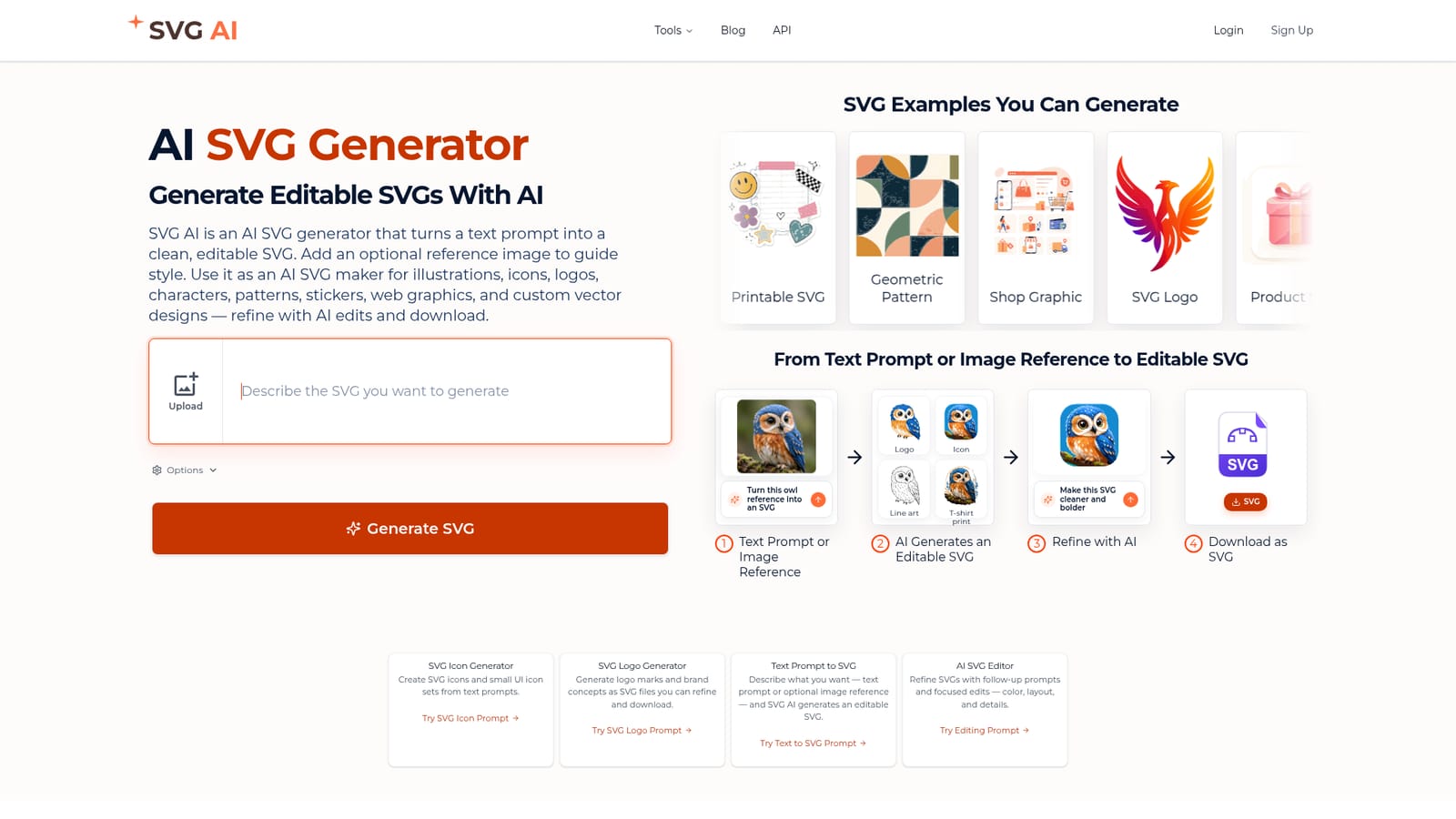
SVG AI is a generative art tool that turns text prompts or reference images into editable SVGs. SVG AI is a web-based generator that turns text prompts, with an optional reference image, into editable SVG logos, icons, illustrations, stickers and patterns.
SVG AI is a browser-based generator that produces vector graphics from a written prompt. The user describes the graphic they want, optionally attaches a reference image to steer the style, and receives an editable SVG instead of a flat raster picture. The homepage shows output across many types of asset: logos and brand marks, icons and small icon sets, character and city illustrations, stickers, repeating patterns, product labels, web graphics, typography badges and craft-oriented files for cutting machines. The workflow runs in four stages. A prompt or reference image goes in, the tool generates an SVG, follow-up prompts refine it, and the result downloads as an SVG file. The refinement step is the practical core: instead of regenerating from scratch, the user can ask for cleaner shapes, bolder lines, different colors or a changed layout, and the edit is applied to the existing graphic. The homepage demonstrates this with an owl photo turned into a modern logo, an icon, a detailed line art version and a t-shirt print variant. Each example on the site is paired with the prompt that produced it, which makes it easy to learn how specific wording shapes the result. The audience is broad. Founders and small teams can use it to sketch logo concepts and SaaS illustrations without starting from a blank canvas. Designers and front-end developers get icon sets and web graphics in a format that scales cleanly and can be edited afterward. Hobbyists making stickers, planner printables or craft cut files are also addressed directly. The site additionally links a separate image-to-SVG conversion page and a blog with guides on editing SVG files and comparing generators. Among alternatives, SVG AI sits between general image generators that output pixels and traditional vector editors that demand drawing skill. Its focus on a single output format keeps the interface simple, though complex artwork may still need manual cleanup in a dedicated editor. The homepage does not state pricing, so buyers need to check the account area before committing.
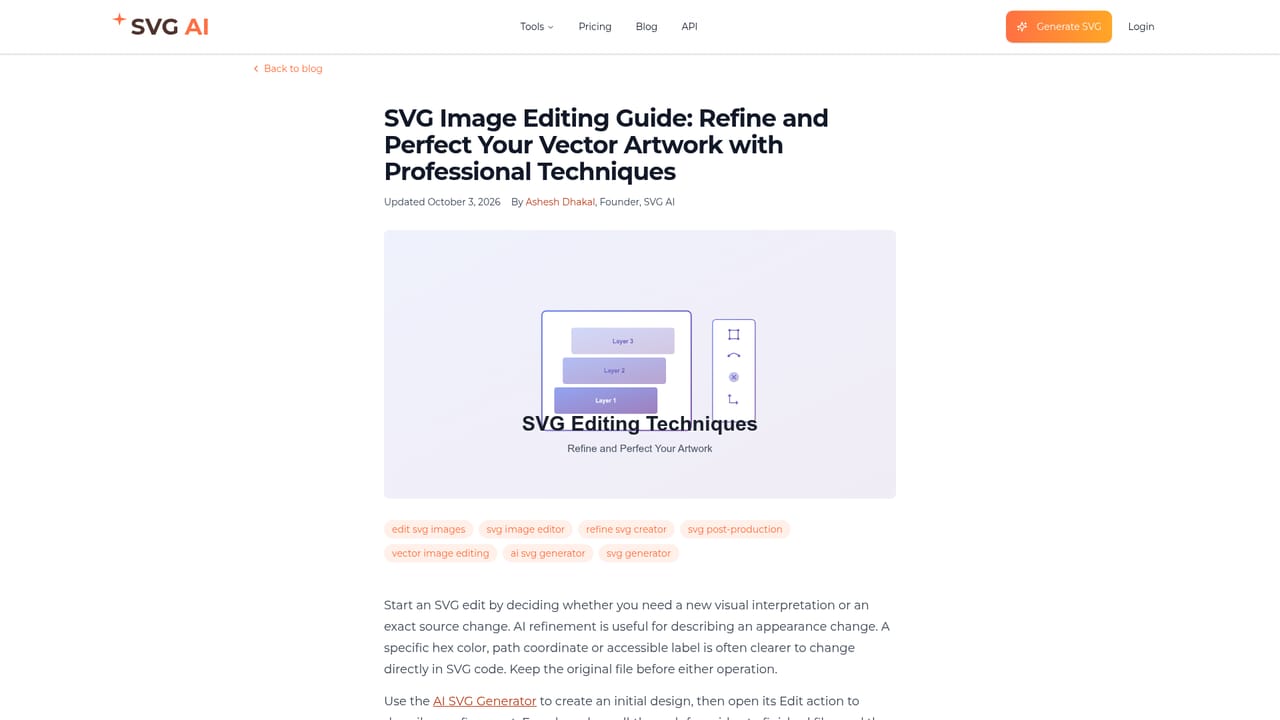
A contact page and a blog with guides on SVG editing, testing generated files and comparing generators are linked from the site.
Learn moreText-to-SVG generation, optional reference image for style, AI-driven follow-up edits for color, layout and detail, and SVG download. Output types include logos, icons, illustrations, stickers, patterns, typography graphics and web assets.


