Design.com

AI website generator bundled with logos, brand kits and marketing assets

Beginner
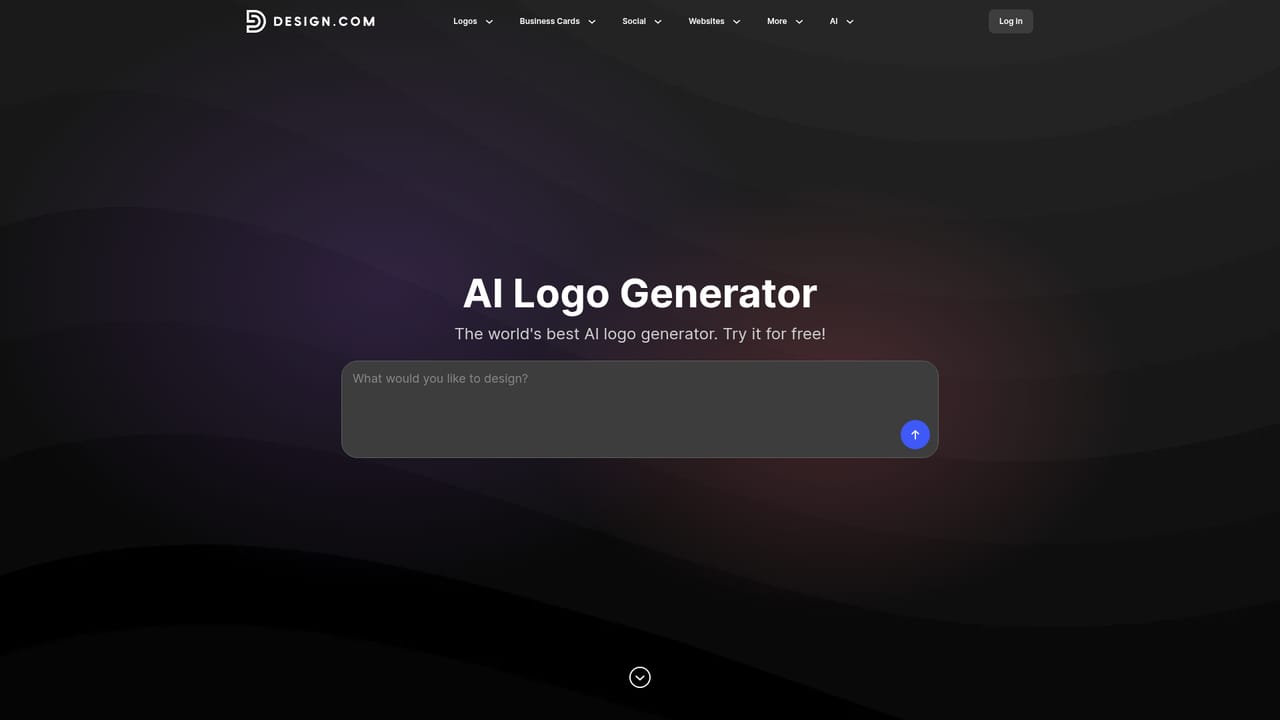
Screenshot of Design.com, AI website generator bundled with logos, brand kits and marketing assets

What is Design.com?

Design.com turns a business name and short prompt into complete, responsive websites, then extends the same branding to logos, business cards, social graphics, QR codes and email signatures. Hosting, one-click publishing and free options are included.

Design.com is a browser-based website builder that starts from a short prompt. A user types a business name and a few details about what the business offers, and the AI returns a set of complete, responsive website designs to browse. The pitch is that the site is only one piece of a wider branding platform: the same account also produces logos, business cards, social graphics, QR codes, digital business cards and email signatures that reuse the same look. The target audience is small business owners, freelancers and first-time founders who want a presentable site quickly and have no design background. The workflow is deliberately simple. Results can be refined by editing the prompt or adding keywords, favorite designs can be saved to a shortlist with a heart icon, and a chosen design opens in an editor where fonts, colors, layouts, spacing and decorative elements can be changed. The generated sites are described as mobile-ready, and publishing is a single click. Hosting is included, and a site can sit on a free Design.com branded URL or on a custom domain the owner already has. Beyond the layout itself, the builder lists contact forms that send leads to an inbox, email capture for building a subscriber list, gallery and video blocks, and the option to accept payments for purchases or bookings. The brand side relies on a template library that applies a logo and color palette automatically, with the company citing figures in the hundreds of thousands of templates and more than 3,000 website templates. Among alternatives, Design.com competes with mainstream site builders such as Wix and GoDaddy, which customer testimonials on the page mention directly, as well as with standalone logo and graphic tools. Its distinguishing angle is breadth in one place rather than depth in any single area: a user who wants a site, a logo, printed cards and social posts that match can stay inside one product. Teams needing complex custom development, advanced e-commerce or heavy content management will likely look elsewhere, while those wanting a fast, branded online presence are the intended fit.
How do you use Design.com?

  1. 1Enter your business details
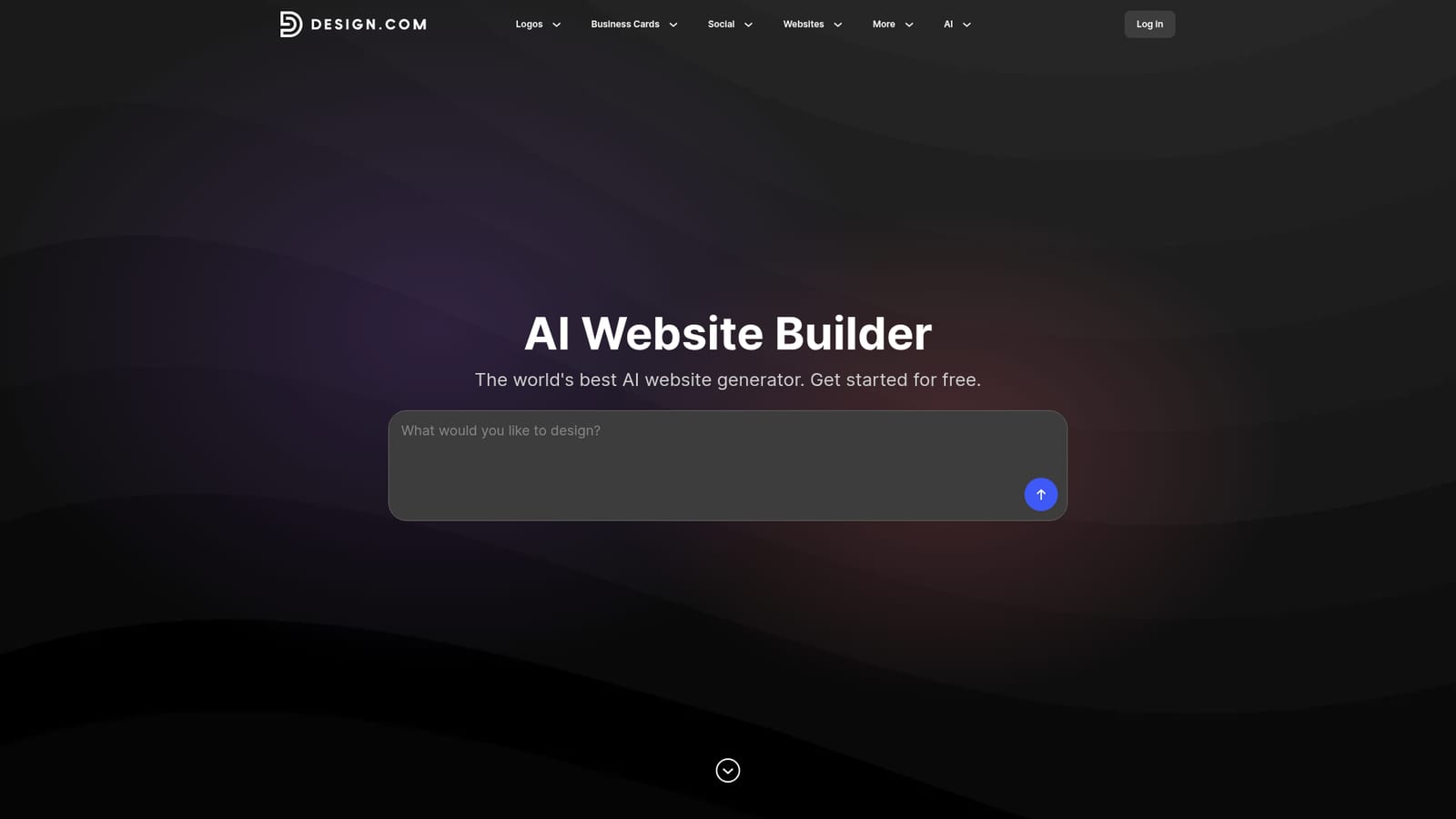
    Open the AI website generator and type your business name plus a few details about what you offer. The AI then returns a set of website designs tailored to that input.
    Design.com — Enter your business details
  2. 2Refine the prompt
    If no design fits, edit the business description or add relevant keywords. The generator produces a fresh batch of options based on the changes.
  3. 3Shortlist favorites
    Click the heart icon on designs you like to save them. This makes it easy to compare top picks before committing to one.
  4. 4Customize in the editor
    Open the chosen design and adjust fonts, colors, layouts, text, images and pages. Shapes and other design touches can be added too.
  5. 5Connect a domain and publish
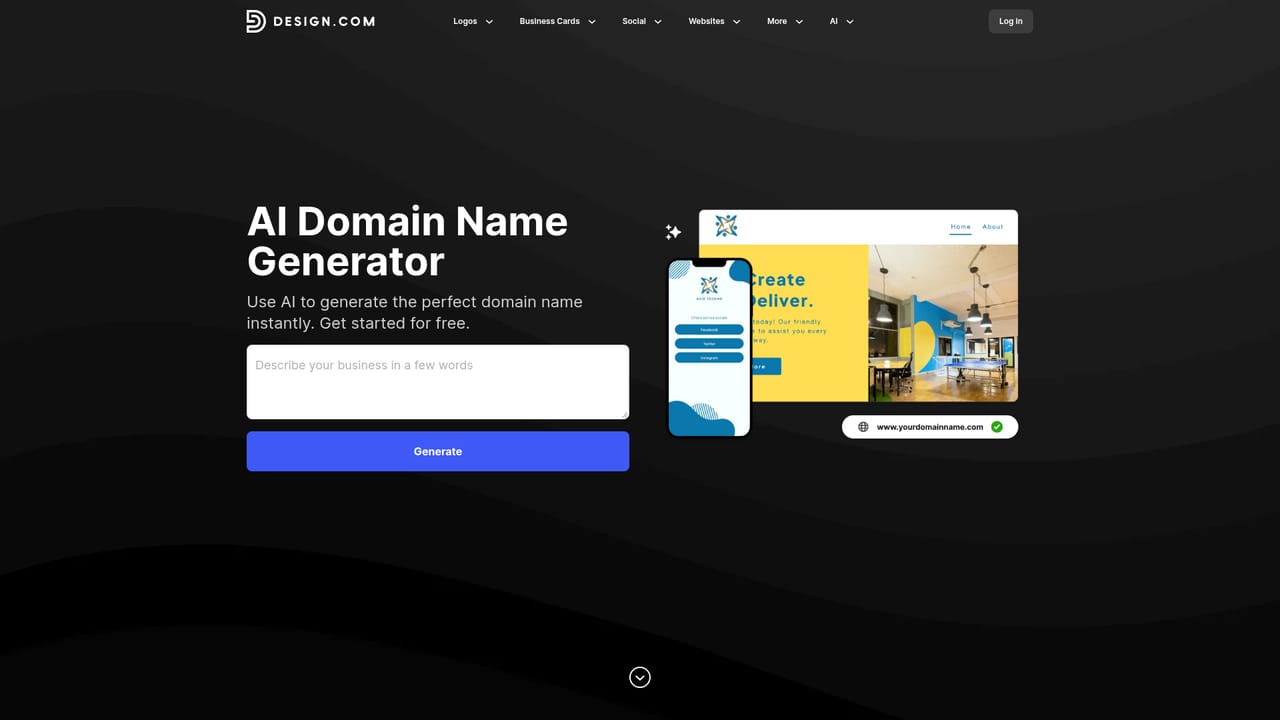
    Use a free Design.com branded URL or connect a domain you own, then click publish to put the site online.
    Design.com — Connect a domain and publish
  6. 6Add matching brand assets
    Create a logo, business cards, social graphics, QR codes and an email signature that follow the same branding as the site.
    Design.com — Add matching brand assets

Pros and cons

Pros

  • Generates full responsive website options from a business name and short prompt in secondsAI
  • Editor covers fonts, colors, layouts and spacing, so generated designs can be personalizedAI
  • Hosting is built in, with one-click publishing and a free branded URL or custom domainAI
  • Logo, business cards, social graphics, QR codes and email signatures share the site's brandingAI
  • Contact forms, email capture and payments are listed as built-in featuresAI

Cons

  • Page makes sweeping claims such as best and fastest builder without independent proofAI
  • Exact pricing for premium logos, custom domains and paid plans is not stated on the pageAI
  • Aimed at quick small-business sites, so complex custom or large-scale builds may outgrow itAI
  • Free option is limited to selected templates and a Design.com branded URLAI
  • Depth of payments, forms and email tools is only briefly described, so advanced needs are unverifiedAI

How much does Design.com cost?

Free trial

No formal trial is described, but browsing and customizing websites is stated as free without limits, and free templates can be published and hosted at no cost.

Learn more

Pricing

The AI website builder is described as free to use, with free website templates and free publishing and hosting. Premium options such as logos and custom domains appear to sit outside the free tier, but no prices are listed on the page.

Learn more

Support

24/7 support is offered through live chat or email. Customer testimonials on the page mention help connecting a website to a domain.

Integrations

Custom domains can be connected, and the platform links to its own logo, business card, social media, QR code and email signature tools. No third-party app integrations are listed.

Features

AI website generation from a prompt, 3,000+ website templates, an editor for fonts, colors and layouts, responsive output, included hosting, one-click publishing, contact forms, email capture, payments, logo and brand kit tools, business cards, social graphics, QR codes and email signatures.

Learn more

Frequently asked questions about Design.com

  • How much does Design.com cost?
    The AI website builder is described as free to use, with free website templates and free publishing and hosting. Premium options such as logos and custom domains appear to sit outside the free tier, but no prices are listed on the page.
  • Does Design.com offer a free trial?
    No formal trial is described, but browsing and customizing websites is stated as free without limits, and free templates can be published and hosted at no cost.
  • How do you use Design.com?
    The walkthrough on this page covers 6 steps: 1. Enter your business details 2. Refine the prompt 3. Shortlist favorites 4. Customize in the editor 5. Connect a domain and publish 6. Add matching brand assets.
  • What platforms does Design.com support?
    Design.com is available on Web App.
  • What does Design.com integrate with?
    Custom domains can be connected, and the platform links to its own logo, business card, social media, QR code and email signature tools. No third-party app integrations are listed.
  • What are the limitations of Design.com?
    Page makes sweeping claims such as best and fastest builder without independent proof. Exact pricing for premium logos, custom domains and paid plans is not stated on the page. Aimed at quick small-business sites, so complex custom or large-scale builds may outgrow it.

Status

StatusActive
Views0
Outbound clicks0
Added10/18/2026

Platforms

Web App

Pricing

Freemium