Free trial
A 7-day free trial is offered with no commitment, and cancellation is available at any time. The trial gives access to the full product so you can train a bot on your own content.
Learn moreA support chatbot trained on your own product content

SiteGPT builds a customer support chatbot from your website, uploaded files, or connected sources like Notion and Google Drive. It embeds on any site, escalates to live agents, captures leads, and reports weekly on what visitors asked and what the bot could not answer.
SiteGPT is a customer support chatbot platform that answers visitor questions using content you supply rather than general model knowledge. You point it at a website URL or sitemap, drop in files, or paste raw text, and it builds a knowledge base from that material. The resulting bot is embedded on a marketing site, help center, or inside the product itself, and it responds to visitors in their own language, with 95+ languages listed as supported. Setup follows three stages. Training data is synced from URLs, uploaded files (CSV, TXT, PDF, DOCX, PPTX, MD and other text formats, with 2,500 cleaned characters counted as one page), or connectors such as Notion, Google Drive, Dropbox, OneDrive, Box, and GitHub. The bot is then embedded anywhere via a unique URL or embed code. After launch, chat history becomes the improvement loop: teams review transcripts and send feedback so answers get sharper, and automatic syncing can refresh the knowledge base daily, weekly, or monthly depending on plan. Day to day, the product is built for support operations rather than novelty. Quick prompts seed the first question, unanswered or sensitive conversations can be handed to a live agent with one button, and visitor details can be captured as leads. A Monday digest email reports the previous week's numbers, the most common topics, and the questions the bot failed to answer. The dashboard adds daily trends, an engagement funnel, and AI-grouped conversation topics. It suits SaaS teams, agencies managing bots for multiple clients, and support departments that field repetitive questions at volume. The competitive set is broad: generic chat widgets with AI add-ons, docs-first tools, and custom-built retrieval bots. SiteGPT's pitch is the middle ground, less maintenance than a bespoke build and more grounding in your own content than a general assistant. Compliance claims include SOC 2 Type II, GDPR, and HIPAA, alongside a public G2 rating of 4.8/5.
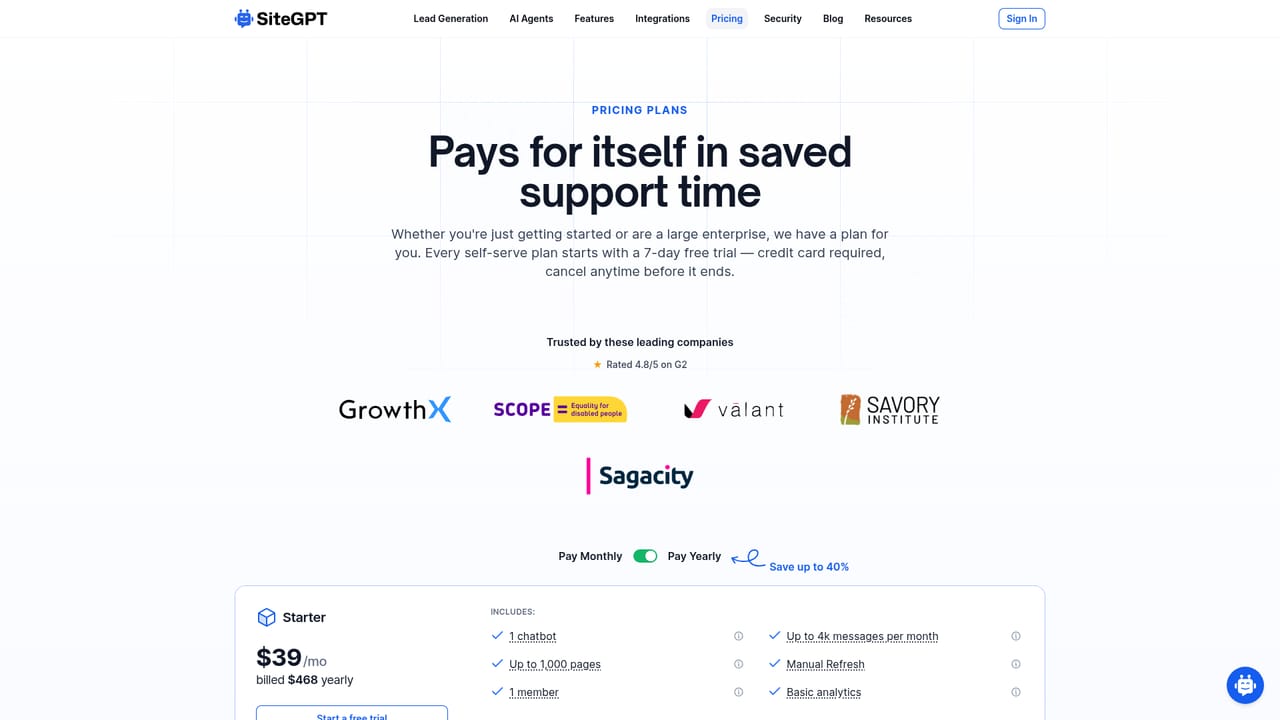
A 7-day free trial is offered with no commitment, and cancellation is available at any time. The trial gives access to the full product so you can train a bot on your own content.
Learn moreThe homepage does not list prices. It states that pricing scales with usage and that plans differ in training page limits and automatic sync frequency (daily, weekly, or monthly). A dedicated pricing page holds the actual tiers.
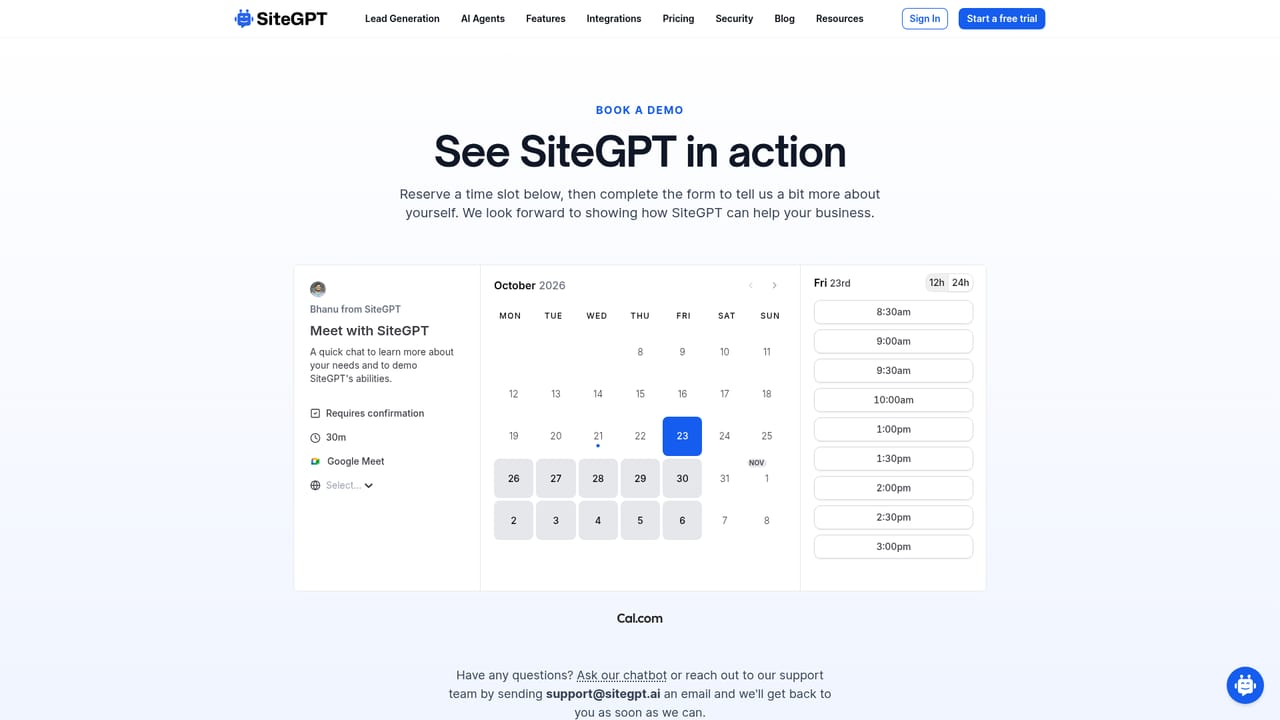
Learn moreSupport is reached by email at bhanu@sitegpt.ai, including for files above 10 MB and agency enquiries. A demo can be booked, and a self-serve demo bot trained on the SiteGPT website is available to try.
Learn moreNative integrations are named for Crisp, Slack, and Zendesk. Training sources include Notion, Google Drive, Dropbox, OneDrive, Box, and GitHub, plus WordPress support mentioned in the site's own assistant prompts.
Core features include chatbot training from URLs, sitemaps, YouTube content, files, and connected sources; automatic content resyncing; quick prompts; human escalation; lead capture; a weekly email digest; and analytics with daily trends, an engagement funnel, and AI-grouped conversation topics and outcomes.
 AI Angels400+ customizable AI girlfriends for NSFW chat, voice calls, and roleplay
 Candy AIExperience the future of companionship with AI friends who chat, role-play, and connect with you on a human level.
 ourdream.aiA vast AI roleplay platform with millions of characters for chat, images, video and voiceAI Angels400+ customizable AI girlfriends for NSFW chat, voice calls, and roleplayCandy AIExperience the future of companionship with AI friends who chat, role-play, and connect with you on a human level.ourdream.aiA vast AI roleplay platform with millions of characters for chat, images, video and voice


