SizzlePop

Type an idea, get a print-ready phone case design in about three seconds.

Beginner
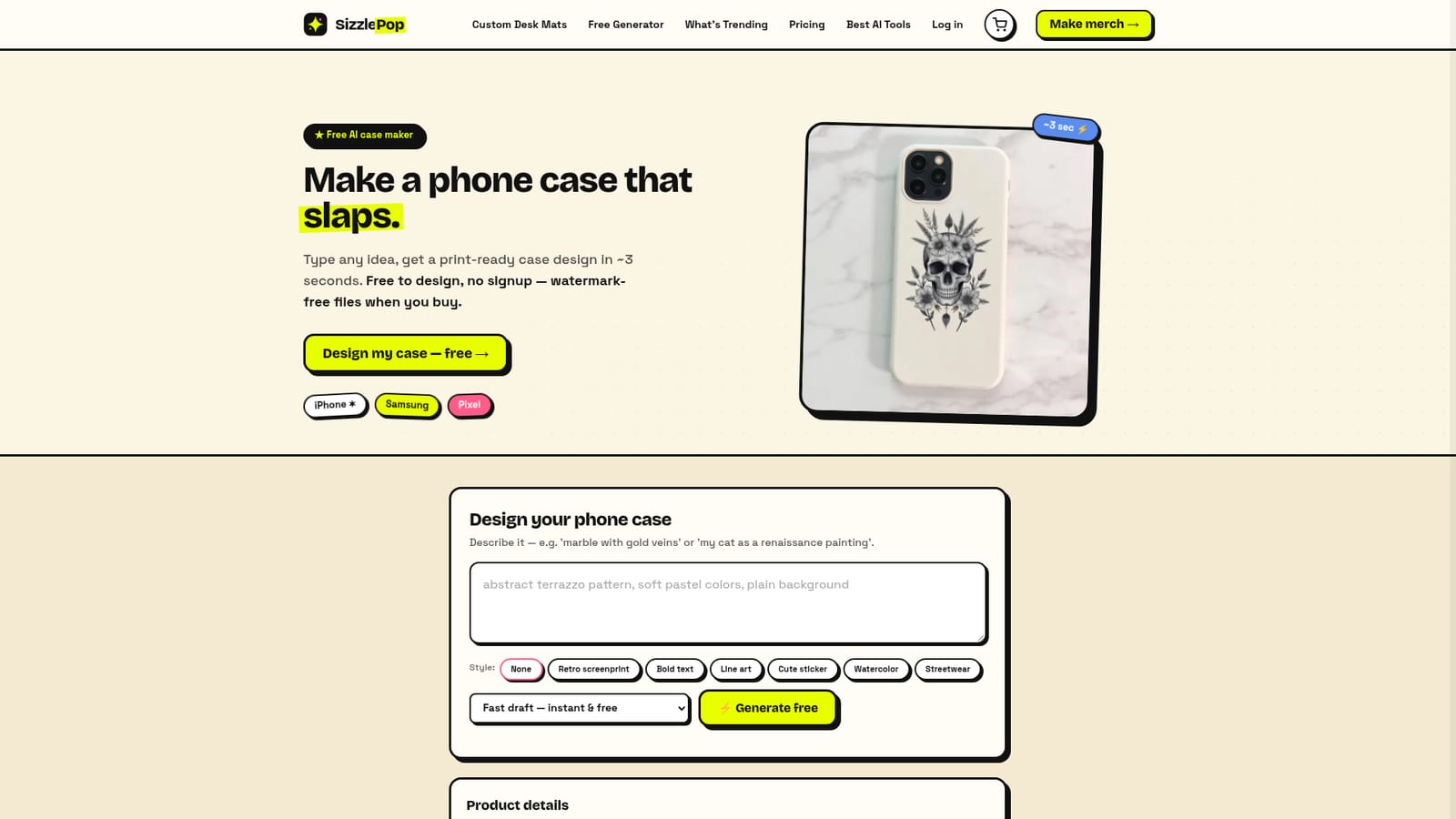
Screenshot of SizzlePop, Type an idea, get a print-ready phone case design in about three seconds

What is SizzlePop?

SizzlePop is a generate concepts tool. AI phone case design generator that turns a text prompt into printable artwork in seconds. Free to design without signup, with printed cases for iPhone, Samsung and Pixel or a $9 high-res file to print yourself.

SizzlePop is an AI phone case maker that turns a plain-English prompt into printable artwork in roughly three seconds. You type something like "marble with gold veins" or "my cat as a renaissance painting", pick a style such as retro screenprint, line art, watercolor or cute sticker, and the generator returns a design positioned inside a dashed print area you can drag and resize. Free drafts need no account. When a design is worth keeping, you either order it printed on a slim glossy snap case or buy the high-resolution file (roughly 4000px transparent PNG at about 300 DPI) for $9 and print it locally. The practical workflow is preview first, commit later. The on-screen mockup is a digital preview and colours can shift slightly in production, so SizzlePop sends a proof you approve before anything is printed. Orders ship free within the US on made-to-order cases for iPhone, Samsung Galaxy and Pixel, with most arriving in about five to eight business days. A free account adds more daily generations and a saved library, but the tool works without signing up at all. It fits best as a fast idea-to-product pipeline for people who want one good image on a physical object rather than a full design suite. SizzlePop's own comparison is honest about the gaps: it points text-heavy work to Ideogram, vector and SVG output to Recraft, and detailed mockup fine-tuning to Kittl. Text is the main weak spot, since the free Fast draft can garble lettering and reliable type requires the Pro Best quality mode. Heavy typography or precise brand control belongs elsewhere. Because designs are device-agnostic artwork, the same file can be reused on the brand's t-shirt, mug, poster and desk mat generators, and the licence allows printing and reuse anywhere. Each generation returns a single design, so multi-piece concepts take one prompt at a time.

How do you use SizzlePop?

  1. 1Describe your case idea
    Open the design tool and type a prompt in plain English, for example a pattern, a pet or an inside joke. Choose a style preset such as watercolor or line art if one fits.
    SizzlePop — Describe your case idea
  2. 2Generate a free draft
    Run the free Fast draft, which returns one design in a few seconds. Check spelling inside the artwork, since draft mode can distort lettering.
  3. 3Position the print area
    Drag the design and use the size slider to place it inside the dashed print box. The box marks exactly where the edge-to-edge back print will land.
  4. 4Pick your phone model or buy the file
    Select iPhone, Samsung Galaxy or Pixel at checkout, or buy the $9 print-ready file to print locally. Free saving keeps a lower-resolution copy in your library.
  5. 5Approve the proof
    Confirm the proof SizzlePop sends before production so colour and placement match what you saw. Most US orders then arrive in about five to eight business days.

Pros and cons

Pros

  • Free to generate designs with no signup, and drafts appear in about three secondsAI
  • Styles cover retro screenprint, line art, watercolor, cute sticker, streetwear and bold textAI
  • The $9 print-ready file (roughly 4000px at about 300 DPI) can be printed at any local shopAI
  • Free US shipping on made-to-order cases, with a proof approved before printingAI
  • Designs are device-agnostic and can be reused on tees, mugs, posters and desk matsAI

Cons

  • Free Fast draft can garble lettering, and reliable text needs the Pro Best quality modeAI
  • Each generation produces only one design, so multi-piece concepts mean repeated promptingAI
  • The on-screen mockup is a digital preview and printed colours can vary slightlyAI
  • Ordered cases ship in about five to eight business days, so there is no same-day productAI
  • No native mobile app; design happens in the browser onlyAI

How much does SizzlePop cost?

Pricing

Designing is free and needs no signup. Drafts are watermarked previews; printed cases are clean. The high-res print-ready file costs $9, and printed cases are priced at checkout with free US shipping. Pro unlocks Best quality and Vector generation modes.

Learn more

Support

Support runs through admin@sizzlepop.ai for order questions or issues. A proof approval step and a visible contact address are the two stated support touchpoints.

Features

Prompt-to-design generation in about three seconds, six style presets, a draggable print-area preview, free saving, a $9 high-res download, and made-to-order snap cases for iPhone, Samsung Galaxy and Pixel. Pro adds Best quality and Vector modes for text and logos.

Frequently asked questions about SizzlePop

  • How much does SizzlePop cost?
    Designing is free and needs no signup. Drafts are watermarked previews; printed cases are clean. The high-res print-ready file costs $9, and printed cases are priced at checkout with free US shipping. Pro unlocks Best quality and Vector generation modes.
  • How do you use SizzlePop?
    The walkthrough on this page covers 5 steps: 1. Describe your case idea 2. Generate a free draft 3. Position the print area 4. Pick your phone model or buy the file 5. Approve the proof.
  • What platforms does SizzlePop support?
    SizzlePop is available on Web App.
  • What are the limitations of SizzlePop?
    Free Fast draft can garble lettering, and reliable text needs the Pro Best quality mode. Each generation produces only one design, so multi-piece concepts mean repeated prompting. The on-screen mockup is a digital preview and printed colours can vary slightly.

Status

StatusActive
Views0
Outbound clicks0
Added10/22/2026

Platforms

Web App

Pricing

FreePaid

