Free trial
Job seekers can run one free AI interview session immediately after signing up. Recruiters and training institutes instead book a live 20 minute demo against a real job description.
Learn moreAI mock interviews, instant feedback, and a job board in one place

Skillora is a career tool. A voice based AI interviewer for candidates and recruiters alike: run adaptive mock interviews for any role, get scored feedback with example answers, browse matched jobs, or screen applicants with resume ranking, four interview formats, and built in proctoring.
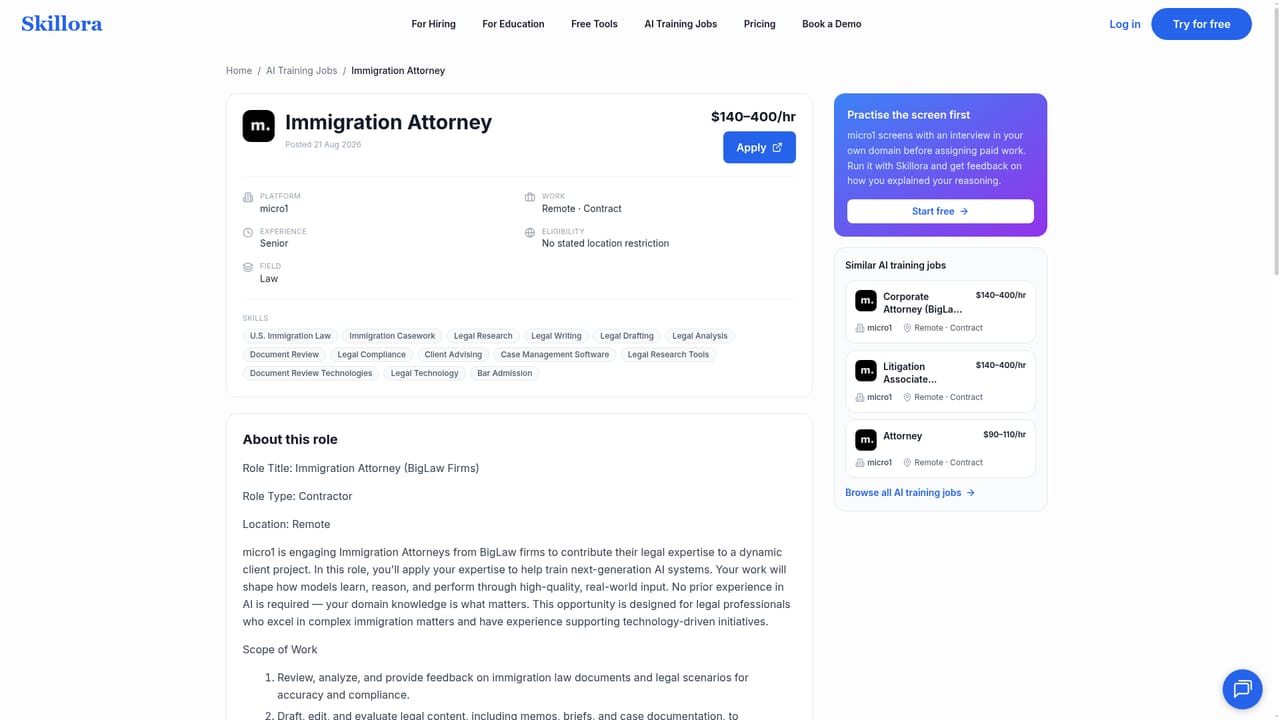
Skillora is an interview preparation platform built around a voice based AI interviewer that runs a full mock session, asks adaptive follow up questions, and returns a scored report with transcripts and example answers. The homepage frames it as a two sided product: job seekers practice, and recruiters use the same engine to screen applicants at volume. For candidates, the workflow is straightforward. You pick a job role or subject, adjust the interview settings to match the level you are targeting, and talk through the questions out loud. Afterward the platform grades your responses and pairs its feedback with model answers, so the gap between what you said and what a strong answer looks like is visible rather than theoretical. A separate AI tutor covers general subject coaching with guided lessons and on demand explanations, which suits people refreshing domain knowledge before a technical round. The jobs section adds curated openings matched to your skills, in platform applications, and role specific practice before you apply. Recruiters get a different surface. Resumes are scored from 0 to 100 against a rubric you define or generate from the job description, then candidates receive a single link and complete conversational, coding, system design, or behavioral interviews on their own schedule. Output is a ranked shortlist with hire recommendations, scorecards, and evidence quotes pulled from resumes and transcripts. Proctoring covers tab switches, full screen exits, copy paste attempts, multiple faces, and a second voice. The clearest comparison is with one way video screeners and fixed question banks. Skillora talks back and adapts, which is more realistic for conversational and system design rounds but also means sessions depend on audio quality. It sits between a dedicated mock interview coach and a hiring automation suite, and it is priced as a subscription rather than per session according to the site's positioning against competitors. A third section aggregates remote AI training contract work across marketplaces such as Mercor, micro1, Alignerr, Outlier, DataAnnotation, and Terac, refreshed daily with rate ranges and category filters.
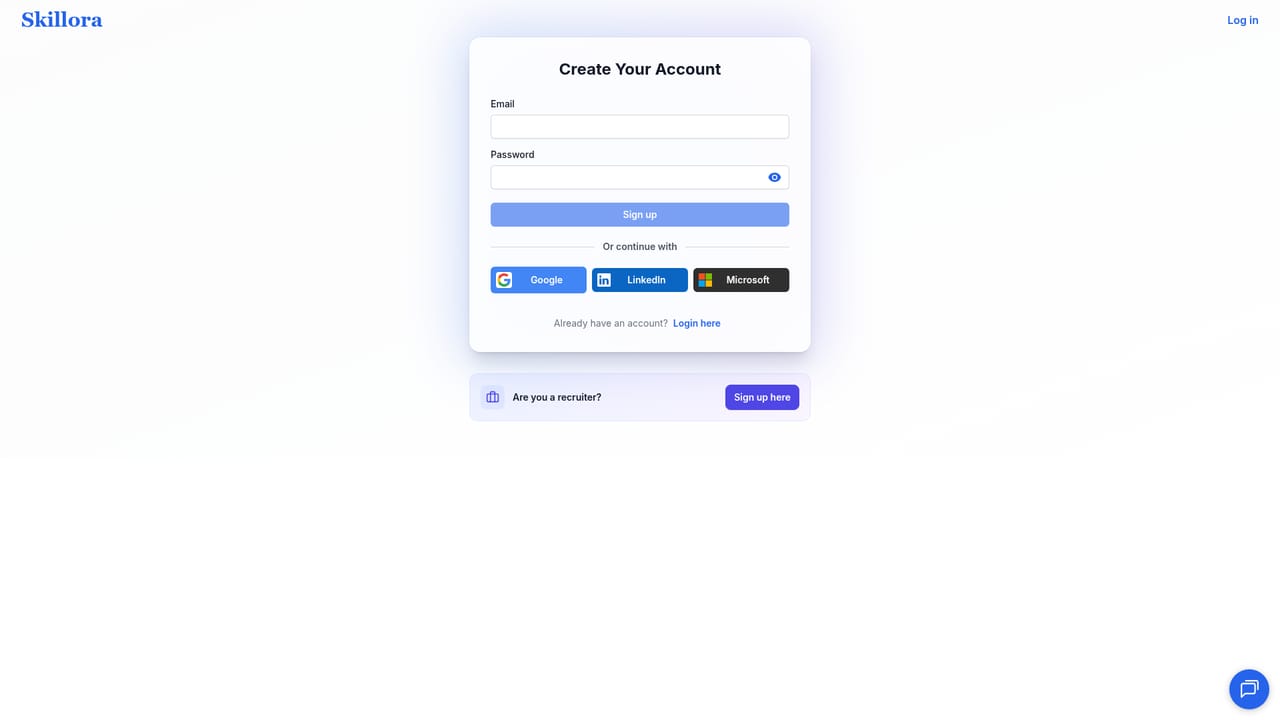
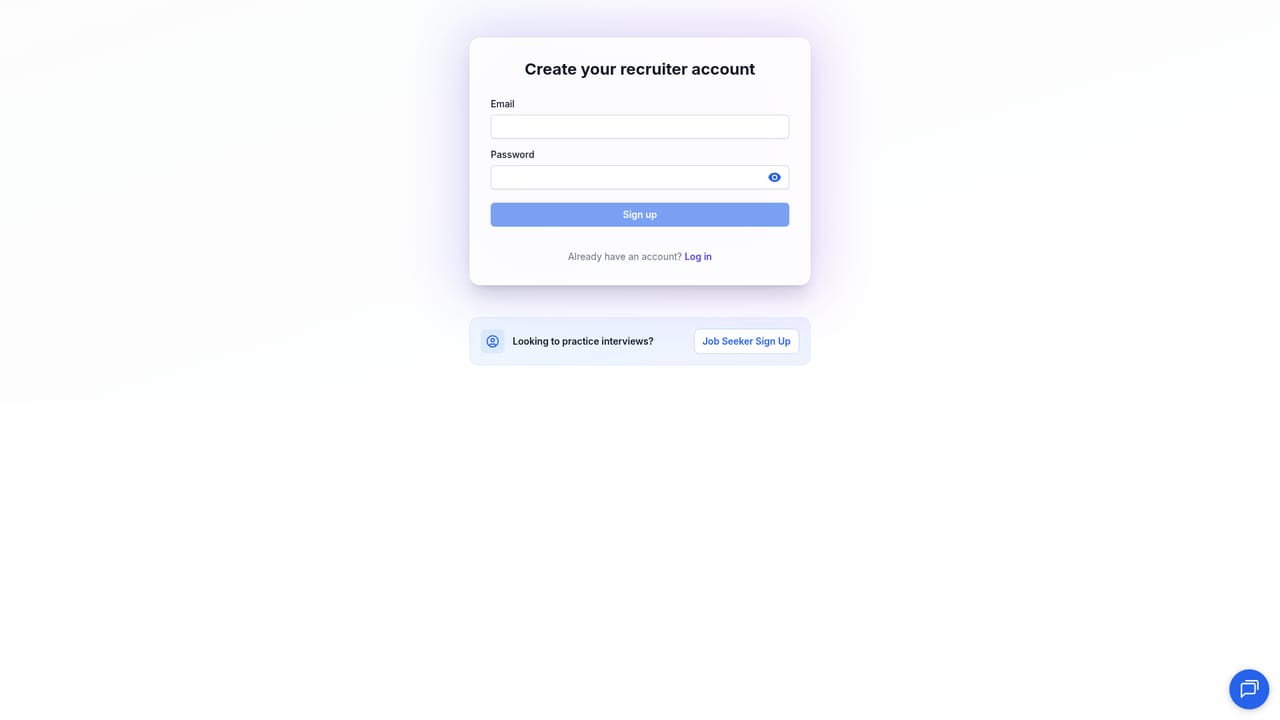
Job seekers can run one free AI interview session immediately after signing up. Recruiters and training institutes instead book a live 20 minute demo against a real job description.
Learn moreThe homepage does not list plans or prices. It positions Skillora as reasonably priced relative to competitors (a point raised in a user testimonial) and separates a free candidate session from recruiter demos, but actual tiers require contacting sales or checking the app after sign up.
Learn moreA contact page is available for reaching the team. No help centre, documentation, or live chat details are described on the homepage.
Learn moreAdaptive voice mock interviews for any role, instant scored feedback with transcripts and example answers, an AI tutor for guided subject coaching, a daily refreshed board of remote AI training jobs, and for recruiters: resume scoring from 0 to 100, four interview formats (conversational, coding, system design, behavioral), custom or generated rubrics, evidence quoted scorecards, and built in face, gaze, and device proctoring.
 AI Angels400+ customizable AI girlfriends for NSFW chat, voice calls, and roleplay
 Candy AIExperience the future of companionship with AI friends who chat, role-play, and connect with you on a human level.
 ourdream.aiA vast AI roleplay platform with millions of characters for chat, images, video and voiceAI Angels400+ customizable AI girlfriends for NSFW chat, voice calls, and roleplayCandy AIExperience the future of companionship with AI friends who chat, role-play, and connect with you on a human level.ourdream.aiA vast AI roleplay platform with millions of characters for chat, images, video and voice


