Free trial
A free trial may be offered on some Pro plans. Its length and terms are shown in the app before you confirm the subscription.
Learn moreiPhone CV builder with 12 templates and AI cover letters

Smart CV is an iPhone resume builder with 12 templates (five ATS-friendly, seven design), AI cover letters, PDF import and a 1 to 10 CV score. Free to download with one CV on the free plan; Pro unlocks all templates and AI features.
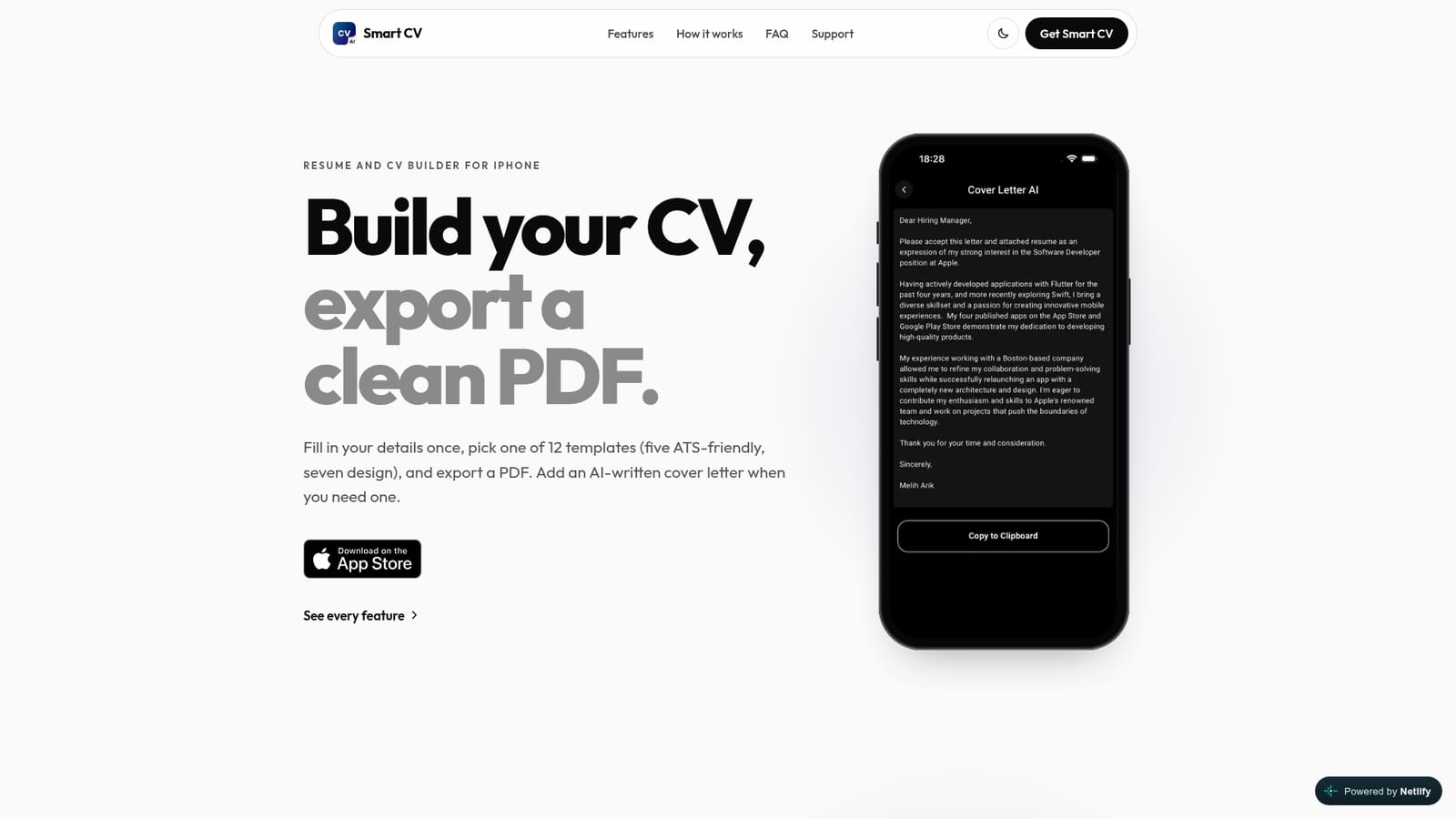
Smart CV is an iPhone app for building a resume or CV, choosing a layout, and exporting a finished PDF. The premise is deliberately narrow: enter your contact details, work history, education, projects, certifications, skills and languages once, then decide how the document should look. Twelve templates are split into two groups. Five ATS-friendly layouts (Paris, Berlin, Moscow, Oslo, Lisbon) use a single plain column with standard headings and no photo. Seven design layouts (New York, London, Tokyo, Rome, Beijing, Sydney, Cairo) add sidebars, colour and an optional profile photo cropped from your library. A single layout engine generates every template, so a long career history flows onto additional pages rather than being truncated. Section headings follow a CV language you pick, though the app does not translate the body text you type. Existing CVs can be imported: upload a PDF and the fields are filled in for you to correct. A scoring feature returns a 1 to 10 rating for content, grammar and length, with comments on the document as a whole and on individual sections. The AI cover letter is the other headline feature. Upload a CV as a PDF, enter the company and position, pick a language, and the app drafts a short letter that can be copied, saved to My Cover Letters and edited before sending. Default letters are available for users who want a starting point. Smart CV suits job seekers who want a presentable PDF without a desktop tool or a web account, and who value the ability to switch between machine-readable and human-facing layouts. It is less suited to anyone who needs live editing on a computer, deep customisation of colours and typography, or automatic translation of their content. Data stays on the device, and the text extracted from an uploaded PDF is sent to Google's Gemini API only when an AI feature runs.
A free trial may be offered on some Pro plans. Its length and terms are shown in the app before you confirm the subscription.
Learn moreFree to download. The free plan covers two templates (one ATS-friendly, one design) and one CV. Smart CV Pro is an auto-renewing subscription sold as weekly and quarterly plans, with some in-app offers adding a yearly option. Prices for your country appear in the app before you subscribe.
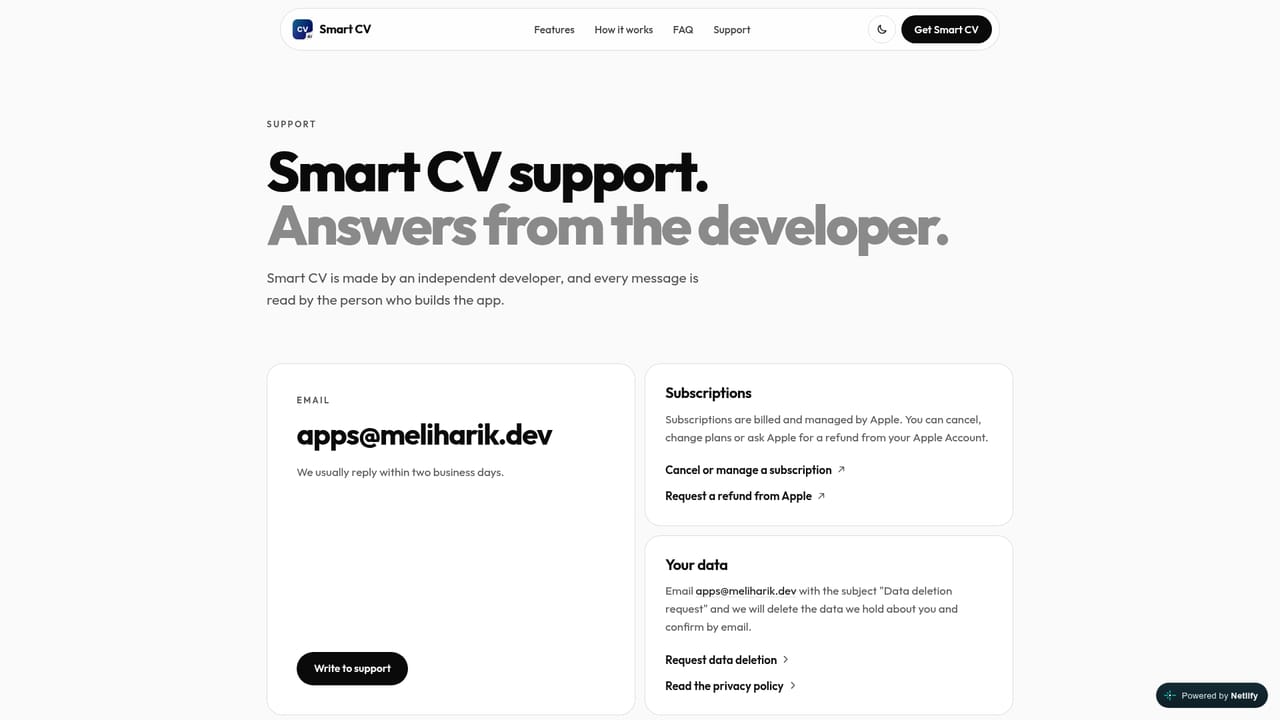
Learn moreThe support page and the apps@meliharik.dev email address handle subscription, restore and AI failure questions. Cancellations are managed in iOS Settings under Subscriptions.
Learn moreAI cover letters, CV scoring and CV import run through Google's Gemini API, which receives text extracted from the PDF you pick. No other integrations are described.
Twelve templates across ATS-friendly and design styles, an optional cropped profile photo on design layouts, multi-page layouts via one engine, AI cover letters written from an uploaded PDF plus company and position, a 1 to 10 CV score covering content, grammar and length, PDF import, 26 interface languages, no ads and no account.
 AI Angels400+ customizable AI girlfriends for NSFW chat, voice calls, and roleplay
 Candy AIExperience the future of companionship with AI friends who chat, role-play, and connect with you on a human level.
 ourdream.aiA vast AI roleplay platform with millions of characters for chat, images, video and voiceAI Angels400+ customizable AI girlfriends for NSFW chat, voice calls, and roleplayCandy AIExperience the future of companionship with AI friends who chat, role-play, and connect with you on a human level.ourdream.aiA vast AI roleplay platform with millions of characters for chat, images, video and voice


