Free trial
The homepage invites visitors to get started for free, but does not define what the free tier includes or whether a paid plan is required beyond it.
Learn moreAI lesson planning that turns weeks of prep into minutes

SmartPrep is an AI lesson planning tool that generates plans and activities across PBL, UbD, IQL and Flipped Classroom frameworks, collects web and academic resources, and builds quizzes, FRQs, essay prompts and rubrics for teachers.
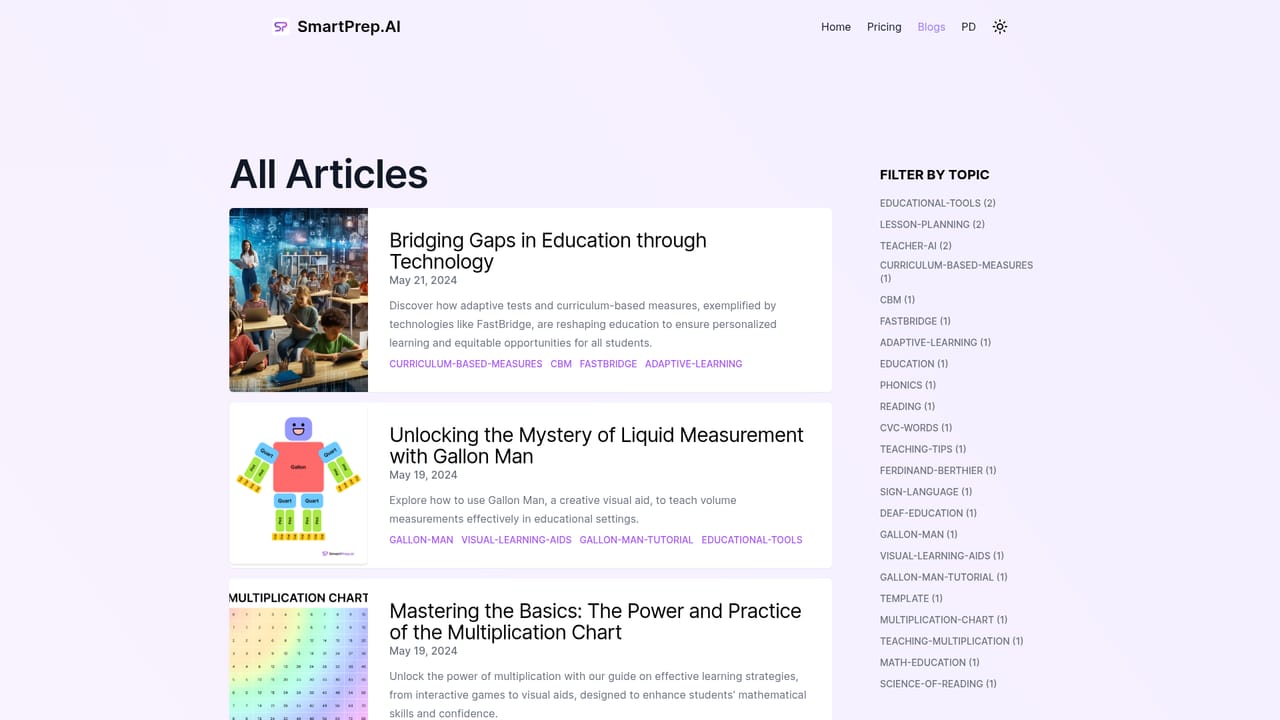
SmartPrep is an AI lesson planning workspace built for teachers who need to move from a standard or a topic to a complete instructional package quickly. The product positions itself around three jobs: generating class activities against recognized teaching frameworks, gathering supporting material from the web, and producing ready-to-use assessments. The frameworks named on the homepage are PBL (project-based learning), IQL, Flipped Classroom and UbD (Understanding by Design), so the output is meant to slot into established planning conventions rather than invent a new format. In practice, a teacher brings a topic or standard into the workspace and receives a lesson plan plus a set of activities aligned to the chosen framework. Separately, SmartPrep runs an AI search across the web for relevant webpages, images, videos and academic content, which addresses the usual scavenger hunt of building a resource list by hand. The assessment layer produces quizzes, multiple choice questions, free response questions, essay prompts and discussion prompts, each described as customizable, so the teacher can revise items rather than accept a first draft unchanged. The audience is straightforward: classroom teachers, curriculum coordinators and instructional designers in K-12 and higher education who plan against standards and want the repetitive scaffolding handled automatically. Because the tool speaks in UbD and PBL terms, it favors educators already familiar with backward design and project structures rather than those looking for a generic worksheet generator. Buyers comparing options will find that SmartPrep competes on breadth of planning artifacts (plan, resources, assessments, rubrics) in one place, while its differentiation from mainstream general assistants rests on that education-specific framing. The site also maintains an article library on classroom topics such as curriculum-based measures and visual math aids, which serves as reference material alongside the planner. Pricing details are not published on the homepage.
The homepage invites visitors to get started for free, but does not define what the free tier includes or whether a paid plan is required beyond it.
Learn moreLesson plan generation across PBL, IQL, Flipped Classroom and UbD frameworks; AI web search that gathers relevant webpages, images, videos and academic content; and customizable assessments including quizzes, multiple choice questions, free response questions, essay prompts and discussion prompts. Rubrics and free templates are mentioned in the site's meta description.
 AI Angels400+ customizable AI girlfriends for NSFW chat, voice calls, and roleplay
 Candy AIExperience the future of companionship with AI friends who chat, role-play, and connect with you on a human level.
 ourdream.aiA vast AI roleplay platform with millions of characters for chat, images, video and voiceAI Angels400+ customizable AI girlfriends for NSFW chat, voice calls, and roleplayCandy AIExperience the future of companionship with AI friends who chat, role-play, and connect with you on a human level.ourdream.aiA vast AI roleplay platform with millions of characters for chat, images, video and voice


