Free trial
A free trial is available; the site links to start a free trial for each plan.
Learn moreAI video editor that cuts mistakes and adds captions for talking-head creators.

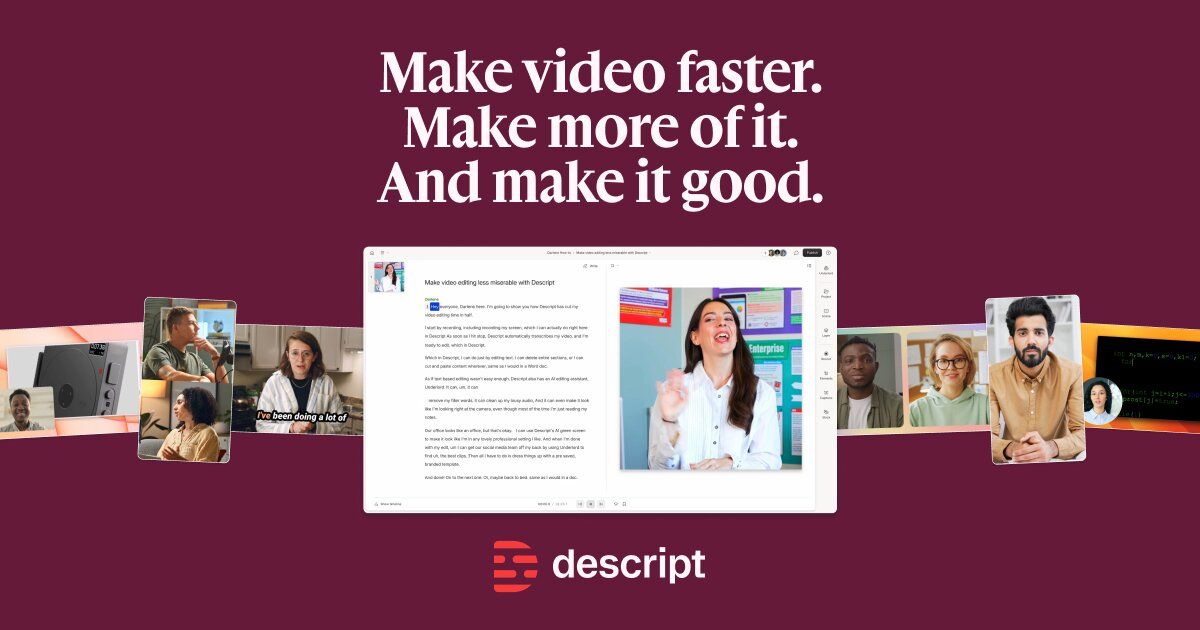
Smartrazor is an AI video editor for talking-head YouTube videos. It automatically cuts mistakes and pauses, adds animated captions and zooms, and lets you refine cuts via a transcript editor. Available on Apple and Windows.
Smartrazor is an AI video editing tool built for longform talking-head YouTube content. It targets creators, online business owners, and agencies who want to skip manual editing and publish faster. The core promise is straightforward: upload or record raw footage, and the AI removes bad takes, pauses, and mistakes, then layers on animated captions and zooms. The result is a polished video with minimal hands-on work. The workflow starts in the desktop app for Apple and Windows, where you either record directly or upload footage you have already shot. Smartrazor processes the video, identifying and cutting out errors and dead air. From there, you can fine-tune the output using a transcript-based editor: edits are made by adjusting text rather than scrubbing through a timeline. A separate effects timeline lets you tweak zoom and caption positions quickly. Export options include direct publishing to YouTube, downloading the full video, or saving individual clips. Smartrazor is designed for solo creators and small teams who produce weekly YouTube videos and want to offload the editing grind. It is less suited to cinematic projects, multicam setups, or non-English content, as the site notes that only English is reliably supported. The pricing tiers are based on upload minutes, so high-volume creators should check whether their monthly output fits within the allotted minutes. The tool positions itself as a cost-effective alternative to hiring a video editor, with plans starting at $9 per month for 80 upload minutes. Overall, Smartrazor fits into the growing category of AI-assisted editors that automate rough cuts and styling. It competes with general-purpose editors that require manual timeline work, but its focus on talking-head YouTube videos gives it a narrower, more automated approach. If your content is mostly you speaking to camera and you want to cut editing time, it is a strong candidate. If you need granular control or work with complex footage, expect to use it as a first-pass tool rather than a full replacement.
A free trial is available; the site links to start a free trial for each plan.
Learn moreSmartrazor offers three monthly plans: Lite at $9 (80 upload minutes), Standard at $29 (240 minutes, adds animated captions and zooms), and Team at $79 (960 minutes, same features as Standard). Yearly billing is also available.
Learn moreDirect export to YouTube is supported. No other integrations are mentioned on the homepage.
Smartrazor automatically cuts mistakes, pauses, and bad takes from talking-head videos. It adds animated captions and zooms on Standard and Team plans. A transcript editor lets you adjust cuts by editing text, and an effects timeline lets you reposition zooms and captions. Export options include YouTube, full video download, and individual clips.
 AI Angels400+ customizable AI girlfriends for NSFW chat, voice calls, and roleplay
 Candy AIExperience the future of companionship with AI friends who chat, role-play, and connect with you on a human level.
 ourdream.aiA vast AI roleplay platform with millions of characters for chat, images, video and voiceAI Angels400+ customizable AI girlfriends for NSFW chat, voice calls, and roleplayCandy AIExperience the future of companionship with AI friends who chat, role-play, and connect with you on a human level.ourdream.aiA vast AI roleplay platform with millions of characters for chat, images, video and voice