Free trial
The homepage invites new users to get started for free and to try the editor free, but it does not state trial length or which features are gated.
Learn moreEdit video by editing its transcript, with an AI co-editor doing the cuts
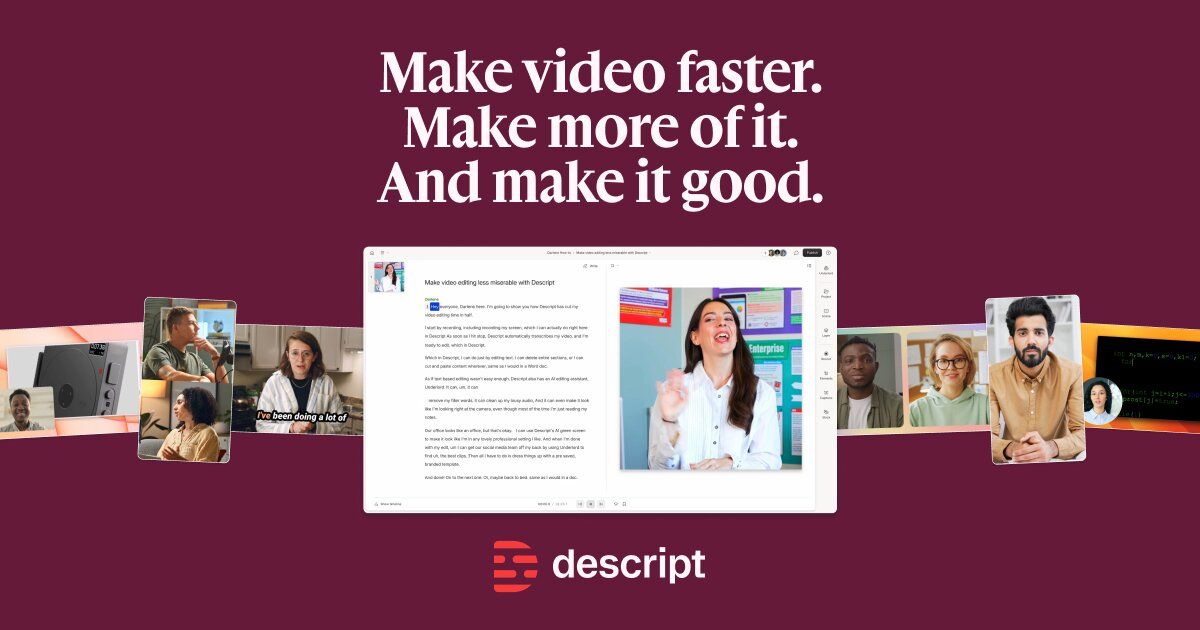
Descript is an AI narration tool that edits video by editing its transcript, with an AI co-editor doing the cuts. Descript turns video and audio editing into text editing: import or record, get an instant transcript, then cut filler words, retakes and whole sentences by deleting words.
Descript is an AI video and audio editor built around a transcript. Import footage you shot, a script, a Zoom call or a podcast recording, and the tool transcribes it in seconds. From there, editing works like editing a document: delete a sentence and the matching footage disappears, paste a line and it moves, drag and drop to rearrange. A conventional timeline sits underneath for anyone who wants frame level control, but the text layer is the primary interface. The platform covers the full production loop rather than a single step. Remote recording happens in the same app, so interviews and co-hosted podcasts land directly in a project. Cleanup is one click per problem: Studio Sound removes background noise and enhances voice, filler words and retakes are stripped automatically, and generated video, voice audio, music and images can fill gaps in B-roll. Underlord acts as an AI co-editor that can be directed in plain language or asked what a rough cut needs, and it handles the laborious passes on its own. Distribution is handled afterwards. Long recordings become clips formatted for YouTube, TikTok and LinkedIn, captions are generated on export, and translation extends a single video into dozens of language versions. Sharing is link based with comments attached to the video, and the output can also be pushed through an API. Descript suits podcasters, marketing and sales teams, course creators, support teams and newsroom style producers who record a lot of spoken content and need volume rather than cinematic polish. It competes with traditional non-linear editors that assume timeline fluency, and with separate transcription and captioning services; the pitch is consolidating record, edit, refine, share and repurpose into one place. Enterprises get SSO, SCIM provisioning and SOC 2 Type II certification.
The homepage invites new users to get started for free and to try the editor free, but it does not state trial length or which features are gated.
Learn moreEnterprise buyers can book a demo through the contact page. Standard plan support channels are not described on the homepage.
Learn moreThe homepage points to an API and MCP for programmatic access. No named third-party integrations are listed.
Learn moreText-based editing on an instant transcript, remote recording, Studio Sound noise removal and voice enhancement, filler word and retake removal, audio and video regeneration, generated B-roll, voice, music and images, Underlord AI co-editing, captions, clip creation, video translation and templates.
Learn more AI Angels400+ customizable AI girlfriends for NSFW chat, voice calls, and roleplay
 Candy AIExperience the future of companionship with AI friends who chat, role-play, and connect with you on a human level.
 ourdream.aiA vast AI roleplay platform with millions of characters for chat, images, video and voiceAI Angels400+ customizable AI girlfriends for NSFW chat, voice calls, and roleplayCandy AIExperience the future of companionship with AI friends who chat, role-play, and connect with you on a human level.ourdream.aiA vast AI roleplay platform with millions of characters for chat, images, video and voice


