Support
Support runs through a contact page where brands can book a demo; the homepage also links to customer stories and a blog for background reading.
Learn moreAI customer service agents and voice support built for global e-commerce brands
Own Solvea by VOC AI? Verify ownership to get a dofollow link

Solvea by VOC AI is an AI chat bot tool. Solvea by VOC AI combines an AI chat agent, a multilingual voice agent and a shared helpdesk inbox for e-commerce brands. It plugs into marketplaces and messaging channels, resolves routine pre-sales and after-sales questions, and hands complex cases to human staff with full conversation context.
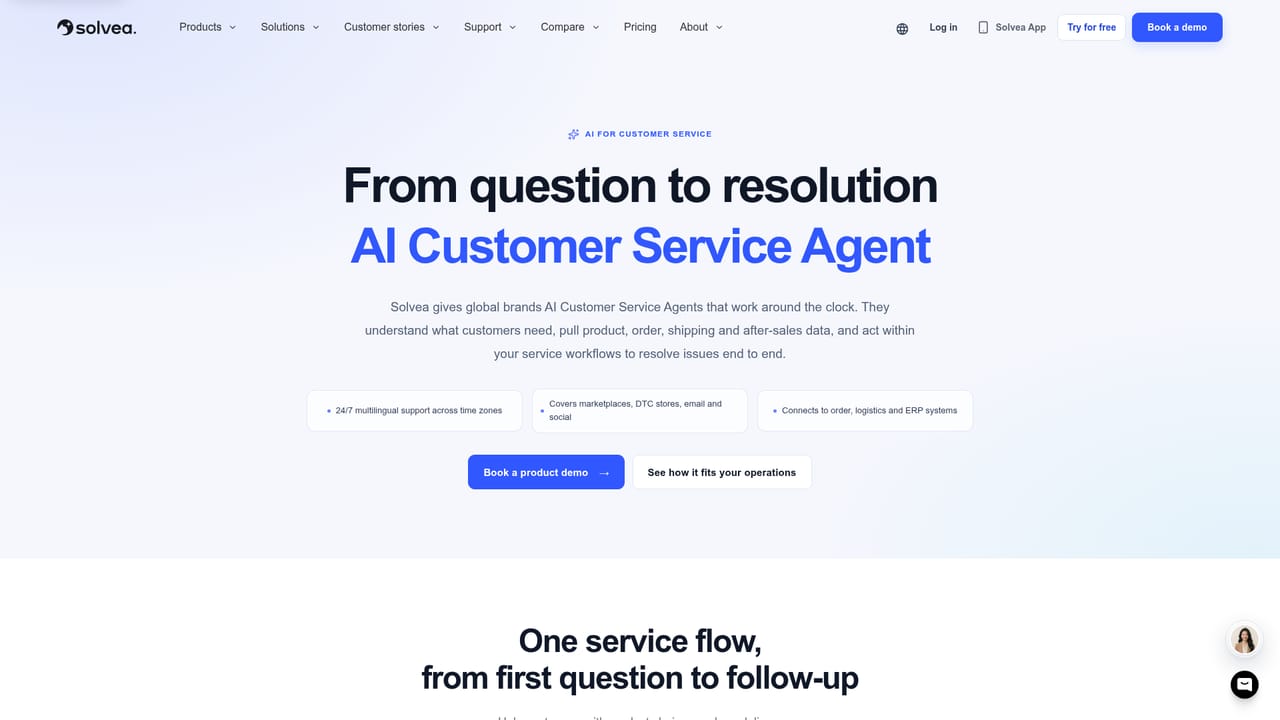
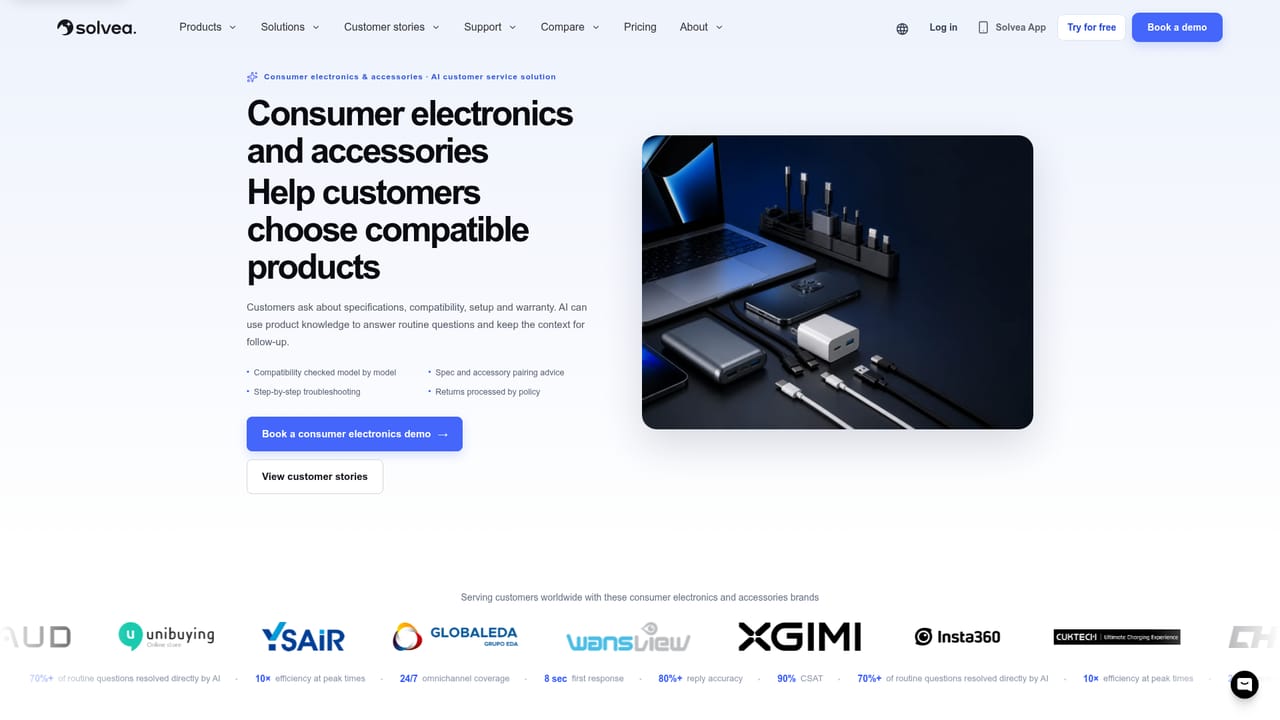
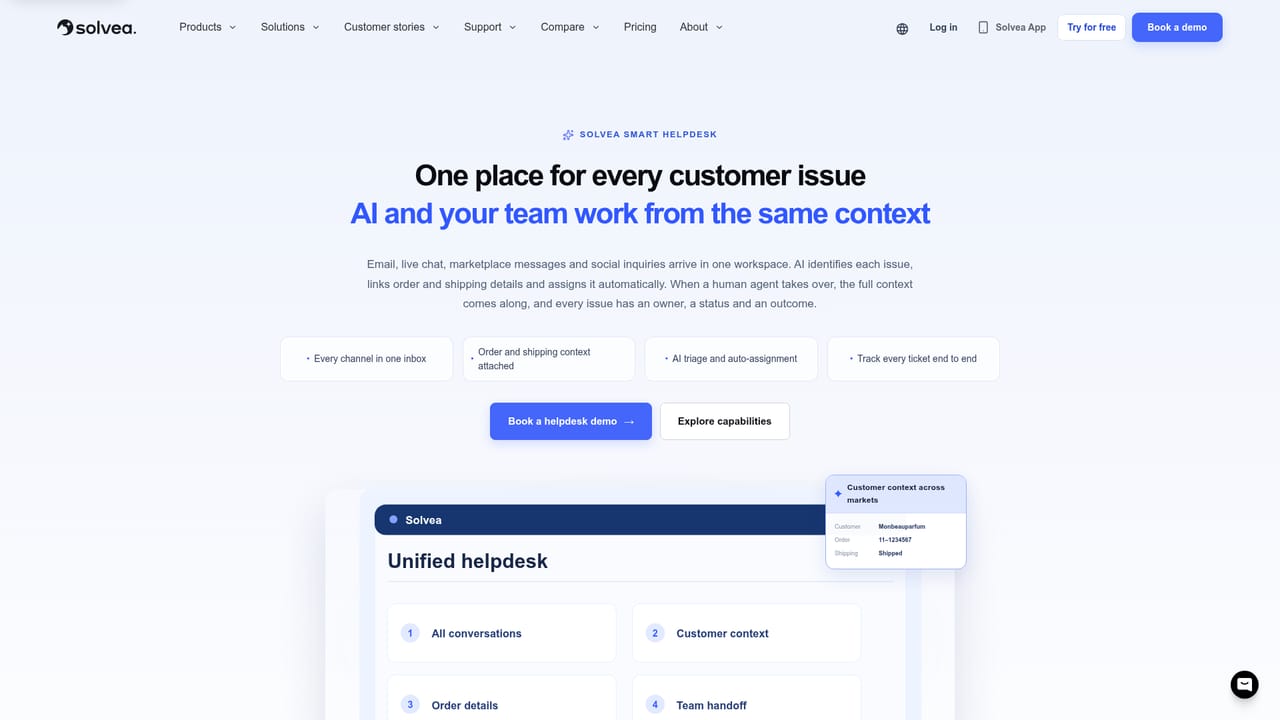
Solvea by VOC AI is a customer service platform built around AI agents that handle shopper conversations in chat and on voice calls. The product is split into three connected parts: an AI Customer Service Agent that covers pre-sales questions, order status and after-sales cases; a Voice AI Agent that answers multilingual calls, routes them in real time and writes a summary of each call; and Smart Helpdesk, a shared inbox where AI and human staff work the same queue. VOC AI positions the suite for consumer brands selling across marketplaces, DTC stores and messaging apps, and cites more than 200 global customers including Anker, Aosom, Mammotion and ZEELOOL. In practice the AI agent sits on the channels shoppers already use, spanning Amazon, Shopify, Walmart, eBay, TikTok Shop, SHOPLINE, Rakuten, WhatsApp, Messenger, Instagram, LINE and email, and it draws on order context when it replies. A sample interaction on the site shows the agent recommending a dining chair that matches a table the customer previously bought, which is the kind of cross-sell a pre-sales bot is expected to attempt. Conversations that need a person move to the unified inbox with team assignment and status tracking, so handoffs stay visible rather than disappearing into a separate tool. The vendor reports that, in established deployments, AI resolves more than 70% of common inquiries, and customer quotes put the figure above 70% at Anker and above 60% of first-contact inquiries at ZEELOOL. Those numbers come from Solvea and its clients, not from independent testing, and they depend on how well a knowledge base and escalation rules are set up. Industry playbooks exist for furniture, consumer electronics, smart home and robotics, outdoor power equipment, automotive accessories and fashion, each listing the scenarios the agent is tuned for. Solvea fits brands that have outgrown a single shared inbox and want automation layered onto a real helpdesk rather than bolted onto a chatbot widget. Smaller stores with low ticket volume will find more platform than they need, and teams that want to keep their existing helpdesk will have to weigh the cost of moving to Solvea's inbox.
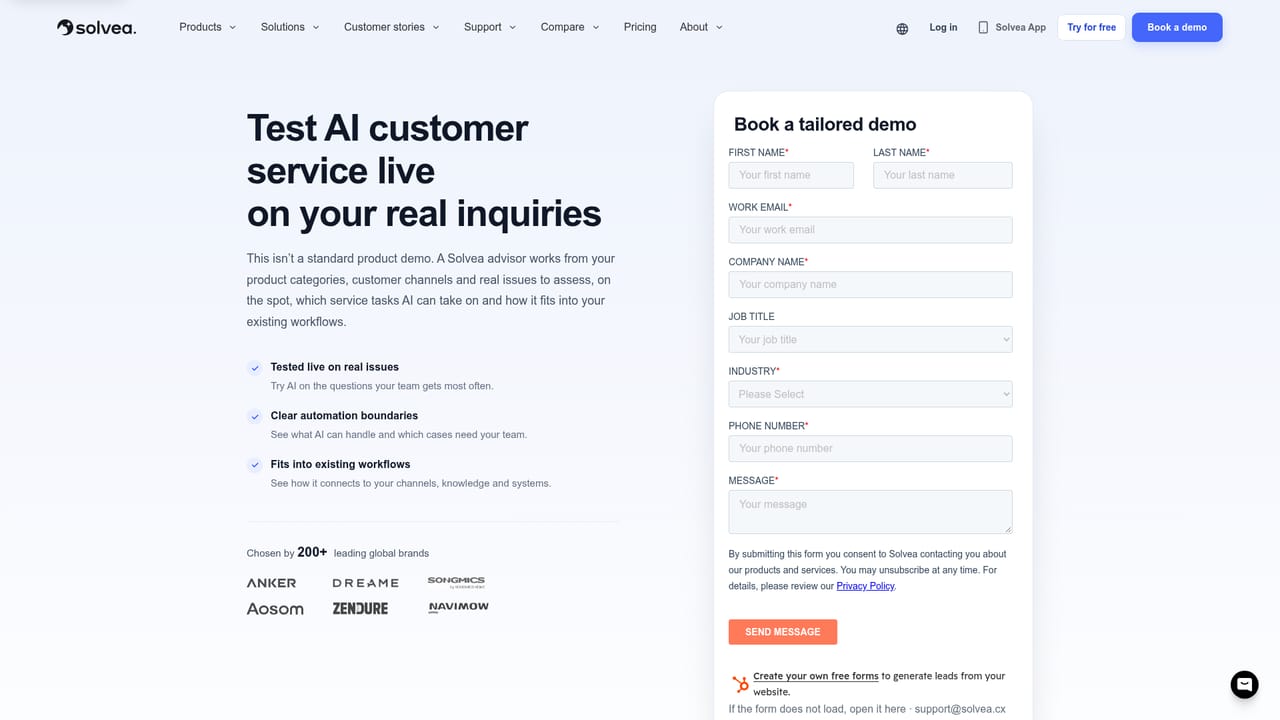
Support runs through a contact page where brands can book a demo; the homepage also links to customer stories and a blog for background reading.
Learn moreChannels named on the homepage include Amazon, Shopify, Walmart, eBay, TikTok Shop, SHOPLINE, Rakuten, WhatsApp, Messenger, Instagram, LINE and email.
Learn moreAI Customer Service Agent for pre-sales, order and after-sales questions; a multilingual Voice AI Agent that answers, routes and summarises calls; and Smart Helpdesk, a unified inbox with team assignment, status tracking and human-AI collaboration. Industry playbooks cover furniture, electronics, smart home and robotics, outdoor, auto and fashion.
Learn more AI Angels400+ customizable AI girlfriends for NSFW chat, voice calls, and roleplay
 Candy AIExperience the future of companionship with AI friends who chat, role-play, and connect with you on a human level.
 ourdream.aiA vast AI roleplay platform with millions of characters for chat, images, video and voiceAI Angels400+ customizable AI girlfriends for NSFW chat, voice calls, and roleplayCandy AIExperience the future of companionship with AI friends who chat, role-play, and connect with you on a human level.ourdream.aiA vast AI roleplay platform with millions of characters for chat, images, video and voice


