Free trial
New users get 10 credits to generate music without paying in advance, per the homepage.
Learn moreTurn text, lyrics, or a voice sample into full royalty-free songs.

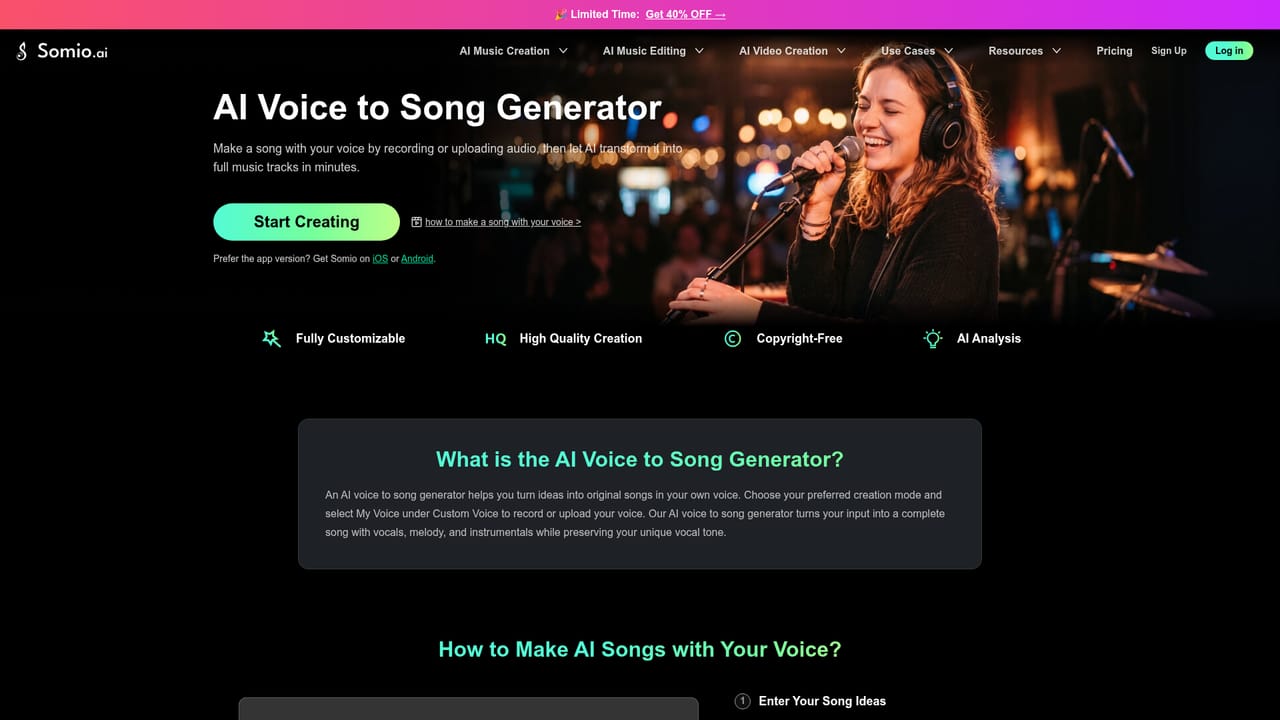
Somio AI is an explicit song generator tool that turns text, lyrics, or a voice sample into full royalty-free songs. Somio AI generates full songs from text, lyrics or a voice sample, then lets you extend, remix or replace sections and turn tracks into lyric or music videos.
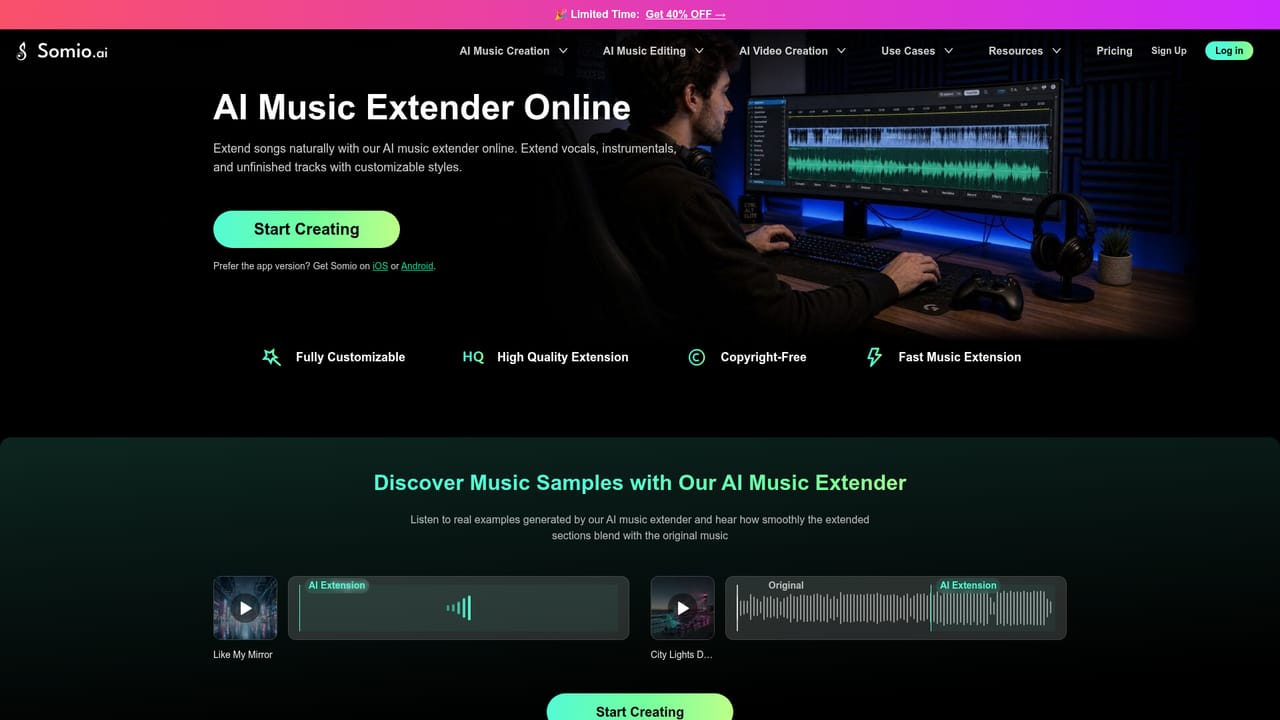
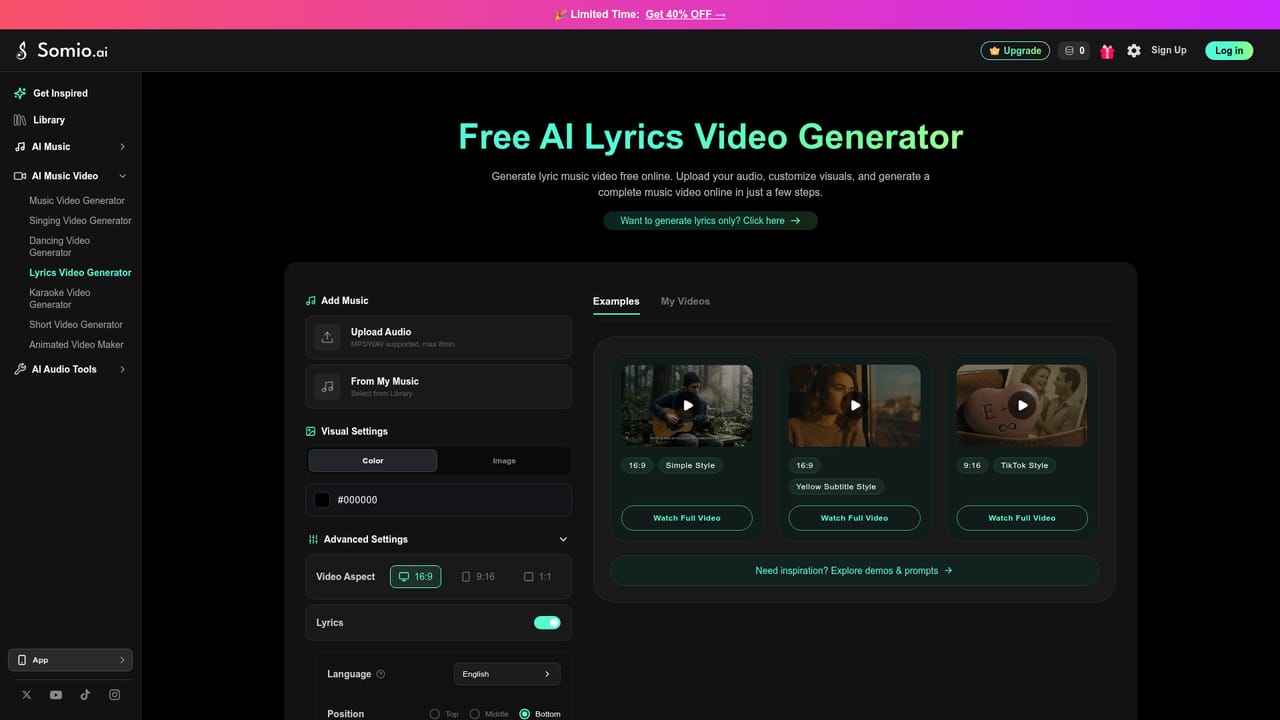
Somio AI is a web and mobile music generator that builds complete songs from text prompts, written lyrics, or a reference audio clip. The generator is the core of the product, but the homepage positions it as the entry point to a wider assembly line: you can write lyrics with a separate generator, shape the output with mood, genre, tempo, vocal gender and language settings, then keep working on the result with tools for extending a track, swapping out a section, or remixing it into a new style. Instrumental and acapella song types are selectable, so the same workspace covers a full vocal track, a backing bed, or a vocal-only demo. The more distinctive piece is voice. A My Voice option lets a user upload and verify an audio sample so generated songs keep their own vocal character, and AI-generated vocals can be saved as reusable singer voice models. That puts Somio in the same conversation as text-to-song services such as Suno and Udio, but with an emphasis on post-generation editing rather than one-shot generation. Beyond audio, the site bundles music video, lyric video, singing video and dance video generators, plus a vocal remover, a stem splitter and a sound effect generator, which makes it a plausible single stop for creators who need both a track and a visual to go with it. The stated audience is broad: musicians and producers prototyping ideas, songwriters turning lyrics into demos, and YouTubers or video creators who need original background music. Every track is presented as cleared for personal and commercial use, and finished audio can be downloaded as MP3 or WAV. New accounts receive 10 credits, which is enough to test the workflow before committing. The trade-off is that this is a browser-first, template-driven tool: it is built for fast, finished-sounding output rather than fine-grained production control, and the homepage makes no mention of a DAW integration, MIDI export or an API.

New users get 10 credits to generate music without paying in advance, per the homepage.
Learn moreThe homepage advertises a free entry point with 10 credits for new users and does not list paid tiers, subscription prices or credit costs beyond that.
Learn moreText, lyric and reference-audio song generation; instrumental and acapella modes; My Voice cloning and reusable AI singer models; mood, genre, tempo, vocal gender and language controls; prompt optimization and saved prompts; full-length tracks; MP3 and WAV downloads; extend, replace-section and remix editing; plus separate lyric, music video, singing and dance video tools, a vocal remover, stem splitter and sound effect generator.
 AI Angels400+ customizable AI girlfriends for NSFW chat, voice calls, and roleplay
 Candy AIExperience the future of companionship with AI friends who chat, role-play, and connect with you on a human level.
 ourdream.aiA vast AI roleplay platform with millions of characters for chat, images, video and voiceAI Angels400+ customizable AI girlfriends for NSFW chat, voice calls, and roleplayCandy AIExperience the future of companionship with AI friends who chat, role-play, and connect with you on a human level.ourdream.aiA vast AI roleplay platform with millions of characters for chat, images, video and voice