Integrations
A dedicated plugin is offered for music production workflows, letting generation sit alongside existing studio tools. No other integrations are listed on the homepage.
Learn moreGenerate full tracks from a text prompt and shape them by length and style

Stable Audio is a 8-bit music maker tool that generates full tracks from a text prompt and shape them by length and style. A text-to-music generator from Stability AI that turns detailed prompts (genre, instruments, mood, BPM, length) into finished instrumental tracks, with commercially safe models and a plugin path for DAW workflows.
Stable Audio is a generative music and sound toolkit from Stability AI, aimed at producers, composers, sound designers and content creators who need original audio on demand. The core product takes a written prompt and renders a finished track, letting the user set a duration before pressing start. The homepage hero shows a length control starting at 30 seconds, and community examples run from short loops of around one and a half minutes up to multi-minute pieces, so the output scales with the job at hand. The workflow is prompt-led. Users describe the track type, vocal type (for example instrumental), genre, specific instruments and a BPM, then layer in mood and production language such as gritty analog distortion, sparse arrangement or wide stereo space. Those prompts are published alongside the finished tracks, which makes the site a useful reference library as well as a generator: a visitor can read a detailed recipe and reload it to hear how the same instructions resolve. Genres on display span synthwave, tech house, trap, lo-fi hip hop, indie rock, rock and metal, jazz with Latin and brass elements, and darker new wave styles. Stability AI positions the product around iteration rather than one-shot output. The pitch is customizable, commercially safe models and applications built for professional control, plus a dedicated plugin route for people working inside a DAW. That framing puts Stable Audio closer to a production tool than to a casual toy, competing with other text-to-music generators while leaning on the ability to describe arrangements, instrumentation and mix character in detail. Beginners can start with a genre and a mood and get something usable quickly. More experienced users get the most from it by writing long, specific prompts that name instruments, tempo and arrangement behaviour. Anyone needing to place generated audio in commercial work should read the licensing terms first.

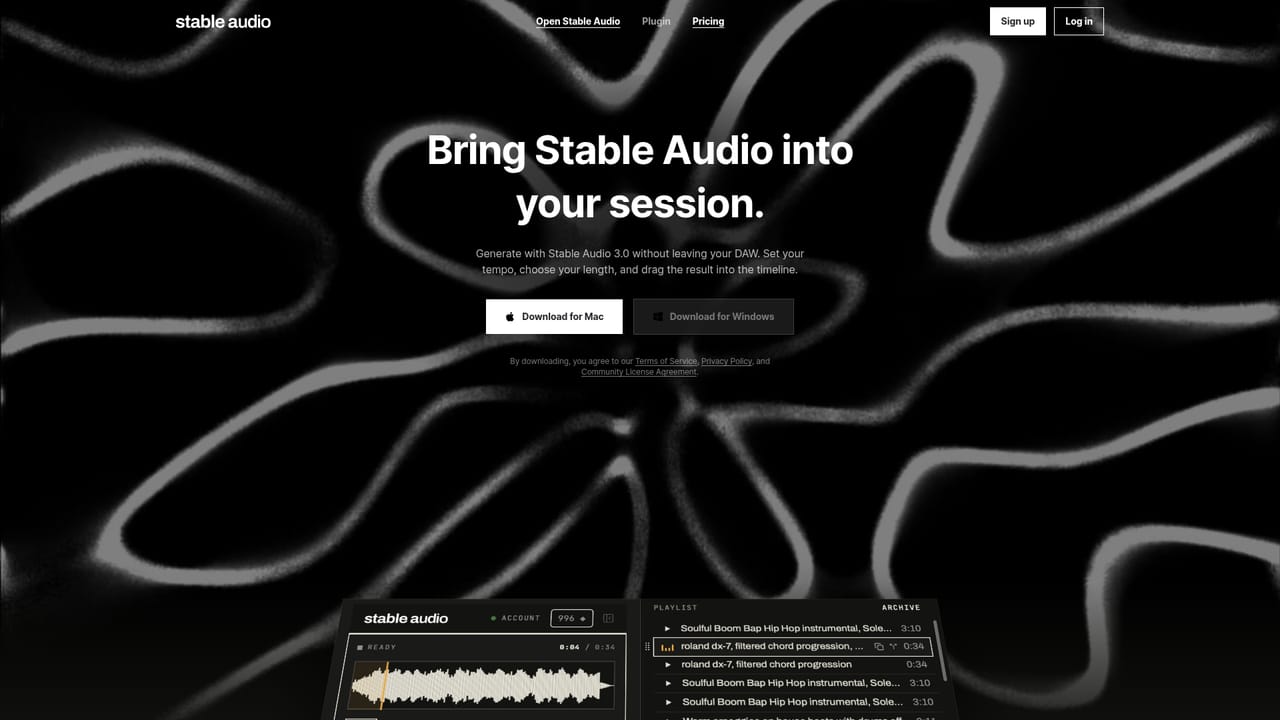
A dedicated plugin is offered for music production workflows, letting generation sit alongside existing studio tools. No other integrations are listed on the homepage.
Learn moreText-to-prompt music generation with a chosen track length, handling of track type, vocal type, genre, instruments, BPM, mood and production style. Community examples publish their full prompts for reuse, and a plugin brings generation into DAW-based workflows. Stability AI describes the underlying models as customizable and commercially safe.
Learn more AI Angels400+ customizable AI girlfriends for NSFW chat, voice calls, and roleplay
 Candy AIExperience the future of companionship with AI friends who chat, role-play, and connect with you on a human level.
 ourdream.aiA vast AI roleplay platform with millions of characters for chat, images, video and voiceAI Angels400+ customizable AI girlfriends for NSFW chat, voice calls, and roleplayCandy AIExperience the future of companionship with AI friends who chat, role-play, and connect with you on a human level.ourdream.aiA vast AI roleplay platform with millions of characters for chat, images, video and voice