Free trial
A free preview of the produced song is available before any payment, and no charge applies if the song never sounds right.
Learn moreTurn a story into a custom studio-quality song, preview free
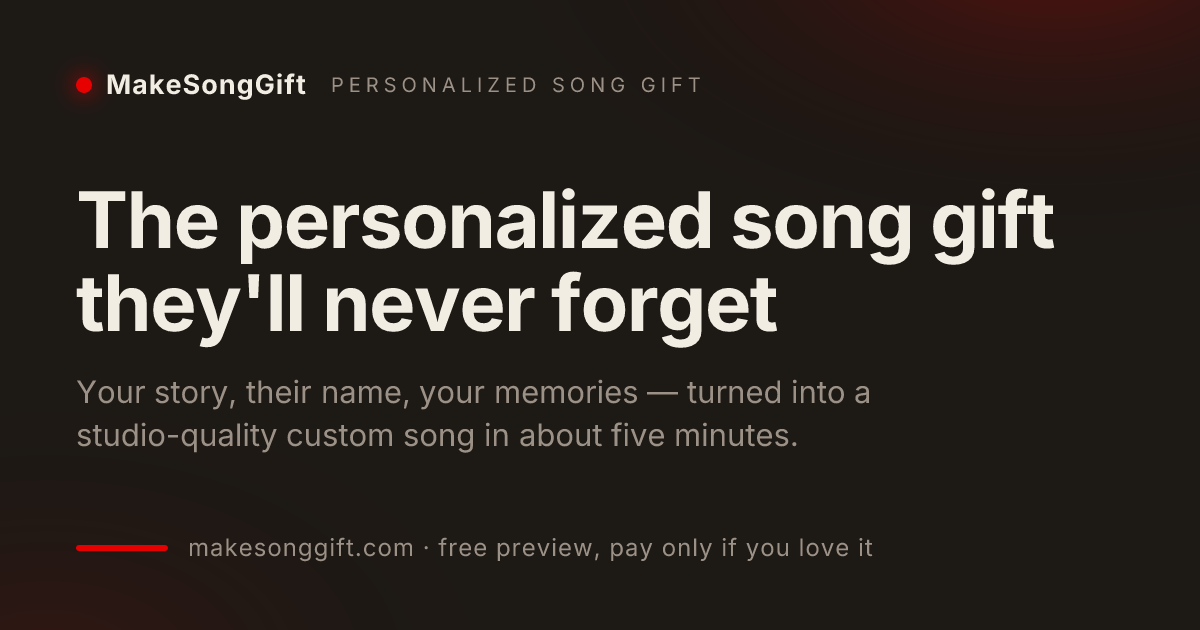
SongFor is a music creator tool that turns a story into a custom studio-quality song, preview free. A guided web service that turns a recipient's story into an original produced song with vocals, lyrics you can edit, cover art and a sharing page.
SongFor (the service also runs as MakeSongGift) is a web tool that converts a written story into an original, produced song. You supply the recipient's name, the occasion and a handful of real memories, and the service drafts lyrics and generates a full track with vocals and instrumentation. The output is built around specifics: names in the chorus, places and inside jokes in the verses, rather than a fixed template with a name inserted. The workflow is a short guided form rather than a blank text box. You pick an occasion (birthday, anniversary, Valentine's Day, Mother's Day, Father's Day, wedding, Christmas, Just Because, congratulations, get well, thank you or memorial), choose a mood such as acoustic, pop, hip hop, country, jazz or kids, set a vocal style and pick the language the song is sung in. Lyrics arrive in roughly 20 seconds and the finished track in about four or five minutes. You can edit any line or request a fresh version before production, and each order comes with two takes to choose between. It is aimed at people with no musical background: gift givers, partners, adult children, wedding couples and anyone marking a milestone where a card or a parcel feels thin. Buying is gated on approval, since the free preview comes before payment, and a paid order includes the full length track, an MP3 download, cover art and a private sharing page with your note that can be sent by link, text or social. SongFor sits closest to custom song commissions and AI music generators, but it is narrower than either. Compared with hiring a songwriter, the turnaround is minutes and the price starts low, at the cost of the back and forth a human writer offers. Compared with a general music generator, the input is a personal narrative and the deliverable is a gift package, not a raw audio file for further production.
A free preview of the produced song is available before any payment, and no charge applies if the song never sounds right.
Learn moreOne-off songs start at $9. A Pro plan covers monthly songs, videos and downloads at a lower per-song rate. Every plan includes the full length track, an MP3 download, cover art and the sharing page, with no upsells after payment. Nothing is charged until the preview is approved.
Learn moreHuman support is offered on orders: if the result is not right, the team will remake the song at no charge.
Learn moreGuided story intake with up to three names per song, occasion presets from birthday to memorial, and genre plus vocal style selection in multiple languages. Lyrics are generated in about 20 seconds and remain editable line by line, then a full track with vocals and instrumentation is produced in roughly four to five minutes. Orders include two takes, an MP3 download, cover art and a private sharing page with your note.
 AI Angels400+ customizable AI girlfriends for NSFW chat, voice calls, and roleplay
 Candy AIExperience the future of companionship with AI friends who chat, role-play, and connect with you on a human level.
 ourdream.aiA vast AI roleplay platform with millions of characters for chat, images, video and voiceAI Angels400+ customizable AI girlfriends for NSFW chat, voice calls, and roleplayCandy AIExperience the future of companionship with AI friends who chat, role-play, and connect with you on a human level.ourdream.aiA vast AI roleplay platform with millions of characters for chat, images, video and voice