Free trial
A free starting tier is offered with no credit card required; the homepage does not state a time limit for it.
Learn moreDescribe the sort in plain English, preview every move, undo anytime.

Sortio is an AI file sorter for Mac and Windows. You describe the sort in plain English, it reads file contents, renames files to a consistent pattern, and routes them into the right folders, showing a full preview before anything moves.
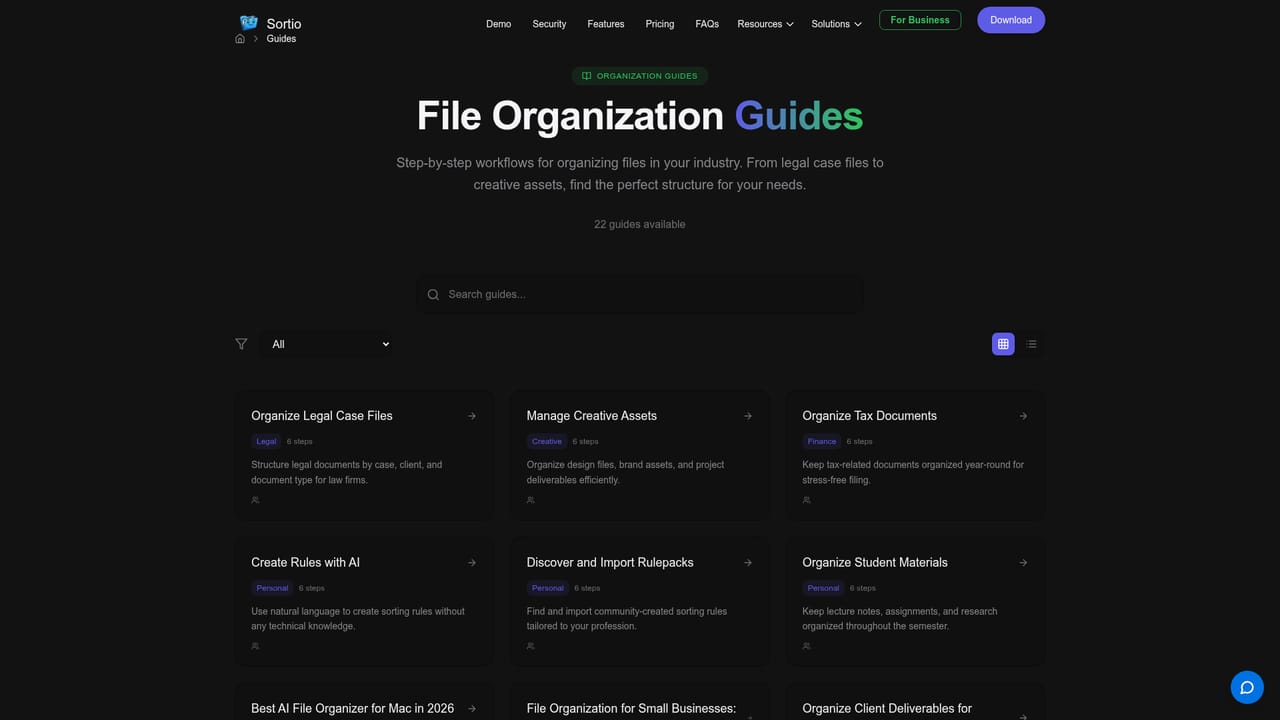
Sortio is a desktop file organizer for Mac and Windows that turns a plain English instruction into a full sorting plan. Instead of building rule chains by hand, you write something like "name documents by date and what they are, file photos by trip" and Sortio reads the contents of each file, renames it to a consistent pattern (for example a date, vendor and amount, or a last name and first name), and moves it into the folder where it belongs. If the target folder does not exist yet, Sortio creates it. The workflow is deliberately cautious. Sortio builds a plan first and shows every proposed rename and move before anything on disk changes, so a mistaken instruction costs a review pass rather than a lost afternoon. Every run can be undone. The app works on folders you already have, including folders synced from cloud storage such as OneDrive, and it can run in a local-only mode for people who would rather not send file contents anywhere. The homepage cites more than 3 million files organized and states that the app works offline. Sortio is aimed at people whose file chaos is professional, not theoretical: solo lawyers sorting intake documents and exhibits per client and matter, realtors juggling hundreds of MLS photos and transaction documents per property, bookkeepers separating payroll from vendor invoices across multi-year archives, consultants routing deliverables across clients, and engineering project managers splitting CAD revisions from meeting minutes. Home users with decades of tax returns and family photo libraries are covered by the same mechanics. The site offers dedicated workflow pages and guides for each of these groups. The obvious point of comparison is Hazel, the long-standing rule-based Mac filer, and Sortio's own comparison page targets that audience. The difference is the input: rules require you to predict every pattern in advance, while a prompt lets the model interpret content it has not seen before. The trade-off is that you are delegating judgment about naming and placement, which is why the preview step matters. Sortio is a focused utility rather than a document management suite: it does not appear to offer shared team workspaces or retention policies, so teams looking for governed document systems should treat it as a cleanup layer that feeds their existing folder structure.
A free starting tier is offered with no credit card required; the homepage does not state a time limit for it.
Learn moreFree to start with no credit card required, and a Pro tier from $14.99 per month. The homepage does not break down what each tier includes or list annual options.
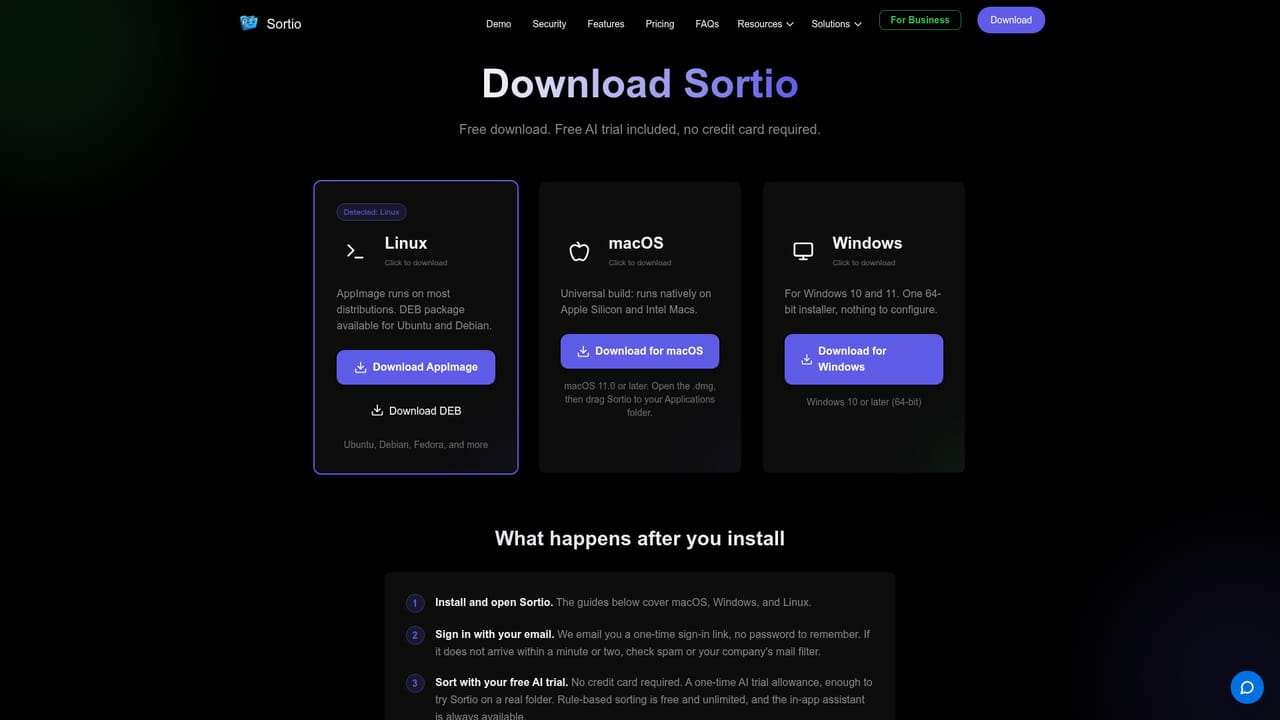
Learn moreSortio works directly on folders you already have, including folders synced from cloud services such as OneDrive. It is a desktop app for macOS and Windows.
Content-aware renaming and routing from a plain English prompt, automatic creation of missing folders, a full preview of every move before it runs, undo for any pass, smart folders, offline operation and a local-only mode for sensitive files.
Learn more AI Angels400+ customizable AI girlfriends for NSFW chat, voice calls, and roleplay
 Candy AIExperience the future of companionship with AI friends who chat, role-play, and connect with you on a human level.
 ourdream.aiA vast AI roleplay platform with millions of characters for chat, images, video and voiceAI Angels400+ customizable AI girlfriends for NSFW chat, voice calls, and roleplayCandy AIExperience the future of companionship with AI friends who chat, role-play, and connect with you on a human level.ourdream.aiA vast AI roleplay platform with millions of characters for chat, images, video and voice


