Free trial
Cody Enterprise is presented as a way to try Cody for Sourcegraph Enterprise by getting in touch with the Sourcegraph team. No self-serve trial length or terms are stated on the documentation page.
Learn moreSourcegraph's AI coding assistant with whole codebase context
Own Sourcegraph Cody? Verify ownership to get a dofollow link

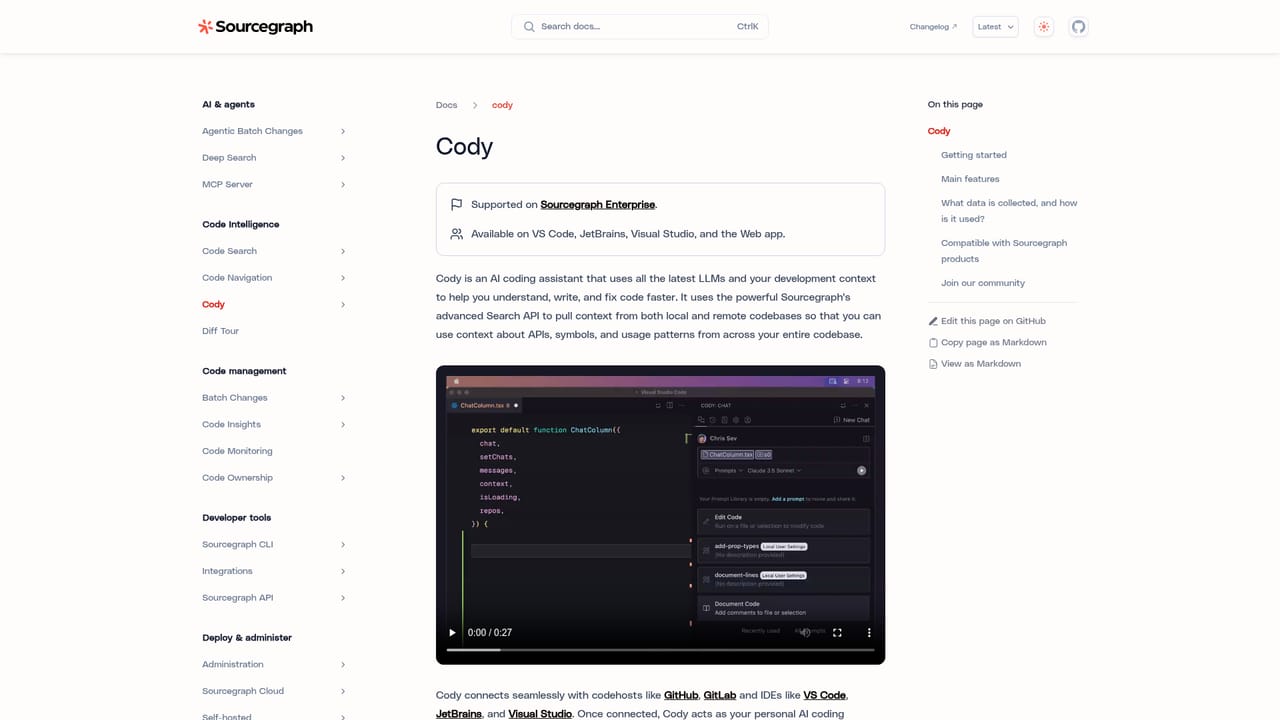
Sourcegraph Cody is a code modifier tool. Cody is Sourcegraph's AI coding assistant for VS Code, JetBrains, Visual Studio, the web app, and the CLI. It combines chat, code completions, auto-edit suggestions, and shareable prompts with Sourcegraph search context drawn from local and remote repositories, so answers can reference APIs and patterns across an entire codebase.
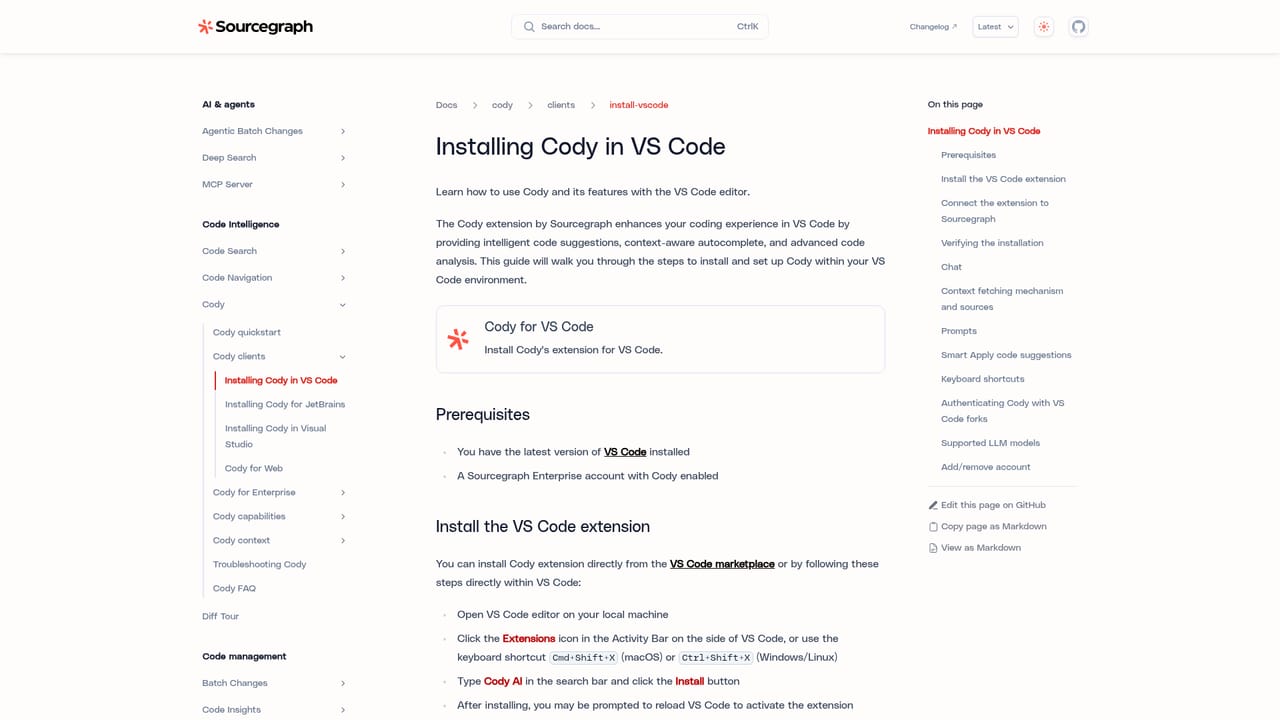
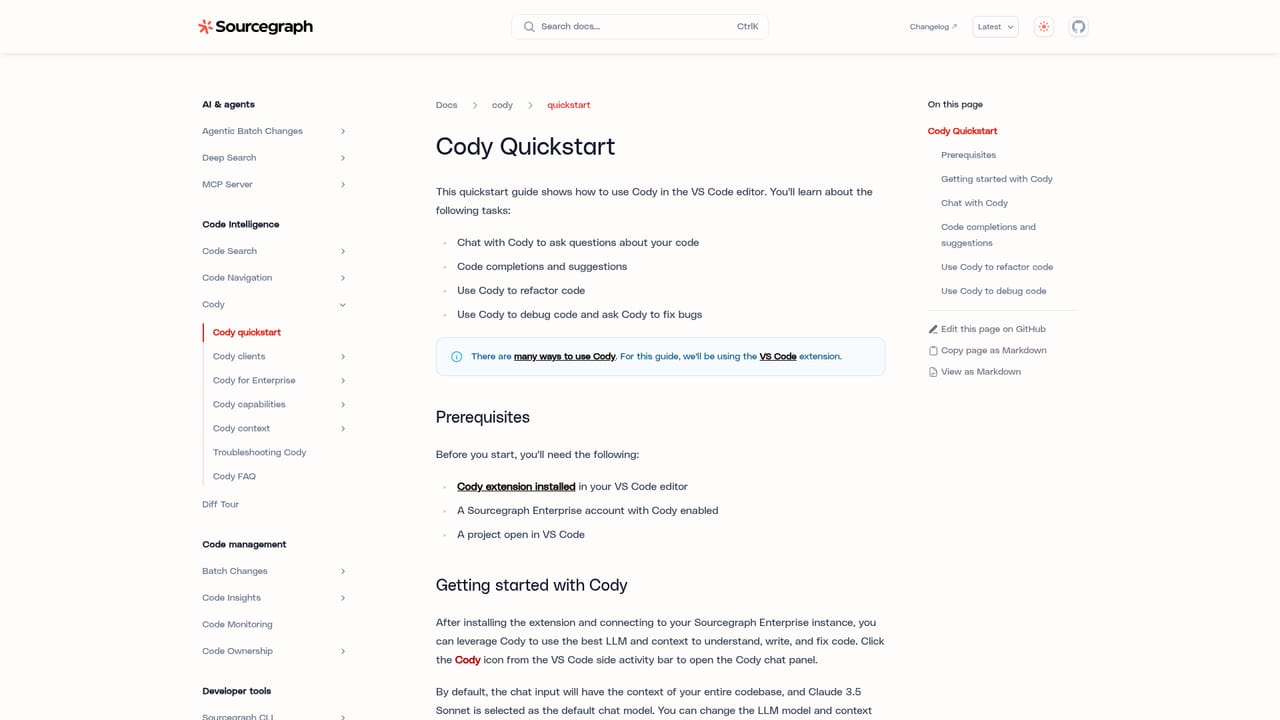
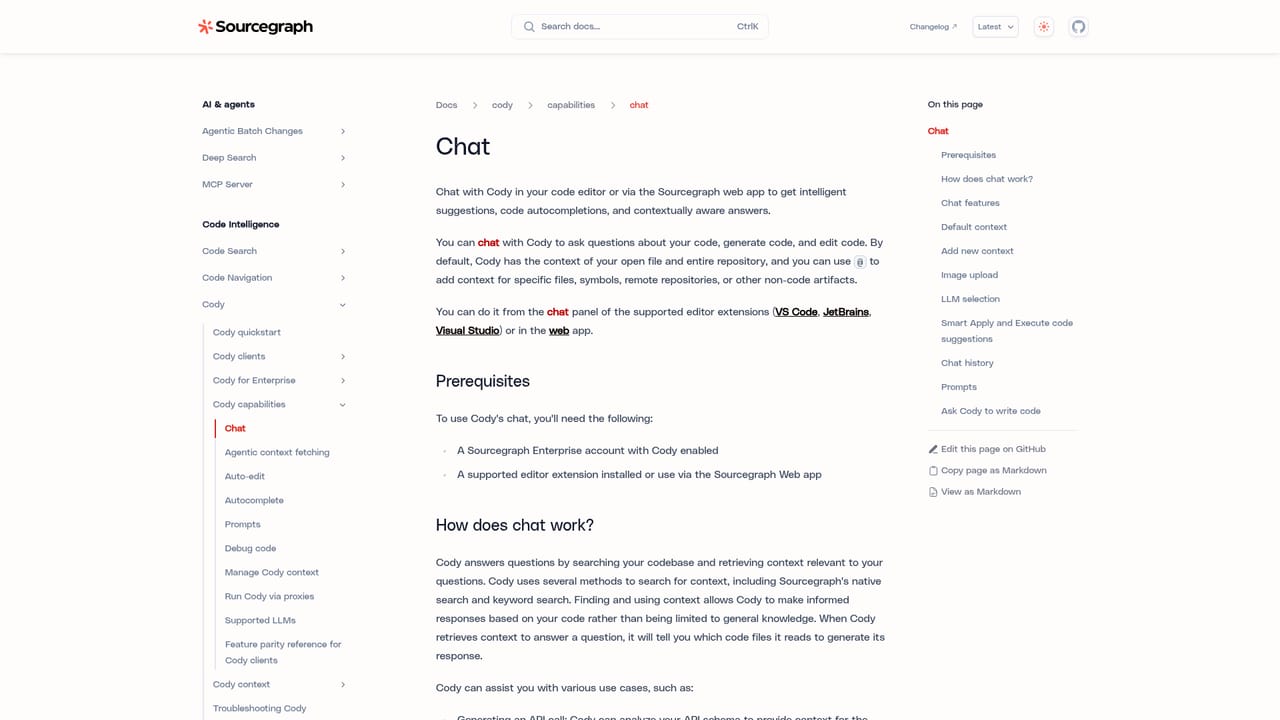
Cody is Sourcegraph's AI coding assistant, built to help developers read, write, and repair code with the help of large language models. Its distinguishing trait is context: rather than working only from the file in front of you, Cody calls Sourcegraph's Search API to pull relevant snippets from local and remote repositories, so answers can reference APIs, symbols, and usage patterns from elsewhere in a codebase. That makes it a different proposition from a generic chatbot pasted into an editor. The assistant arrives as extensions for VS Code, JetBrains IDEs, and Visual Studio (marked experimental), as a CLI, and inside the Sourcegraph web app. Chat is the centrepiece: users can query their code, generate new code, or request edits, with the open file and repository available by default and an @ mention system for adding specific files, symbols, remote repositories, or non-code artefacts to the conversation. Auto-edit watches cursor movement and typing, then proposes contextual changes once at least one character has been edited. Premade and customisable prompts wrap recurring tasks so they can be saved and shared across a team, and context filters let administrators exclude selected repositories from chat and autocomplete results. It suits engineering teams already running Sourcegraph Enterprise, particularly those working across many repositories where cross-repo understanding matters. Individual developers can use it through Sourcegraph.com, but the documentation positions Cody as supported on Sourcegraph Enterprise, with an enterprise enablement path that involves contacting the team. The debugging and autocomplete features are aimed squarely at day to day developer productivity rather than at non-technical users. Compared with editor-native assistants that rely mostly on the current file, Cody trades simplicity for depth of repository context. That depth is also its constraint: the best results depend on Sourcegraph indexing your code and connecting to hosts such as GitHub and GitLab, so a small single-repo project may see less benefit. Sourcegraph states it collects prompts, responses, usage data, and feedback to run and improve the service, and that it does not train models on that data; privacy terms are published separately.
Cody Enterprise is presented as a way to try Cody for Sourcegraph Enterprise by getting in touch with the Sourcegraph team. No self-serve trial length or terms are stated on the documentation page.
Learn moreThe Cody documentation states that Cody is supported on Sourcegraph Enterprise and points to the Sourcegraph pricing page for plans. Enterprise access is arranged by contacting the team; no specific tiers or figures appear in the source material.
Learn moreThe documentation points users to a Discord community and X for questions, and there is a dedicated FAQ page. No paid support tiers or response times are described in the source material.
Learn moreCody connects to code hosts including GitHub and GitLab, plugs into VS Code, JetBrains IDEs, and Visual Studio, runs in the Sourcegraph web app and a CLI, and works alongside Sourcegraph Code Search.
Learn moreCore capabilities are chat for asking about and editing code, auto-edit suggestions driven by cursor movement and typing, and premade or customisable prompts that can be saved and shared with a team. Sourcegraph's Search API supplies context from local and remote repositories, with @ mentions for files, symbols, and remote repos. Debugging support and context filters that exclude repositories from chat and autocomplete round out the set.
Learn more AI Angels400+ customizable AI girlfriends for NSFW chat, voice calls, and roleplay
 Candy AIExperience the future of companionship with AI friends who chat, role-play, and connect with you on a human level.
 ourdream.aiA vast AI roleplay platform with millions of characters for chat, images, video and voiceAI Angels400+ customizable AI girlfriends for NSFW chat, voice calls, and roleplayCandy AIExperience the future of companionship with AI friends who chat, role-play, and connect with you on a human level.ourdream.aiA vast AI roleplay platform with millions of characters for chat, images, video and voice