Free trial
The homepage invites visitors to start speaking for free through the web app, and reviews mention users upgrading to a premium package afterward. Exact free tier limits are not stated on the site.
Learn moreAI conversation practice for people who want to actually speak

Speak.com is a language learning tool. Speak is an AI language learning app that puts spoken conversation at the center, pairing an expert-written phrase curriculum with an AI tutor for unscripted practice. Seven languages are offered, including Spanish, French, Japanese and Korean.
Speak is a language learning app built around spoken conversation rather than reading or grammar drills. The catalog covers Korean, Japanese, French, Spanish, Italian, English and Chinese. Its central claim is that learners need real back and forth practice, and that the barrier to that practice is usually the cost and awkwardness of a live tutor. Speak replaces the tutor with an AI conversation partner it calls the Speak Tutor, so a learner can rehearse a scenario repeatedly, at any hour, without an audience. The curriculum follows what the company calls the Speak Method: a three part loop of learn, practice and apply. Lessons are written by language education specialists and focus on the phrases and sentence patterns native speakers use in everyday situations, such as describing how you feel or making a reservation, rather than textbook constructions. The practice stage has learners reuse those patterns in fresh contexts until they become automatic. The apply stage hands the conversation to the AI tutor, which responds in real time and gives feedback on what mattered in the attempt. Because a session can be restarted freely, the anxiety that comes with speaking to a person is largely removed. Where it fits: Speak competes with gamified vocabulary apps and with tutor marketplaces. Its differentiator is that speaking is the default mode from the first session, which suits travelers, professionals preparing for a move, and anyone who has studied a language for years without gaining confidence in conversation. The company also markets a business offering, and the product has been downloaded more than 15 million times with a 4.8 rating according to its homepage. Limits are worth weighing. Only seven languages are supported, and the site does not publish a full syllabus, level framework, pricing tiers or integration list, so buyers should check the app itself for scope.
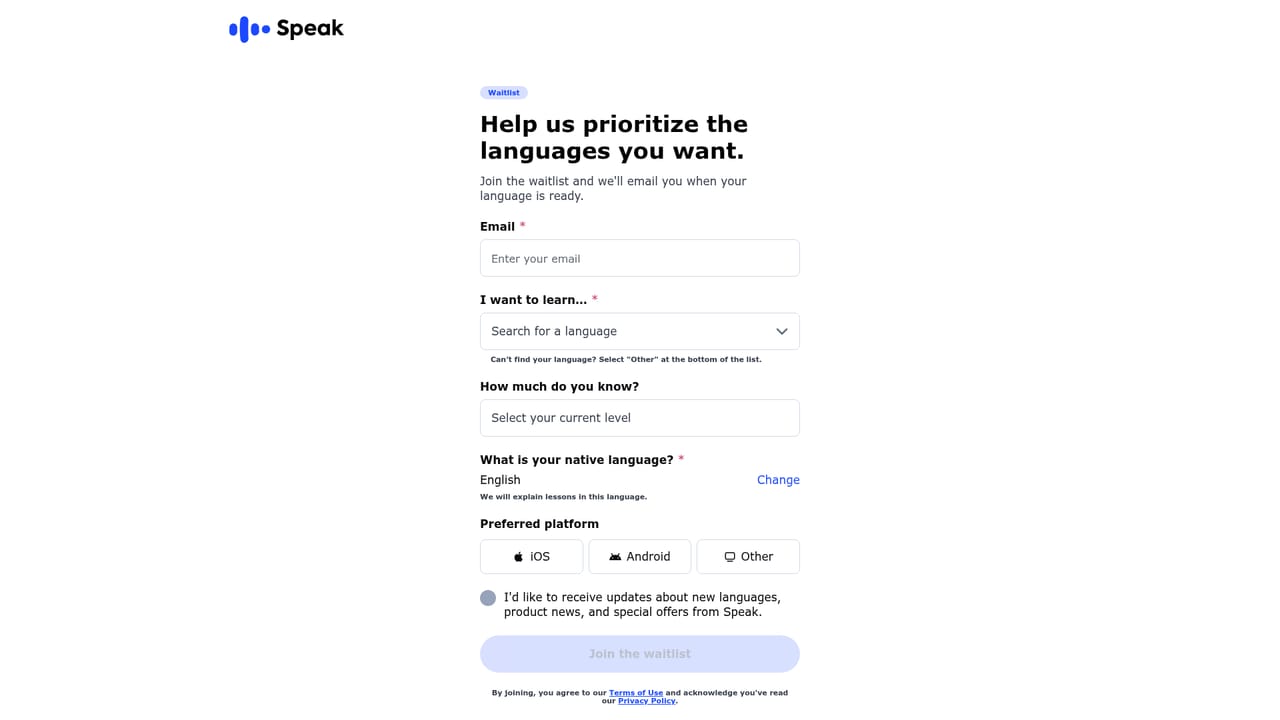
The homepage invites visitors to start speaking for free through the web app, and reviews mention users upgrading to a premium package afterward. Exact free tier limits are not stated on the site.
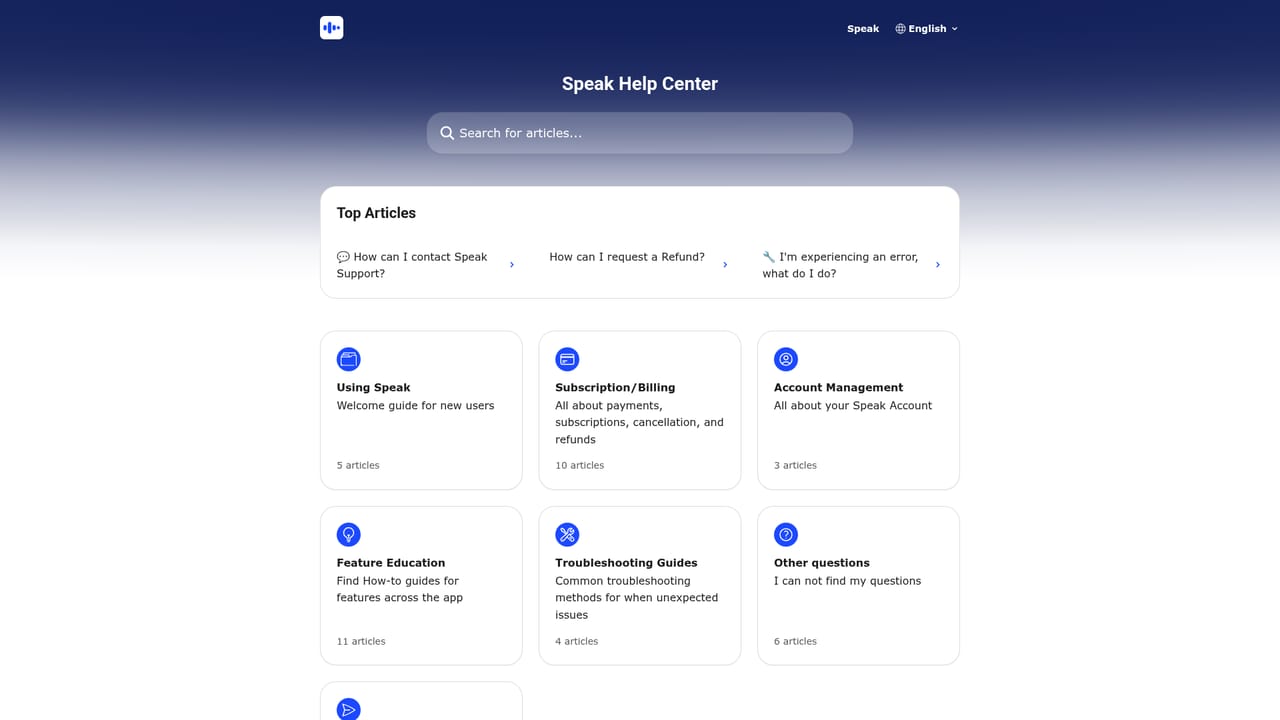
Learn moreAn English help centre is published at help.speak.com, and the site maintains separate pages for several language markets including Korean, Japanese, Spanish and French.
Learn moreCore features are the Speak Method loop (learn, practice, apply), an expert-written curriculum organized around conversational phrases, and an AI tutor for live back and forth conversation with feedback on phrasing. Seven languages are supported: Korean, Japanese, French, Spanish, Italian, English and Chinese.
 AI Angels400+ customizable AI girlfriends for NSFW chat, voice calls, and roleplay
 Candy AIExperience the future of companionship with AI friends who chat, role-play, and connect with you on a human level.
 ourdream.aiA vast AI roleplay platform with millions of characters for chat, images, video and voiceAI Angels400+ customizable AI girlfriends for NSFW chat, voice calls, and roleplayCandy AIExperience the future of companionship with AI friends who chat, role-play, and connect with you on a human level.ourdream.aiA vast AI roleplay platform with millions of characters for chat, images, video and voice


