SpicyLab

Adult AI image and video generation built around templates and image-to-video

Beginner

What is SpicyLab?

SpicyLab is an adult AI creation platform combining image and video generators, an image-to-video tool and a large library of scene templates, so users can start from a prompt, an existing photo or a ready-made concept. It is built for adult content and emphasizes a simple choose, upload, generate loop.

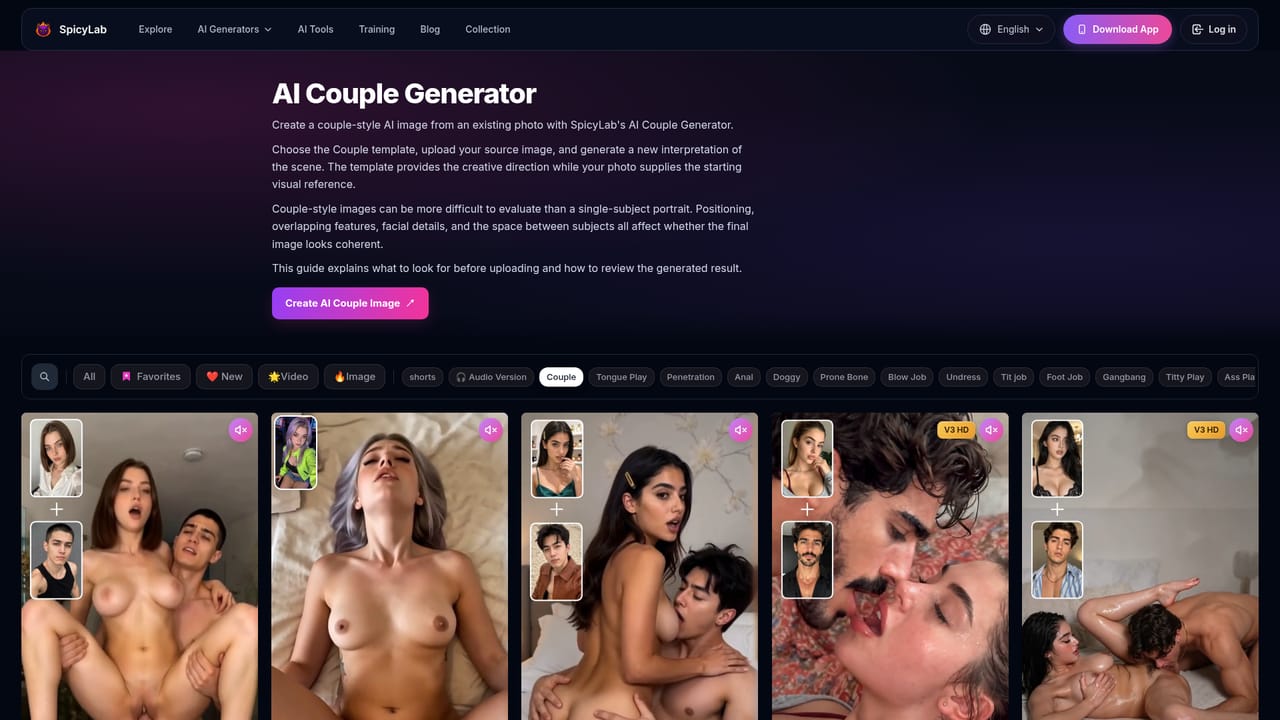
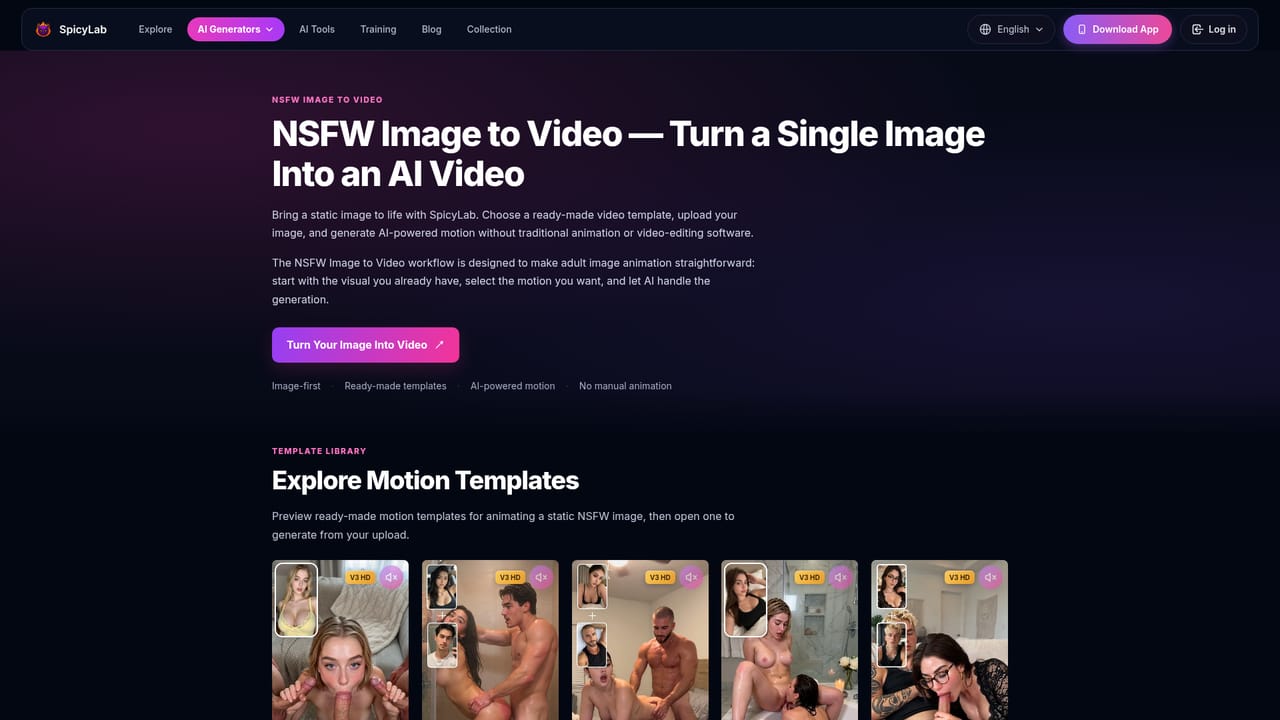
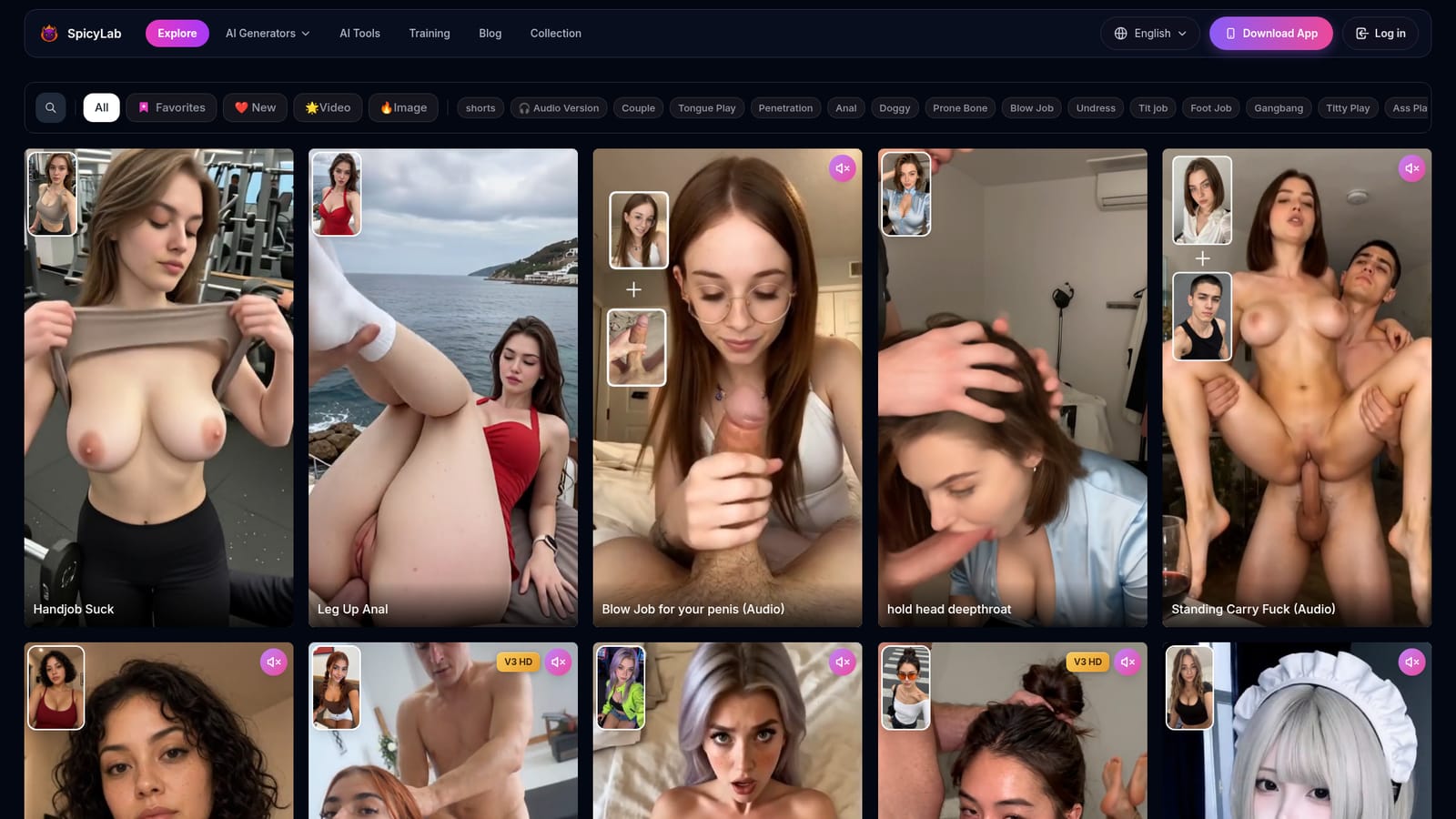
SpicyLab is an adult content generation platform that assembles several distinct creation paths in one place: standalone image and video generators, an image-to-video converter, and a large template library organized by scene type. Rather than pushing every user through a single prompt box, it lets the workflow follow the intent. Someone who already knows the look they want can browse templates and get a visual direction before generating anything, while someone with source material in hand can animate it instead. The template library is the core of the product and the most developed part of the site. Entries are grouped into broad categories (couple, anal, undress, bikini, bondage, and others) and the homepage lists dozens of numbered templates with thumbnail previews, some flagged as HD or audio-enabled. Each template page carries its own Generate button, so the path from browsing to producing output is short. The image-to-video route is aimed at people who want motion added to existing stills while keeping the original subject, framing and style recognizable. In practice the loop is simple: pick a generator, template or the image-to-video tool, supply a clear source image where one is required, then review the output and iterate. SpicyLab itself notes that results vary between runs, so comparing several generations or switching templates tends to work better than accepting the first attempt. The homepage emphasizes that a clean source image with an obvious subject and pose gives the most dependable starting point. This is strictly adult material and sits in a different bracket from general-purpose image and video generators. The trade-off is focus against range: SpicyLab narrows its toolset to adult scenes but brings templates, audio variants and animation into one subscription surface, which suits users who want repeatable results in that niche more than open-ended creative control.

How do you use SpicyLab?

  1. 1Pick your creation path
    Decide whether a generator, the image-to-video tool or a template best matches what you want to make. Browsing templates first is the quickest way to settle on a visual direction.
  2. 2Choose a template or category
    Filter the library by category such as couple, undress or bondage, or jump straight into a specific template page to see what that workflow produces.
  3. 3Prepare and upload a source image
    For image-based templates and image-to-video, use a clear source where the subject, pose and framing are easy to read. Cleaner inputs give a more reliable starting point.
  4. 4Select motion or scene direction and generate
    Choose the motion, style or scene that matches your goal, then run the generation. Templates cut down on manual setup compared with writing a full prompt from scratch.
  5. 5Review and iterate
    Check the full image or video rather than the thumbnail. If the result misses, run another generation or switch to a different template before settling.

Pros and cons

Pros

  • Three distinct workflows (generator, image-to-video, template) cover both open-ended and directed creationAI
  • Template library is extensive and organized by scene category with thumbnail previewsAI
  • Image-to-video route preserves the original character, composition and style of a source photoAI
  • Many templates are tagged HD or include audio, adding variety without extra setupAI
  • Workflow is simple enough for beginners: pick, upload, generate, reviewAI

Cons

  • Content is exclusively adult, so the tool is unusable for mainstream image or video workAI
  • Homepage gives no concrete pricing tiers, credit costs or generation limitsAI
  • Output quality depends heavily on source image clarity, and results vary between attemptsAI
  • Template numbering is opaque and some entries lack descriptive titles beyond the preview imageAI
  • No information on data handling, content moderation or account privacy is provided on the homepageAI

How much does SpicyLab cost?

Features

SpicyLab bundles three adult AI workflows: standalone image and video generators, an image-to-video converter that animates an existing photo while keeping its character and composition, and a template library grouped into categories such as couple, anal, blow job, undress, titjob, footjob, gangbang, bikini and bondage. Templates are individually previewed with some marked HD or audio, and each has a direct generate action.

Learn more

Frequently asked questions about SpicyLab

  • How do you use SpicyLab?
    The walkthrough on this page covers 5 steps: 1. Pick your creation path 2. Choose a template or category 3. Prepare and upload a source image 4. Select motion or scene direction and generate 5. Review and iterate.
  • What platforms does SpicyLab support?
    SpicyLab is available on Web App.
  • What are the limitations of SpicyLab?
    Content is exclusively adult, so the tool is unusable for mainstream image or video work. Homepage gives no concrete pricing tiers, credit costs or generation limits. Output quality depends heavily on source image clarity, and results vary between attempts.

Status

StatusActive
Views0
Outbound clicks0
Added11/3/2026

Platforms

Web App

Pricing

Freemium